AI Profile Picture Maker
A free AI pfp maker that turns a photo or a short prompt into a stylized profile picture — cartoon, 3D, anime, watercolor, pop art or minimalist, ready in seconds.
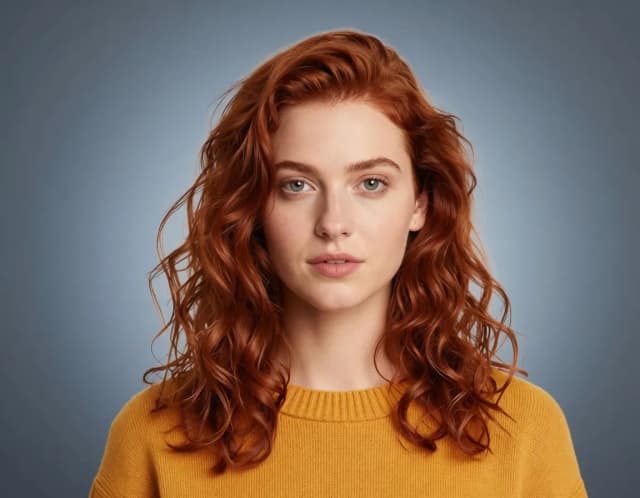

Step by step
No design skills needed — upload or describe, pick a style, and download.
Upload your photo or write a prompt
Add a selfie you want stylized, or skip the photo and describe the character you want to build from scratch.
Pick a PFP style
Choose professional, cartoon, neon glow, pastel or another preset — each one pushes the AI toward a distinct look.
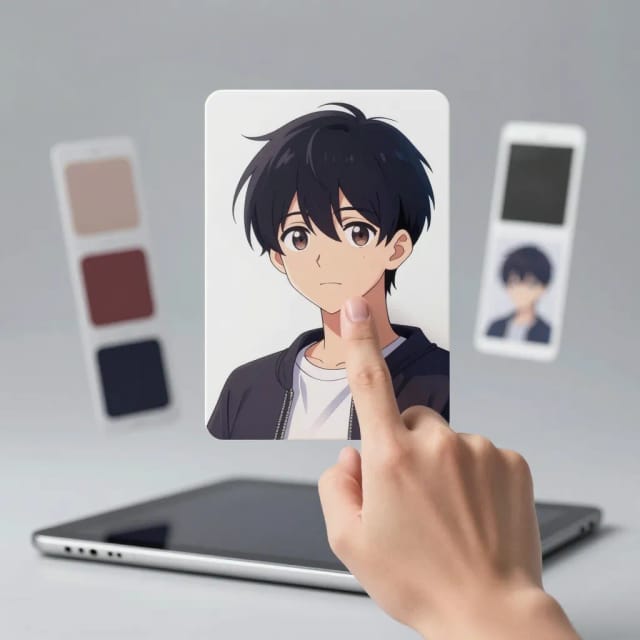
Generate your profile picture
The AI reads your image and prompt together and returns a finished pfp in seconds. Regenerate until one clicks.
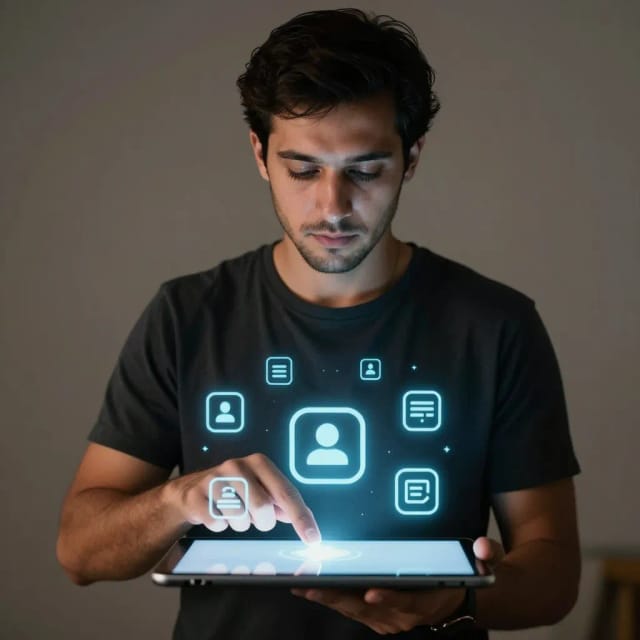
Download and set it anywhere
Save the result and use it on Discord, Instagram, X, Roblox, LinkedIn or any gaming profile.
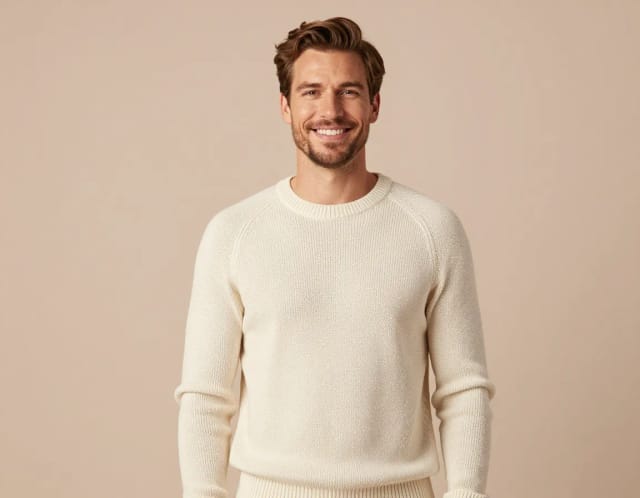
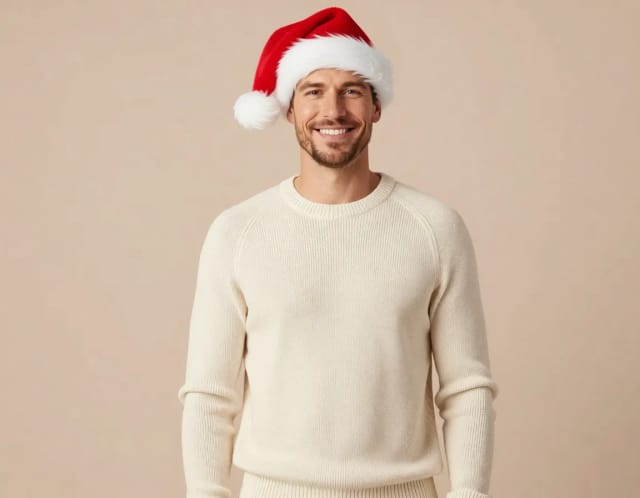
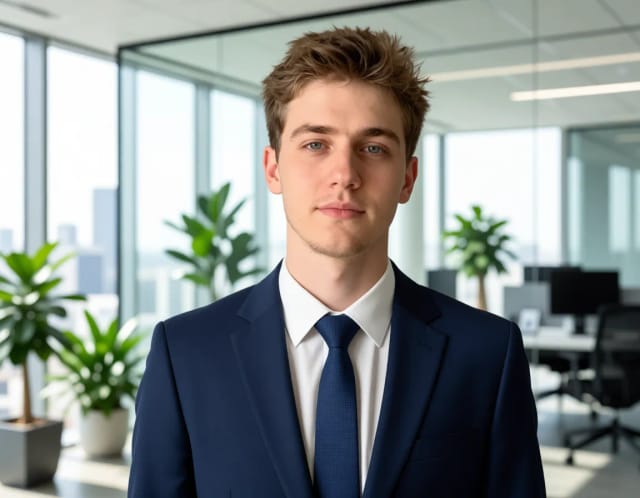
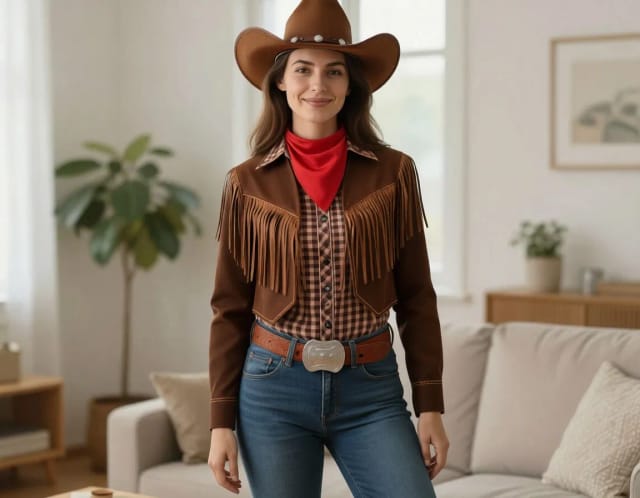
Four versions of you
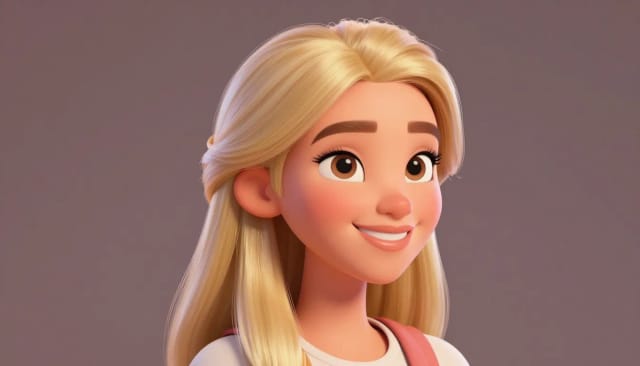
Professional, cartoon, neon, painted — same face, four profiles. Pick who you want to be today.
From selfie to profile picture
From a single photo or a short description to a profile picture that actually looks like you.
How it works
The AI Profile Picture Maker is a free online pfp maker that generates a stylized profile picture from a photo you upload or a short text description. You choose a style — professional, cartoon, neon glow, pastel and more, across looks like 3D, anime, watercolor and pop art — and the AI returns a finished pfp in seconds.
It's built for the exact avatar you need everywhere: your picture on Instagram, Discord, X, LinkedIn, Slack or your gaming profile. Instead of hiring an illustrator or wrestling with software, you describe the look you want and get a clean result on the first try. If you'd rather stay photorealistic, the AI headshot generator is a solid companion for a more true-to-life profile photo.
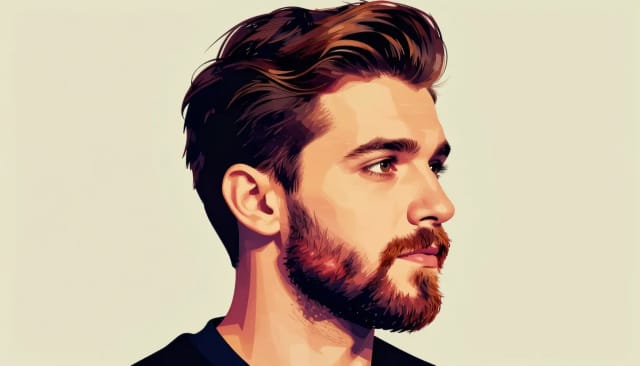
Under the hood, the pfp maker reads your uploaded image and your prompt together. Upload a selfie and it keeps your face and features recognizable while applying the style; skip the photo and write a description instead, and it builds the character from scratch.
Each preset steers the AI in a different direction — a 3D look gives you that rounded, rendered feel, anime leans into clean line art and big expressive eyes, watercolor softens everything into paint. You can layer in your own details too: hair color, background, accessories, mood. If you're chasing something more illustrative for the whole scene, the AI art generator opens up more freedom.
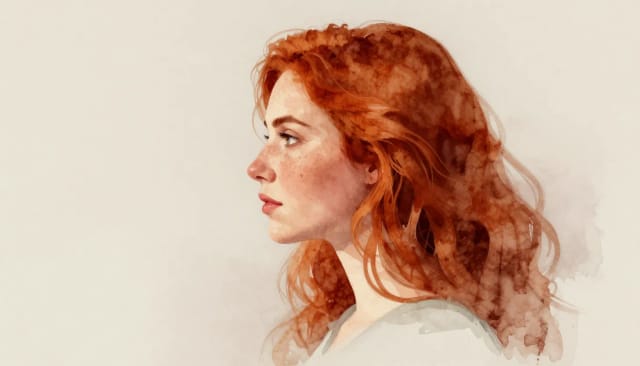
Doing this by hand means either paying an artist and waiting days, or learning a design app well enough to fake a style you don't have. This tool collapses that into a few clicks, and you can generate as many variations as you want until one clicks.
Because every result comes out on a clean composition, it drops straight into a profile without extra cropping. Need the avatar isolated on a plain background for a specific platform? Run it through the background remover afterwards, or sharpen a low-res selfie first with the image upscaler so the final pfp stays crisp.
Made for every profile you keep
Gamers and Discord users
Make a Discord pfp or gaming avatar that stands out — stylized, recognizable, and ready to set on Roblox, your server or a stream profile.
Creators and social users
Refresh your look across Instagram, X and TikTok with a matching avatar that reads as you but has a distinct style.
People building a personal brand
Get a clean, professional profile picture for LinkedIn or a portfolio without booking a photographer or paying an illustrator.
Non-designers who want a custom pfp
Skip the design app. Describe the look or upload a selfie, and get a finished result without touching layers or filters.
CreArt Solutions
Every tool, curated for how you work
AI Tools for Real Estate
AI tools for real estate agents: virtually stage empty rooms, fix dark listing photos, and turn one set of photos into flyers, "Just Listed" posts and walkthrough videos.
Explore the toolkit →AI Tools for Content Creators
AI tools that turn a video title and a selfie into thumbnails, banners, avatars, emotes and brand-deal ads — a full channel kit from assets you already have.
Explore the toolkit →AI Tools for Small Business
A set of AI tools built for small businesses: design logos, flyers, clean product photos and daily social content without hiring a designer.
Explore the toolkit →AI Tools for Photographers
AI tools for photographers that run your marketing side: mini-session flyers, booking posts, session reels and price guides built from photos you already have.
Explore the toolkit →AI Tools for Musicians
A release-day visual kit for independent artists: build one album cover with AI, then spin off the Spotify Canvas, gig poster and "out now" ads from it.
Explore the toolkit →AI Tools for Authors & Writers
Design your book cover once and reuse it for the trailer, the countdown posts, the teaser quotes and the character art — a full self-publishing launch kit powered by AI.
Explore the toolkit →AI Tools for Teachers
Free AI tools for teachers: turn any topic into coloring pages, classroom posters and explainer comics in minutes — type it, pick a style, print.
Explore the toolkit →AI Tools for Influencers & UGC Creators
A content studio for influencers and UGC creators: brand-ready UGC ads, tappable thumbnails and on-brand profile pictures, all from a phone photo or a text idea.
Explore the toolkit →AI Tools for E-commerce Sellers
Turn one product photo into a full listing kit — clean white-background shot, lifestyle scenes, a UGC-style ad and a short video, without a studio day or an agency.
Explore the toolkit →Pricing
Try the AI pfp maker at no cost, and upgrade whenever you want more generations and styles.
How far do credits go? The cost depends on the tool, model and settings. The Generate button shows the price before each creation.
Free
- 100 credits every day
- Access to basic tools
- 100 MB cloud storage (signed in)
Starter
- 4,000 credits every month
- Create videos with AI
- Use every AI model
- No ads
- No watermarks
- Keep posts private anytime
- You own what you create
- 1 GB cloud storage (signed in)
Creator
- 10,000 credits every month
- Create videos with AI
- Use every AI model
- No ads
- No watermarks
- Keep posts private anytime
- You own what you create
- 5 GB cloud storage (signed in)
Pro
- 25,000 credits every month
- Create videos with AI
- Use every AI model
- No ads
- No watermarks
- Keep posts private anytime
- You own what you create
- 10 GB cloud storage (signed in)
Why use it
Everything you need to get a profile picture you actually want to use.
Multiple styles in one place
Cartoon, 3D, anime, watercolor, pop art, minimalist and more — swap between looks without starting over or learning a new app.
A Discord pfp maker that keeps your face
Upload a selfie and the AI keeps your features recognizable while stylizing them, so your Discord or gaming avatar still reads as you.
No design skills required
You don't touch layers, brushes or filters. Describe what you want, and the AI handles the composition and finish.
Works from a photo or just words
Have a selfie? Use it. Don't? Write a short description and the pfp maker builds the character for you.
Ready for any platform
Every result lands on a clean composition, so it drops straight into Roblox, Instagram, X or LinkedIn without extra cropping.
Free to try, results in seconds
Generate as many variations as you want and see finished profile pictures in seconds, not days.