Caricature Maker
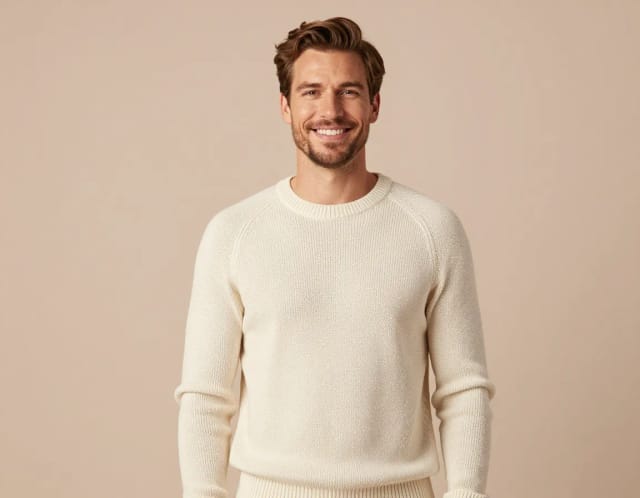
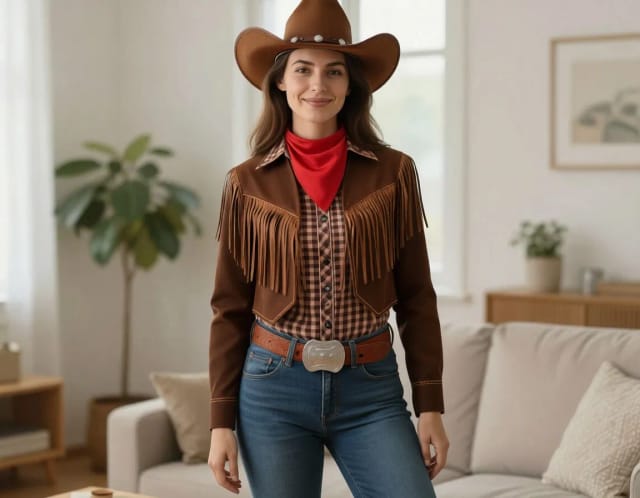
Upload a photo and turn it into a personalized caricature with AI. Pick a style, exaggerate the features, and download a fun, shareable result in seconds.
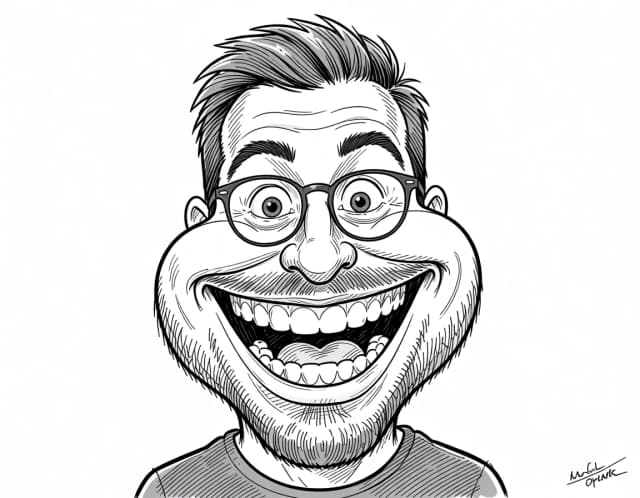

How to make a caricature from a photo in 3 steps
No drawing skills needed — upload, pick a style, and download.
Upload your photo
Add a clear photo where the face is well lit and facing the camera. Selfies, couple shots, and even pet pictures all work.
Pick a caricature style
Choose from eight styles — Classic, Street artist, Digital color, Pencil, 3D cartoon, Airbrush, Comic or Watercolor. Each one gives the caricature a different look and level of exaggeration.
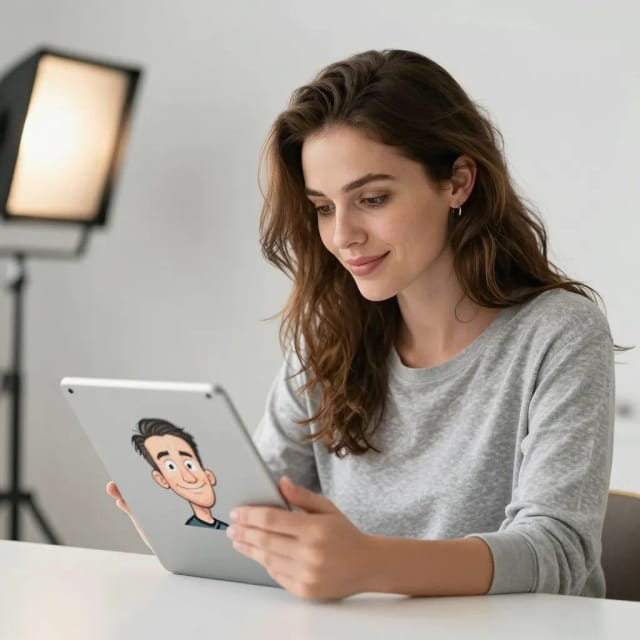
Generate and compare
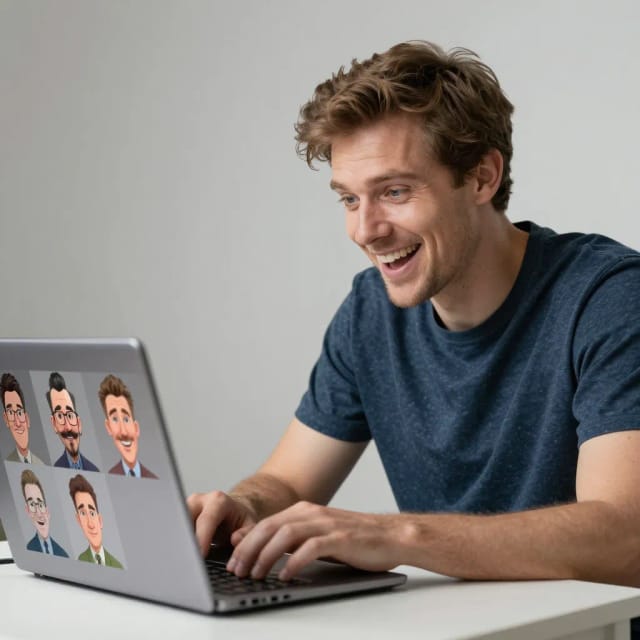
The AI redraws your photo as a caricature in seconds. See the cartoon version next to your original and regenerate if you want another take.
Download and share
Save the finished caricature and drop it into a chat, a story, or a print design. Try a different style anytime.
How exaggerated do you dare?
From gentle newspaper caricature to full street-artist distortion. Pick your level and the generator loads it.
How the AI Caricature Maker works
From a plain photo to a caricature that still looks like you — here's what's going on.
How it works
A caricature maker is a tool that turns a normal photo into a caricature: a cartoon-style portrait that exaggerates a person's most recognizable features for a funny, flattering effect. CreArt's version does this with AI — you upload a picture, choose a style, and it redraws the face while keeping enough likeness that people instantly know who it is.
You don't need to draw anything or hire an artist to make a caricature of yourself. The AI reads the face in your photo — the smile, the hair, the glasses, the nose — and pushes those traits into a caricature look. It works on selfies, couple photos, and pet pictures alike, and the whole thing takes seconds instead of the days a hand-drawn commission would.

Your pose and expression survive the exaggeration
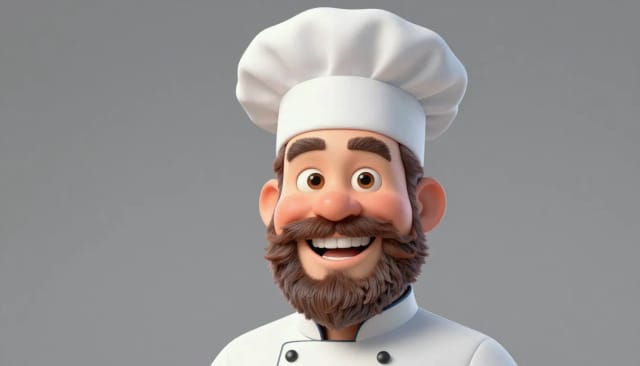
Behind the scenes, the caricature maker analyzes the uploaded photo and rebuilds it in the style you picked, from a soft classic cartoon to a bold, big-head look. Because it starts from your actual image, the result keeps the pose and expression rather than pasting a generic face onto a template.
If you like the cartoon direction, it pairs naturally with the rest of CreArt's face tools. Turn the same shot into a polished portrait with the AI portrait generator, sharpen an old or blurry source photo first with the photo enhancer, or build something completely from scratch using the AI art generator.
Made to be shared, easy to retry
Compared to drawing a caricature by hand or paying for a booth at an event, the appeal here is speed and low risk. You can make a photo into a caricature several times, try a different style, and only keep the version that gets a laugh — all before you've committed to printing or sharing anything.
The output is made to be shared: a caricature of the birthday person, a couple, or a coworker drops straight into a group chat or an Instagram story. Want to clean it up first? Run the caricature through the background remover to place it on a card, a mug mockup, or a T-shirt design.
Who the caricature maker is for
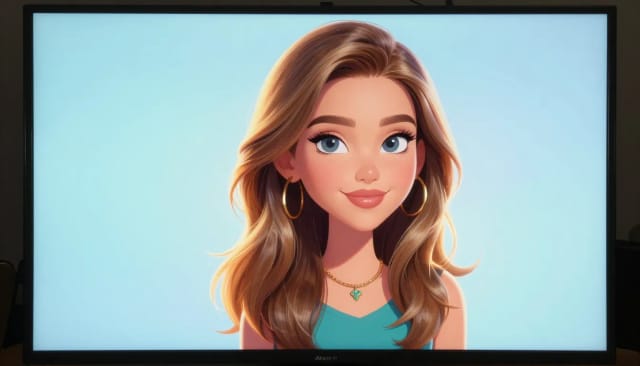
Anyone who wants a fun, personal caricature without the wait or the cost of a hand-drawn one.
Gift givers
Turn a photo of the birthday person, a couple, or a friend into a caricature for a card, a print, or a last-minute surprise.
Social media users
Make a caricature of yourself for a profile picture or a story that stands out from a plain selfie.
Team leads and event planners
Create quick caricatures of coworkers for a farewell card, an awards slide, or a team page — no booth or artist needed.
Pet owners
Upload a pet photo and get a cartoon caricature to share or print as a keepsake.
Small shops and print sellers
Generate caricatures from customer photos for mugs, tees, and cards, then clean them up for product mockups.
CreArt Solutions
Every tool, curated for how you work
AI Tools for Real Estate
AI tools for real estate agents: virtually stage empty rooms, fix dark listing photos, and turn one set of photos into flyers, "Just Listed" posts and walkthrough videos.
Explore the toolkit →AI Tools for Content Creators
AI tools that turn a video title and a selfie into thumbnails, banners, avatars, emotes and brand-deal ads — a full channel kit from assets you already have.
Explore the toolkit →AI Tools for Small Business
A set of AI tools built for small businesses: design logos, flyers, clean product photos and daily social content without hiring a designer.
Explore the toolkit →AI Tools for Photographers
AI tools for photographers that run your marketing side: mini-session flyers, booking posts, session reels and price guides built from photos you already have.
Explore the toolkit →AI Tools for Musicians
A release-day visual kit for independent artists: build one album cover with AI, then spin off the Spotify Canvas, gig poster and "out now" ads from it.
Explore the toolkit →AI Tools for Authors & Writers
Design your book cover once and reuse it for the trailer, the countdown posts, the teaser quotes and the character art — a full self-publishing launch kit powered by AI.
Explore the toolkit →AI Tools for Teachers
Free AI tools for teachers: turn any topic into coloring pages, classroom posters and explainer comics in minutes — type it, pick a style, print.
Explore the toolkit →AI Tools for Influencers & UGC Creators
A content studio for influencers and UGC creators: brand-ready UGC ads, tappable thumbnails and on-brand profile pictures, all from a phone photo or a text idea.
Explore the toolkit →AI Tools for E-commerce Sellers
Turn one product photo into a full listing kit — clean white-background shot, lifestyle scenes, a UGC-style ad and a short video, without a studio day or an agency.
Explore the toolkit →Caricature maker pricing
Start for free and upgrade when you want more generations and styles.
How far do credits go? The cost depends on the tool, model and settings. The Generate button shows the price before each creation.
Free
- 100 credits every day
- Access to basic tools
- 100 MB cloud storage (signed in)
Starter
- 4,000 credits every month
- Create videos with AI
- Use every AI model
- No ads
- No watermarks
- Keep posts private anytime
- You own what you create
- 1 GB cloud storage (signed in)
Creator
- 10,000 credits every month
- Create videos with AI
- Use every AI model
- No ads
- No watermarks
- Keep posts private anytime
- You own what you create
- 5 GB cloud storage (signed in)
Pro
- 25,000 credits every month
- Create videos with AI
- Use every AI model
- No ads
- No watermarks
- Keep posts private anytime
- You own what you create
- 10 GB cloud storage (signed in)
Why use this caricature maker online
A fast, free way to turn any picture into a caricature that still looks like the person.
Free to try, no drawing needed
Make a caricature online free without hiring an artist or waiting days for a hand-drawn commission. Upload a photo and you're done.
Eight distinct styles
Switch between Classic, Street artist, Digital color, and Pencil to change how bold or soft the caricature turns out.
Keeps the likeness
The AI starts from your real photo, so the caricature exaggerates features while still looking clearly like the person in the picture.
Ready in seconds
Generate a caricature from photo almost instantly, then regenerate as many versions as you want before you pick a favorite.
Works on any face
Selfies, couples, groups, coworkers, and pets all work — great for birthdays, gifts, and group chats.
Built for sharing
Download a clean image that drops straight into a story, a card, a mug mockup, or a T-shirt design.