
Sketch to Image
CreArt's sketch to image AI turns rough sketches, doodles and drawings into finished images. It is free, needs no sign-up and usually takes under 20 seconds: upload a drawing, pick a style like photorealistic, anime or watercolor, and add details if you want.
Your sketch
Style · Photorealistic
10 free tries a day with Auto · No sign-up
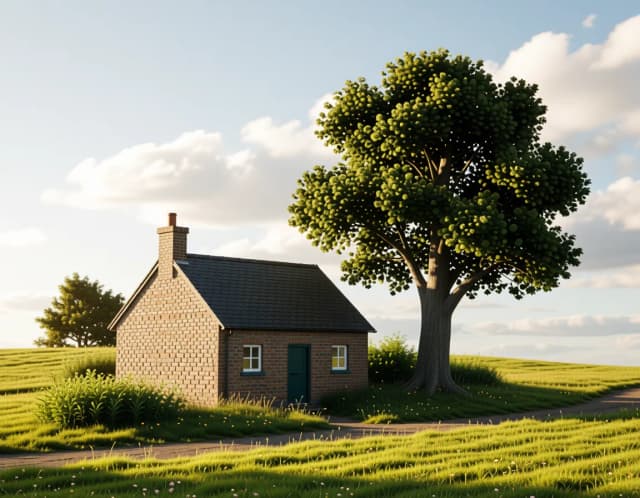

How it works
How to turn a sketch into an image in 4 steps
Upload, pick a style, add details if you want, and download. No design software needed.
Upload your sketch
Add a photo or scan of your drawing: a pencil outline, a doodle or a rough concept. Clear lines give the AI more to build on. Or try one of the sample sketches.
Pick a style
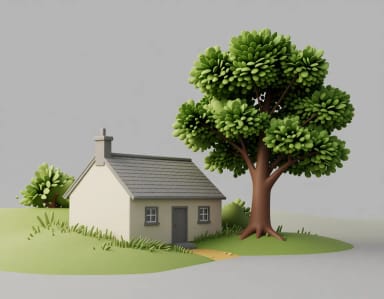
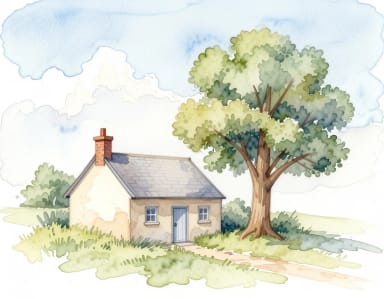
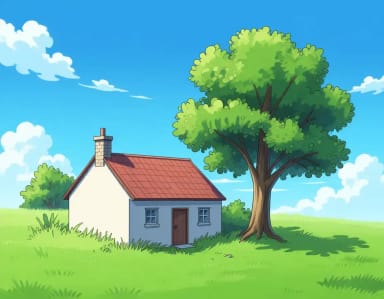
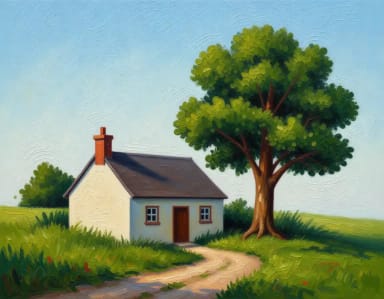
Choose Photorealistic, Digital painting, 3D render, Watercolor, Anime, Oil painting, Comic book or Cartoon. The style decides how the AI colors and shades your lines.
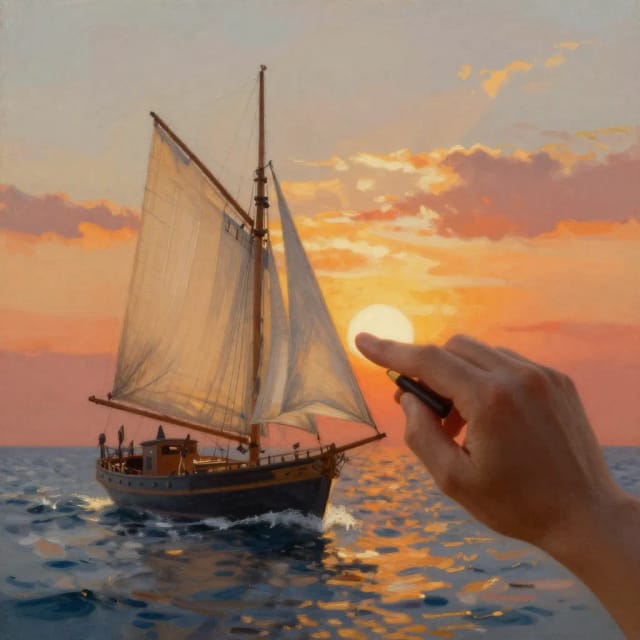
Add details (optional)
Tell the AI what you didn’t draw: colors, the setting, the time of day, like “red roof, sunset”. Your details are added to the style you picked.
Generate and download
The finished image usually takes under 20 seconds. Download it, or generate again for a different take: every result is a little different.
What should your sketch become?
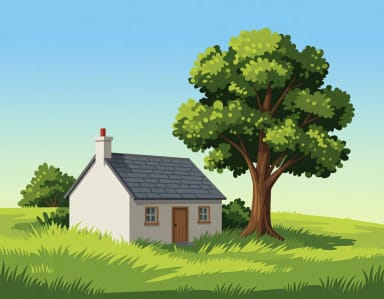
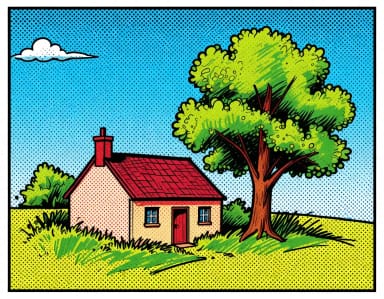
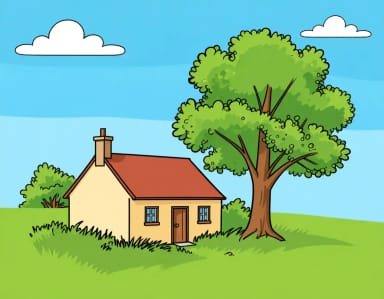
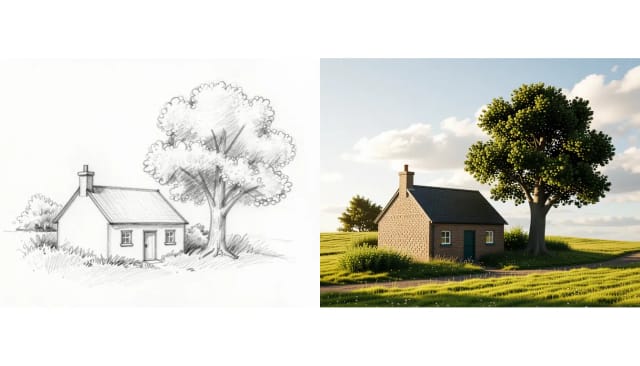
The same pencil sketch rendered in 8 styles. Choose the finish before you upload yours.
How it works
How Sketch to Image turns your drawing into finished art
From a rough pencil line to a polished picture, here's what happens behind the scenes.
Sketch to Image is an AI tool that turns a hand-drawn sketch, doodle or line drawing into a finished image. You upload your drawing, pick a render style and, if you want, describe the details you didn’t draw; the AI fills in color, light and texture while keeping the shapes and composition you drew.
It works with a quick character outline, a room layout, a product concept or a scribble on your phone. The sketch is the skeleton and the AI builds a realistic or stylized picture on top of it. Want the opposite? Turn a photo into a sketch with Photo to Sketch.
How your sketch guides the final image
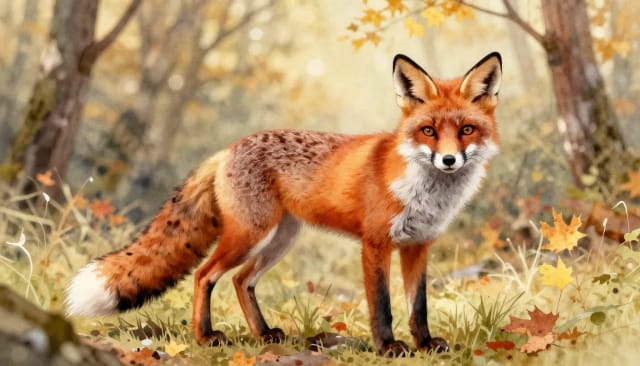
The tool reads your sketch as a structural guide rather than a random reference. It follows your outlines, keeps proportions roughly where you placed them, and uses your details to decide the subject, mood, and level of detail. The render style then pushes the result toward the look you want — Photorealistic, Digital painting, 3D render, Watercolor, Anime, Oil painting, Comic book or Cartoon. It's a guided form of image-to-image generation — structure in, finished picture out.
Because you control both the drawing and the description, two people starting from the same sketch can end up with completely different images. Once you have a version you like, you can turn a subject into a clean cut-out with the background remover or make a bigger print-ready file with the image upscaler.
Turn a sketch into a realistic photo
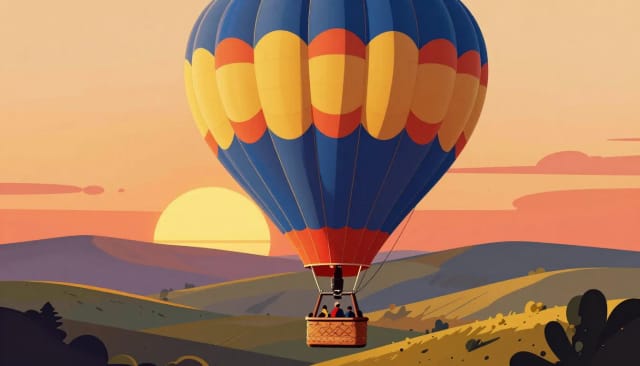
Pick Photorealistic and the AI renders your drawing as a photo, with natural light, real materials and depth. Add details like “brick walls, golden hour” to steer it. It works best with clear outlines and a subject the AI can recognize.
Not happy with the first take? Change the style or a word in the details and generate again: every result is a little different, and free use gives you 10 tries a day. If you don’t have a sketch to start from, the AI image generator makes a picture from a short description.
Who it's for
Who Sketch to Image is for
Anyone with a rough drawing and an idea of what it should become.
Concept artists and illustrators
Turn a fast character or environment sketch into a rendered concept to explore directions before committing to a full illustration.
Product and industrial designers
Convert a product sketch into a photorealistic or 3D render to show a client or team what a rough concept could look like finished.
Interior and space planners
Take a room layout or hand-drawn floor sketch and turn it into a styled, colored visual that reads clearly to non-designers.
Hobbyists and doodlers
Upload a scribble from your phone or notebook and see it become detailed artwork, no drawing or software skills required.
Marketers and content creators
Sketch a rough idea and get a polished image for a post, moodboard, or pitch without hiring an illustrator or learning design tools.
Pricing
Start turning sketches into images for free
Try the tool on a real drawing at no cost, then pick a plan when you need more generations and higher-quality output.
Free
$0
- 100 credits every day
- The Auto model, on our own servers
- No card needed
Paid plans
Basic · Starter · Creator
- 1,600 to 10,000 credits a month
- Every AI model, including premium ones
- AI video, and no ads in the mobile app
Why use it
Why turn your sketch into an image with AI
Keep the drawing you made and let the AI handle the coloring, shading, and rendering.
Keeps your composition
The AI treats your sketch as a structural guide, following your outlines and proportions instead of inventing a new layout. The picture you get back is the one you drew.
Eight render styles built in
Turn the same line drawing into a Photorealistic shot, a Digital painting, a 3D render, a Watercolor, Anime, an Oil painting, a Comic book panel or a Cartoon. Swap the style and generate again to compare looks.
Your details, added to the style
A few words, like “red roof, sunset”, tell the AI what the sketch is and the mood you want. They are added to the style you picked, so you get both.
Usually under 20 seconds
Skip the hours of coloring and shading: the AI renders your sketch in one generation, usually in under 20 seconds.
Free to try, no signup
Upload a drawing and generate your first image without creating an account. Test the tool on a real sketch before committing to anything.
Built for iteration
Change one word or switch the style and generate again, without uploading your sketch again.
How do I turn a sketch into an AI image?
Can AI turn a sketch into a realistic photo?
Is this sketch to image AI free?
What kind of sketches work best?
Do I need a prompt, or is the sketch enough?
What styles can I turn my sketch into?
Will the AI keep my original drawing?
Can I use the results commercially?
How long does it take to convert a sketch to an image?
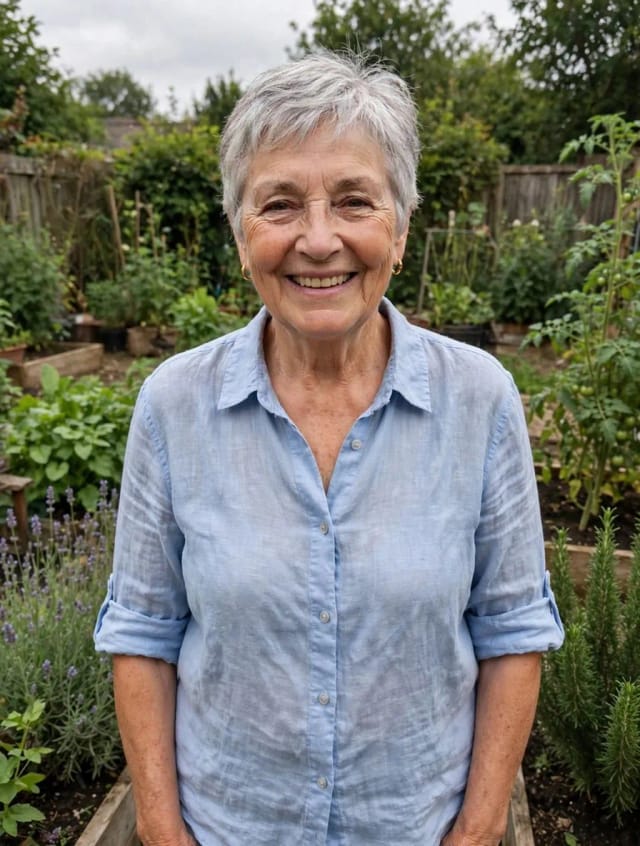
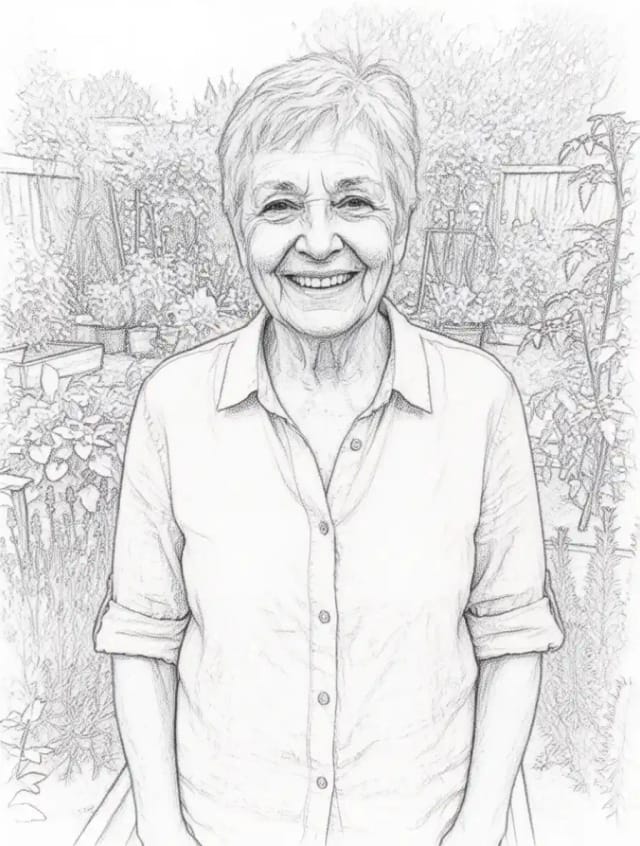
Photo to Sketch
CreArt's photo to drawing tool turns any photo into a pencil sketch, line drawing or eight other drawing styles for free, without sign-up, usually in under 20 seconds.
AI Comic Generator
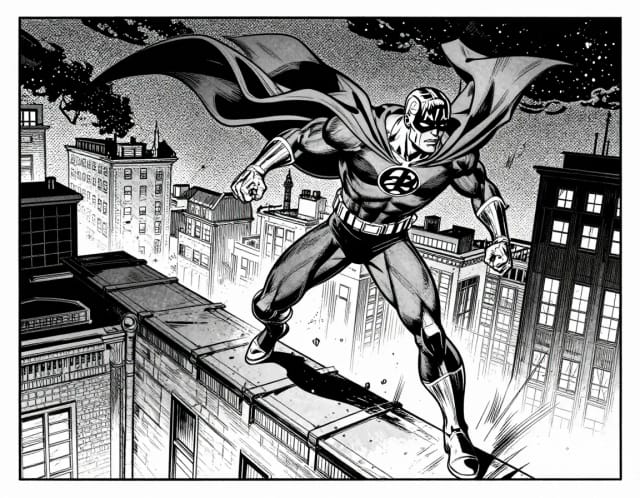
Describe a scene, pick an art style, and get finished comic panels in seconds — no drawing skills needed.
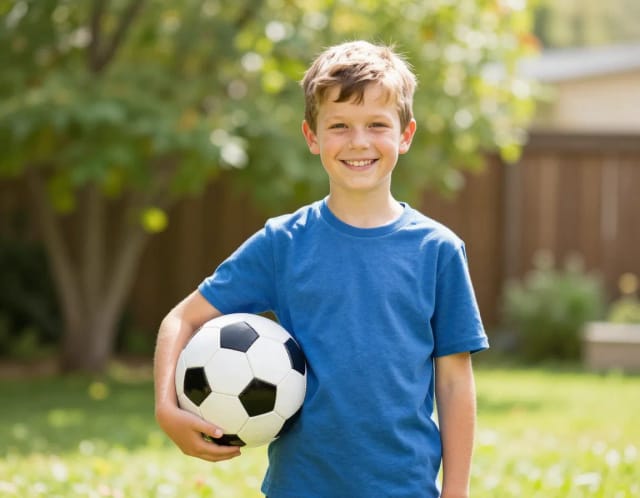
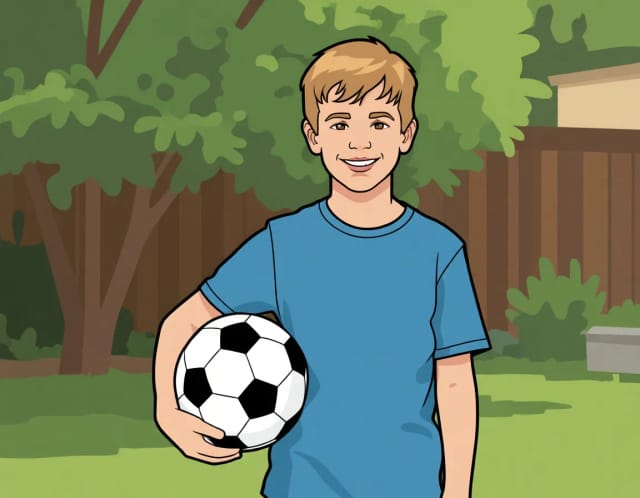
AI Photo to Cartoon
CreArt's photo to cartoon tool turns your photo into a cartoon, free and without sign-up. Pick one of 6 styles, from a 3D animated-movie look to comic and storybook; it usually takes under 20 seconds.
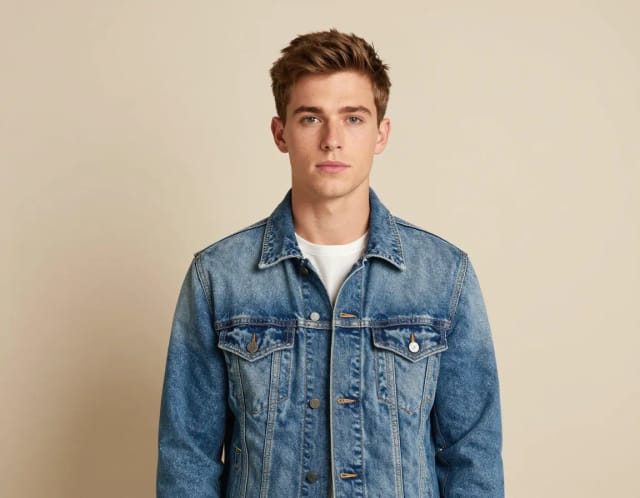
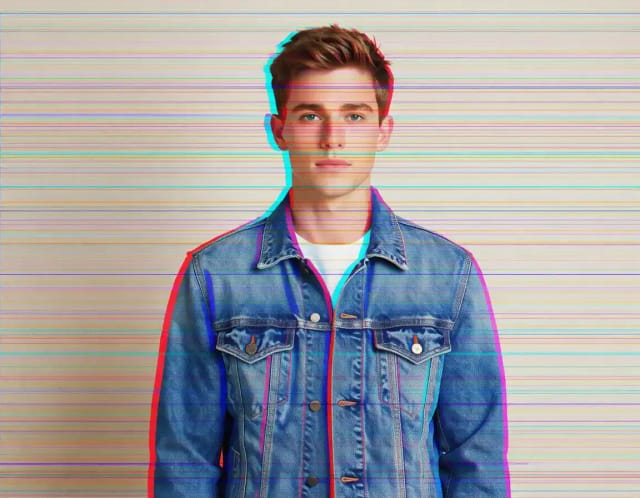
Glitch Effect for Photos
CreArt's Glitch Effect adds a glitch effect to any photo online, free and without sign-up: RGB shift, VHS, datamosh or cyber neon, usually in under 20 seconds.
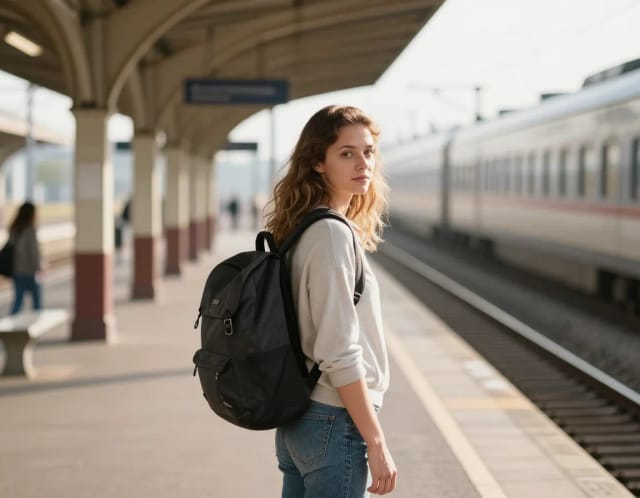
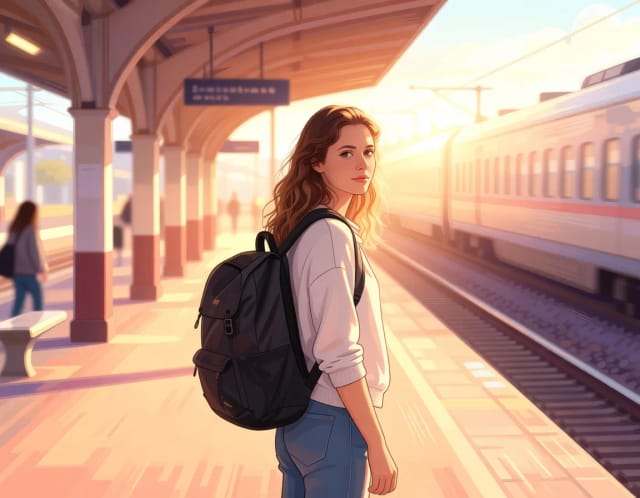
Photo to Anime
CreArt's photo to anime converter turns your photo into anime art, free and without sign-up. Pick one of 6 styles, from a soft, hand-painted film look to black and white manga; it usually takes under 20 seconds.
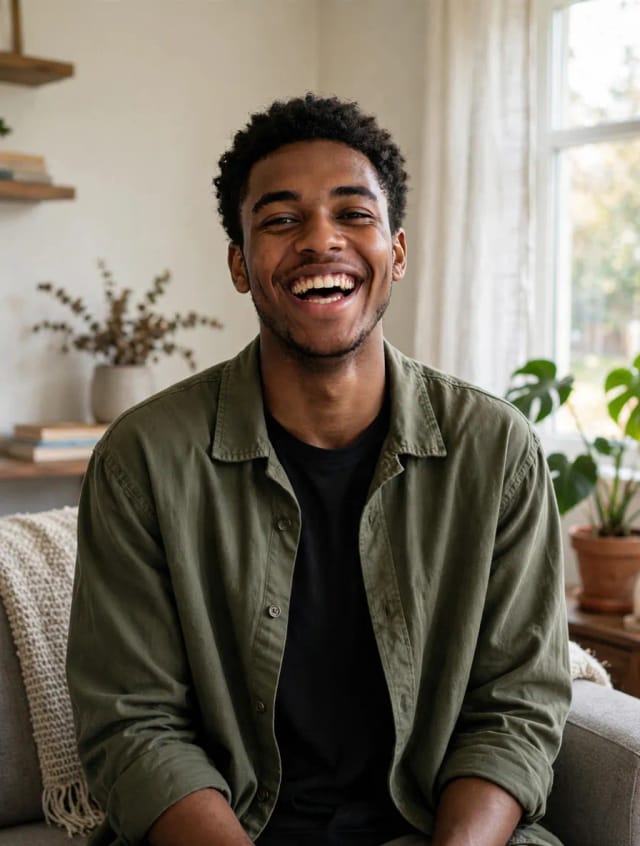
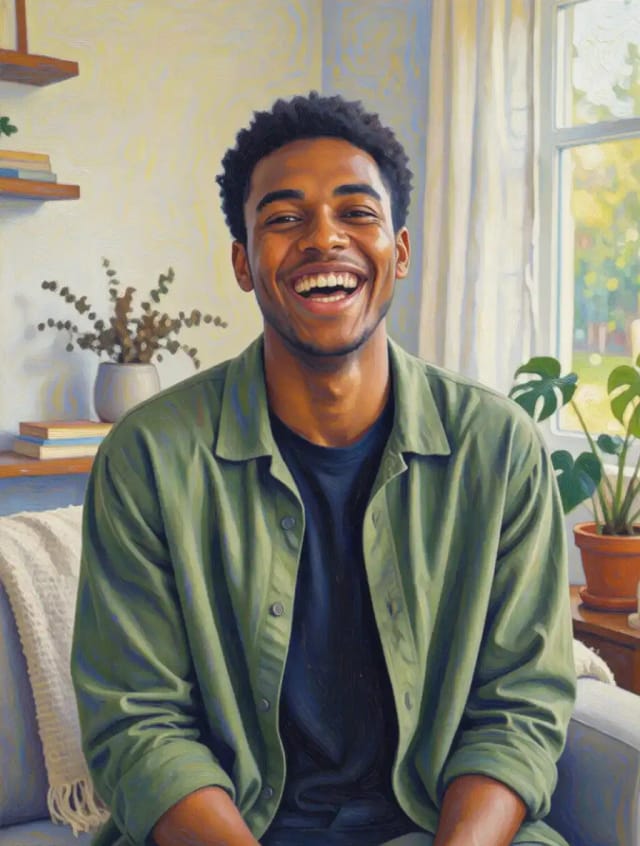
Photo to Painting
CreArt's photo to painting tool turns any photo into a painting, from a portrait painting to an oil painting look, free and without sign-up. Pick impressionist, baroque, palette knife, acrylic, expressionist or pop art; it usually takes under 20 seconds.
Photo to Watercolor
Turn any photo into a soft, hand-painted watercolor painting with AI — upload, pick a style, and download in seconds.
Pixel Art Converter
Turn any photo into pixel art online. Choose a pixel size and palette, then download clean retro-style artwork in seconds.
Ready to make something?
Open the tool, try the free Auto model and download the result.