
AI Home Decor
CreArt's free AI Home Decor adds plants, wall art, textiles and lighting to a photo of your room in 10 styles, without moving your furniture.
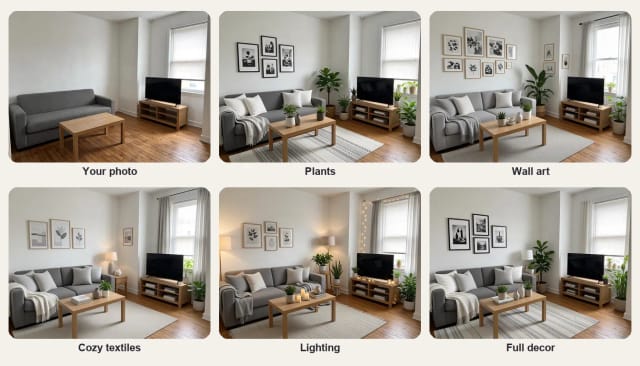
Your photo
What to add
Style · Cozy hygge
10 free tries a day with Auto · No sign-up
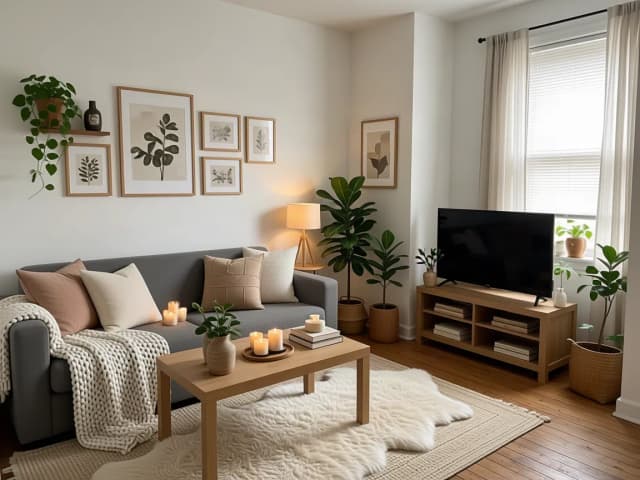

How to decorate with AI
How to decorate your room with AI in 4 steps
Keep the furniture you have and see the room finished in a few clicks.
Upload a photo of your room
A photo in daylight, from a corner, with the furniture and the walls in view. No photo at hand? Try one of the sample rooms.
Choose what to add
Full decor, or only plants, wall art, cozy textiles or lighting.
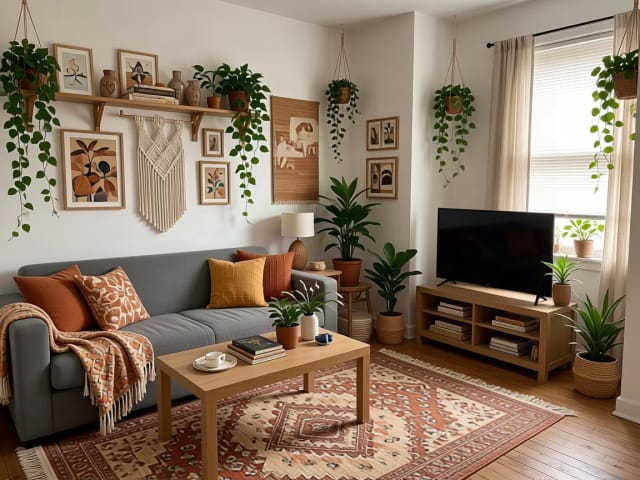
Pick a decor style
Ten styles: cozy hygge, boho, Scandinavian, Japandi, modern minimal, coastal, eclectic, vintage, glam and Christmas.
Compare and download
Slide between your photo and the decorated room, try another style on the same photo, then download the one you like.
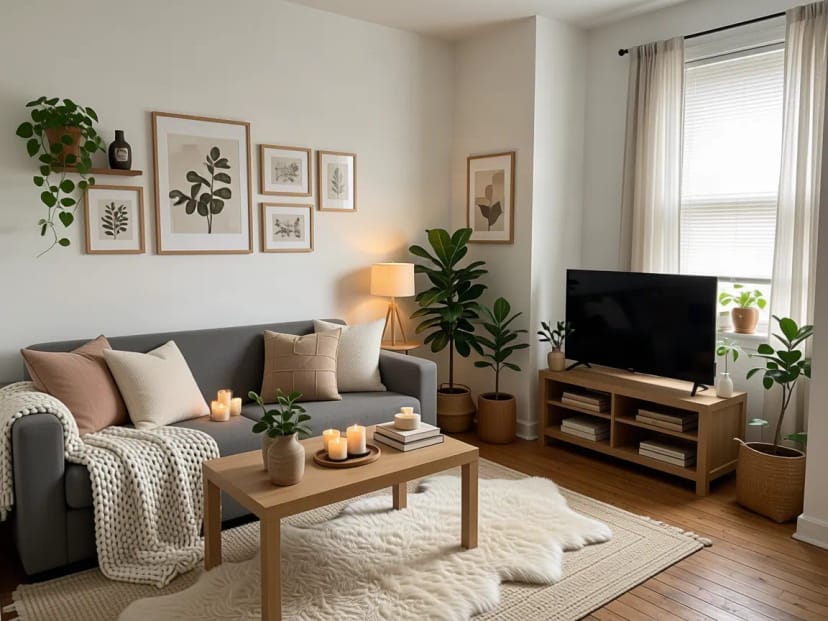 BeforeAfter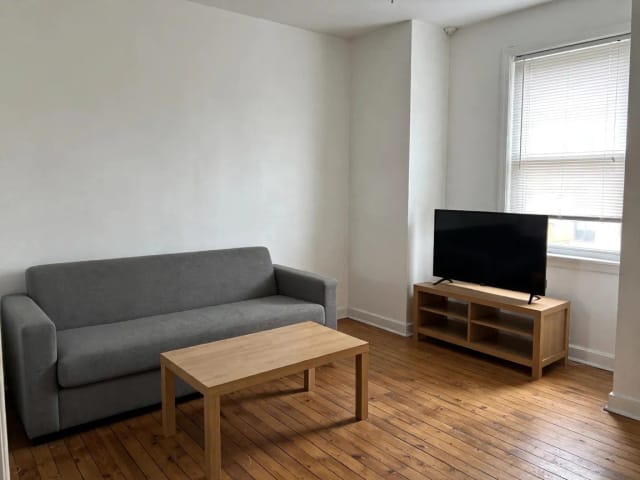
10 decor styles on the same room
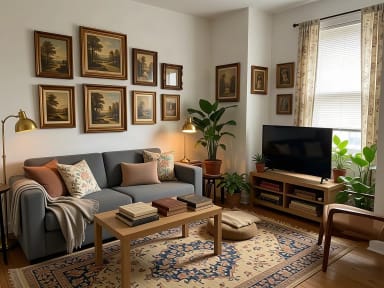
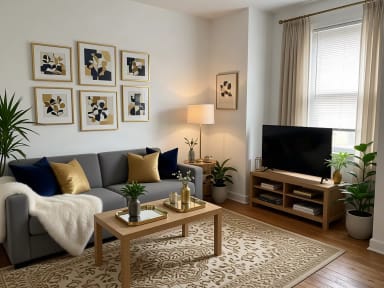
A plain rental living room decorated as cozy hygge, boho, Scandinavian, Japandi, modern minimal, coastal, eclectic, vintage, glam and Christmas, with the same sofa and table. Tap a style to try it on your room.
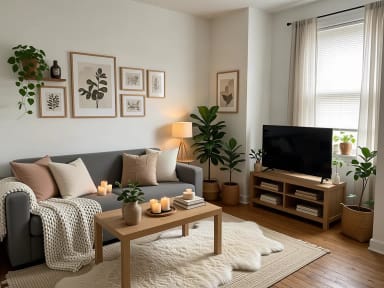
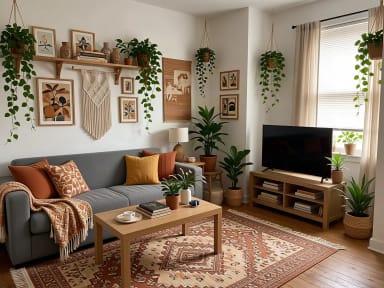
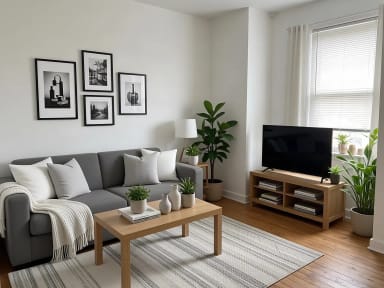
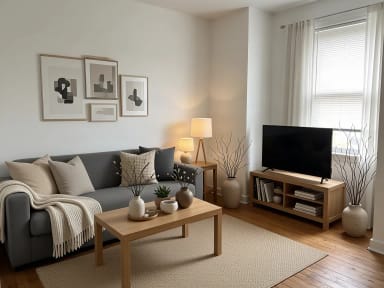
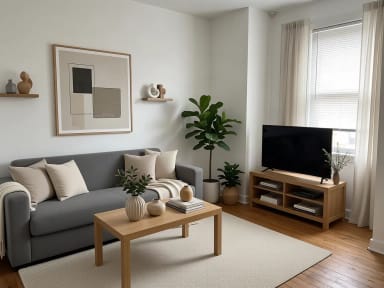
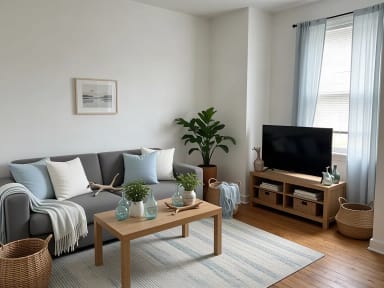
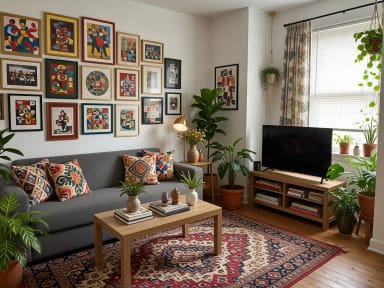

Same furniture
Decorate without buying new furniture
Most rooms do not need new furniture to feel finished; they need the layer on top: plants, something on the walls, soft textiles and warm light. The AI keeps every piece you have in the same place and color, along with the walls and the floor, and adds only decor.
Want to change the furniture or the layout too? That is a job for the AI room designer. To try a new wall color, use the paint visualizer.
What to add
Plants, wall art, textiles and light: what each one changes
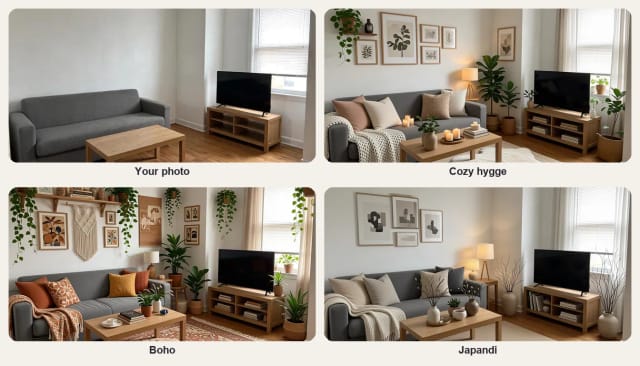
Plants bring life and color and soften empty corners. Wall art fills bare walls and sets the mood. Cushions, throws, a rug and curtains make a room feel softer and warmer. Lamps and string lights change the room most in the evening.
Choose one in step 2 to see what it does on its own, or "Full decor" to see them together. If you only have a small budget, start with the one that changes your room the most.
Christmas
Christmas decorating ideas for your own room
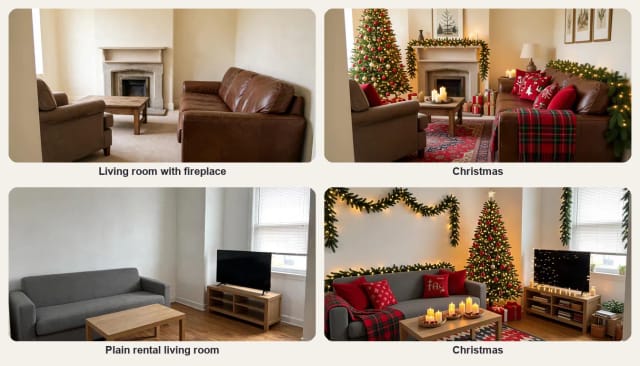
Pick the Christmas style to see your living room with a tree, garlands, warm string lights and festive cushions before you take the boxes out of storage. It works best on a photo with some free floor space for the tree, or a fireplace mantel for the garland.
For the people in your Christmas photos, add a Santa hat to a photo: one for everyone in the picture, pets included.
The rest of the year, the other nine styles change the whole feel of the room without moving the furniture.
Renters
Renter-friendly decorating ideas
When you cannot paint or drill, decor does the work: plants, leaning frames, a big rug, cushions, throws, curtains on a tension rod and plug-in lamps. Try them on a photo of your rented room to see which ones are worth buying.
It works on bedrooms, home offices, dining rooms and small studios as well as living rooms.
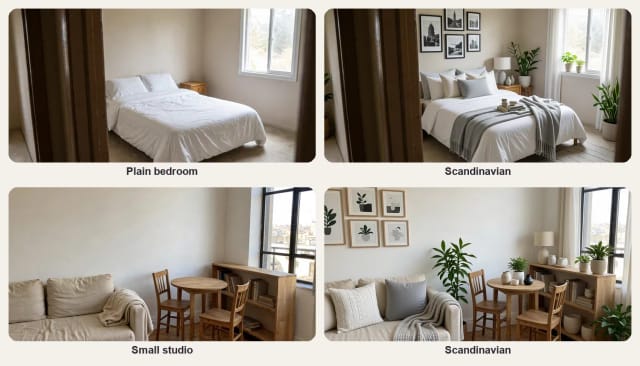
What AI can and cannot do
What AI home decor can and cannot do
It can show your own room with new decor in a few seconds, in the style you choose, and keep the furniture, walls and floor as they are. It is a quick way to compare ideas before buying anything.
It cannot tell you where to buy each item or what it costs, and it does not measure the room. Small objects may not match a real product exactly. Use the result as a mood board for your own room.
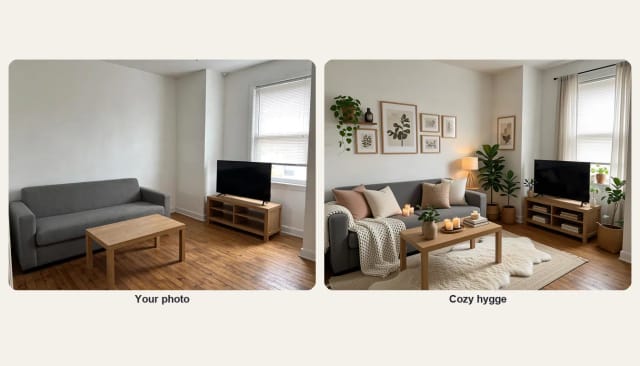
Who it's for
Who AI Home Decor is for
Anyone who wants a room to feel finished without replacing the furniture.
Renters
Decorate a rented room you cannot paint or change, and see the result before you buy.
First apartments
Furnished but bare? See plants, art and textiles on your own room.
Holiday decorators
Try Christmas decor on your living room before the boxes come down.
Home sellers and hosts
Make a room look warm and finished for photos or guests.
Anyone stuck on a style
Compare cozy, boho, Japandi or glam on the same photo.
Why choose AI Home Decor
Why use this AI home decor tool
A room decorator that works on a photo of your real room.
Your furniture stays
Every piece stays in the same place and color, with the same walls and floor.
Choose what to add
Full decor, or only plants, wall art, textiles or lighting.
Ten decor styles
From cozy hygge, boho and Japandi to glam and Christmas.
Any room
Living rooms, bedrooms, home offices, dining rooms and studios.
Keeps the shape of your photo
A wide photo stays wide, with the same framing as yours.
Free to try, no sign-up
Decorate with the Auto model for free every day, without an account.
Pricing
Start free, upgrade when you need more
Decorate your room for free with the Auto model, no account needed. Pick a plan when you want more ideas.
Free
$0
- 100 credits every day
- The Auto model, on our own servers
- No card needed
Paid plans
Basic · Starter · Creator
- 1,600 to 10,000 credits a month
- Every AI model, including premium ones
- AI video, and no ads in the mobile app
Can I use AI to decorate my house?
Which AI is good for home decor?
Is there a free AI interior design app?
How much does AI home decor cost?
Will it move or replace my furniture?
Can I add only plants or only wall art?
Can I see my room decorated for Christmas?
What photo works best?
Do I need an account?
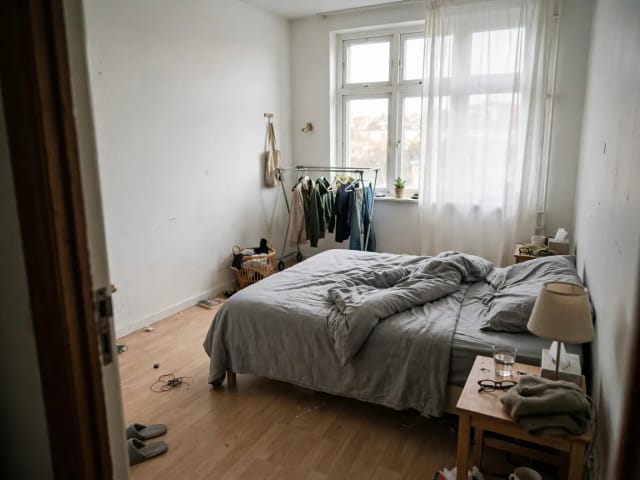
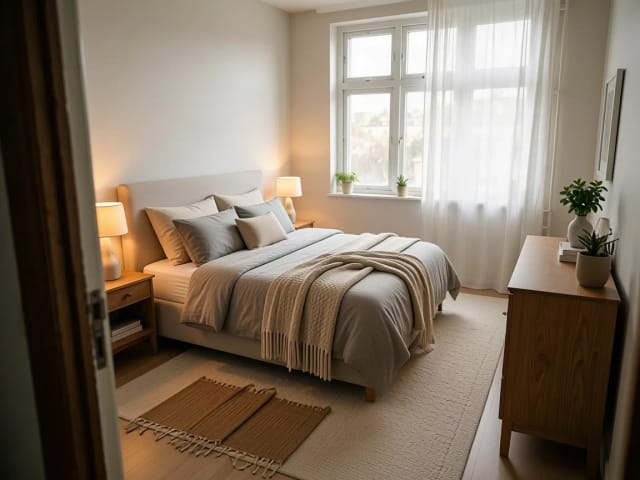
AI Bedroom Design
CreArt's free AI Bedroom Design turns a photo of your bedroom into ideas for 6 bedroom types and 16 styles, from cozy to hotel suite, usually in under 20 seconds. No sign-up.

AI Emoji Generator
CreArt's AI Emoji Generator turns a short description into a custom emoji, free and without sign-up: pick one of 6 styles, from Classic to Pixel and Kawaii, and get it usually in under 20 seconds, as a transparent PNG for chat and streaming.
AI Garden Design
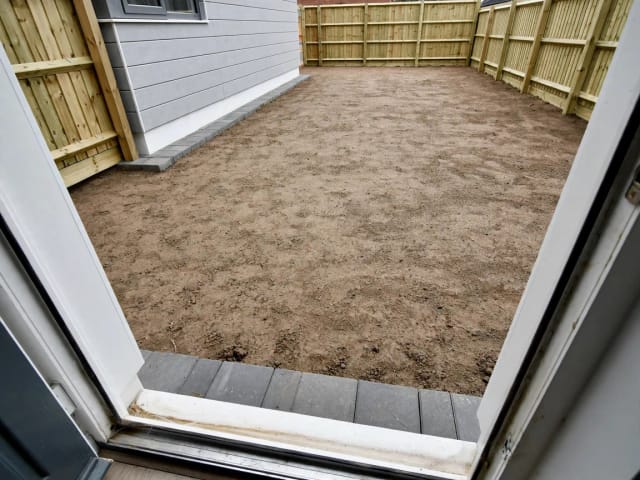
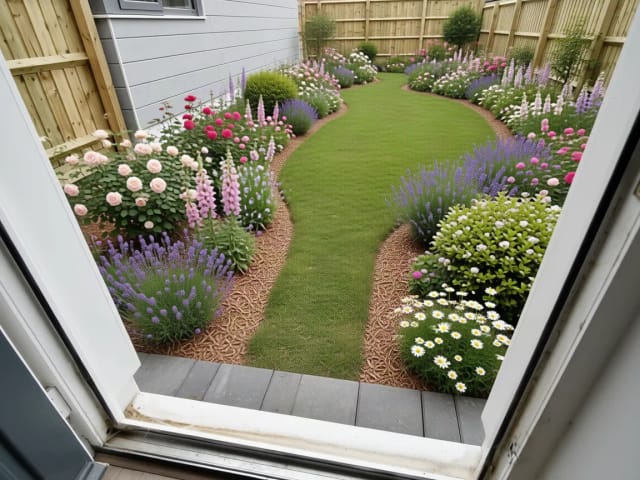
CreArt's free AI Garden Design replants a photo of your garden in 10 styles, for full sun, part shade or shade, usually in under 20 seconds. No sign-up.

AI Icon Generator
CreArt's AI Icon Generator turns a text prompt into app and web icons, free and without sign-up: a full app icon with every iOS and Android size, a transparent UI icon or a matching set, in Flat, 3D, Line, Glassmorphism or Gradient, usually in under 20 seconds.
AI Room Designer
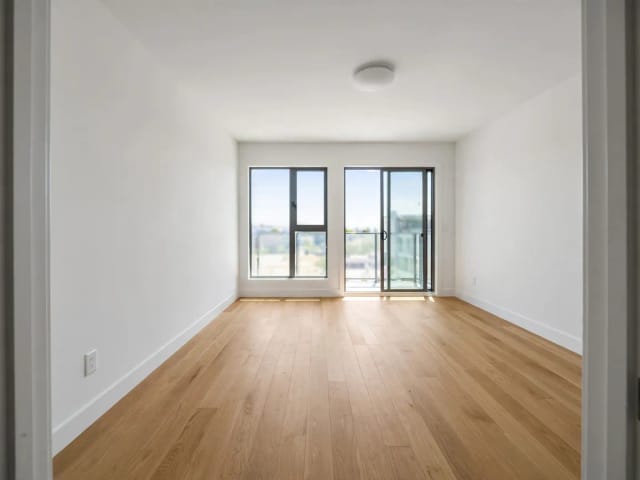
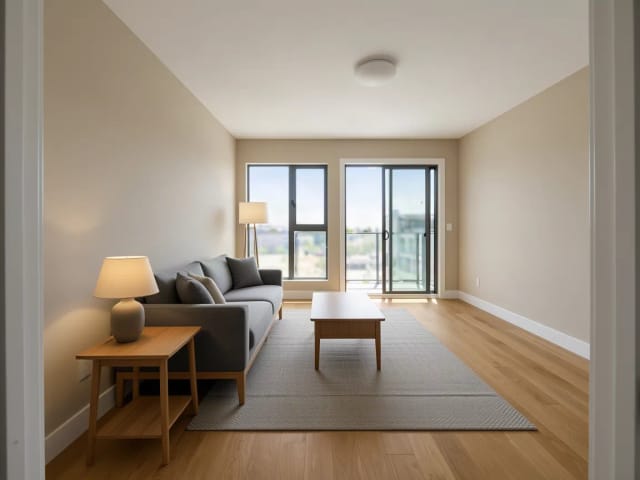
CreArt's free AI Room Designer redesigns a photo of any room in 14 interior styles and 8 room types, keeping your walls and windows, usually in under 20 seconds. No sign-up.
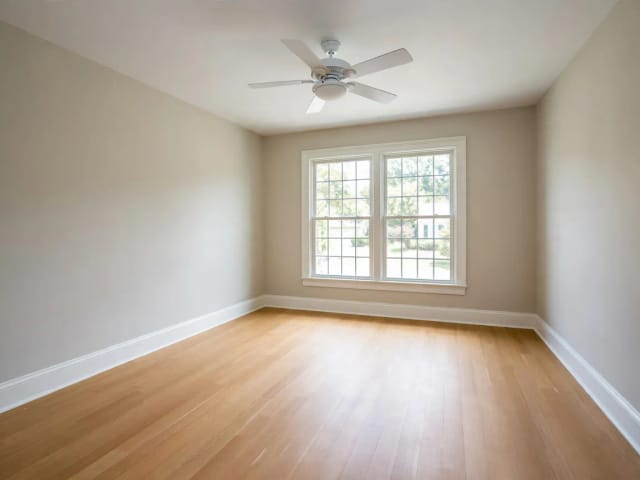
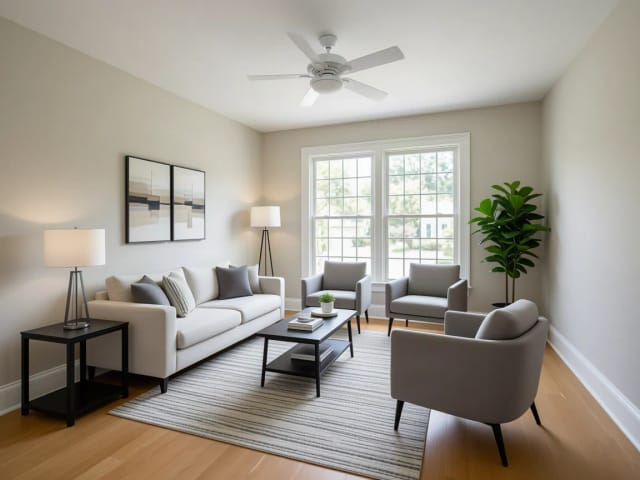
Virtual Staging AI
CreArt's free AI virtual staging furnishes a vacant listing photo in 10 buyer-friendly styles, or empties a furnished one, usually in under 20 seconds. No sign-up.
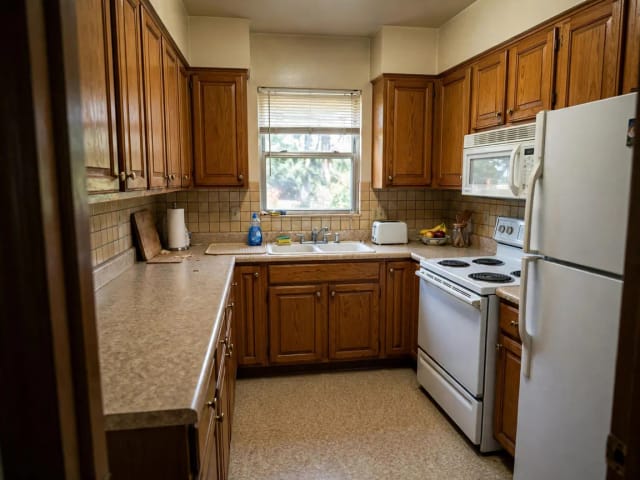
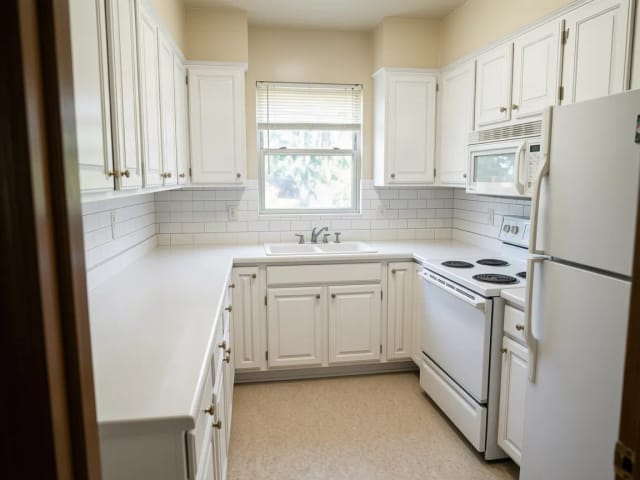
AI Kitchen Design
CreArt's free AI kitchen design remodels a photo of your kitchen in 8 styles, with any cabinet color, countertop and backsplash, usually in under 20 seconds. No sign-up.

AI Landscape Design
Turn a photo of your yard into realistic AI landscape design concepts in seconds. Pick a style, see the redesign, and plan before you dig — free to try online.
Ready to make something?
Open the tool, try the free Auto model and download the result.