
AI Background Changer
CreArt's AI background changer replaces the background of any photo for free, without sign-up, usually in under 20 seconds: pick one of 10 scenes or describe your own.
Your photo
New background · Beach sunset
10 free tries a day with Auto · No sign-up


How to use it
How to change a photo background with AI in 4 steps
Upload, pick a background, generate, and download — no editing software needed.
Upload your photo
Upload a photo with one clear subject: a person, a product or a pet. Or try one of the sample photos first.
Choose or describe a new background
Pick one of 10 backgrounds (beach, city at night, forest, mountains, café, gray or white studio, pastel, office or library) or type your own, like “a plain light blue wall”. When you type one, it replaces the background you picked.

Let the AI change the background
The AI redraws the photo with the new background and keeps the subject: face, hair, clothes and pose. It usually takes under 20 seconds.
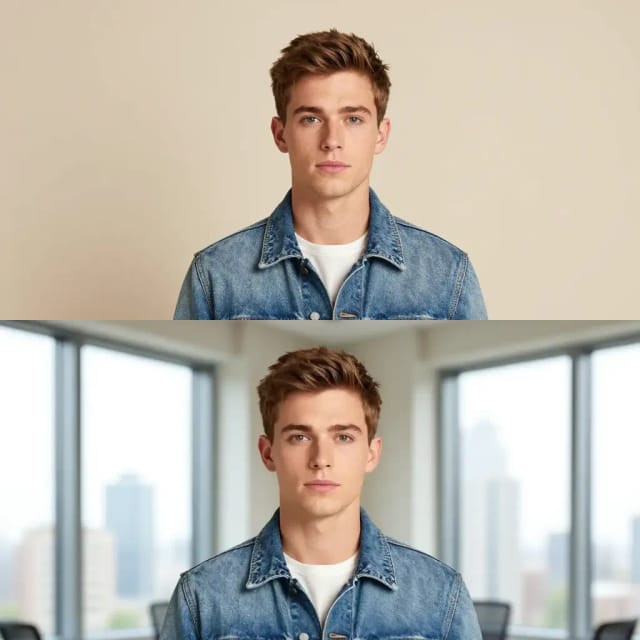
Download your new image
Download the result. For a different take, generate again: every result is a little different.
Same subject, any world
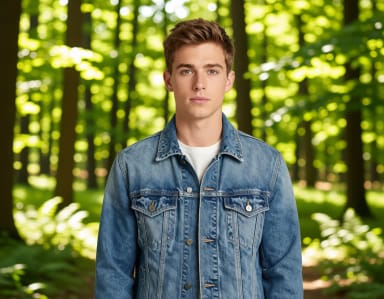
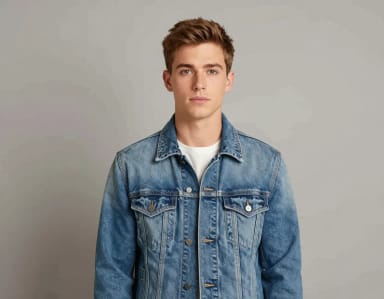
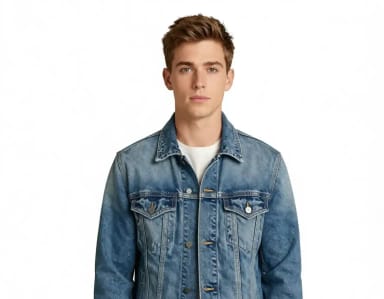
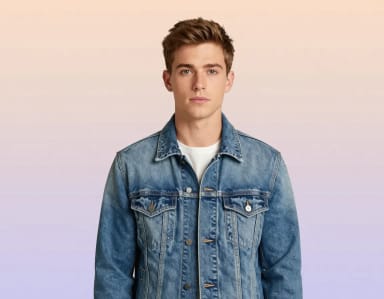
One photo, ten backgrounds: from a beach at sunset to a white studio or a library. Pick the backdrop.






How it works
How the AI Background Changer works
From a quick color swap to a full scene replacement, here's what happens behind the upload button.
CreArt's AI background changer replaces the background of a photo and keeps the subject: you upload a picture, pick one of 10 backgrounds or describe the one you want, and the AI returns the same person, product or pet in the new scene. It is free to try, with no sign-up.
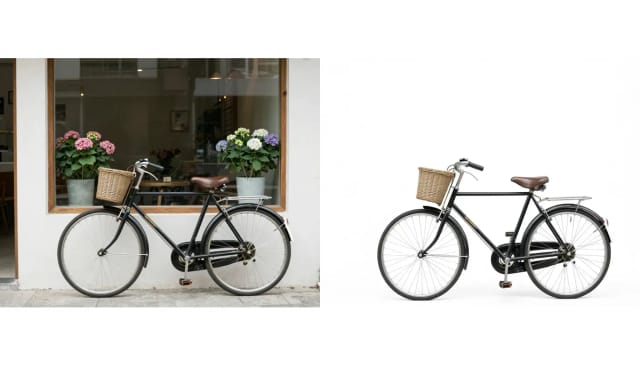
It is an AI edit, not a cut-and-paste: the model redraws the picture with the new background, so hair and edges blend into the scene. Small details of the subject can come out slightly different; if one matters, generate again. If you only need the background gone, the background remover puts the subject on a clean white backdrop instead.
Describe your own background
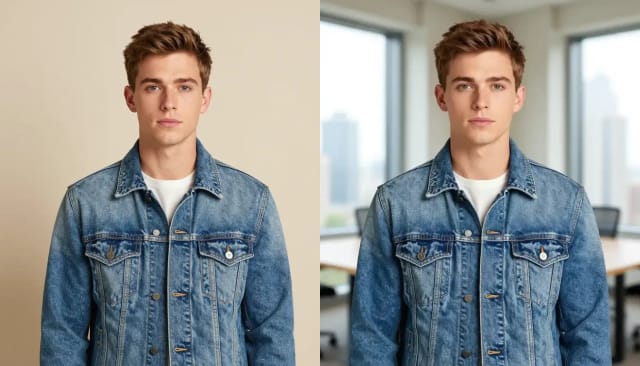
The 10 backgrounds are a starting point. Type your own in the box under them, such as “a plain light gray wall”, “a sunlit kitchen counter” or “a snowy street at night”, and the AI builds it. A plain color works too: write the color you want. When the box has text, the background you picked is left out, so you never get a mix of both.
For the cleanest result, use a photo with one clear subject and even light. If the photo is soft or small, run it through the photo enhancer or the image upscaler first.
Change the background of a photo for profiles, shops and posts
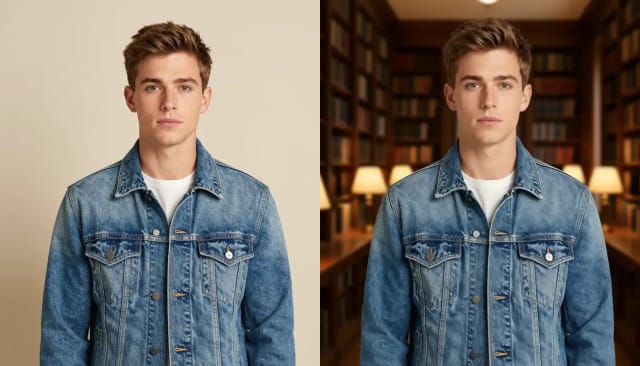
A gray or white studio turns a casual photo into a profile picture for LinkedIn or a CV. White puts a product on the clean backdrop most online shops ask for. A beach, a café or a city at night makes a post or a card. Photos are changed one at a time; pick the same background for each one and the set matches.
For the people in them, the AI headshot generator makes a professional portrait from your selfies, and blur background keeps your own background but softens it.
Who it's for
Who the AI Background Changer is for
Anyone who needs a clean, consistent photo background without hiring an editor.
Online sellers and store owners
Put every product shot on the same clean backdrop so a catalog looks uniform across a listing page, without booking a studio.
Social media creators
Change a photo background to match a feed's look or a campaign theme, and refresh the same shot for different posts.
Marketers and small teams
Make seasonal and on-brand visuals by swapping the background of a photo you already have instead of reshooting it for each variation.
Job seekers and professionals
Drop a portrait onto a neutral studio background for a profile photo or resume, ready for LinkedIn or an application.
Anyone editing personal photos
Move a subject to a beach sunset, a forest, or a plain color for a card, print, or share — no editing app required.
Pricing
AI Background Changer pricing
Start changing backgrounds for free, and upgrade when you need more generations or higher-volume output.
Free
$0
- 100 credits every day
- The Auto model, on our own servers
- No card needed
Paid plans
Basic · Starter · Creator
- 1,600 to 10,000 credits a month
- Every AI model, including premium ones
- AI video, and no ads in the mobile app
Why use it
Why choose the AI Background Changer
A faster way to change background on any photo without touching a masking tool.
Edges that blend in
The AI redraws the photo with the new background instead of pasting a cutout, so hair, fur and product edges blend into the scene.
10 backgrounds or your own
Pick a beach, a city at night, a forest, mountains, a café, a gray or white studio, a pastel gradient, an office or a library, or describe any background in words, a plain color included.
The same background for a set
Use the same background on each photo, one at a time, to make a product catalog or a set of profile shots match.
No design skills or software
Skip the photo editing software masking and edge feathering. If you can upload a photo and pick an option, you can change the background yourself.
Usually under 20 seconds
Each change usually takes under 20 seconds instead of the half hour manual masking takes, so you can try a few backgrounds before you pick one.
One photo, not two layers
The new background is drawn into the photo rather than stacked behind a cutout, so the result reads as one picture.
FAQ
Frequently asked questions about the AI Background Changer
Still have a question? Visit the help center →
Can AI change the background of a photo?
How do I use AI to change a photo background?
How do I change the background color in AI?
Can I replace the background of a product photo?
Is the AI Background Changer free to use?
Can I use my own background instead of a preset?
Does it keep the subject looking natural?
What photos work best for changing the background?
Can I only remove the background without replacing it?
CreArt is not affiliated with, endorsed or sponsored by LinkedIn. LinkedIn is a trademark of LinkedIn Corporation.

Background Remover
CreArt's Background Remover cuts the subject out of any photo for free, without sign-up, and gives you a transparent PNG, a pure white background or a solid color, usually in under 20 seconds.

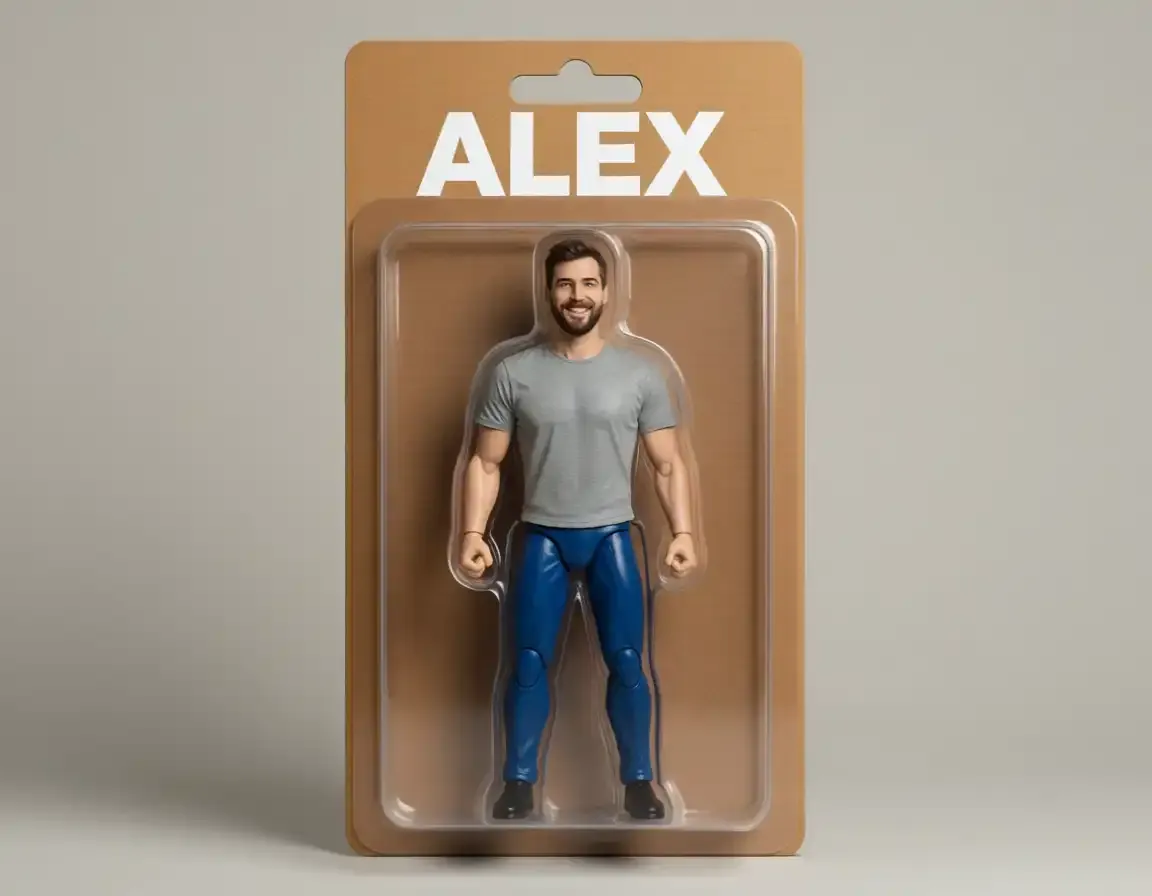
AI Action Figure Generator
CreArt's AI Action Figure Generator turns a photo into an image of a collectible figure, free and without sign-up: pick a blister pack, an anime figure, a vinyl toy or a superhero, add a name for the box, and get it usually in under 20 seconds.

AI Object Remover
CreArt's AI Object Remover is a free tool that erases unwanted objects and people from a photo: paint over them and the AI rebuilds the background, without sign-up and usually in under 20 seconds.
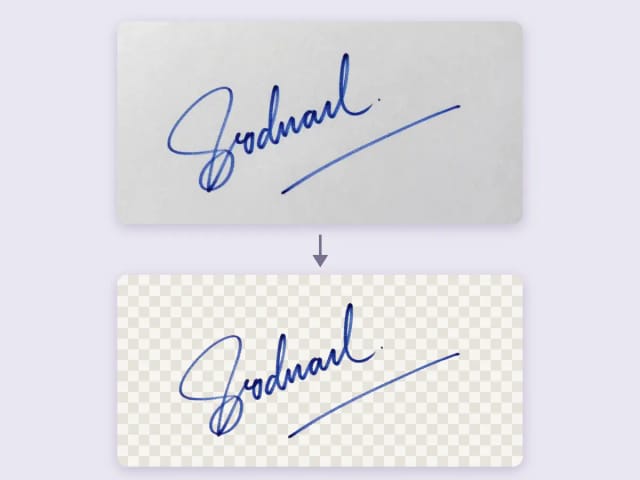
Remove Background from Signature
Remove the background from a photo of your signature for free, right in your browser: your signature never leaves your device. Keep the ink or make it black or blue, crop it to the edge and download a transparent PNG, with no sign-up and no watermark.
Ready to make something?
Open the tool, try the free Auto model and download the result.