
AI Hairstyle Changer
Upload a selfie and try 20 haircuts on your own face, from bangs or a pixie to a fade or a quiff, before you sit in the salon chair.
Your photo
Haircut · Bob
10 free tries a day with Auto · No sign-up


How it works
How to try a new hairstyle with AI
Three steps on one screen: your selfie, a haircut and the result next to your photo.
Add a selfie
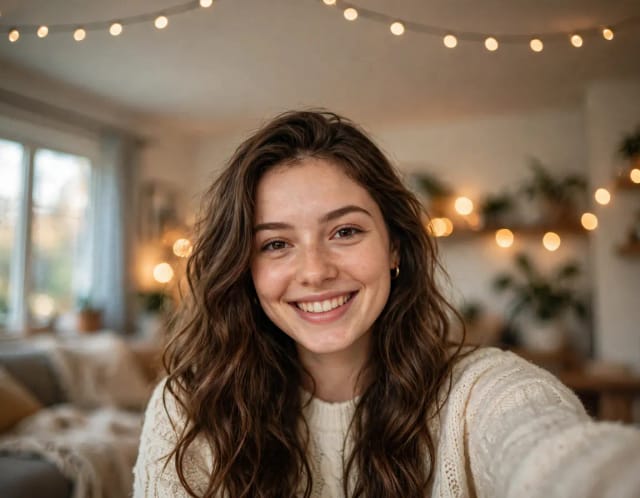
Upload a clear, front-facing photo with your hairline visible and even light. Or start with one of the sample photos.
Pick a haircut
Ten cuts for women and ten for men, each with a preview. Add details if you like, such as “part it on the left” or “a little longer”.

Compare it with your photo
In under 20 seconds you get the same photo with the new cut. Drag the slider to compare, then try the next one.

20 haircuts to try on your own face
Ten cuts for women and ten for men, from a pixie to a low fade. Each preview keeps the same face, so you compare the haircut and nothing else.


Bangs
Bangs filter: try bangs before you cut them
Bangs take months to grow out, so they are worth seeing first. Pick “Bangs” for a straight fringe that reaches the eyebrows, or “Curtain bangs” for a soft fringe parted in the middle. The rest of your hair keeps its length and texture, so the bangs are the only change.
Want them longer, shorter or swept to one side? Write it in the details box, for example “bangs just below the eyebrows”, and try again.

Short hair
Short hair filter: a pixie, a bob or a lob
Going short is the biggest change you can make in one visit. Try a pixie cut, a chin-length bob or a lob that ends just above the shoulders on your own selfie, and see which length frames your face best.
The Men tab has the shortest cuts of all: a buzz cut, a crew cut and a shaved head.

Curly hair
Curly hair filter: curls, an afro or box braids
See your hair with defined, bouncy curls at its current length, or try a full afro or long box braids. For men, the curly top keeps the sides short with loose curls on top.
Curly hair already? Pick “Curly” and write the shape in the details box, such as “a shag with curly layers”: that keeps your curls. A bob or a shag picked from the grid can come out straighter than your real hair.

Men
Men’s haircuts: a fade, an undercut or a quiff
Open the Men tab for ten cuts any barber knows: buzz cut, crew cut, low fade, undercut, textured crop, quiff, slick back, curly top, long hair and a shaved head.
Take the preview to your barber so they see the exact cut on your face. Add details such as “a skin fade” or “longer on top” to get closer to what you want.

Face shape
Which hairstyle suits my face shape?
A few rules of thumb from stylists: an oval face suits most cuts. A round face looks longer with length below the chin, side-swept bangs or volume on top. A square face softens with layers, waves and curtain bangs. A heart-shaped face balances with a chin-length bob or a lob. A long face looks shorter with bangs and volume at the sides.
The quickest way to know is to see it: try three or four cuts on the same selfie and compare them side by side. Thinking about a new shade too? The AI Hair Color Changer tries 24 colors, balayage and ombré, and the AI makeup generator completes the new look.

Who it's for
Who the AI Hairstyle Changer is for
Anyone thinking about a new cut before the scissors come out.
Anyone thinking about a big cut
Try a pixie, a bob or a buzz cut on your own face before you commit to months of growing it back.
Salon and barber clients
Show your stylist or barber the exact cut on your own photo instead of describing it.
Men choosing a cut
Compare a fade, an undercut and a quiff in a couple of minutes and pick your favorite.
Curly and textured hair
See curls, an afro, box braids or a new shape that keeps your natural texture.
Pricing
Start free, upgrade when you need more
The AI Hairstyle Changer is free to try every day, with no sign-up. Upgrade any time for more generations.
Free
$0
- 100 credits every day
- The Auto model, on our own servers
- No card needed
Paid plans
Basic · Starter · Creator
- 1,600 to 10,000 credits a month
- Every AI model, including premium ones
- AI video, and no ads in the mobile app
Why use it
Why try on hairstyles with AI first
See the cut on your own face instead of guessing from photos of someone else.
Your face, your photo
The new cut goes on your selfie. Your face, skin, expression, clothes, background and light stay as they are.
Hair that looks real
A natural hairline, individual strands and shadows that match the light in your photo.
20 cuts for women and men
Two tabs with ten cuts each, from a pixie and curtain bangs to a low fade and a quiff.
Your hair color stays
Only the cut changes. For a new shade, the AI Hair Color Changer does just that.
Free, with no sign-up
It works online, with no app to install and free tries every day.
Under 20 seconds per cut
Try one cut after another and compare each one with your photo.
FAQ
AI Hairstyle Changer questions, answered
The common questions about trying on hairstyles with AI.
Still have a question? Visit the help center →
Can AI tell me which hairstyle suits me?
Can I upload my picture to see different hairstyles?
Is there a free website to try different hairstyles?
How do I check which hairstyle suits my face for free?
How do I try bangs on my photo?
Does it change my hair color?
Will I still look like me?
Can it make my hair longer?
What photo works best?
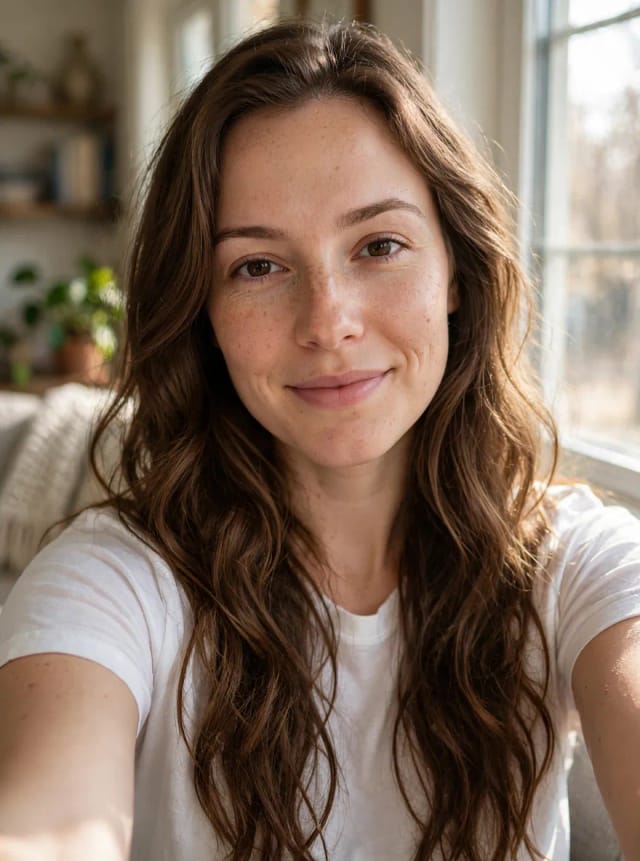
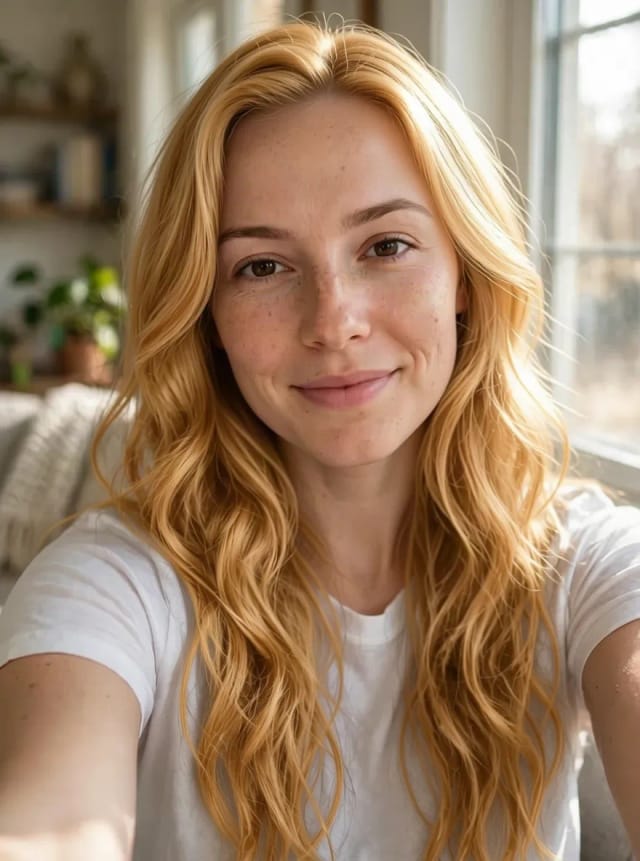
AI Hair Color Changer
CreArt's free AI Hair Color Changer recolors only your hair in a selfie: 24 salon shades, balayage, ombré or any custom color, usually in under 20 seconds. No sign-up.
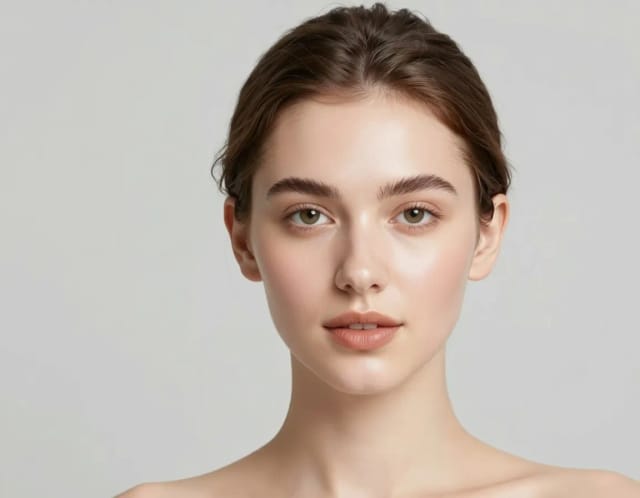
AI Makeup Generator
A free AI Makeup Generator that applies realistic lipstick, eyeshadow, blush and full glam looks to your own photo in under 20 seconds. No sign-up needed.
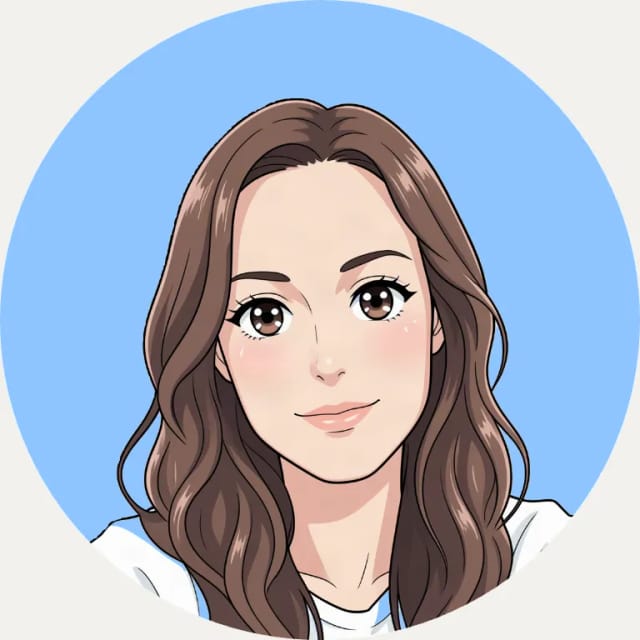
AI Profile Picture Maker
A free AI profile picture maker: your photo on a color background, sized for your social profiles, right in your browser. Or an anime, 3D, cartoon or pixel art avatar in under 20 seconds.
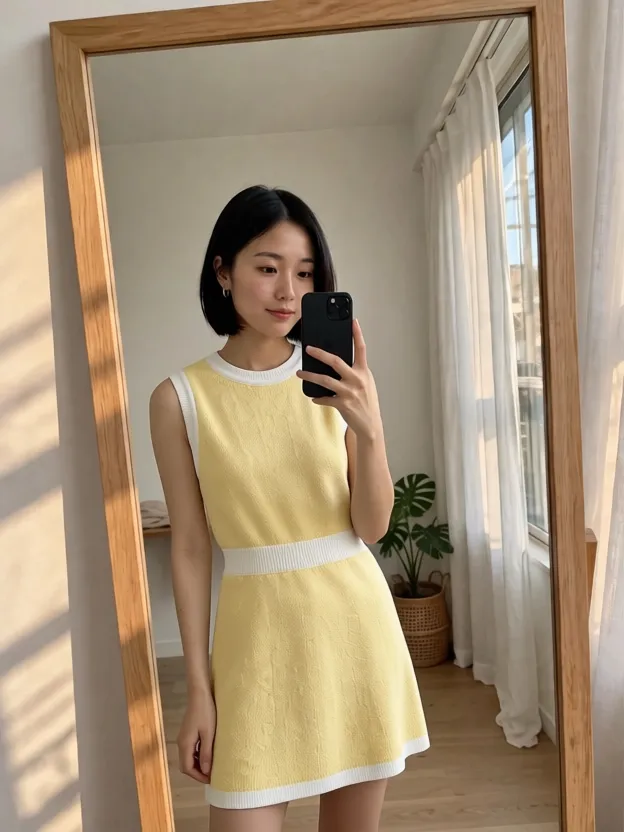
AI Clothes Changer
CreArt's free AI Clothes Changer dresses you in any garment from any shop, or in one of 14 styles, usually in under 20 seconds. No sign-up.
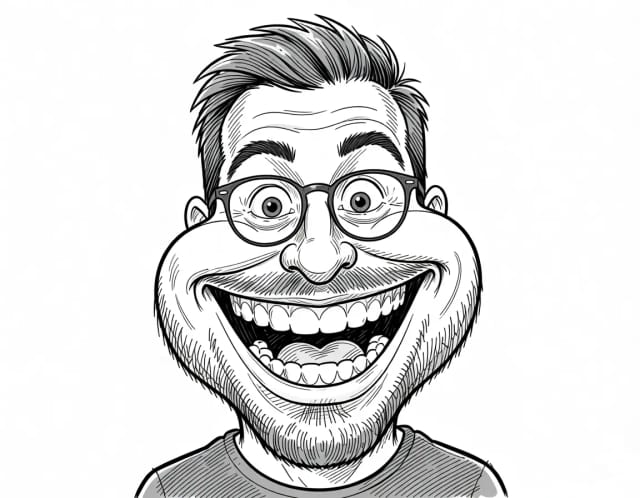
Caricature Maker
Upload a photo and turn it into a personalized caricature with a free AI caricature generator. Pick a style, exaggerate the features, and download a fun, shareable result in under 20 seconds.
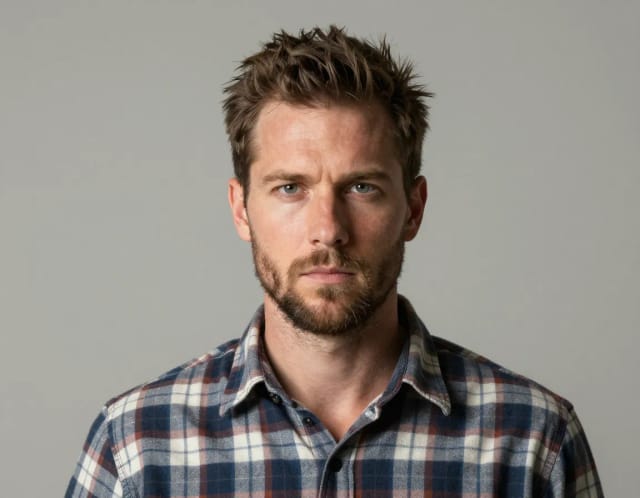
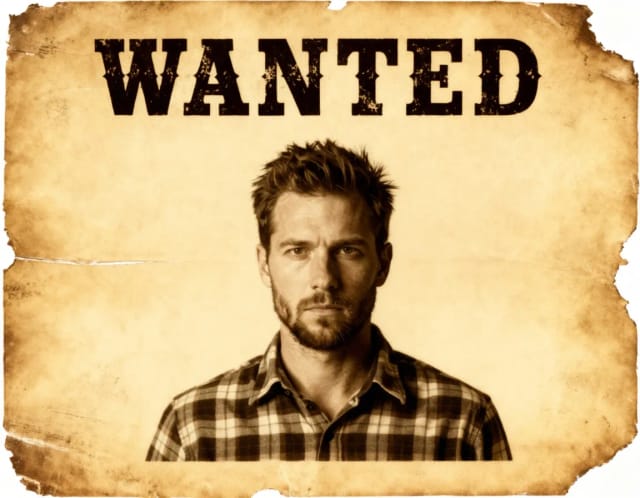
Wanted Poster Template & Generator
Turn any photo into a classic old-west wanted poster with your own name and reward, spelled exactly as you type them. Free to try — edit the text any time and download in seconds.

AI Headshot Generator
Turn an everyday selfie into a professional headshot with AI: a blazer or suit, a studio or office background and your own face, ready for LinkedIn and your CV in under 20 seconds.

Add Santa Hat to Photo
Put a Santa hat on everyone in your photo, from selfies to group shots and pets. Pick a classic, knit, floppy, elf or reindeer hat. Free, no sign-up.
Ready to make something?
Open the tool, try the free Auto model and download the result.