
AI Icon Generator
CreArt's AI Icon Generator turns a text prompt into app and web icons, free and without sign-up: a full app icon with every iOS and Android size, a transparent UI icon or a matching set, in Flat, 3D, Line, Glassmorphism or Gradient, usually in under 20 seconds.
A full square for the App Store and Google Play
A full square for the App Store and Google Play
20 free tries a day with Auto · No sign-up

Step by step
How to generate an icon with AI in 4 steps
From prompt to downloadable icon in under a minute.
Describe the icon you need
Write a short prompt for the symbol you want — "shopping cart", "settings gear", "weather app sun and cloud". The more specific the concept, the closer the first result lands.
Pick an icon style
Choose between Flat, 3D, Line, Glassmorphism and Gradient. The same prompt looks completely different depending on the style, so match it to your app or brand.

Generate and review the result
The icon usually appears in under 20 seconds. Tweak the prompt and generate again until it is right.

Download your icon
Download the PNG, the ZIP with every app size, or each icon of a set as its own transparent PNG.
Five icon styles
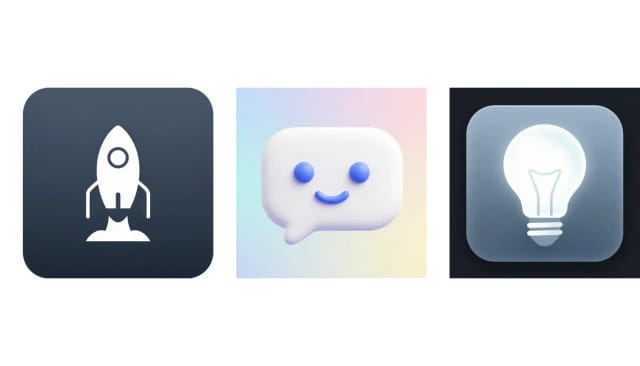
Flat, 3D, line, glassmorphism and gradient: the same rocket in each look.

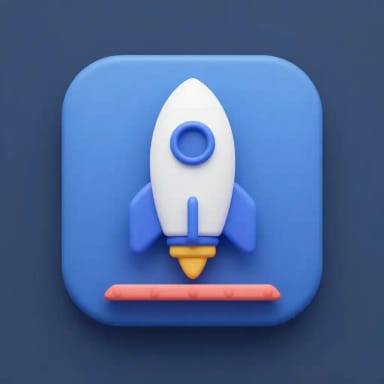
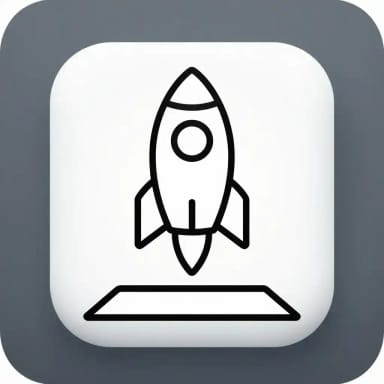
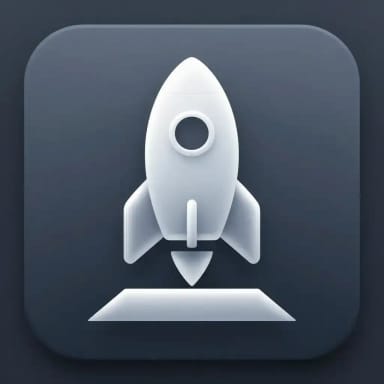
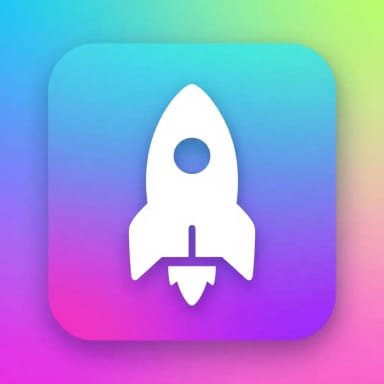
How it works
From a text prompt to an app icon
Describe the icon, pick a style, and let the AI draw it — no vector editor, no stock library.
The AI Icon Generator is a tool that turns a text prompt into clean, ready-to-use app and web icons. You describe what you want — a shopping cart, a settings gear, a weather app symbol — pick a style, and the AI draws it for you, usually in under 20 seconds.
It's built for the moment you know exactly which icon you need but don't want to open a vector editor or dig through a stock library. Type the concept, choose flat, line, 3D, glassmorphism or gradient, and download the result. If you also need a full brand mark rather than a single symbol, the AI Logo Generator covers that side of the job.

A matching icon set in one style
Choose Icon set and list the icons you need, for example "home, search, profile, settings, bell, heart". The AI draws them on one sheet, so every icon shares the same line weight, colors and depth, which is hard to get from separate prompts.
Your browser cuts the sheet out and splits it: you download the whole sheet or every icon as its own transparent PNG, 512 × 512, in a ZIP. The number of icons on the sheet can vary and some may repeat, so keep the ones you need.

App icons
App icon sizes for iOS and Android
App icon gives you a full square at 1024 × 1024 and a ZIP with every size the stores and phones use: 1024, 180, 167, 152 and 120 for iOS, and 512 for Google Play plus 192, 144, 96, 72 and 48 for the Android launcher, each in its own folder.
Both stores round the corners for you, so the icon fills the square edge to edge; if the AI leaves a thin plain margin, your browser trims it before the download. Icons are images, not vector files.

Between stock icons and custom illustration
Compared to drawing icons from scratch, the difference is time. A single custom icon can take a designer half an hour; here it takes a sentence and usually under 20 seconds. You iterate by editing the prompt instead of nudging anchor points.
It also fills the gap between generic stock icons that never quite fit and full custom illustration you don't have budget for. If your idea is broader than an icon — an illustration, a hero image, a piece of artwork — the AI Image Generator and the AI Art Generator handle those from the same kind of text prompt.
Who it's for
Who the AI Icon Generator is for
UI/UX designers
Fill gaps in an icon set fast and keep a similar style across an interface, without redrawing every symbol from scratch.
App developers
Generate an AI app icon or a full navigation set on the spot, so a side project ships with real icons instead of placeholders.
Marketers and content creators
Get on-brand icons for landing pages, decks and social posts, matched to the style of the rest of your visuals.
Founders and small teams
Bridge the gap between stock icons that never quite fit and custom illustration you can't budget for, all from a text prompt.
Pricing
Plans for the AI Icon Generator
Start generating icons for free and move to a paid plan when you need more volume and full access.
Free
$0
- 100 credits every day
- The Auto model, on our own servers
- No card needed
Paid plans
Basic · Starter · Creator
- 1,600 to 10,000 credits a month
- Every AI model, including premium ones
- AI video, and no ads in the mobile app
Why CreArt
Why use this AI icon generator
Built for people who need the right icon fast, not a full illustration project.
Icon sets in one style
Choose Icon set, list your icons and get them on one sheet in the same style, each as its own PNG.
Five distinct styles
Flat, 3D, Line, Glassmorphism and Gradient cover most UI and branding needs. Switch style on the same prompt and the icon adapts to match.
Usually under 20 seconds
A custom icon that takes a designer half an hour arrives here from a single sentence. You iterate by rewriting the prompt, not moving anchor points.
No design software required
Skip the vector editor and the stock library. If you can describe the icon in a line of text, you can generate it.
Free AI icon generator to start
Describe an icon and generate your first results without paying up front, so you can test whether the style fits before committing.
Part of a full toolkit
Pair it with the background remover, image upscaler and AI logo generator to take an icon from prompt to production-ready asset in one place.
FAQ
Frequently asked questions about the AI Icon Generator
Still have a question? Visit the help center →
What is an AI icon generator?
Is there a free AI icon generator?
How do I generate an app icon with AI?
Can I create a whole set of matching icons?
What icon styles are available?
Do I need design skills to use it?
Can I remove the background from a generated icon?
What size are the icons?
CreArt is not affiliated with, endorsed or sponsored by Android or iOS. Android is a trademark of Google LLC. iOS is a trademark of Apple Inc.

AI Logo Generator
Free AI logo maker: the AI draws your symbol and your name is set in real fonts, never misspelled.

AI Emoji Generator
CreArt's AI Emoji Generator turns a short description into a custom emoji, free and without sign-up: pick one of 6 styles, from Classic to Pixel and Kawaii, and get it usually in under 20 seconds, as a transparent PNG for chat and streaming.
AI Design Generator
Describe what you need and we open the studio that makes it, or pick one: logos, posters, flyers, invitations, ads and more, free with Auto.

AI Album Cover Maker
Make an album cover with AI: describe your music, pick one of 16 styles and add your name and title, spelled right. Free, no sign-up.
T-Shirt Mockup Generator
CreArt's free T-Shirt Mockup Generator puts your design on 7 garments in 12 colors, front or back, usually in under 20 seconds. No sign-up.
Book Cover Generator
Make a book cover with AI: describe it, pick a genre, type your title.
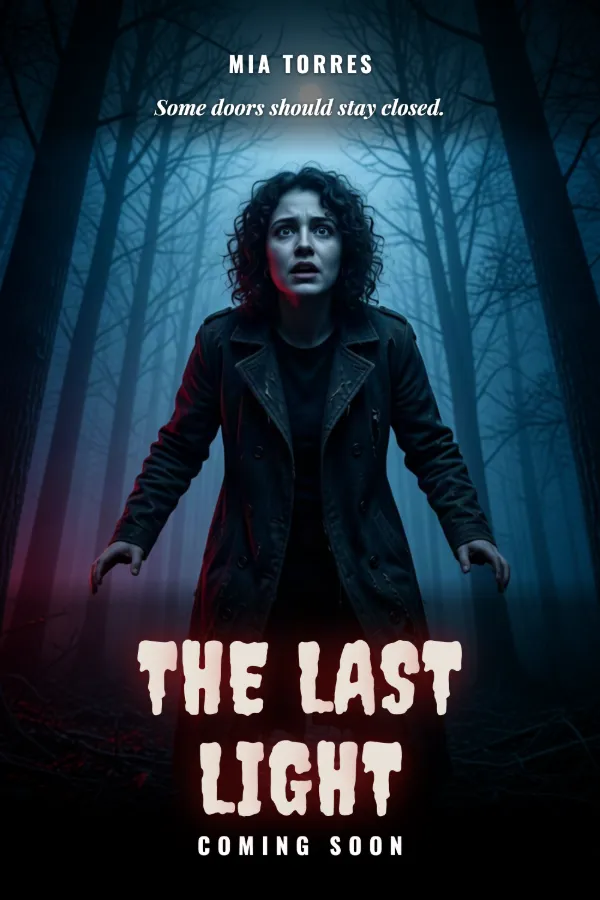
AI Poster Generator
Turn your photo into a movie poster: pick a genre and type your title.

AI Flyer Generator
Make a flyer with AI: pick a type, add your text, download it to print.
Ready to make something?
Open the tool, try the free Auto model and download the result.