
AI Flyer Generator
Make a flyer with AI: pick a type, add your text, download it to print.
What's the flyer for? (optional)
Flyer type· Party
Your text
20 free tries a day with Auto · No sign-up · Your text is set on top, spelled exactly as you type it.
What's the flyer for? (optional)
Flyer type· Party
Your text
 Example
How to make a flyer
Make a flyer with AI in 4 steps
CreArt's free AI Flyer Generator turns a one-line idea into a flyer sized for US Letter, A4 and Instagram, usually in under 20 seconds. The AI paints only the picture: your headline, offer, date and contact are set on top by your browser, so they come out spelled exactly as you typed them.
Say what the flyer is for
One line about the event, the sale or the business, or use the sample idea. You can also leave it empty and let the flyer type set the scene.
Pick a flyer type
Party, club night, sale, grand opening, business, real estate, restaurant, event and workshop, or holiday party. Each one has its own look, typeface and layout.
Add your text
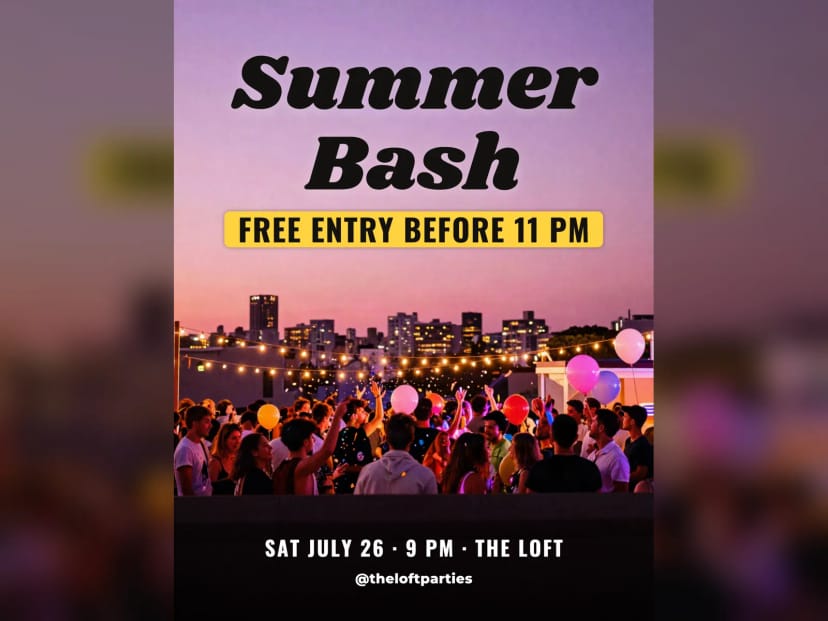
Type the headline, the offer, the date, time and place, and a website or phone number. The offer sits on a colored band so it reads on any picture. Change the position, font or color at any time without generating again.
 BeforeAfter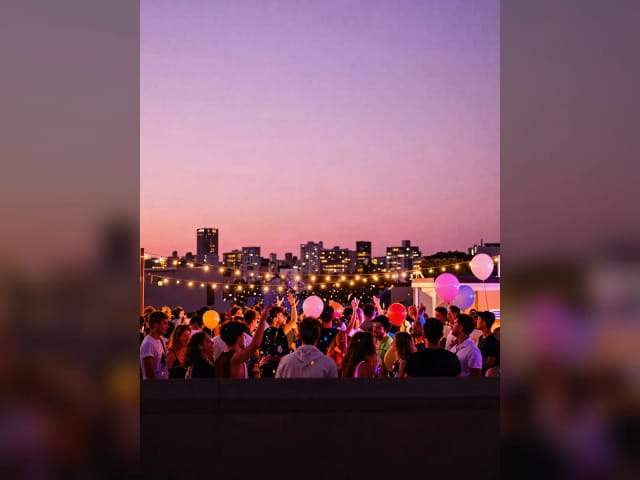
Download for print or social
Download it sized for US Letter, A4 or an Instagram post. It is an image, ready to print or share, not an editable document. For a large print, run it through the image upscaler first.
Nine flyer types, one sample each
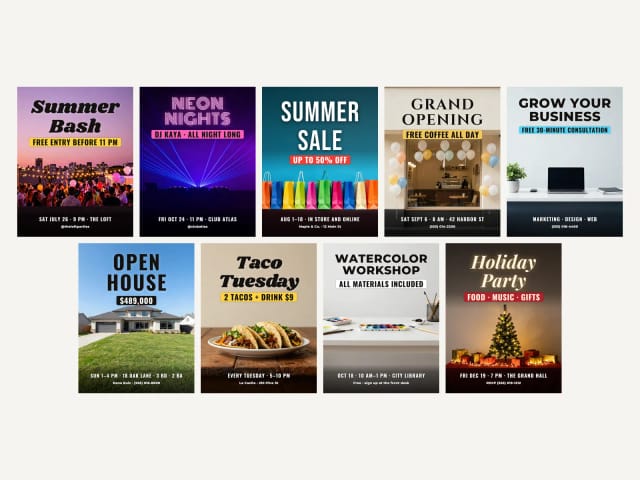
Party, sale, business, real estate, holiday and more, each with its own layout and typeface. Tap a type to make yours.
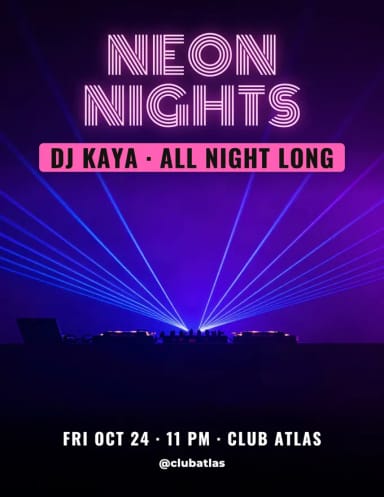
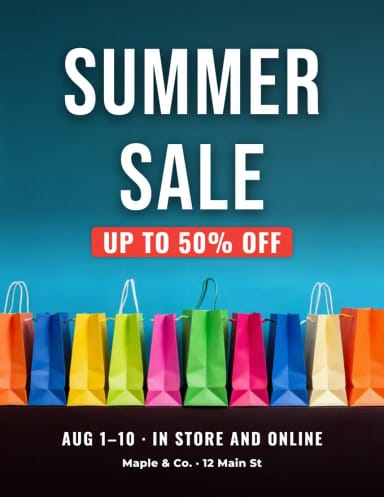
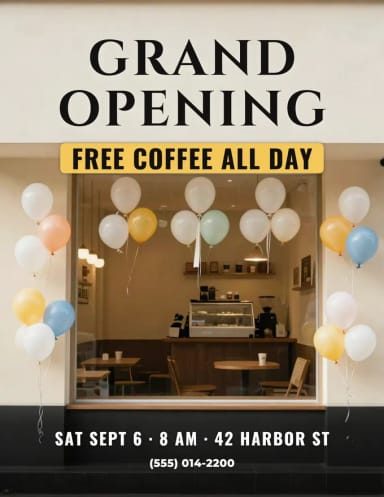
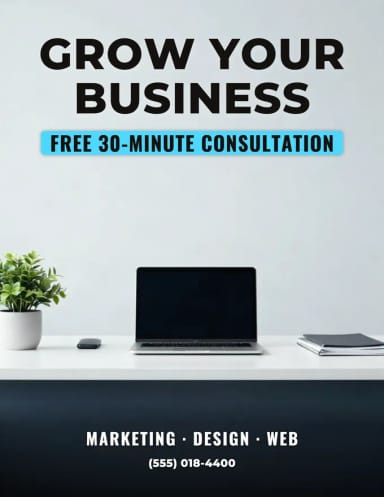
Party flyers
A party flyer maker for parties and club nights
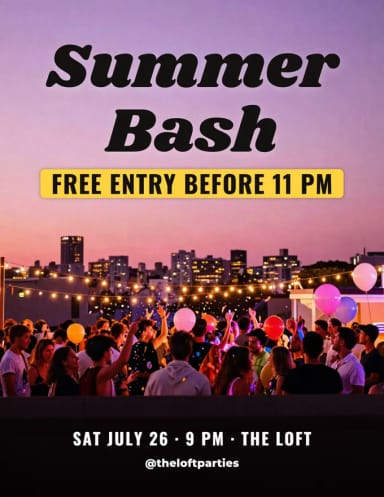
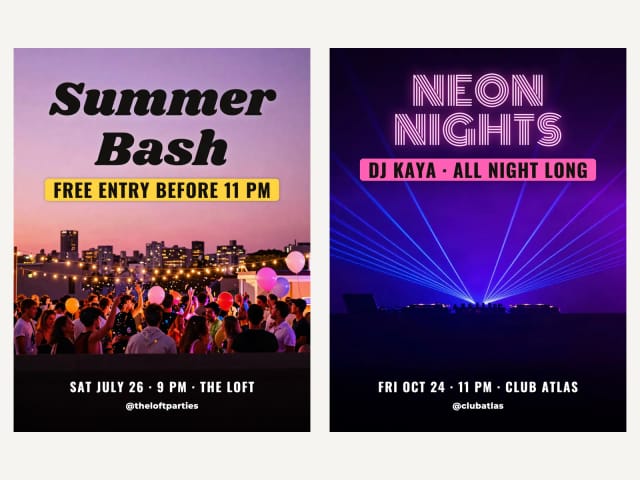
A party flyer has one job: make people want to come. The Party and Club night types paint a picture full of light and color, then set a big headline, the offer on a bright band (free entry, a DJ, a drink deal) and the date, time and place where everyone looks for them.
Describe the party in one line, like a rooftop at sunset or a neon dance floor, and type your text. Then download it for an Instagram post as well as for print. For a poster-sized version, try the AI poster generator.
Sales
Sale and grand opening flyers
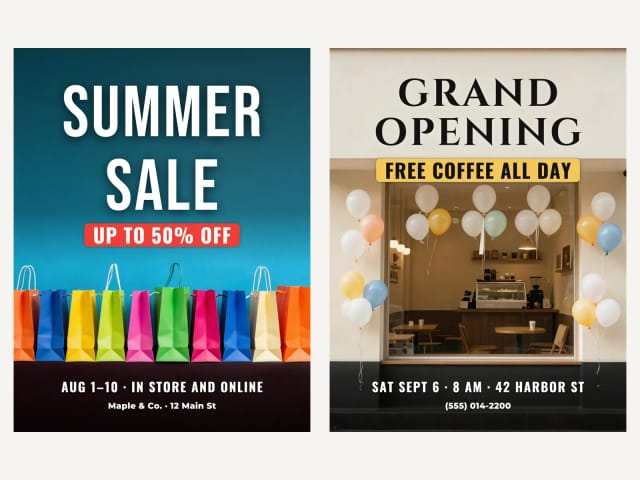
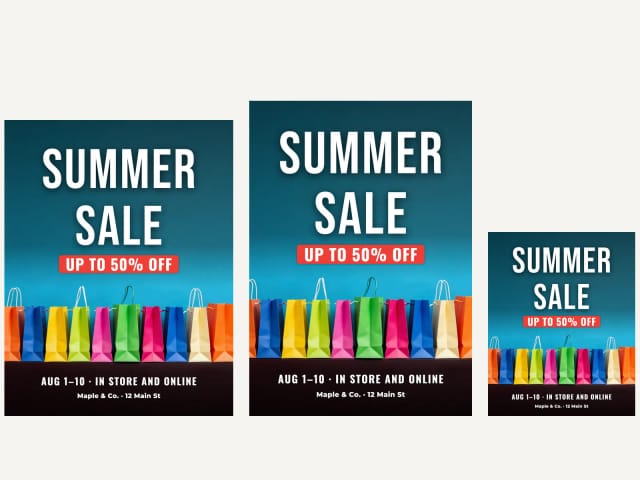
For a sale or an opening, the offer is the headline: up to 50% off, free coffee all day, two for one. The Sale type puts it on a strong colored band under a huge condensed title, and Grand opening gives the new place a warm, welcoming photo.
Add your shop name and address in the contact line so people know where to go. Want your products on a real mug, bag or shirt for the launch? The mockup generator puts your logo on them.
Business and real estate
Business and real estate flyers
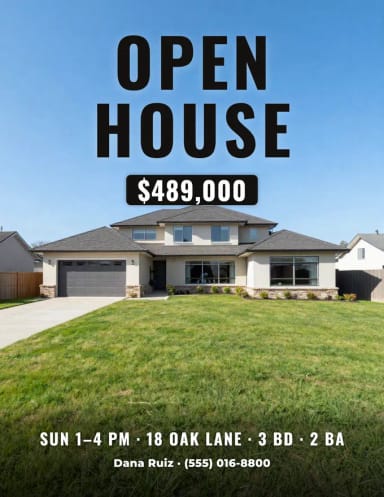
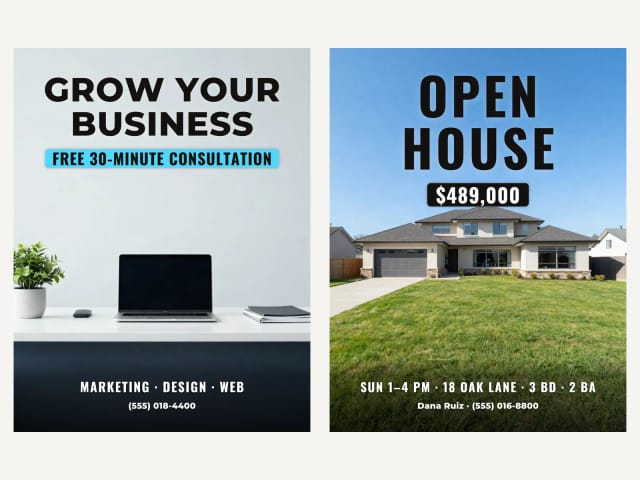
A business flyer needs to look trustworthy: a clean picture, a clear headline and one offer, like a free consultation. For an open house, the price goes on the band and the address, the time and the beds and baths go underneath, with the agent and the phone number at the bottom.
Use the real estate type for open houses, new listings and just-sold flyers. Have a photo of the room? Stage it first with virtual staging.
Restaurants, events and holidays
Restaurant, event and holiday party flyers
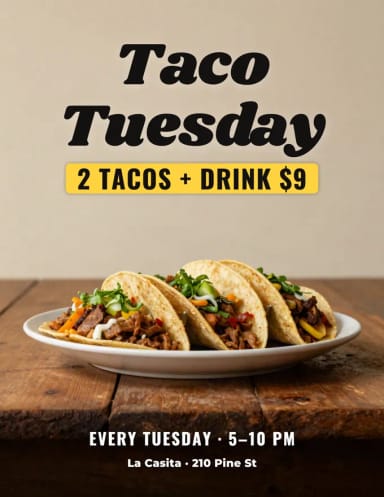
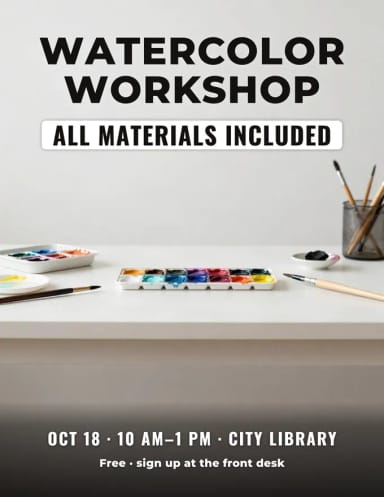
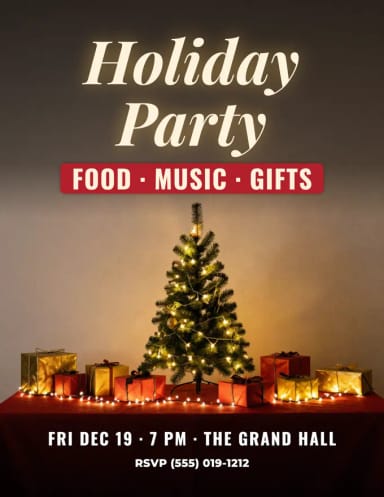
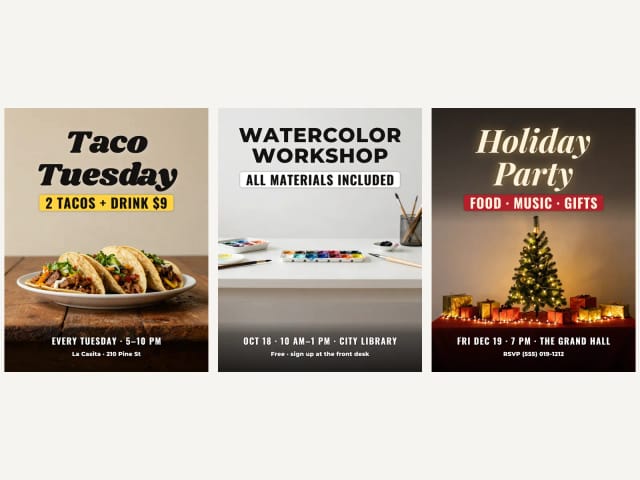
Restaurant flyers live or die by the food: the Restaurant type asks for an appetizing close-up, with the deal on the band and the hours and address below. Workshops, talks and classes get a calm, bright look, and the Holiday party type a festive one with lights and gifts.
For a printed invitation instead of a flyer, try the AI invitation maker.
Sizes
Sized for US Letter, A4 and Instagram
The download is sized for US Letter (8.5 × 11 in), and two more buttons give you A4 and a 4:5 Instagram post from the same flyer. The text keeps clear of the edges, so the A4 and Instagram crops never cut it.
The picture comes from the free Auto model, so at full letter size it can look soft up close while the text stays sharp. For a big print or a poster, run the flyer through the image upscaler first. What you get is an image ready to print or share, not an editable document: change the text here, before you download.
Who it's for
Who this AI flyer maker is for
Built for people who need a flyer done, not a design career.
Party and event organizers
Parties, club nights, concerts, fundraisers and meetups: a flyer with the date and place set right, in minutes.
Small shops and restaurants
Sales, openings, happy hours and weekly deals, with the offer big enough to stop people walking by.
Real estate agents
Open house and just-listed flyers with the price, the address and your phone number, ready to print or post.
Freelancers and small businesses
A clean flyer for a service, a launch or a free consultation, without opening a design app.
Schools, clubs and communities
Workshops, classes, bake sales and holiday parties, with clear details everyone can read.
Why use it
Why use this AI flyer maker
Your text, spelled right
Headline, offer, date and contact are set as real type on top of the picture, never misspelled by the AI.
9 flyer types with their own layout
Party, club night, sale, grand opening, business, real estate, restaurant, event and holiday party.
Edit the text anytime
Change the text, position, font or color after generating. No new generation, no credits.
Letter, A4 and Instagram
Three downloads from the same flyer, with the text clear of every crop.
Free to try, no sign-up
Make flyers with the Auto model for free every day, without an account.
The offer on a band
Your deal or tagline sits on a colored band, so it reads on any picture.
Pricing
Start making flyers
Make flyers for free with the Auto model, no account needed. Pick a plan when you want more flyers a day or the premium models.
Free
$0
- 100 credits every day
- The Auto model, on our own servers
- No card needed
Paid plans
Basic · Starter · Creator
- 1,600 to 10,000 credits a month
- Every AI model, including premium ones
- AI video, and no ads in the mobile app
FAQ
Frequently asked questions about the AI flyer maker
Still have a question? Visit the help center →
Is this AI flyer maker free?
Can ChatGPT create flyers?
Which app can I use to make flyers for free?
Will the text on my flyer be spelled right?
Can I edit the flyer after downloading it?
What size is the flyer?
Can I print it?
How do I make a party flyer?
How do I make an open house flyer?
Can I use the flyers commercially?
CreArt is not affiliated with, endorsed or sponsored by Instagram. Instagram is a trademark of Meta Platforms, Inc.
AI Ad Maker
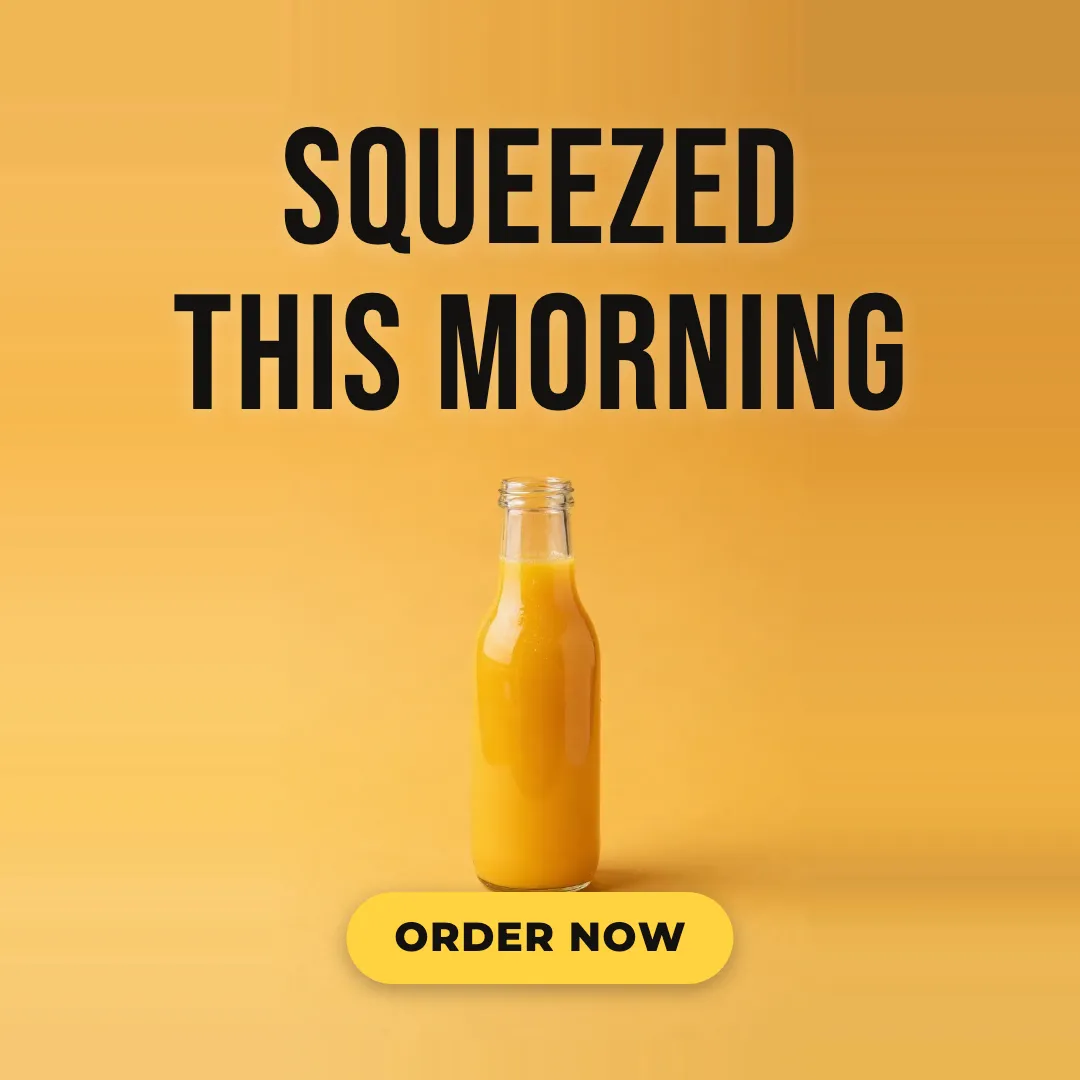
Free AI ad maker: get an ad with your headline and button for Instagram and Facebook, in every size.

AI Album Cover Maker
Make an album cover with AI: describe your music, pick one of 16 styles and add your name and title, spelled right. Free, no sign-up.
AI Invitation Maker
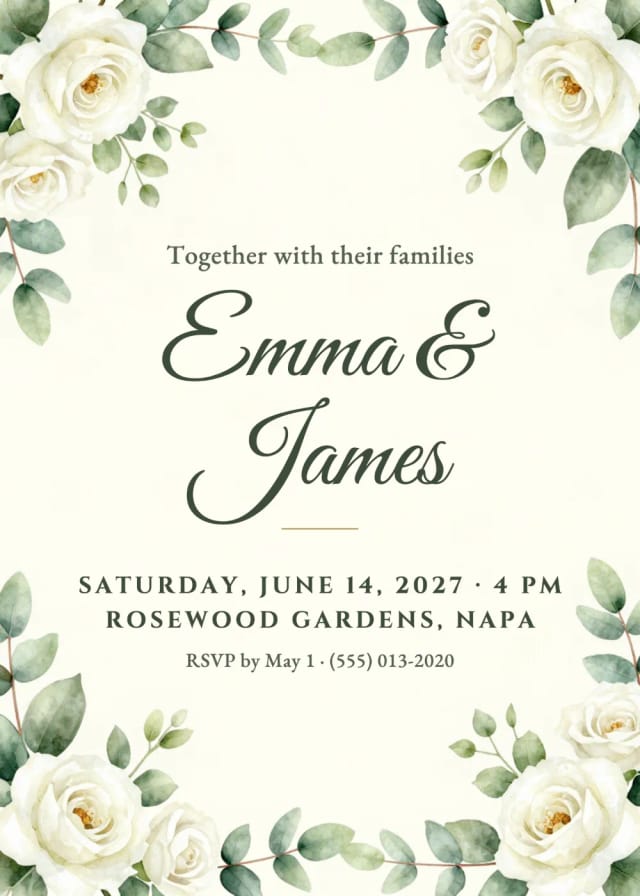
Free AI invitation maker: pick a style, add your details and a photo, then print it or send it.

AI Logo Generator
Free AI logo maker: the AI draws your symbol and your name is set in real fonts, never misspelled.
Book Cover Generator
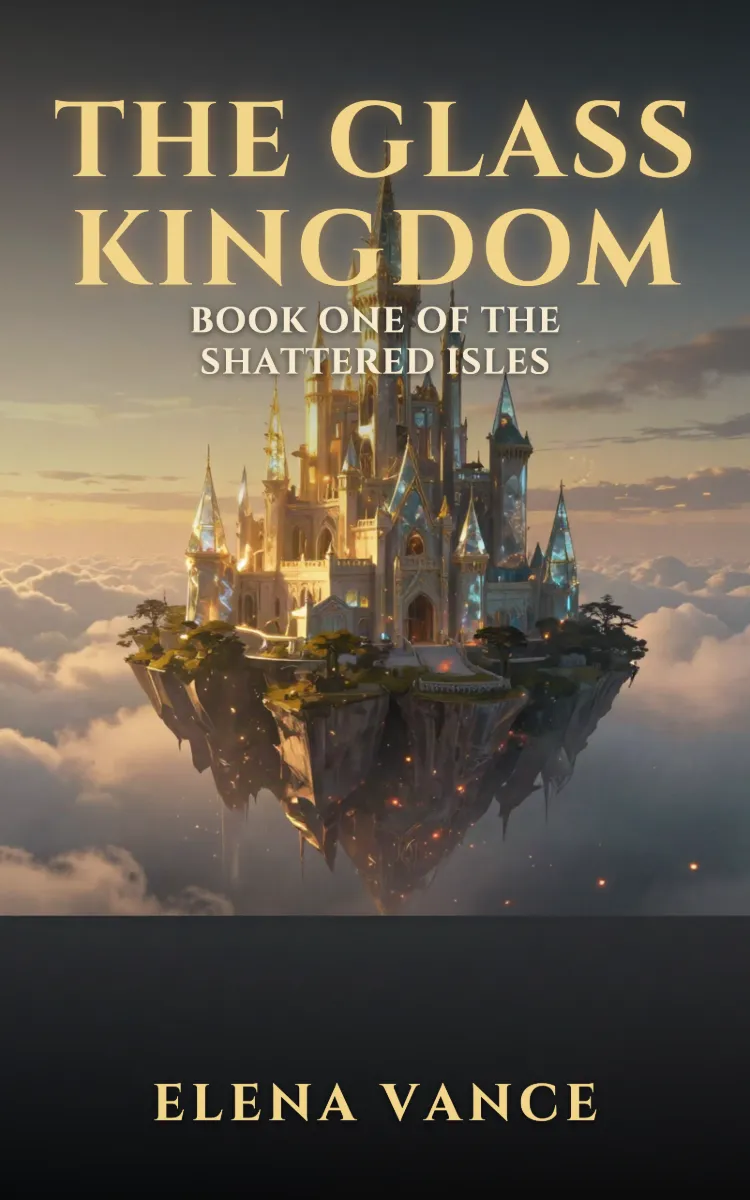
Make a book cover with AI: describe it, pick a genre, type your title.
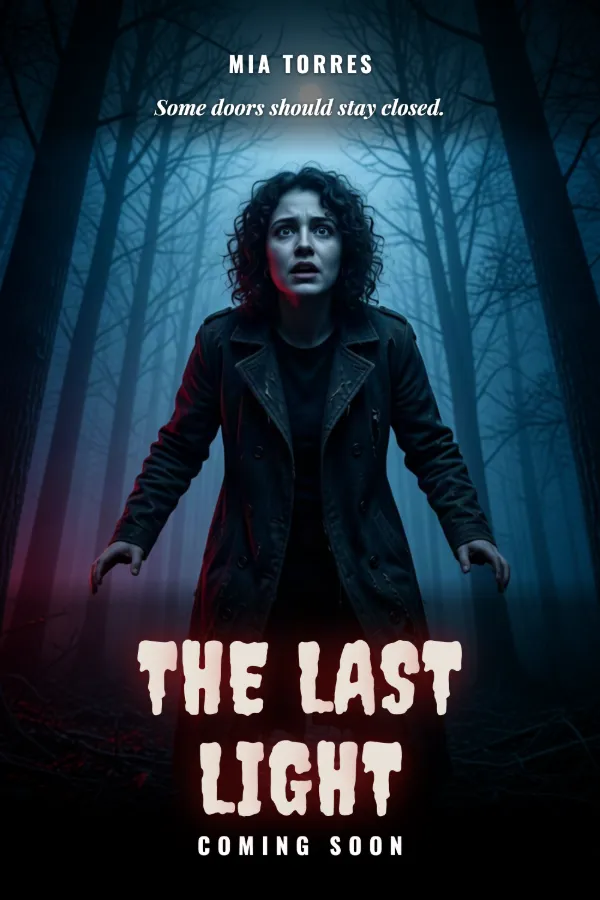
AI Poster Generator
Turn your photo into a movie poster: pick a genre and type your title.
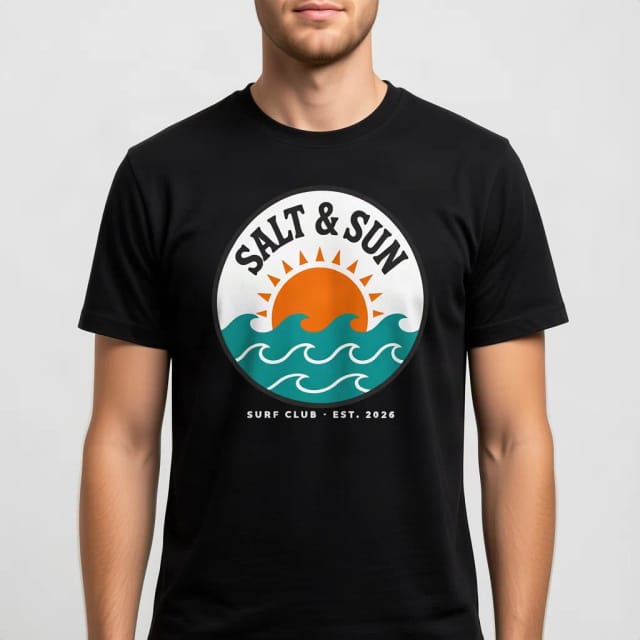
T-Shirt Mockup Generator
CreArt's free T-Shirt Mockup Generator puts your design on 7 garments in 12 colors, front or back, usually in under 20 seconds. No sign-up.
AI Wallpaper Generator
Turn any idea into a custom wallpaper for your phone or desktop. Describe a theme, pick a style, set the aspect ratio, and download high-resolution art in seconds.
Ready to make something?
Open the tool, try the free Auto model and download the result.