
AI Emoji Generator
CreArt's AI Emoji Generator turns a short description into a custom emoji, free and without sign-up: pick one of 6 styles, from Classic to Pixel and Kawaii, and get it usually in under 20 seconds, as a transparent PNG for chat and streaming.
20 free tries a day with Auto · No sign-up

How to generate AI emojis
Create a custom emoji in 4 steps
No downloads, no design software — just describe the emoji you want.
Describe your emoji
Type a short prompt for the emoji you want — "a happy taco", "a crying laughing robot", "an angel emoji with a halo". The more specific the description, the closer the result.
Pick an emoji style
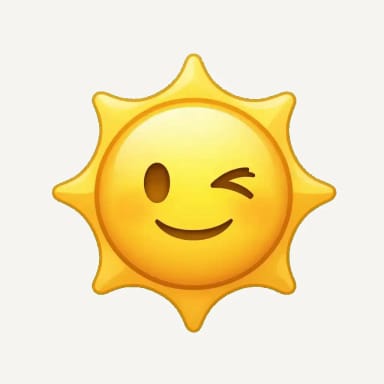
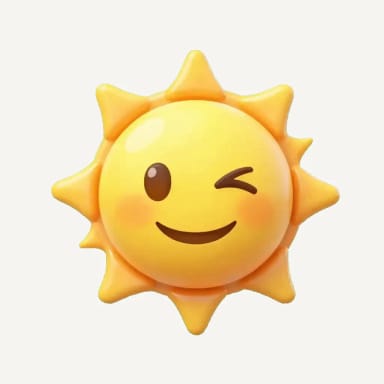
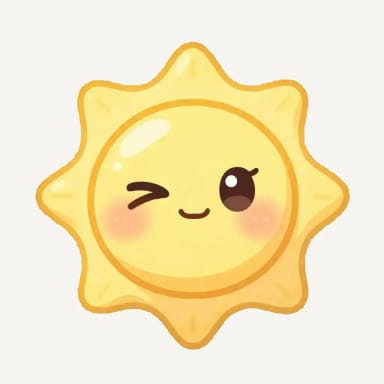
Choose between Classic, 3D, Pixel, Hand-drawn, Kawaii and Emote. The same idea comes out glossy, pixelated, sketched, cute or bold depending on the style.
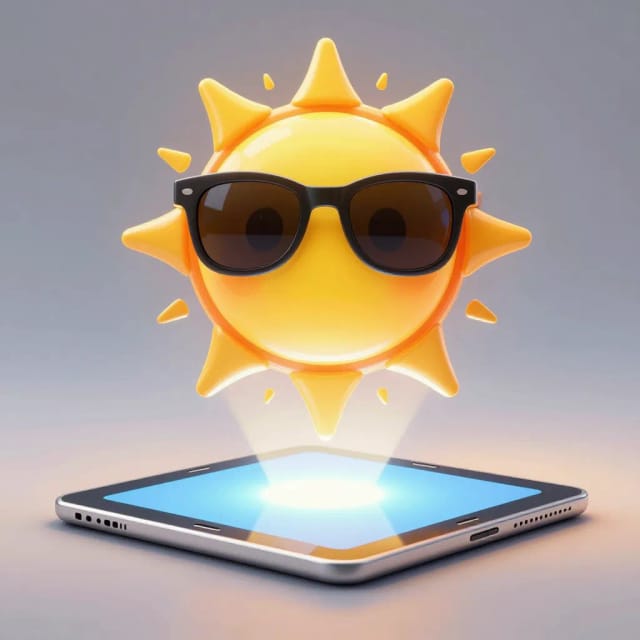
Generate
The AI reads your prompt and draws the emoji in the chosen style. If it's not quite right, tweak the wording and generate again.
Download and use it
Download it as a PNG with a transparent background and drop it into chats, streams, or a channel badge.
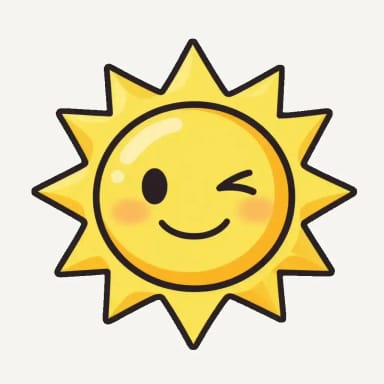
One face, six emoji styles
The same winking sun in each style. Pixel is real pixel art, made square by square in your browser.


How it works
From a text idea to a finished custom emoji
From a plain text description to a downloadable emoji, here's how CreArt builds your custom emojis.
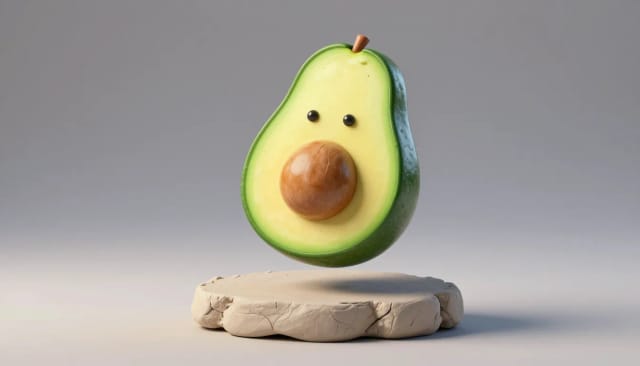
The AI Emoji Generator is an online tool that turns a text description into a custom emoji. You type what you want — "a laughing avocado", "a sleepy cat with headphones", "a rocket with sunglasses" — and the AI draws it in the clean, rounded, high-contrast style of a real emoji.
Unlike the fixed emoji set on your phone, you're not stuck picking from a keyboard. If the emoji you have in your head doesn't exist yet, you describe it and get it. That's the whole point: custom emojis for the exact reaction or joke you want, instead of settling for the closest match.
What makes an emoji read at small sizes?
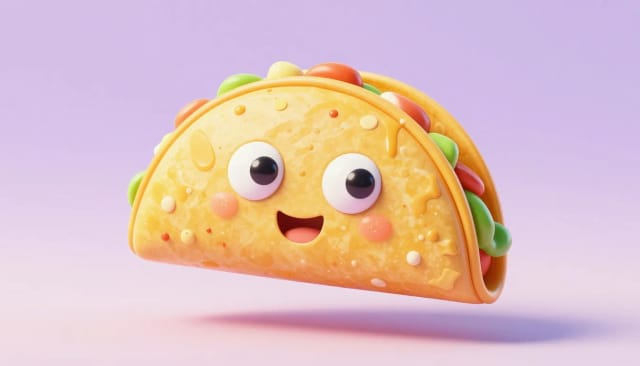
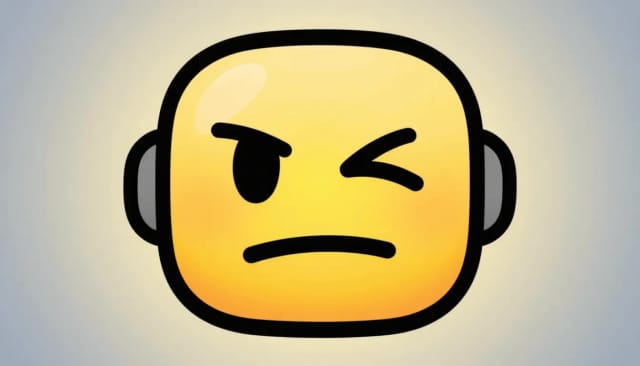
Under the hood it works like a focused version of a general text-to-image AI generator, but tuned specifically for the emoji look: bold outlines, flat or lightly shaded color, a centered subject, and a result that reads clearly at small sizes. You also pick one of six styles — Classic, 3D, Pixel, Hand-drawn, Kawaii or Emote — so the same idea can come out as a glossy 3D emoji or a retro pixel sprite.
You write a short prompt, the model interprets it, and, usually in under 20 seconds, you get an emoji you can download. It comes as a PNG with a transparent background, so it sits cleanly on any chat, sticker or profile badge, light or dark.
Emojis for Discord, Slack and Twitch
Discord and Slack show custom emojis small, so they work best uploaded as a 128 × 128 image. Twitch emotes start at 112 × 112, and Twitch makes the smaller sizes for you. Your emoji comes out at 1024 × 1024, so scale it down before you upload it.
It downloads as a PNG with a transparent background, ready to upload. Need a symbol for an app or a website rather than a reaction? That is the AI icon generator. For Twitch emotes in 112, 56 and 28 pixels, use the emote maker for Twitch.
Who it's for
Who the AI Emoji Generator is for
Anyone who needs a specific emoji and doesn't want to open a design app.
Streamers and community mods
Build custom emotes and channel badges that match your channel and its inside jokes, ready to drop into chat and Discord.
Social media creators
Make unique reaction emojis and stickers for posts and stories, so your content stands out instead of using the same set everyone else has.
Communities and group chats
Make emojis for your server, team chat or group, from inside jokes to custom reactions that only your people get.
Chat and group admins
Give a group its own emoji vocabulary — an in-joke, a team mascot, a reaction that only your people get.
Designers on a deadline
Skip the vector editor for quick custom emojis and iterate on wording instead of curves when you need something fast.
Pricing
Simple pricing for your custom emojis
Start generating emojis for free and upgrade when you need more volume and generations.
Free
$0
- 100 credits every day
- The Auto model, on our own servers
- No card needed
Paid plans
Basic · Starter · Creator
- 1,600 to 10,000 credits a month
- Every AI model, including premium ones
- AI video, and no ads in the mobile app
Why choose it
Why use CreArt's AI Emoji Generator
An emoji generator built for people who want the exact emoji in their head, not the closest one on a keyboard.
Custom emojis, not a fixed set
Your phone's keyboard has a limited emoji list. Here you describe any idea and get it, so the custom emojis match your joke, reaction, or mascot exactly.
Six distinct styles
Generate the same idea as a Classic emoji, a glossy 3D emoji, real pixel art, a hand-drawn doodle, a cute Kawaii face or a bold Emote for Twitch — one prompt, very different looks.
Usually under 20 seconds
You write a sentence and the AI draws the emoji, usually in under 20 seconds. Iterate on the wording as many times as you need until it clicks.
No design skills needed
Skip the vector editor and the hour of fighting with curves. If you can describe the emoji, the AI can draw it in the right style for you.
Reads well at small sizes
Bold outlines, centered subjects, and clean color keep your emoji legible as a chat sticker, a stream badge, or a tiny profile picture.
Works with your whole kit
It downloads as a transparent PNG, and the same idea can become a printable die-cut sticker with the sticker generator.
FAQ
Frequently asked questions about the AI Emoji Generator
Still have a question? Visit the help center →
How do I generate AI emojis?
Can I make my own custom emoji?
How do you customise emojis?
Is the AI emoji generator free to use?
What is an AI emoji generator?
Can I make custom emojis that don't exist on my phone?
What emoji styles can I choose from?
How do I get a transparent background for my emoji?
How long does it take to make an emoji?
Is this like Genmoji?
CreArt is not affiliated with, endorsed or sponsored by Twitch, Discord, Slack or Mac. Twitch is a trademark of Twitch Interactive, Inc. Discord is a trademark of Discord Inc. Slack is a trademark of Slack Technologies, LLC. Mac is a trademark of Apple Inc.
AI Sticker Generator
Turn a text idea or your own photo into a die-cut sticker, then print a sheet of 12.

AI Icon Generator
CreArt's AI Icon Generator turns a text prompt into app and web icons, free and without sign-up: a full app icon with every iOS and Android size, a transparent UI icon or a matching set, in Flat, 3D, Line, Glassmorphism or Gradient, usually in under 20 seconds.
AI Character Generator
Describe your character and CreArt's free AI character generator draws it in 10 styles, from anime to claymation, with no sign-up. Then put the same character in any new scene.

AI Album Cover Maker
Make an album cover with AI: describe your music, pick one of 16 styles and add your name and title, spelled right. Free, no sign-up.

AI Logo Generator
Free AI logo maker: the AI draws your symbol and your name is set in real fonts, never misspelled.
T-Shirt Mockup Generator
CreArt's free T-Shirt Mockup Generator puts your design on 7 garments in 12 colors, front or back, usually in under 20 seconds. No sign-up.
Book Cover Generator
Make a book cover with AI: describe it, pick a genre, type your title.
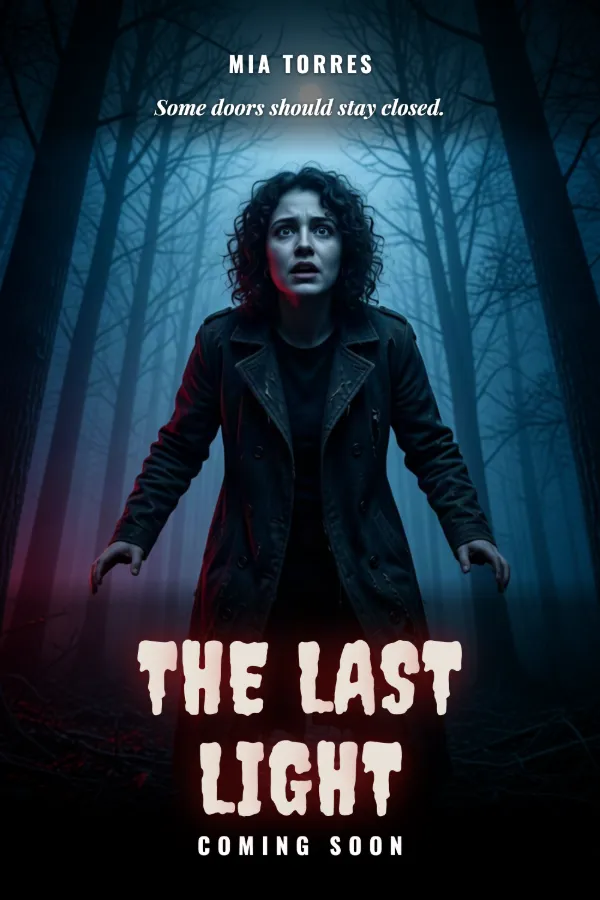
AI Poster Generator
Turn your photo into a movie poster: pick a genre and type your title.
Ready to make something?
Open the tool, try the free Auto model and download the result.