
AI Landscape Design
Turn a photo of your yard into realistic AI landscape design concepts in seconds. Pick a style, see the redesign, and plan before you dig — free to try online.
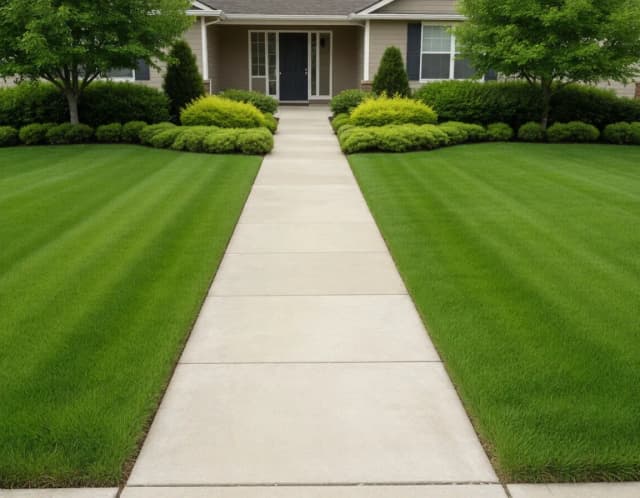

What could that yard become?
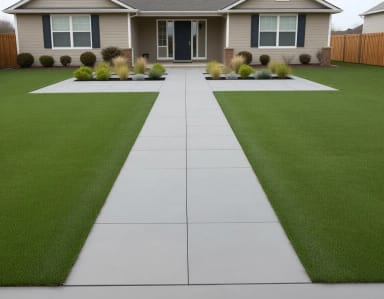
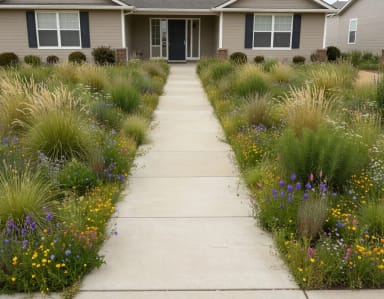
Lush lawn, desert xeriscape, cottage flowers — one terrain, five landscapings. Pick a direction.
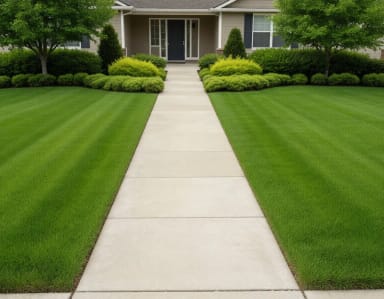
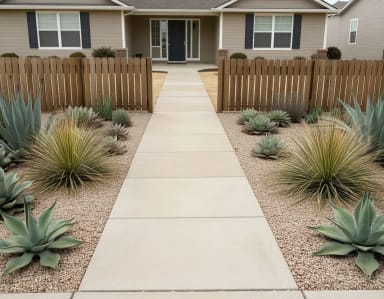
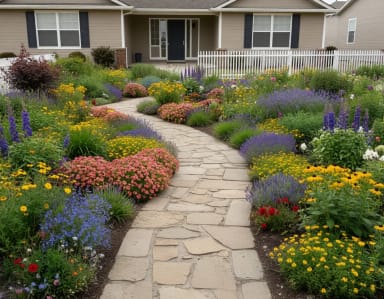
Get started
How to use AI for landscape design
From phone photo to finished concept, the whole flow takes under a minute.
Upload a photo of your yard
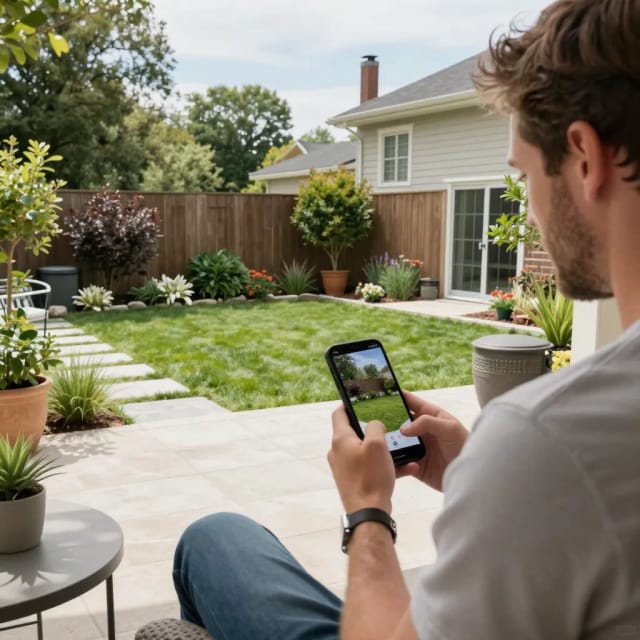
Take a clear picture of your front yard, backyard, or garden and upload it. Daylight and a wide angle that shows the whole space give the AI the most to work with.
Pick a landscape style
Choose from lush lawn, desert xeriscape, cottage flowers, or modern hardscape. Each style tells the AI which plants, materials, and layout to bring into your space.

See your yard redesigned
In seconds the tool generates a photorealistic version of your yard with the new style applied — same layout, fence line, and house, just reimagined.
Download and compare ideas
Save the concept to share with a contractor or partner, then run it again with a different style to compare directions before you commit budget.
How it works
From a photo of your yard to a plan
See your yard's potential before spending a dollar on plants, pavers, or a designer.
AI Landscape Design is an online tool that turns a photo of your real yard into realistic redesigns using AI. You upload a picture of your front yard, backyard, or garden, choose a style, and the tool generates a new version of that same space with fresh planting beds, paths, patios, and greenery — in seconds.
Because it works from your actual photo, the result keeps your existing layout: the shape of the lawn, the fence line, the position of your house. You're not looking at a stock photo of someone else's garden, you're looking at yours, reimagined. If you want to start a concept from a written idea instead of a photo, our text-to-image generator can build a landscape scene from scratch.
Five yard styles from one phone photo
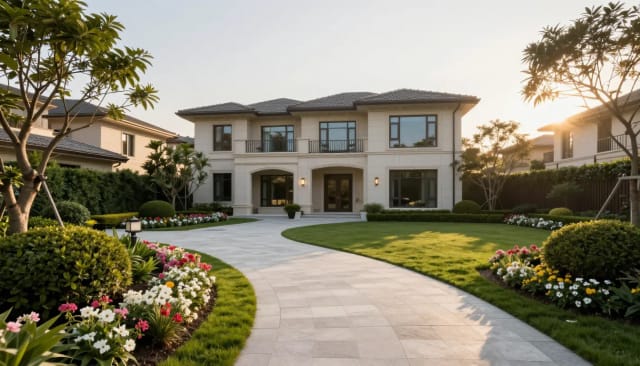
The process is built to be fast. Snap a photo on your phone, upload it, and pick from four styles: lush lawn, desert xeriscape, cottage flowers, or modern hardscape. The AI reads the geometry of your yard and applies the new design over it, so patios land where patios make sense and beds follow your existing borders.
Each generation gives you a full concept image you can download and share with a contractor, a partner, or your own planning notes. Want to try several directions? Run it again with a different style and compare — there's no limit on ideas, only on which one you actually build. If a phone photo comes out dim or grainy, run it through our photo enhancer first so the AI has cleaner input to work from.
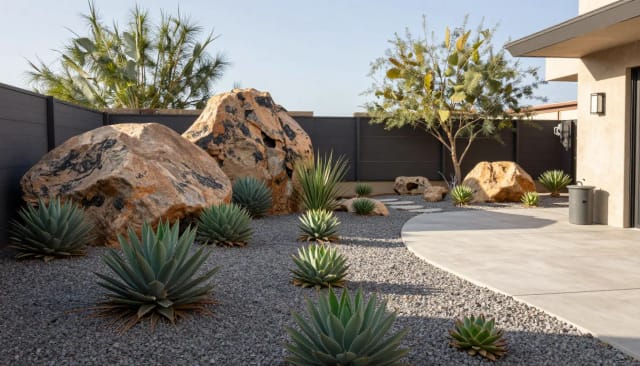
Test bold yard ideas risk-free
Hiring a landscape designer for concept sketches can cost hundreds and take weeks. AI Landscape Design gives you a photorealistic preview in the time it takes to make coffee, which makes it easy to test bold ideas risk-free before committing budget.
It also fits into a bigger home project. Once you've settled the outside, you can sharpen your favorite render with the image upscaler for a crisp copy to print or send. And if you're pulling together a mood board of the yard, house, and materials, the background remover makes it quick to cut plants and features into a clean layout.

Who it's for
Who designs with this
Homeowners planning a yard makeover
Preview a backyard or front yard redesign before spending on plants, pavers, or a designer, and use the render to decide what's actually worth building.
People chasing curb appeal
See how a fresh front-yard style would look from the street, then bring the concept to a contractor to price out the work.
DIY gardeners and weekend renovators
Test bold planting and hardscape ideas risk-free, compare a few styles, and plan your project without any design software.
Landscapers and contractors
Show clients a fast, photorealistic direction from a site photo early in the conversation, before investing time in detailed drawings.
Renters and buyers imagining potential
Picture what a tired outdoor space could become, whether you're deciding on a home or pitching a change to a landlord.
Pricing
Pricing
Start for free and upgrade when you want more generations and higher-resolution downloads for bigger projects.
Free
$0
- 100 credits every day
- The Auto model, on our own servers
- No card needed
Paid plans
Basic · Starter · Creator
- 1,600 to 10,000 credits a month
- Every AI model, including premium ones
- AI video, and no ads in the mobile app
Why CreArt
Why choose it
Everything you need to plan an outdoor makeover before you break ground.
Works from your real yard
The redesign is generated over your actual photo, so the result keeps your lawn shape, fence, and house position instead of showing a generic stock garden.
Five distinct styles
Switch between lush lawn, desert xeriscape, cottage flowers, and modern hardscape to see wildly different directions for the same space.
Results in seconds
No CAD software, no weeks of waiting. Upload, pick a style, and get a photorealistic concept in the time it takes to make coffee.
Free ai landscape design to try
Test as many ideas as you want online — front yard, backyard, patio, or garden — before spending on plants, pavers, or a designer.
Easy to compare and share
Every generation downloads as a full concept image you can send to a contractor, a partner, or drop into your own planning notes.
No design skills required
You don't need to be a landscaper. Anyone with a phone photo can generate a clean, realistic plan for their outdoor space.
How do you use AI for landscape design?
Which AI is best for landscape design?
Is this AI landscape design tool free?
Does it work for both front yards and backyards?
What landscape styles can I choose from?
Will the redesign match my actual yard?
Can I use the AI landscape design as a real construction plan?
How long does it take to generate a design?
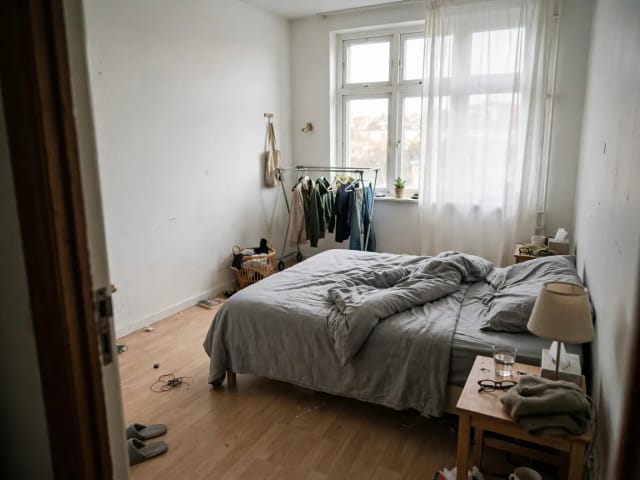
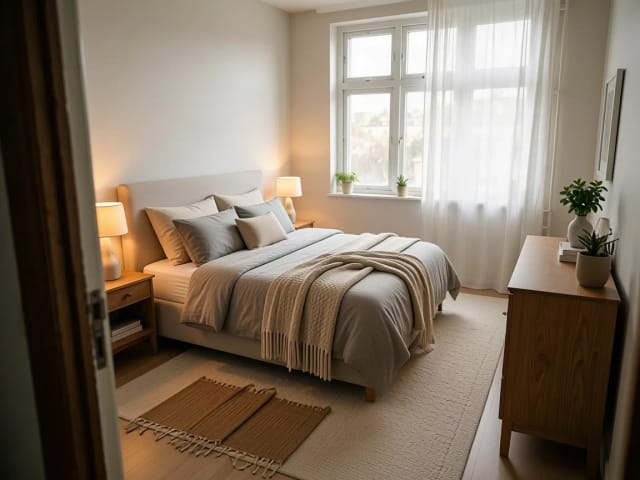
AI Bedroom Design
CreArt's free AI Bedroom Design turns a photo of your bedroom into ideas for 6 bedroom types and 16 styles, from cozy to hotel suite, usually in under 20 seconds. No sign-up.
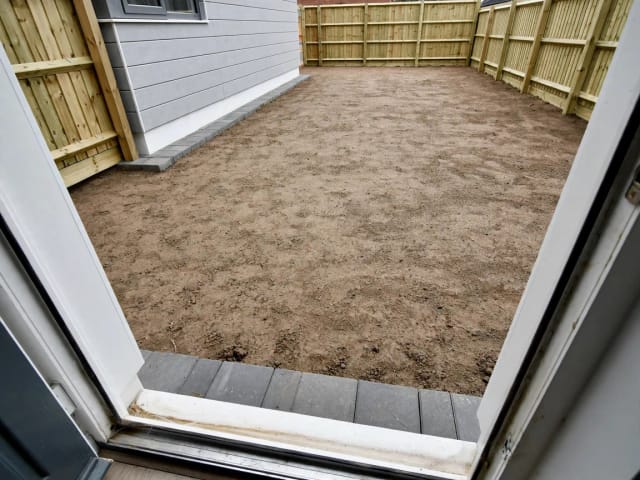
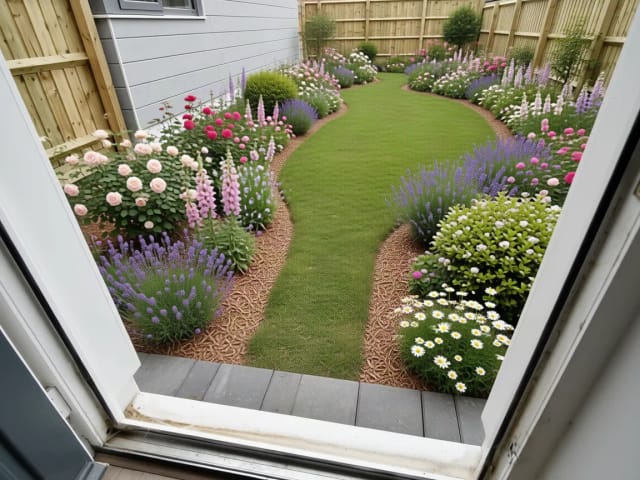
AI Garden Design
CreArt's free AI Garden Design replants a photo of your garden in 10 styles, for full sun, part shade or shade, usually in under 20 seconds. No sign-up.
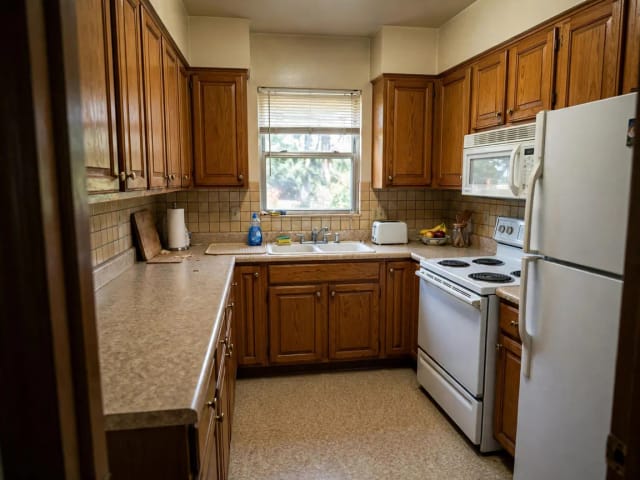
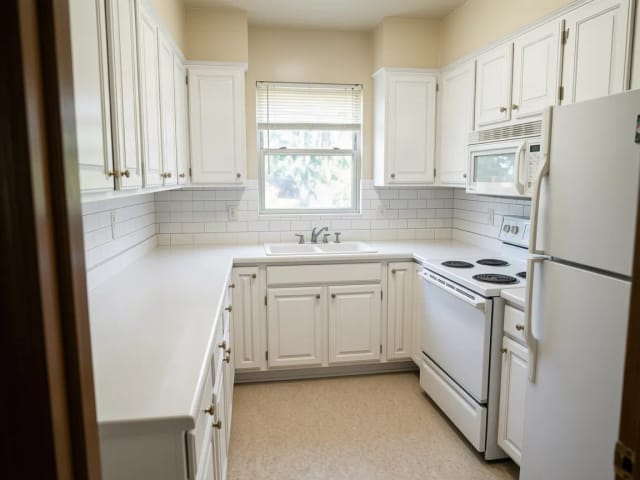
AI Kitchen Design
CreArt's free AI kitchen design remodels a photo of your kitchen in 8 styles, with any cabinet color, countertop and backsplash, usually in under 20 seconds. No sign-up.
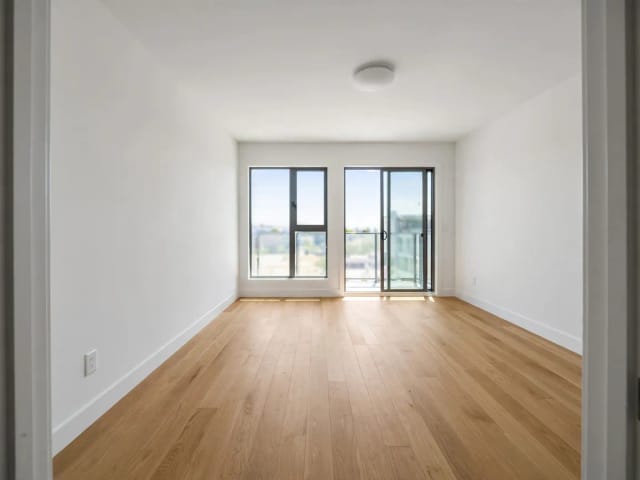
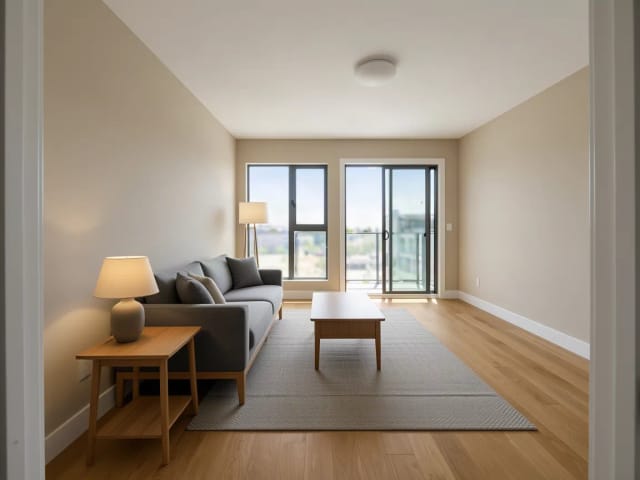
AI Room Designer
CreArt's free AI Room Designer redesigns a photo of any room in 14 interior styles and 8 room types, keeping your walls and windows, usually in under 20 seconds. No sign-up.
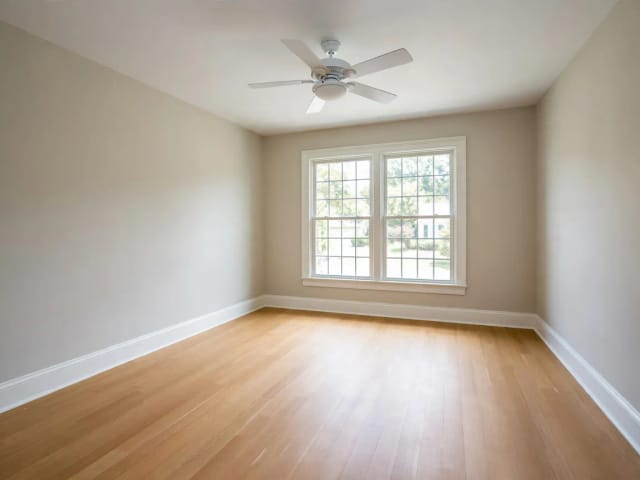
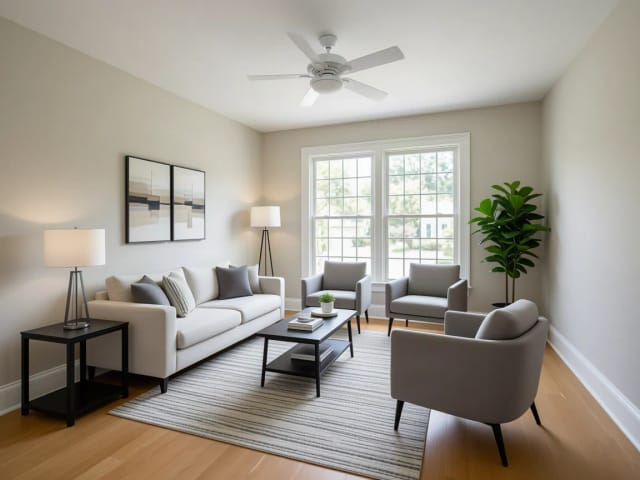
Virtual Staging AI
CreArt's free AI virtual staging furnishes a vacant listing photo in 10 buyer-friendly styles, or empties a furnished one, usually in under 20 seconds. No sign-up.
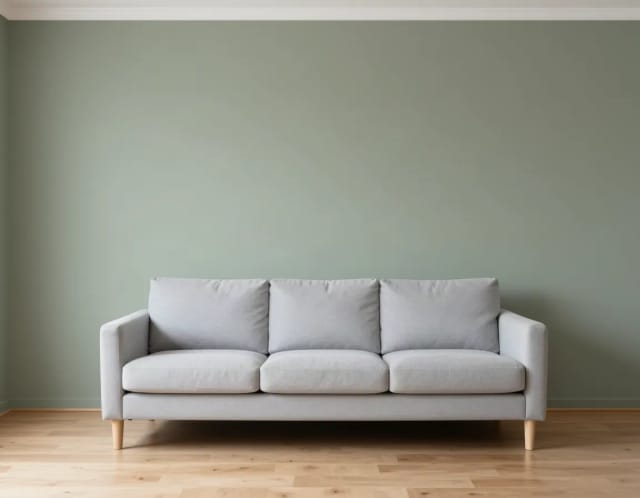
Paint Visualizer
CreArt's free Paint Visualizer repaints a room's walls or the outside of your house in 12 colors or any color you name, usually in under 20 seconds.
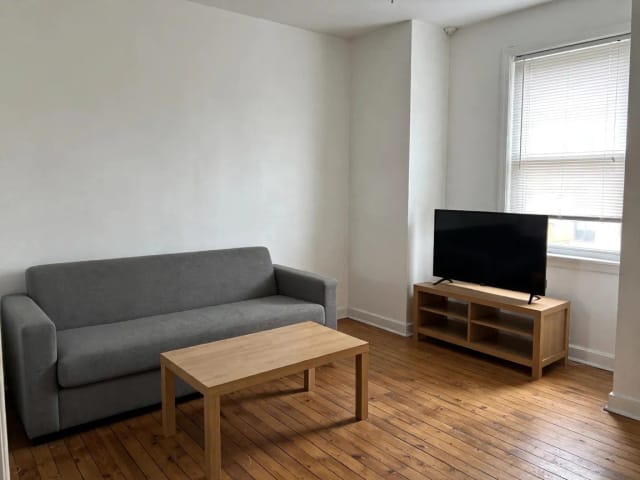
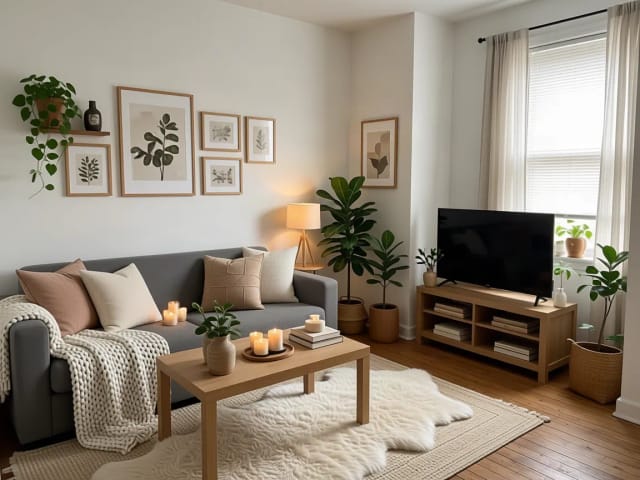
AI Home Decor
CreArt's free AI Home Decor adds plants, wall art, textiles and lighting to a photo of your room in 10 styles, without moving your furniture.
Ready to make something?
Open the tool, try the free Auto model and download the result.