
Paint Visualizer
CreArt's free Paint Visualizer repaints a room's walls or the outside of your house in 12 colors or any color you name, usually in under 20 seconds.
Your photo
Paint color
10 free tries a day with Auto · No sign-up


How to use the paint visualizer
How to try a paint color on your photo in 4 steps
Inside a room or on the outside of your house, from a photo you already have.
Choose interior or exterior
Pick "Interior walls" for a room or "House exterior" for the outside of your home.
Upload a photo
A room photo in daylight with the walls in view, or your house from the street, straight on. No photo at hand? Try a sample.
Pick a color
Choose one of 12 colors, from warm white and greige to navy, sage and terracotta, or tap "Custom" and type any color name or hex code.
Compare and download
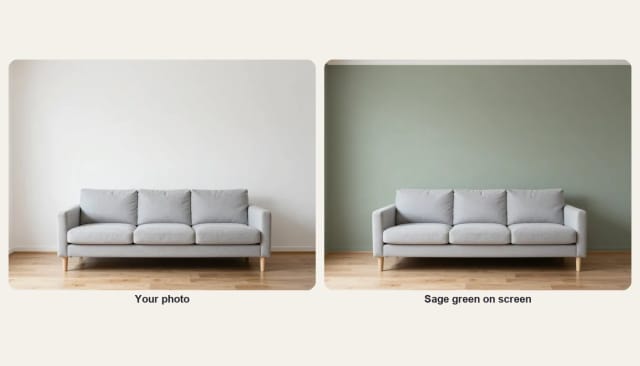
Slide between your photo and the new color, try another one on the same photo, then download the one you like.
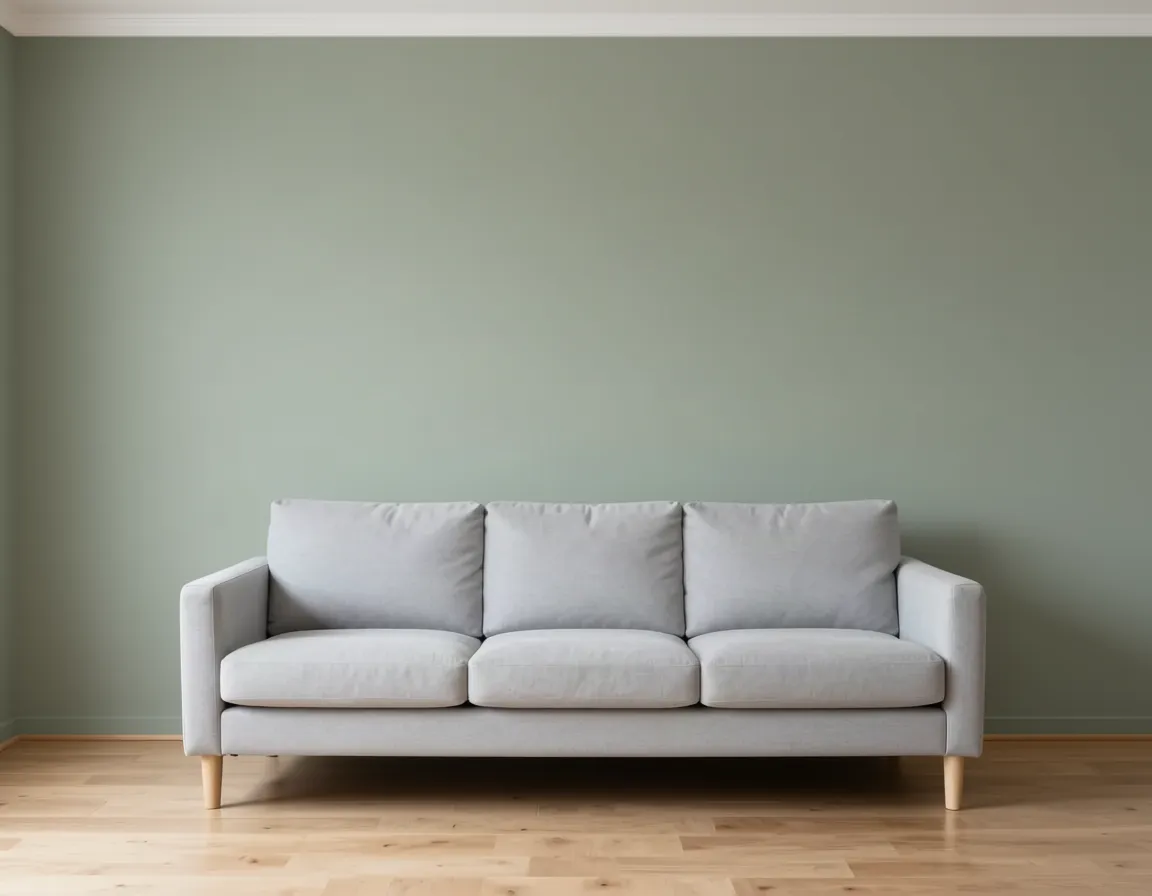 BeforeAfter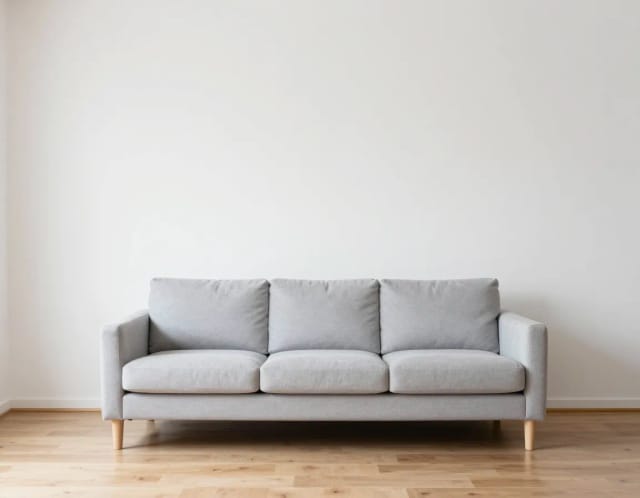
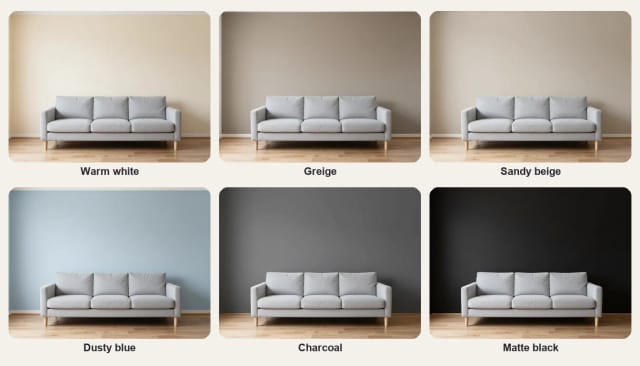
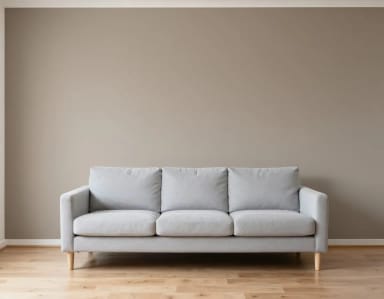
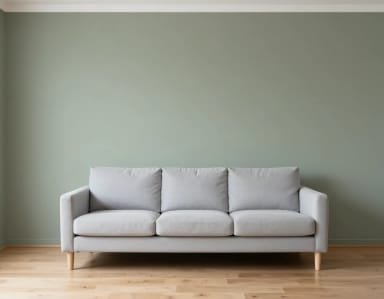
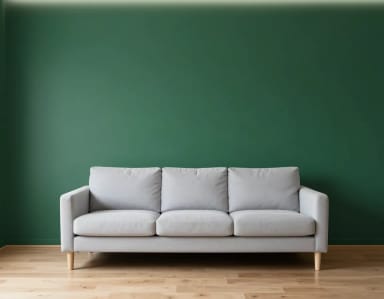
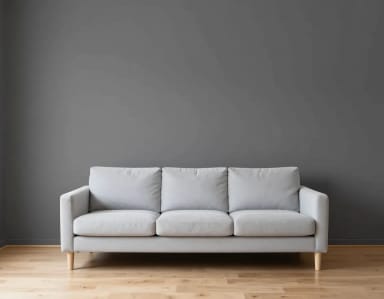
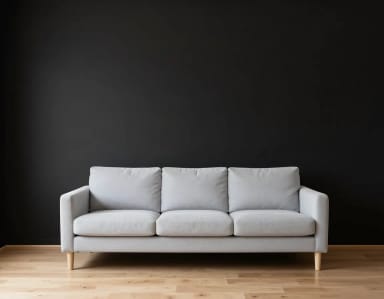
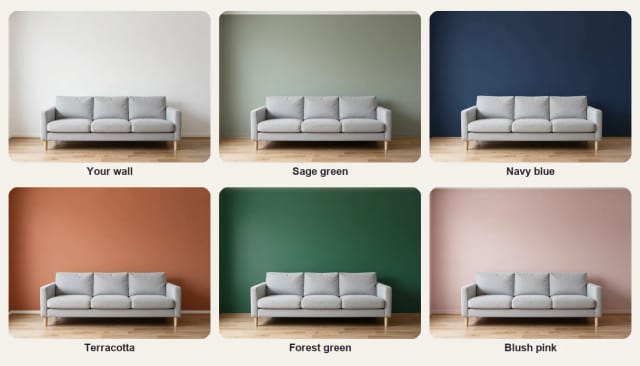
12 paint colors on the same wall
One wall behind a grey sofa, painted in each color. Tap a color to try it on your own room or house.







Exterior
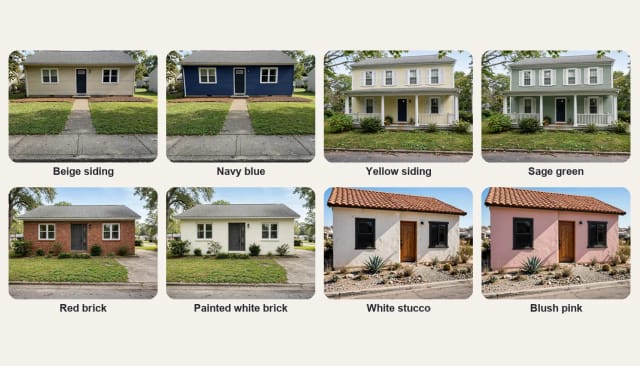
Exterior house paint visualizer: try colors on your home
Pick "House exterior", upload a photo of your house taken from the street, and choose a color. The AI paints only the walls, whether they are siding, stucco or brick, and keeps the roof, windows, trim, door and garden as they are, so you see the new color in its real setting.
Navy and charcoal look crisp with white trim; sage, greige and warm white are calm and easy to live with; a pastel suits a stucco house in a sunny place. Try three or four on your own photo and compare them with the slider before you buy sample pots.
Interior
Try wall colors in any room
Living rooms, bedrooms, kitchens and home offices all work: the AI repaints the walls and keeps the ceiling, trim, doors, floor and furniture where they are. Strong colors such as forest green, navy or terracotta are the ones people most want to see before committing, because they change the whole room.
Want to change more than the paint? Try new furniture in the room designer, or new decor in home decor.
Any color
Any color, by name or hex code
The 12 colors cover the shades people ask for most, from warm white, greige and sandy beige to dusty blue, charcoal and matte black. For anything else, tap "Custom" and type a color name ("warm terracotta", "deep teal") or a hex code from a paint chart.
A brand color name works as a description: the AI matches the look, not the exact formula. Screens and daylight also change how a color reads, so use the result to narrow your shortlist and confirm it with a real sample on the wall.
What AI can and cannot do
What a paint visualizer can and cannot show
It can show a color on your own walls in a few seconds, with the light and shadows of your photo, so you can compare options side by side. It keeps everything that is not a wall: furniture, floor, windows, trim and, outside, the roof and the garden.
It cannot match a paint formula exactly, show the sheen of the finish or tell you how many coats you need. Painted brick may look smoother than in real life. Treat the result as a preview and test a sample before you buy.
Who the paint visualizer is for
Anyone choosing a paint color who wants to see it on the real wall first.
Homeowners picking an exterior color
See your own house in navy, sage or white before you call a painter.
Anyone repainting a room
Compare three or four colors on your walls before buying sample pots.
Home sellers
Check how a fresh, neutral color would freshen up a room or the front of the house.
Painters and contractors
Show a client their house in a few colors during the first visit.
Renters and DIYers
Try a bold accent color on a photo before asking your landlord or picking up a roller.
Why use this paint visualizer
A free paint color visualizer that works on a photo of your own room or house.
Inside or outside
Interior walls or the exterior of your house: siding, stucco or brick.
Twelve colors, any shade
Twelve popular colors, plus any color by name or hex code.
Only the walls change
Furniture, floor, trim and windows stay; outside, the roof and garden too.
Real light, real room
The new color follows the light and shadows of your own photo.
Keeps the shape of your photo
A wide photo of your house stays wide, with the same framing as yours.
Free to try, no sign-up
Try colors with the Auto model for free every day, without an account.
Pricing
Try paint colors for free with the Auto model, no account needed. Pick a plan when you want more.
Free
$0
- 100 credits every day
- The Auto model, on our own servers
- No card needed
Paid plans
Basic · Starter · Creator
- 1,600 to 10,000 credits a month
- Every AI model, including premium ones
- AI video, and no ads in the mobile app
Frequently asked questions about the paint visualizer
Still have a question? Visit the help center →
Can I upload a picture of my house and try exterior paint colors?
Is there a free paint visualizer?
Can I try a specific brand color?
Will it paint my trim, roof or windows?
Does it work on brick and stucco?
How accurate are the colors?
What photo works best?
Does it change my furniture or floor?
Do I need an account?
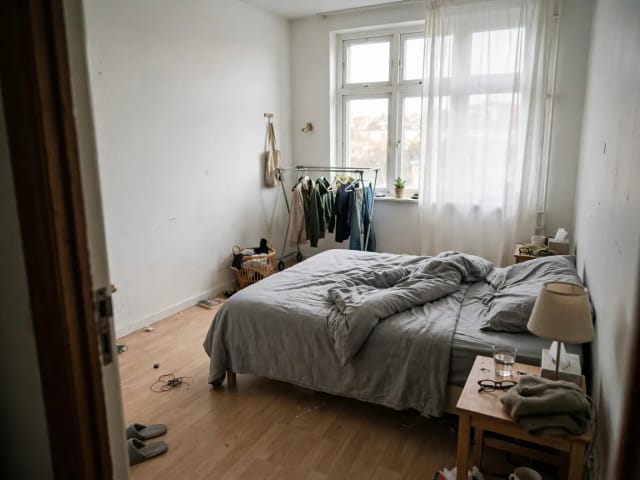
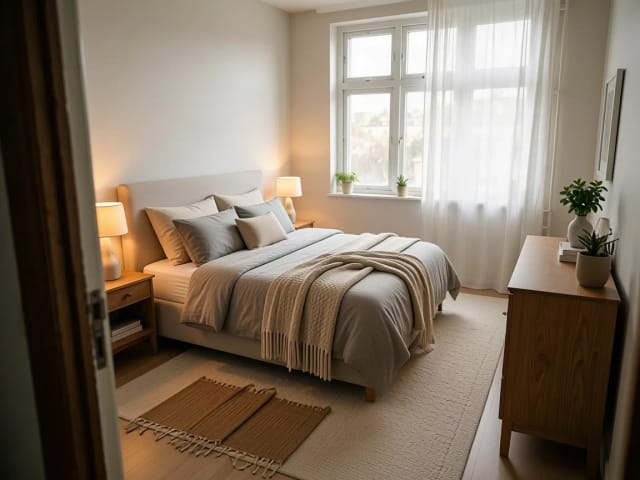
AI Bedroom Design
CreArt's free AI Bedroom Design turns a photo of your bedroom into ideas for 6 bedroom types and 16 styles, from cozy to hotel suite, usually in under 20 seconds. No sign-up.

AI Emoji Generator
CreArt's AI Emoji Generator turns a short description into a custom emoji, free and without sign-up: pick one of 6 styles, from Classic to Pixel and Kawaii, and get it usually in under 20 seconds, as a transparent PNG for chat and streaming.
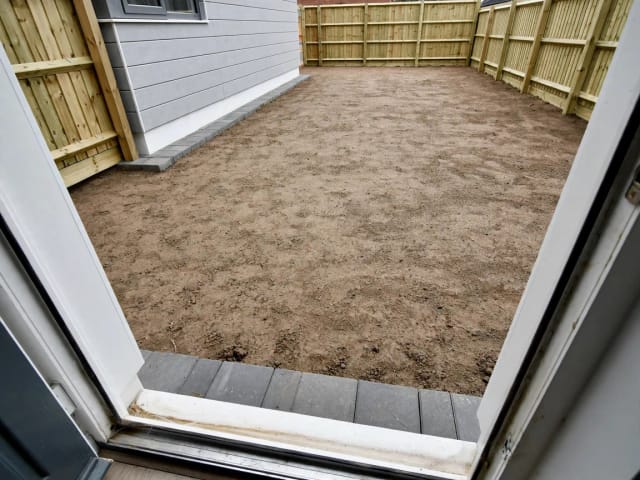
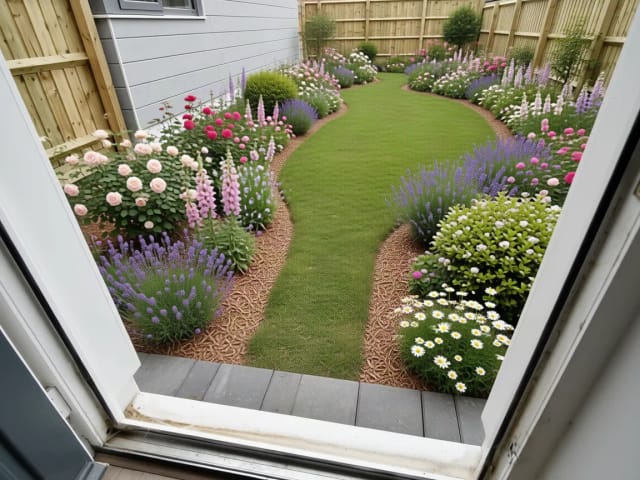
AI Garden Design
CreArt's free AI Garden Design replants a photo of your garden in 10 styles, for full sun, part shade or shade, usually in under 20 seconds. No sign-up.
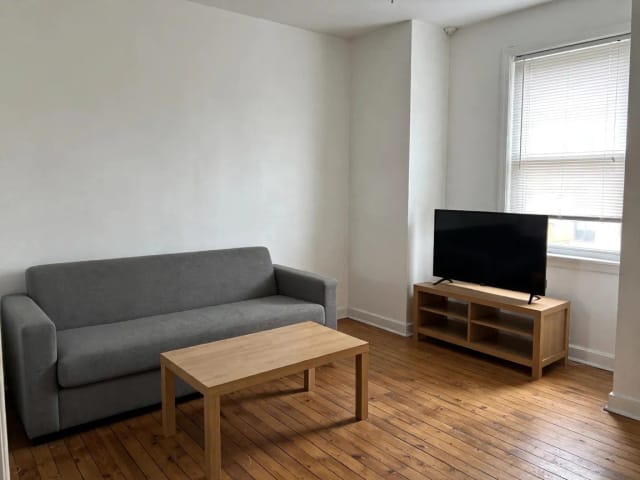
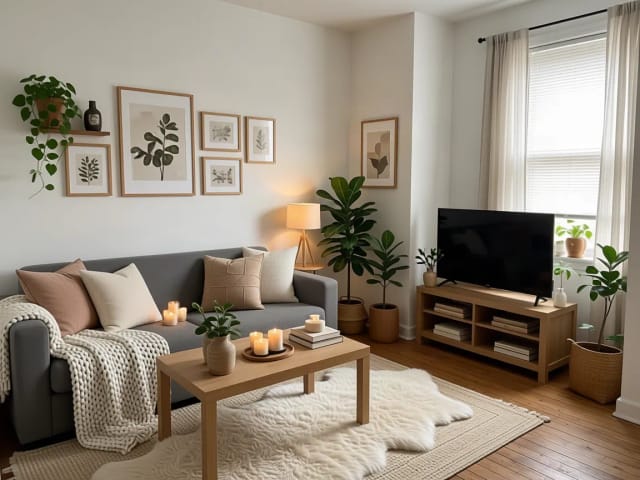
AI Home Decor
CreArt's free AI Home Decor adds plants, wall art, textiles and lighting to a photo of your room in 10 styles, without moving your furniture.
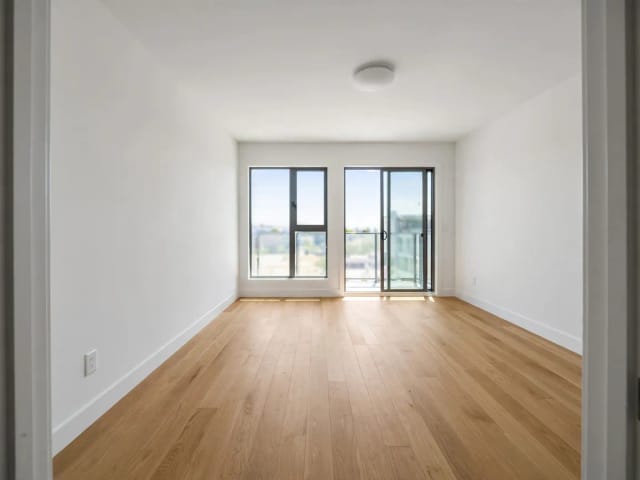
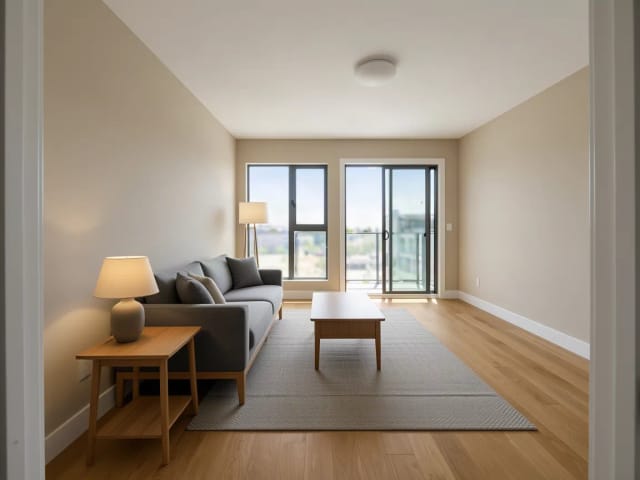
AI Room Designer
CreArt's free AI Room Designer redesigns a photo of any room in 14 interior styles and 8 room types, keeping your walls and windows, usually in under 20 seconds. No sign-up.
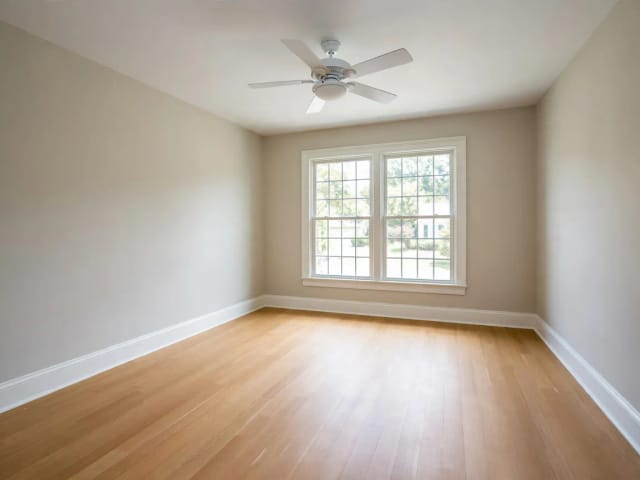
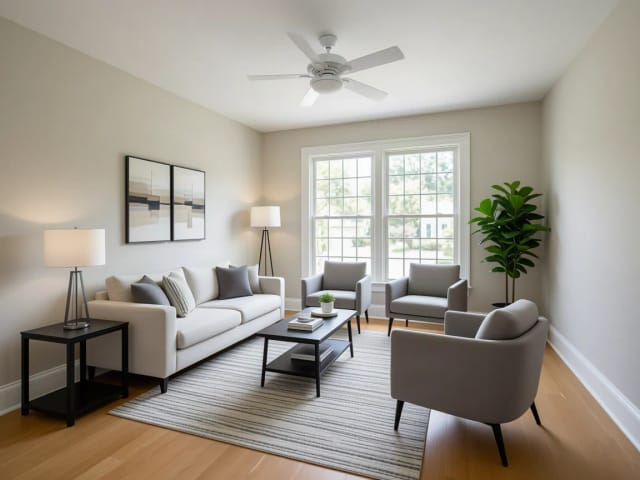
Virtual Staging AI
CreArt's free AI virtual staging furnishes a vacant listing photo in 10 buyer-friendly styles, or empties a furnished one, usually in under 20 seconds. No sign-up.
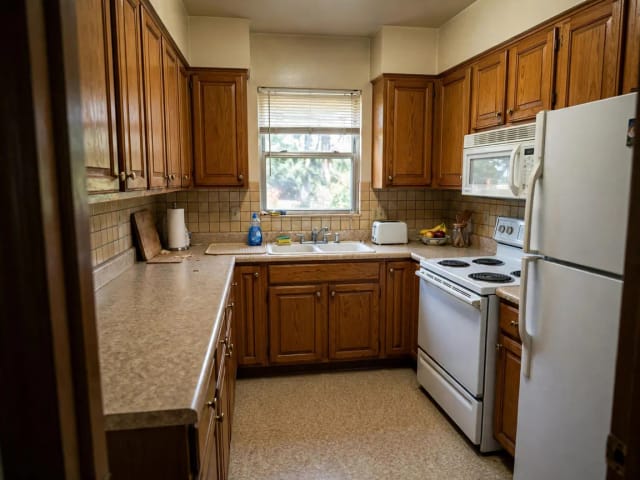
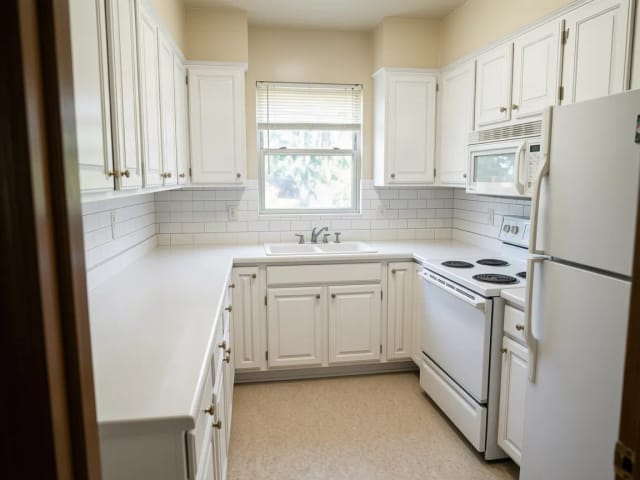
AI Kitchen Design
CreArt's free AI kitchen design remodels a photo of your kitchen in 8 styles, with any cabinet color, countertop and backsplash, usually in under 20 seconds. No sign-up.
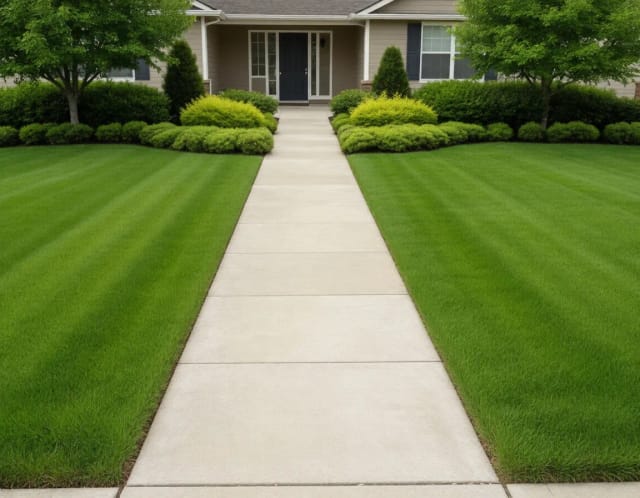
AI Landscape Design
Turn a photo of your yard into realistic AI landscape design concepts in seconds. Pick a style, see the redesign, and plan before you dig — free to try online.
Ready to make something?
Open the tool, try the free Auto model and download the result.