
AI Tattoo Generator
Describe your idea, pick a style and try the tattoo on your skin before you ink. Add a name, get a stencil. Free, no sign-up.
Describe your tattoo
Tattoo style · Fine Line
Placement, detail and text
20 free tries a day with Auto · No sign-up · Try it on before you ink
Describe your tattoo
Tattoo style · Fine Line
Placement, detail and text
How to use it
How to design a tattoo with AI and try it on, in 4 steps
From a few words to a design on your skin, usually in under 20 seconds, ready to show your artist.
Describe your idea
Write the subject and any details in plain words: "a wolf howling at the moon", "a koi among waves", "a rose with a snake". No idea yet? Start from the sample design and tweak it.
Pick a style
Choose from 16 popular styles — fine line, minimalist, blackwork, Japanese, old school, neo traditional and more — or open 18 more. The 16 main styles show the same rose, so you can compare them at a glance.
Placement, detail and lettering
Tell it where the tattoo goes: the shape adapts, tall for a forearm or calf, wide for the chest. Choose simple, balanced or detailed, and add a name or a date in one of 8 lettering fonts, with Roman numerals if you like.
Try it on and download
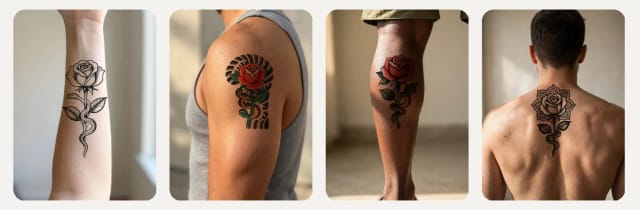
See the design on a sample forearm, shoulder, calf or back, or on your own photo. Drag, resize and rotate it, then download the try-on, the design or a stencil for your artist.
Try it on
See your tattoo on your skin before you ink
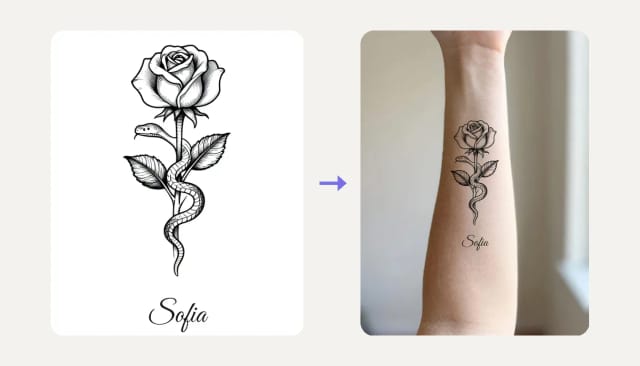
Every design opens on a real photo of skin, not only on a white sheet. Pick a forearm, a shoulder, a calf or a back to try it on, or upload a photo of the spot you have in mind. Drag the tattoo into place, make it bigger or smaller and rotate it: the ink follows the light and shape of the skin, so you can judge size and placement before the needle ever touches you.
Download the try-on to show friends or your artist. It is the same idea as trying new clothes on your own photo before you buy them.
One idea, 16 tattoo styles
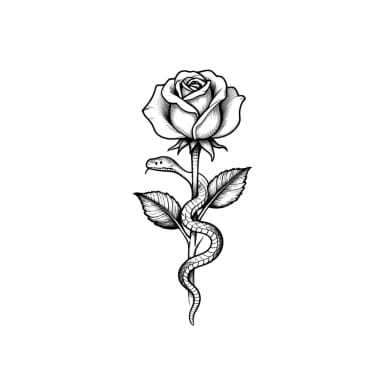
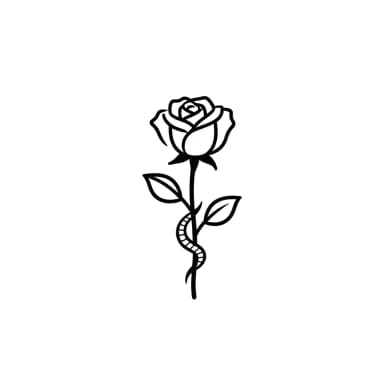
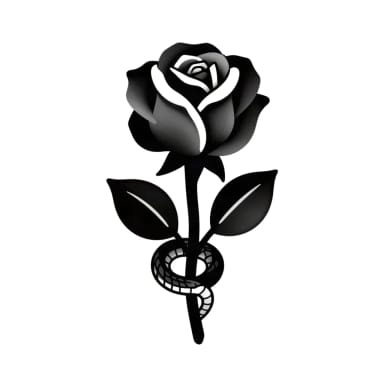
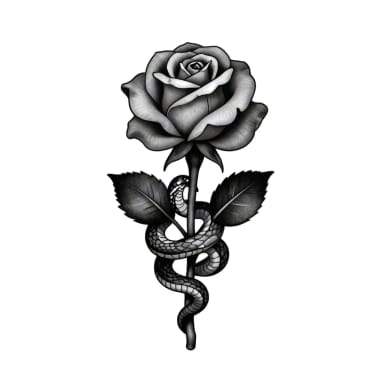
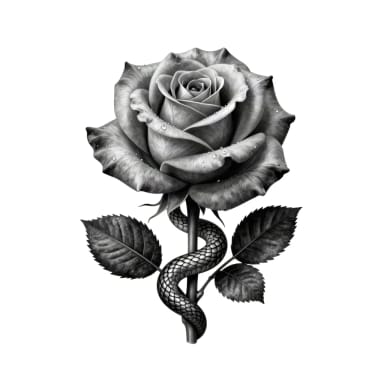
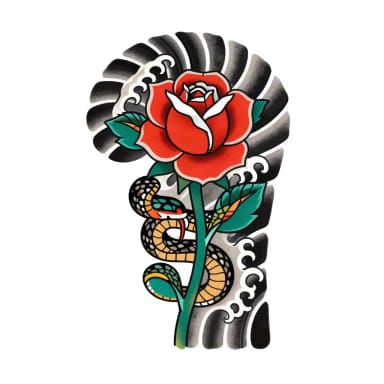
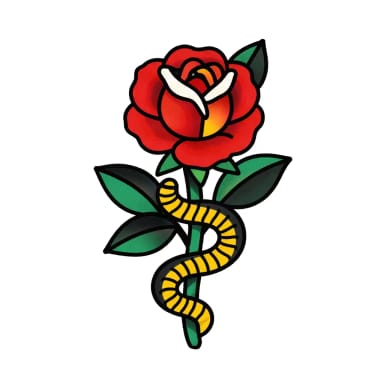
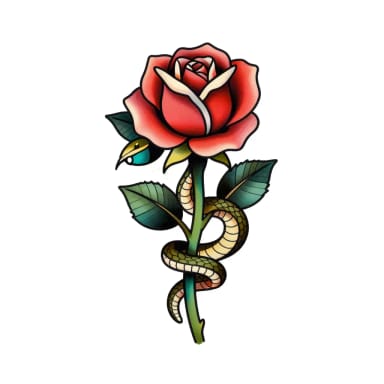
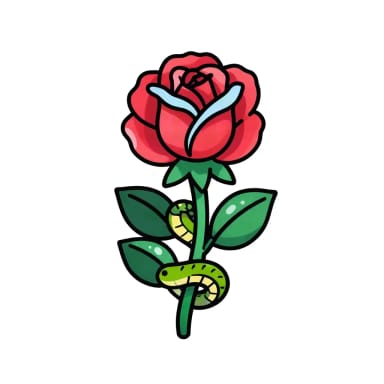
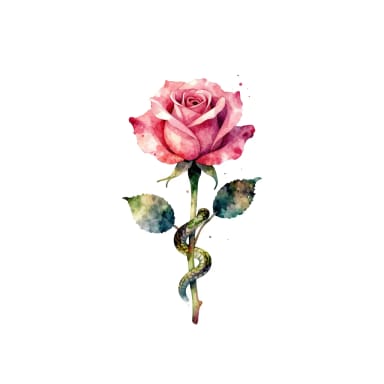
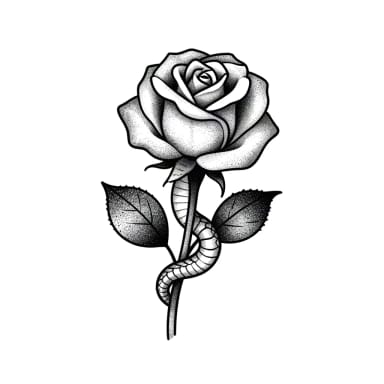
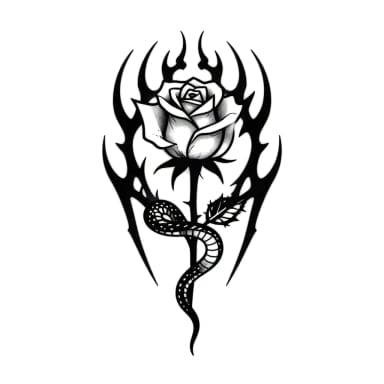
The same rose and snake in every style, so you can compare linework, shading and color side by side. Tap a style to use it.
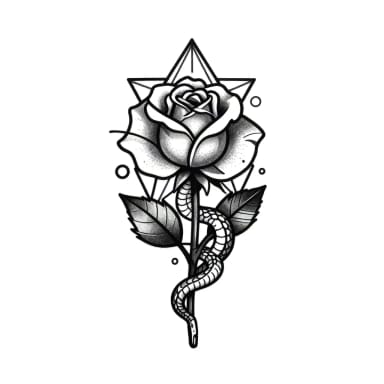
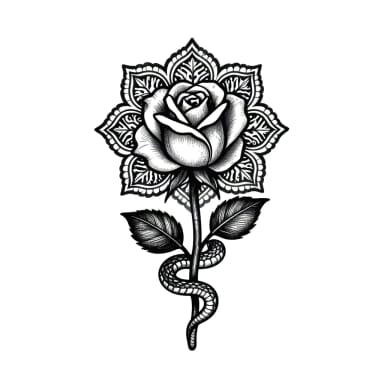
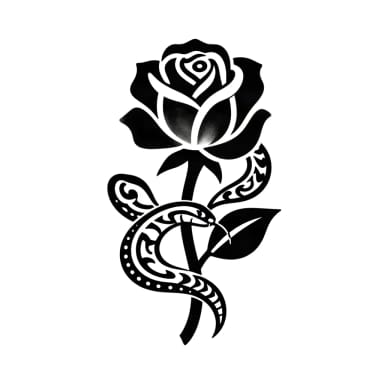
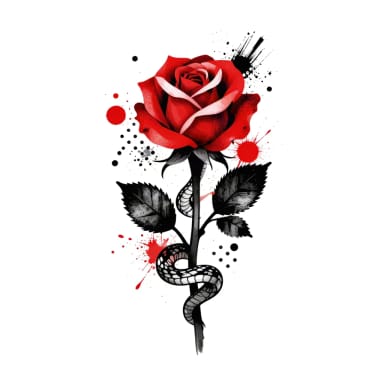
Placement
Where each tattoo style works best
Fine line and minimalist tattoos suit small, visible spots like the wrist, the inner forearm or the ankle. Japanese, neo traditional and old school designs need room for color and background, so they shine on the shoulder, the upper arm or the back. Blackwork and tribal read from a distance on the calf, the forearm or the chest, and ornamental mandalas fit the upper back or the sternum.
Choosing a placement also changes the shape of the design: tall and narrow for a forearm or a calf, wide and symmetrical for the chest, small and simple for a wrist or an ankle.
For your artist
Turn your design into a tattoo stencil
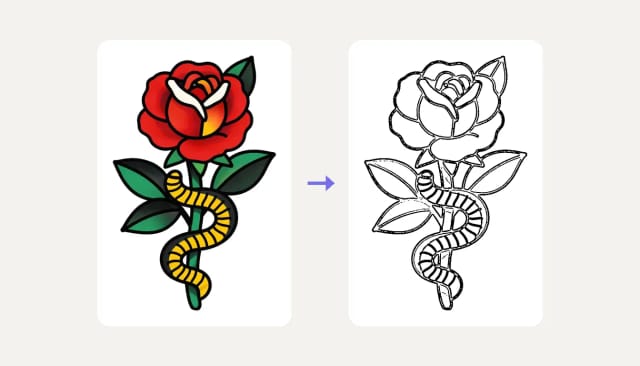
Switch to the stencil view to get your design as clean black lines on white, the way tattoo artists trace it onto the skin. Download it and print it, or bring it to your consultation as a starting point.
Stencils work best with line-based styles like fine line, blackwork, traditional or Japanese; watercolor has no outlines to trace. To print it large, sharpen it first with the Image Upscaler.
Who it's for
Who the AI Tattoo Generator is for
People planning their first tattoo
Try ideas, styles and sizes on a photo of your own arm before you book, and walk in with a clear reference instead of a vague idea.
Anyone adding a name or a date
Add a name, a date or a short word in script, Old English, typewriter or Roman numerals, spelled exactly as you type it.
Tattoo artists and studios
Sketch quick concepts with a client, show them on the skin during the consultation and export a stencil as a starting point.
Designers and flash artists
Explore the same idea across 34 styles, then refine the linework by hand in your own tools.
Why use it
Why use this free AI tattoo generator
More than a picture: a design you can try on, sign with a name and hand to your artist.
Try it on your skin
See the design on a sample forearm, shoulder, calf or back, or on your own photo, and move it into place before you commit.
34 tattoo styles, 22 free
Fine line, minimalist, blackwork, black and grey, Japanese, old school, neo traditional, new school, cyber sigilism and more, free with Auto.
Names and dates, spelled right
Add text in 8 lettering fonts, or turn a date into Roman numerals. It is written by your browser, not guessed by the AI, so every letter is exact.
A stencil for your artist
One click turns the design into clean black line art, ready to print and trace.
Shaped for your placement
Tall for a forearm or calf, wide for the chest, small for a wrist: the design follows the spot you choose.
Free with Auto, no sign-up
Design and try on tattoos for free with the Auto model, without an account. Upgrade only when you want more.
Pricing
Start designing tattoos for free
Design and try on tattoos for free with the Auto model, no account needed. Pick a plan when you want more generations or the premium styles.
Free
$0
- 100 credits every day
- The Auto model, on our own servers
- No card needed
Paid plans
Starter · Creator · Pro
- 4,000 to 25,000 credits a month
- Every AI model, including premium ones
- AI video, and no ads in the mobile app
Steal these tattoo prompts
Four designs we generated, prompt included. Copy one, or open it in the generator and make it about your story.
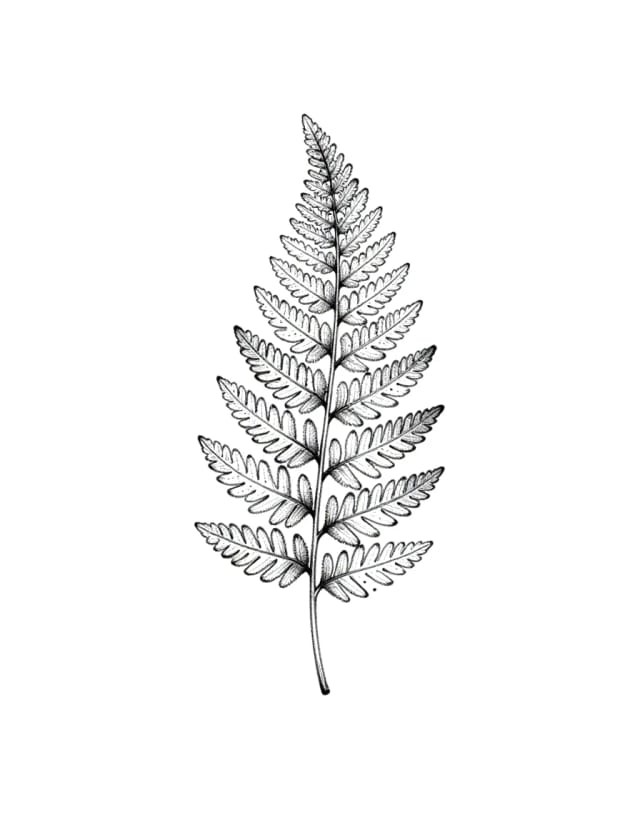
Fine-line fern
fine-line tattoo design of a delicate fern frond with tiny dotwork accents, thin black lines, white background
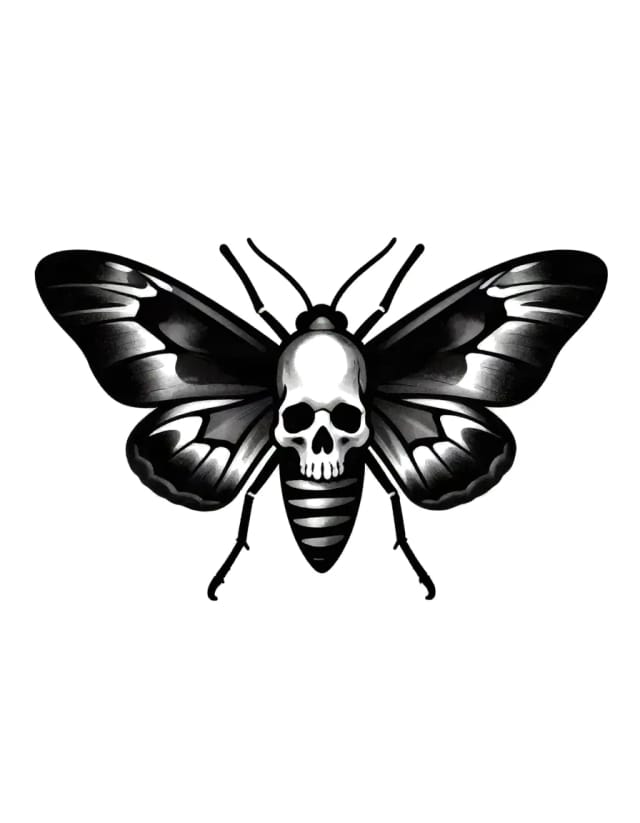
Blackwork moth
blackwork tattoo design of a death's-head moth with spread wings and a skull on its back, bold solid blacks and clean negative space, white background
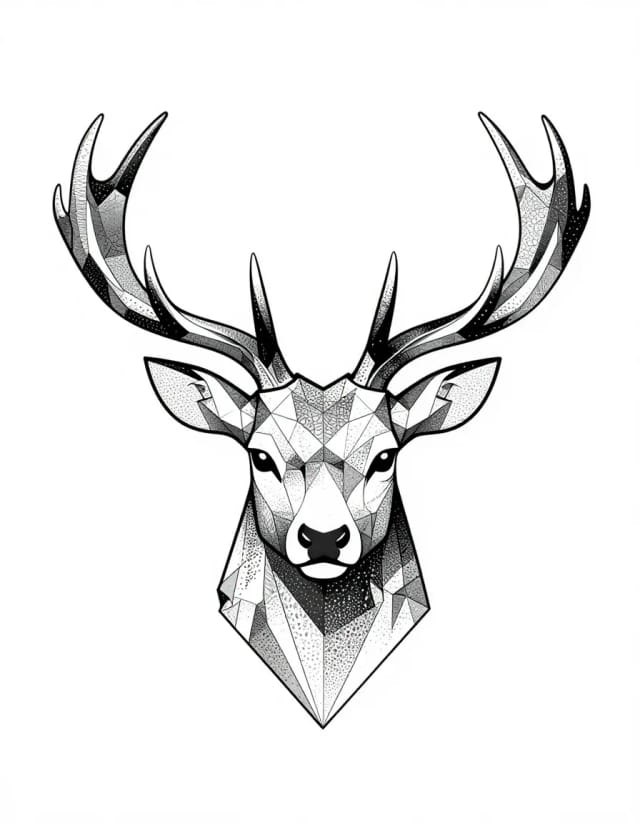
Geometric stag
geometric tattoo design of a stag head with antlers built from polygonal lines and dotwork gradient, symmetric, white background
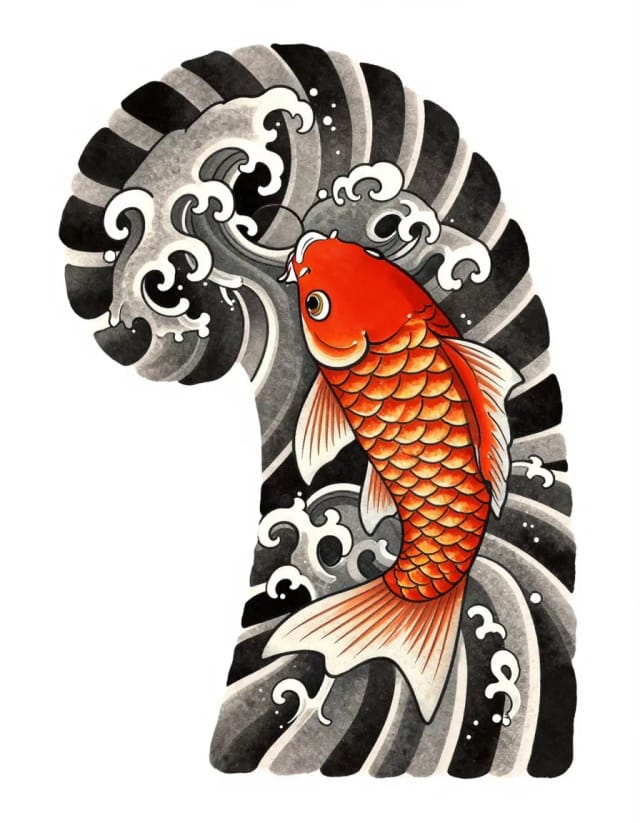
Irezumi koi
Japanese irezumi tattoo design of a koi fish among stylized waves, bold outlines, traditional shading, white background
Need ideas?
Not sure what to get yet? Browse couple tattoo ideas for matching and complementary designs, small tattoo ideas for the wrist, the ankle or behind the ear, or start from all our tattoo ideas. Every idea opens here with its style already chosen.
Is this AI tattoo generator free?
Can I see how the tattoo looks on my skin?
Can I add a name or a date to my tattoo?
Can I get a stencil for my tattoo artist?
What tattoo styles can I choose?
Can a general AI chatbot design a tattoo?
Can I use an AI-generated design as a real tattoo?
Do I need to sign up?
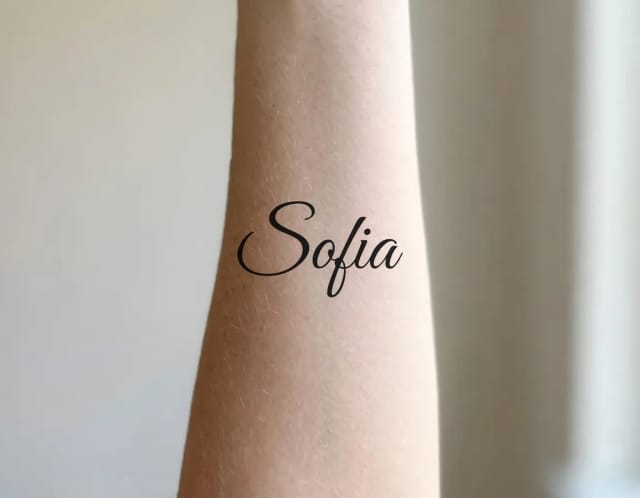
Tattoo Font Generator
Type a name or a date, see it in 36 tattoo fonts and try it on your skin. Curve it, space it and download a PNG. Free, no sign-up.

AI Anime Generator
Turn a text idea into anime-style art. Pick a look, generate and download it, usually in under 20 seconds — no drawing skills required.

AI Art Generator
Turn a text idea or a photo into art: anime, oil painting, watercolor, pixel art, Van Gogh and more. Free with the Auto model and no sign-up, usually in under 20 seconds.
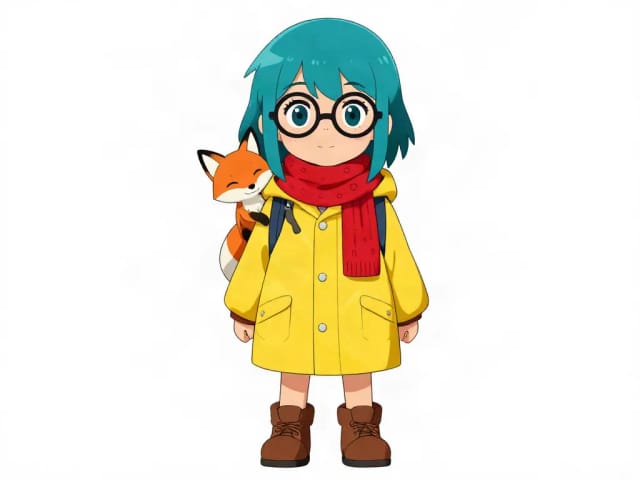
AI Character Generator
Describe your character and CreArt's free AI character generator draws it in 10 styles, from anime to claymation, with no sign-up. Then put the same character in any new scene.
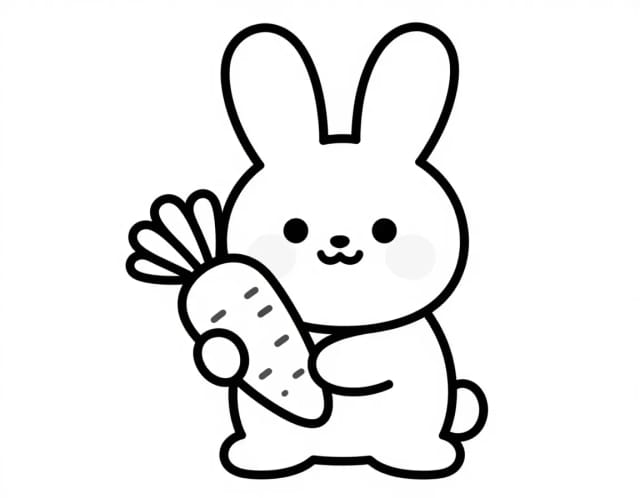
AI Coloring Page Generator
Turn a photo or a text idea into a printable black-and-white coloring page, free and with no sign-up. Clean line art for kids, classrooms and relaxed coloring, usually in under 20 seconds.
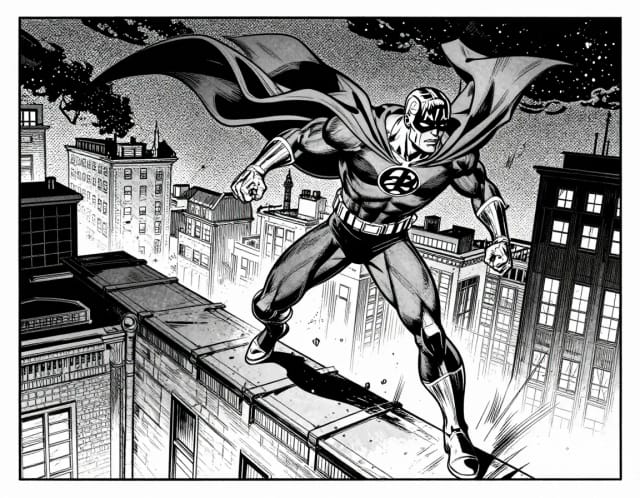
AI Comic Generator
Describe a scene, pick an art style, and get finished comic panels in seconds — no drawing skills needed.
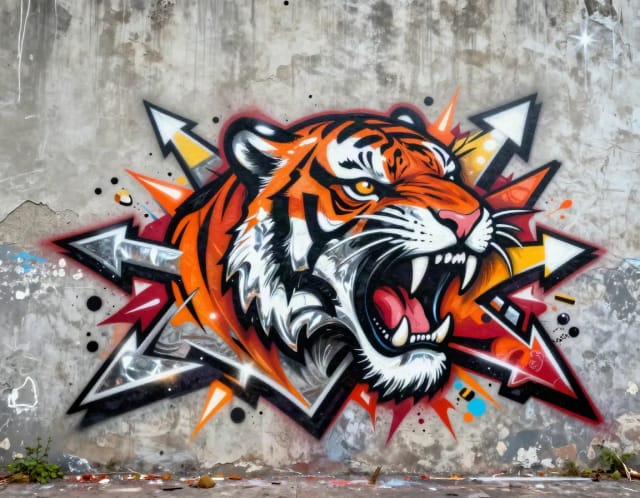
Graffiti Generator
Write your name or any word in graffiti letters, free and with no sign-up: 8 letter styles, 6 color sets and real walls, ready to download. Or turn an idea into AI graffiti art.
Ready to make something?
Open the tool, try the free Auto model and download the result.