
Introducing the AI Video Studio: from idea to clip in seconds

By Dani Ochoa
AI Engineer

Today we are launching the first version of the AI Video Studio, available from the sidebar. Describe a scene, pick duration, format, and style, and preview the result directly in your browser.
What you can control
Duration (3, 5, or 8 seconds), format (landscape, portrait, or square), and four visual styles: cinematic, animation, realistic, and abstract. Each combination affects the palette and pacing of the generated clip.
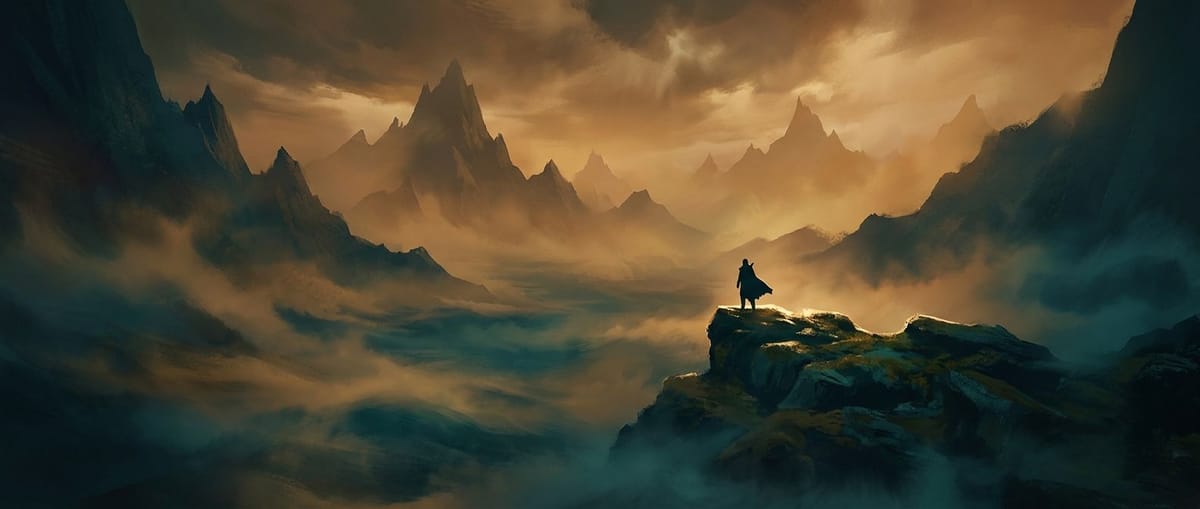
Current status: demo preview
Real AI video generation is in development. For now, the studio produces a demo clip rendered right in your browser so you can try the full flow — parameters, progress, and download — without waiting on a backend.
"We would rather ship the full experience first and connect the real engine later, instead of making you wait until everything is ready."
What's next
Connecting a real video generation provider, saving to your history, and support for animating images you have already generated with the other tools.
Keep reading
 Product
Free, Pro, and Ultra: what actually counts as a generation
We clear up the most common questions about daily limits, regenerations, and what happens if you switch plans mid-month.

Nora Vidal
June 6, 2026 · 3 min read
 News
NewsCommunity: what we shipped and what is coming
A look at the new social section — trending, top creators, one-click recreate — plus a preview of what is next.
Nora Vidal
July 6, 2026 · 3 min read
 Guides
How to write prompts that generate studio-quality portraits
Six principles of composition, light, and style that separate a generic portrait from a professional-looking one.

Mei Fontán
July 3, 2026 · 6 min read