How to write prompts that generate studio-quality portraits

By Mei Fontán
Content Editor

The difference between a flat portrait and a studio-quality one is almost never about the AI model itself — it is about how you describe light, framing, and material. Here are six principles we apply constantly in the Image Generator.
1. Describe the light source, not just "nice lighting"
Instead of "beautiful lighting," try "soft side window light" or "golden backlight at sunset." The model interprets concrete directions far better than vague adjectives, and the result immediately gains depth and volume.

2. Frame it like a real camera would
Terms like "half-body portrait, 85mm lens, shallow depth of field" produce far more consistent compositions than simply asking for "a person." Think of the prompt as instructions to a photographer, not a painter.
"The perfect prompt does not describe what you want to see — it describes what it would look like if someone had already photographed it."
3. Materials and textures sell the realism
Mention the fabric of the clothing, the texture of skin, or the shine of metal. These details anchor the model in a believable physical space and avoid the "plastic" look typical of early AI generations.
If portraits are your main use case, you can generate them directly in the portrait generator, and our portrait prompt library collects ready-made examples to adapt.
Keep reading
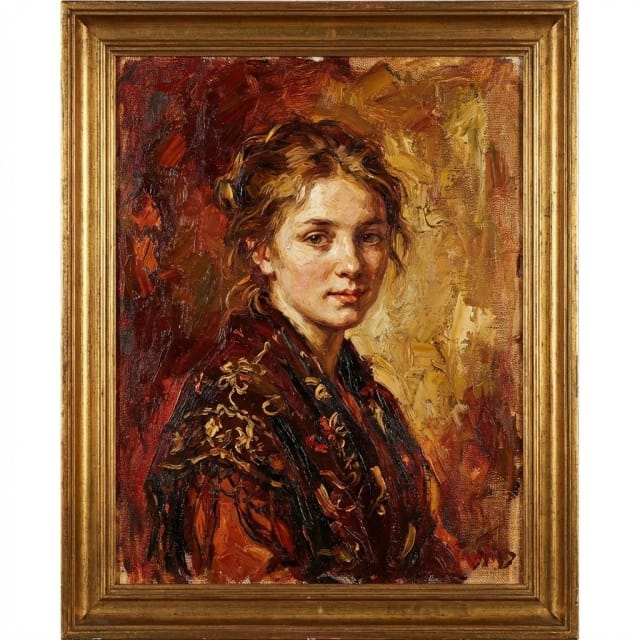 Guides
The anatomy of a good prompt: subject, style, light, and camera
An effective prompt almost always follows the same hidden structure. We break it down into four reusable layers.

Dani Ochoa
June 28, 2026 · 7 min read
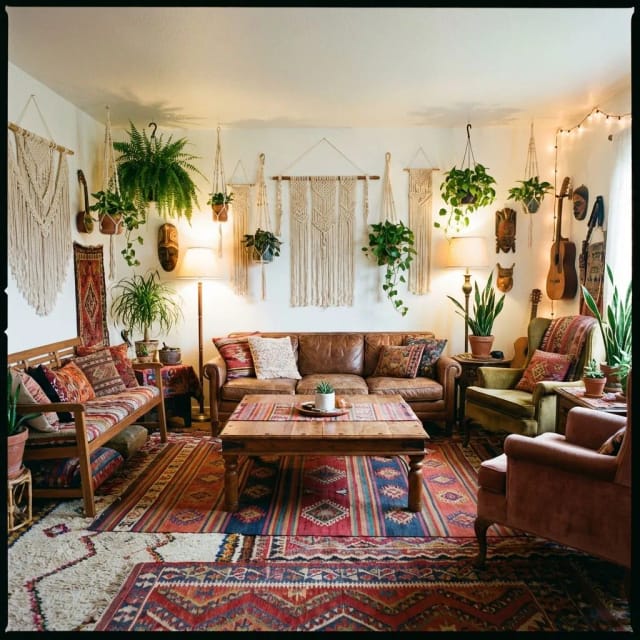 Guides
Background removal vs. object removal: when to use each tool
They are often confused, but they solve different problems. We explain with examples when each one is the right choice.
Dani Ochoa
June 11, 2026 · 4 min read
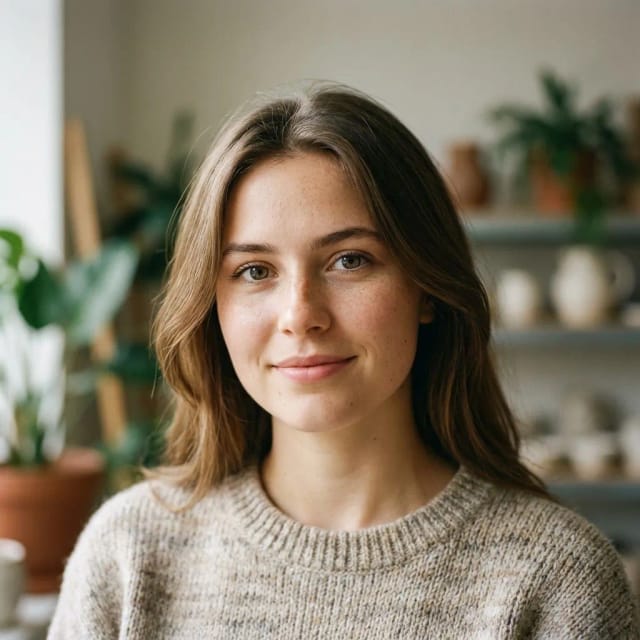 News
NewsCommunity: what we shipped and what is coming
A look at the new social section — trending, top creators, one-click recreate — plus a preview of what is next.

Nora Vidal
July 6, 2026 · 3 min read