
Christmas Card Maker
Make a Christmas card with AI: pick a style, add a photo and your words.
What should it show? (optional)
Card style· Classic
Your text
20 free tries a day with Auto · No sign-up · Your text is set on top, spelled exactly as you type it.
What should it show? (optional)
Card style· Classic
Your text
How to use it
How to make a Christmas card in 4 steps
No templates to edit and no design skills: pick, type, print.
Pick a style
Classic, snowy, gold, minimal, Nordic, cozy, kids, rustic or winter. Add what it should show if you like, such as "a red fox in the snowy woods", and the illustration follows it.
Add a family photo, your names and a message
All optional. The photo goes in a frame exactly as it is, your names go on the front under "Merry Christmas", and your message goes inside, spelled exactly as you type it.
Create the card
The AI paints the illustration, usually in under 20 seconds, and your browser sets the greeting and your words on it. Change the greeting, the font, the color or the position of the text without making it again.
Print it or send it
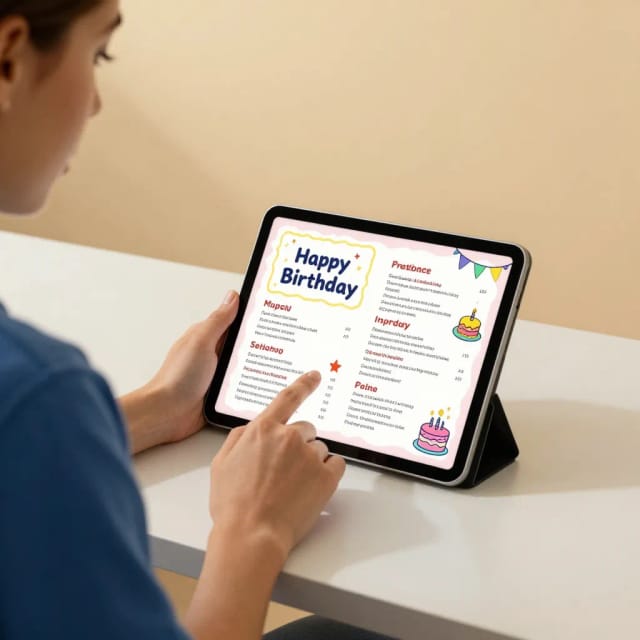
Download the 5 × 7 front and inside, a sheet to print at home and fold in four (US Letter or A4, PDF) or a 4:5 eCard to send by message or email.
With your photo
Christmas card with your family photo
Upload a family photo and it goes into a frame on the front, exactly as it is: the AI never touches the faces. The illustration leaves the middle of the card free for it, with pine branches, snow or lights around the frame.
The kids, the two of you or the dog: any photo works. No photo handy? Try one of the samples to see how it looks.
Inside the card
What to write in a Christmas card
Your message goes inside the card, spelled exactly as you type it. Keep it short and warm: a wish for the season, a line about your year or a simple "thinking of you".
Not sure what to write? "Wishing you peace, love and joy this Christmas", "May your holidays be merry and bright" or "From our home to yours" work for most cards. Prefer a card without Christmas? Pick Winter for "Happy Holidays", or type your own greeting.
Print or send
Print it at home or send it as an eCard
To print, download the fold sheet for US Letter or A4. Print the PDF on one side at actual size (100%), fold it in half from top to bottom with the print outside, then in half again: the front is outside and your message is inside.
To send it, download the 4:5 eCard for a message, an email or social media. The 5 × 7 front and inside are there too, for a print shop. Hosting a holiday party? Make the invitation with the AI invitation maker in its Holiday party style. For birthdays the rest of the year, there is the birthday card generator.
Who it's for
Who the Christmas Card Maker is for
Anyone with a list of cards to send and no time to shop for them.
Families
Send a card with this year's family photo to everyone on your list.
Couples
Make one card from the two of you, with both names on the front.
Kids writing to grandparents
Pick Kids, add their names and a message for Grandma and Grandpa.
Last-minute senders
Make a card in a few minutes and send it as an eCard the same day.
Small teams and offices
Send clients or colleagues a card with a neutral greeting: Gold says "Season's Greetings" and Winter "Happy Holidays".
Pricing
Plans for the holiday season
Make Christmas cards for free with the Auto model, no account needed. Pick a plan when you want more a day.
Free
$0
- 100 credits every day
- The Auto model, on our own servers
- No card needed
Paid plans
Basic · Starter · Creator
- 1,600 to 10,000 credits a month
- Every AI model, including premium ones
- AI video, and no ads in the mobile app
Why use it
Why use this Christmas card generator
A real card, not just a picture.
Nine Christmas styles
Classic, snowy, gold, minimal, Nordic, cozy, kids, rustic and winter.
Your words, spelled right
The greeting, your names and the message are set by your browser, never misspelled by the AI.
Your photo, untouched
The family photo goes in a frame exactly as it is: no face changes.
Print and fold at home
A US Letter or A4 PDF that folds into a card, with the message inside.
eCard to send
A 4:5 image for a message, an email or social media.
Free, no sign-up
Make cards with the Auto model for free every day, without an account.
Is this Christmas card maker free?
How do I create my own Christmas card?
What is the best website to make Christmas cards?
Can I make a Christmas card with my family photo?
Can I print the card and fold it?
Can I send it as an eCard?
What should I write in a Christmas card?
Can I change "Merry Christmas" to another greeting?
Are there Christmas card templates?
Can I make the holiday party invitation too?
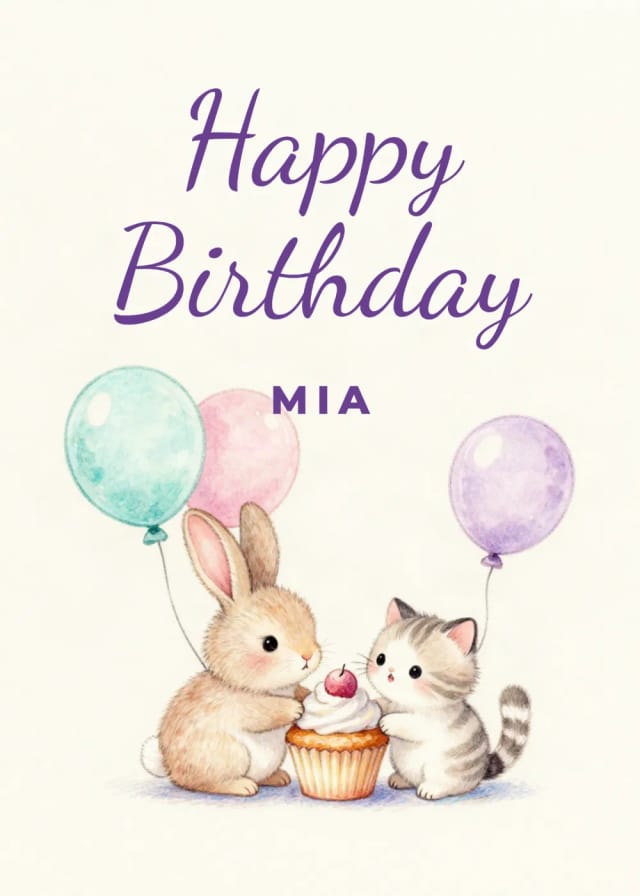
Birthday Card Generator
Make a birthday card with AI: pick a style, add a photo and your words.
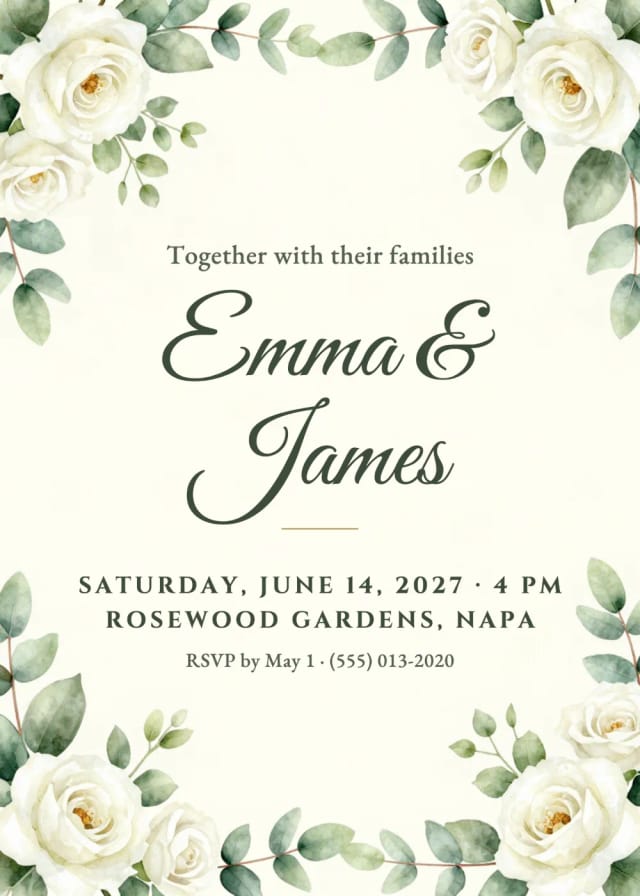
AI Invitation Maker
Free AI invitation maker: pick a style, add your details and a photo, then print it or send it.

AI Flyer Generator
Make a flyer with AI: pick a type, add your text, download it to print.

AI Album Cover Maker
Make an album cover with AI: describe your music, pick one of 16 styles and add your name and title, spelled right. Free, no sign-up.

AI Logo Generator
Free AI logo maker: the AI draws your symbol and your name is set in real fonts, never misspelled.
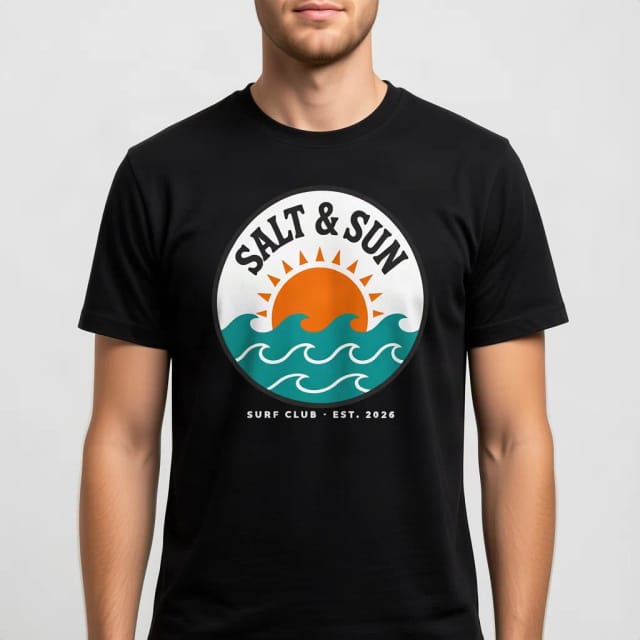
T-Shirt Mockup Generator
CreArt's free T-Shirt Mockup Generator puts your design on 7 garments in 12 colors, front or back, usually in under 20 seconds. No sign-up.
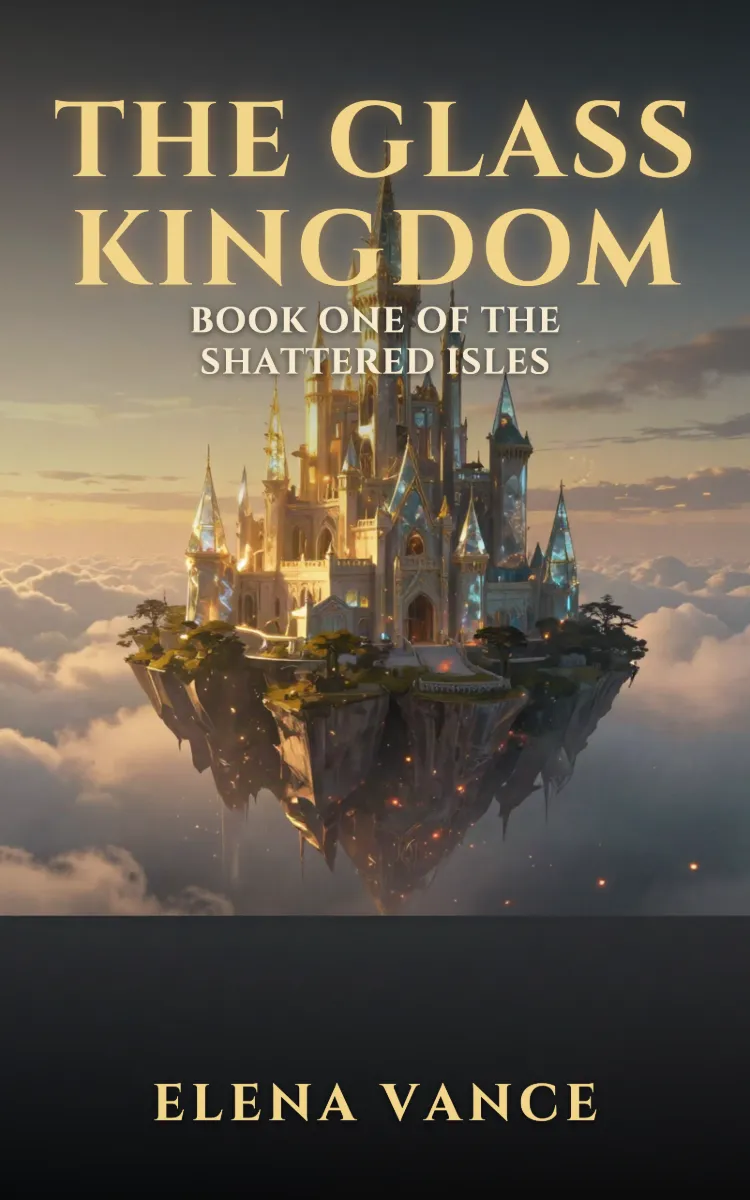
Book Cover Generator
Make a book cover with AI: describe it, pick a genre, type your title.
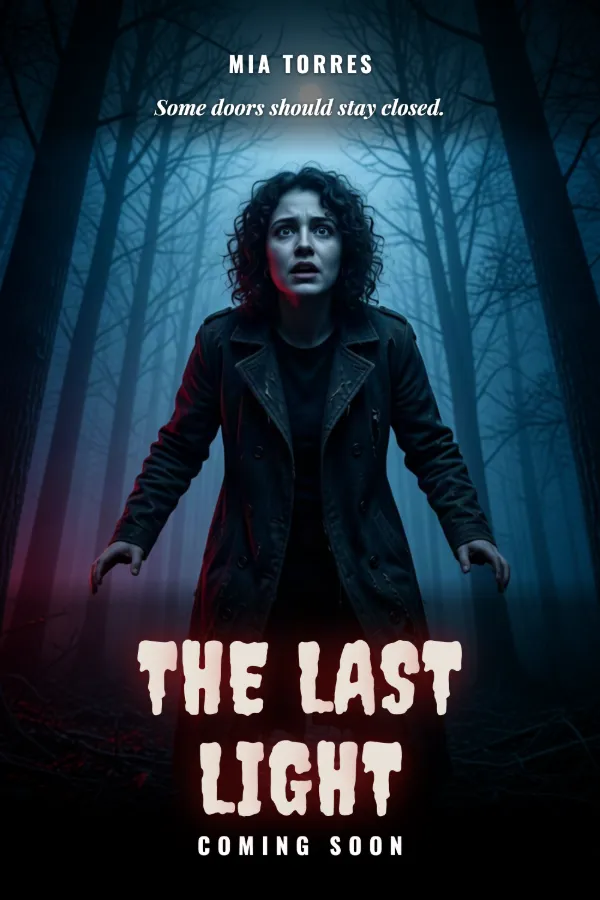
AI Poster Generator
Turn your photo into a movie poster: pick a genre and type your title.
Ready to make something?
Open the tool, try the free Auto model and download the result.