
AI Invitation Maker
Free AI invitation maker: pick a style, add your details and a photo, then print it or send it.
What's the occasion? (optional)
Invitation style· Wedding
Your text
20 free tries a day with Auto · No sign-up · Your text is set on top, spelled exactly as you type it.
What's the occasion? (optional)
Invitation style· Wedding
Your text
 Example
How it works
How to make an invitation in 4 steps
No templates to edit and no text boxes to move.
Say what you are celebrating
Type the occasion in a few words, such as "a garden wedding with white roses" or "a dinosaur party", or use the sample idea. The AI paints the decorations around it.
Pick one of 9 styles
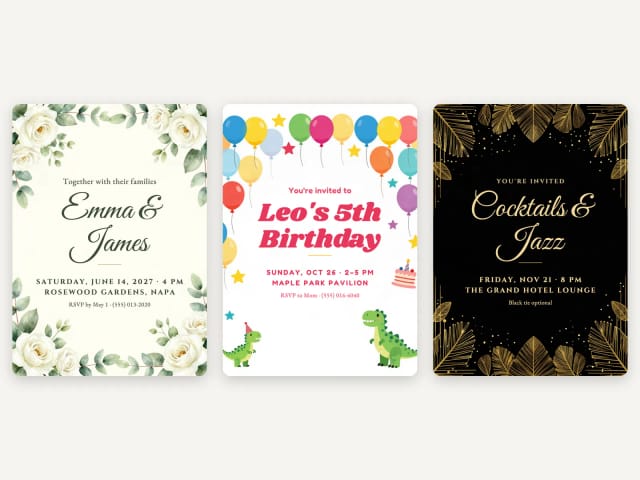
Wedding, save the date, birthday, kids party, baby shower, bridal shower, graduation, elegant party or holiday party. Each style sets the fonts and the colors of your text.
Add a photo and your details
All optional. The photo goes in a frame exactly as it is, and the names, date, venue and RSVP are set by your browser, spelled exactly as you type them.
Print it or send it
Download a 5 × 7 invitation, a sheet with two per page and crop marks (US Letter or A4, PDF) or a 4:5 eCard for a message or social media.
Nine invitations, nine occasions
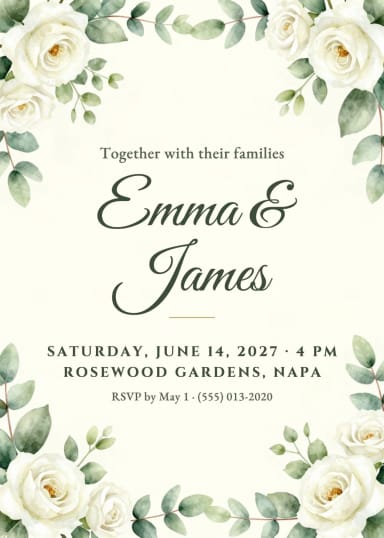
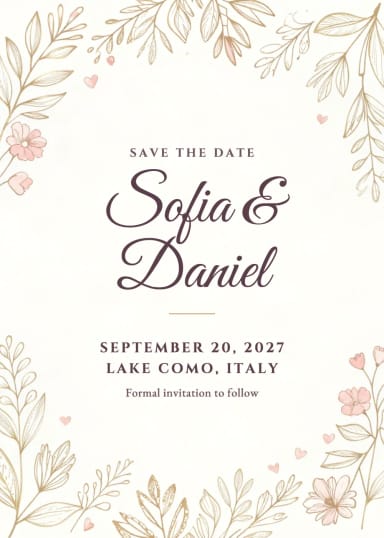
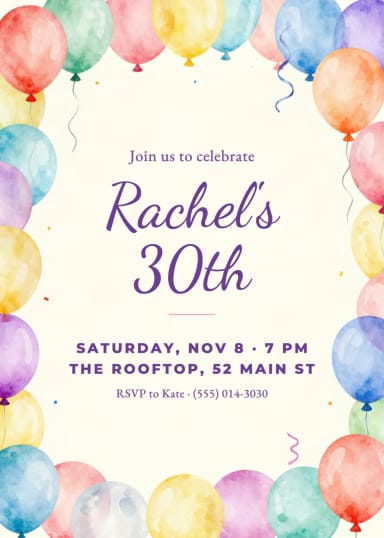
Each sample was made with this tool. Tap one to start from that style.
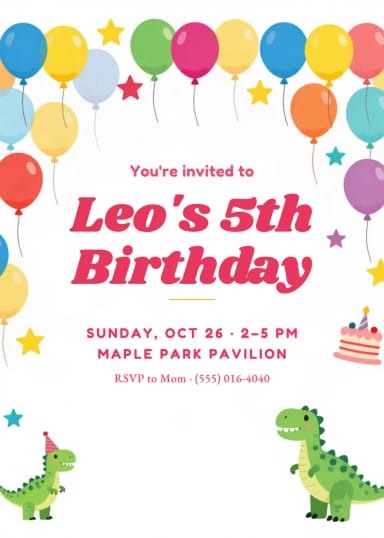
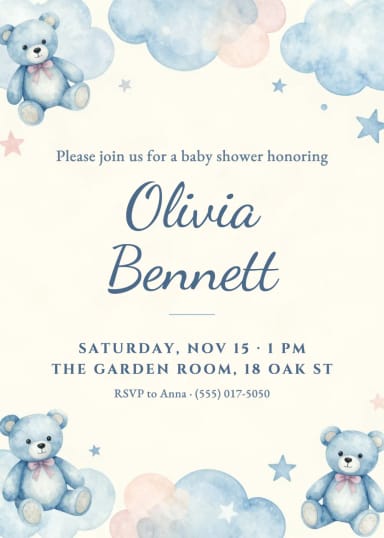
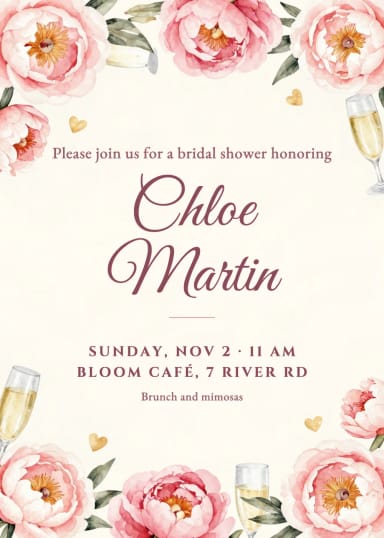
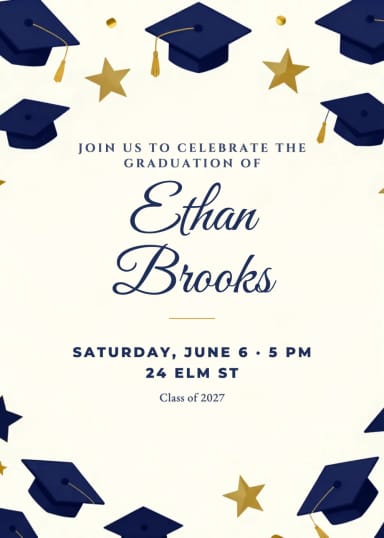

With your photo
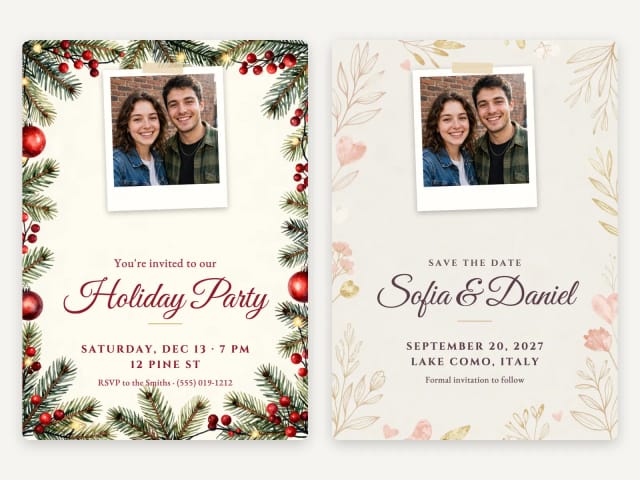
Add a photo to your invitation
Upload a photo and it goes into a frame at the top of the invitation, exactly as it is: the AI never touches the faces. With a photo, the AI keeps the decorations in the corners and along the sides, so the photo, the names and the details all have room.
A couple photo suits a save the date or a holiday party, and a photo of the birthday girl or the graduate works too. No photo handy? Try one of the samples to see how it looks.
Weddings
Wedding invitations and save the dates
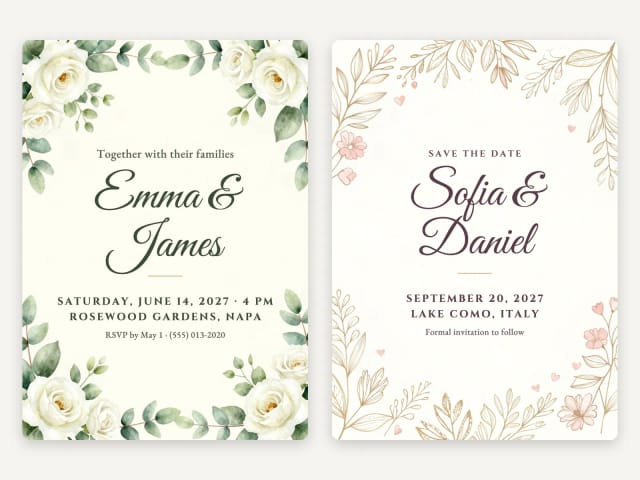
Pick Wedding for eucalyptus and white roses, or Save the date for fine line botanicals in blush and gold. Your names go in a flowing script, and the date, venue and RSVP in elegant capitals, spelled exactly as you type them.
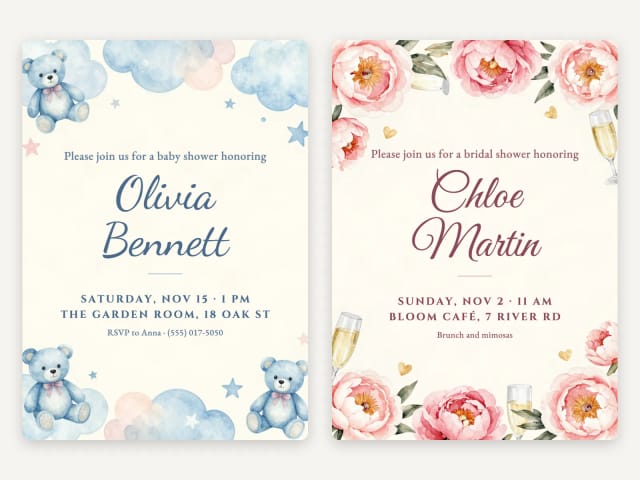
Send the save the date first, with the date, the city and "Formal invitation to follow", and the full invitation a few months later. For the shower, there is a Bridal shower style with peonies and champagne glasses.
Birthdays
Birthday and kids party invitations
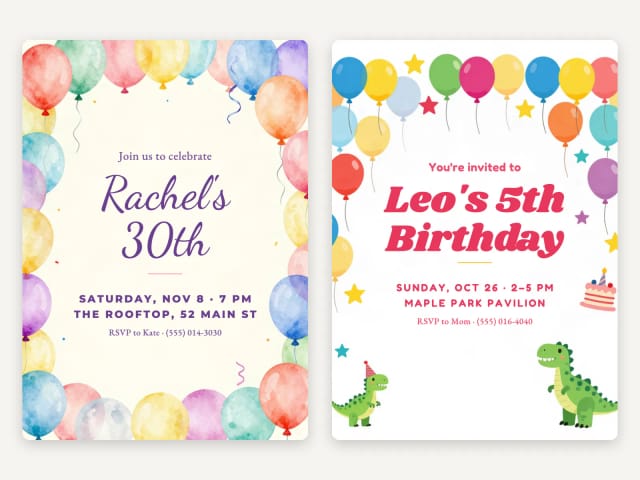
Pick Birthday for watercolor balloons, or Kids party for balloons, stars and a little cake. Describe the theme in the occasion field, such as "a dinosaur party" or "a pirate party", and the decorations follow it.
Put the name and the age in the names field, such as "Leo's 5th Birthday", and say who to RSVP to. Making the card too? Use the birthday card generator for the card that goes with the gift.
Showers
Baby shower and bridal shower invitations
Pick Baby shower for soft clouds, stars and a teddy bear, or Bridal shower for peonies and champagne glasses. The invitation opens with "Please join us for a baby shower honoring" and the name of the guest of honor.
Add the date, the venue and who to RSVP to, or a short note such as "Brunch and mimosas" instead of the RSVP.
Wording
What to write on an invitation
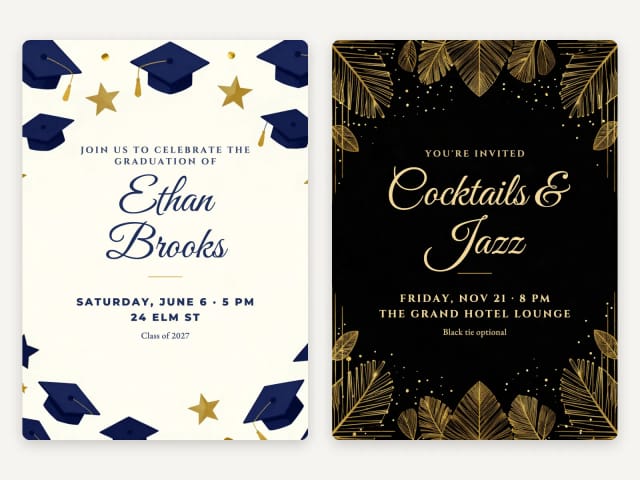
Keep it to five lines: who is inviting, what for, when, where and how to reply. Each style already opens with the right first line, such as "Together with their families" for a wedding or "Join us to celebrate" for a birthday, so you only type the names and the details.
Write the date in full, such as "Saturday, June 6 · 5 PM", and add the address if guests have not been there before. For the RSVP, a name and a phone number or a date ("RSVP by May 1") is enough. For a formal party, a dress code such as "Black tie optional" fits in the same line.
Print or send
Print it at home or send it as an eCard
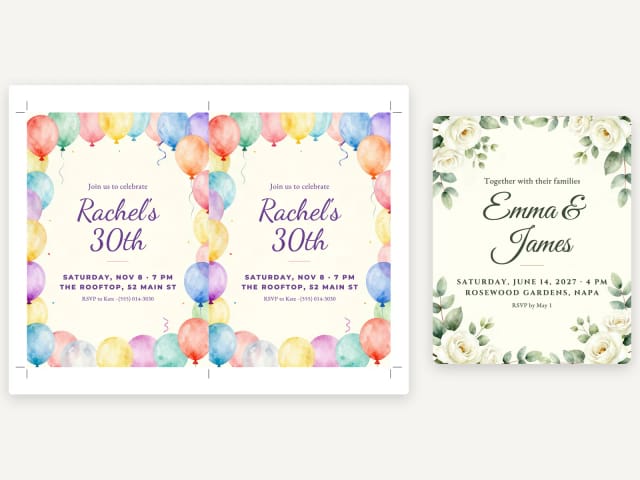
To print, download the sheet with two invitations per page and crop marks, for US Letter or A4. Print the PDF at actual size (100%) and cut along the marks: you get two 5 × 7 invitations per sheet, on card stock if you have it.
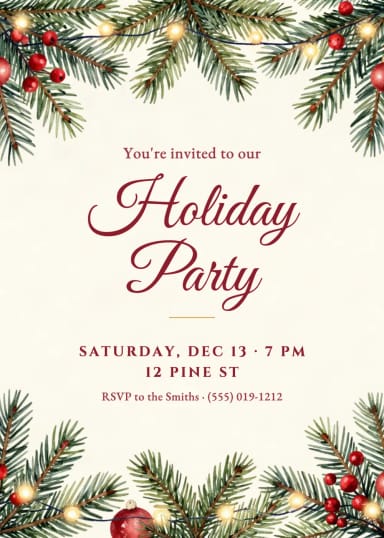
To send it, download the 4:5 eCard for a message, an email or social media. The 5 × 7 invitation is there too, for a print shop. Need a poster for the door? Try the AI flyer generator. Hosting a holiday party? Pick Holiday party for the invitation, and make your cards with the Christmas card maker.
Who it's for
Who the AI Invitation Maker is for
Anyone with a party coming up and no invitation yet.
Couples planning a wedding
Make the save the date and the invitation in the same style, with your names spelled right.
Parents planning a kids party
Make an invitation with the theme your child loves, and print a few at home.
Friends hosting a shower
Baby and bridal shower invitations with the name of the guest of honor and the RSVP.
Party and birthday hosts
A 30th, a 50th or a holiday party, ready to send by message the same evening.
Anyone without design software
Pick a style, type the details and download: no templates to edit and no text boxes to move.
Pricing
Pricing for the AI Invitation Maker
Make invitations for free with the Auto model, no account needed. Pick a plan when you want more a day.
Free
$0
- 100 credits every day
- The Auto model, on our own servers
- No card needed
Paid plans
Basic · Starter · Creator
- 1,600 to 10,000 credits a month
- Every AI model, including premium ones
- AI video, and no ads in the mobile app
Why CreArt
Why use this AI invitation maker
A real invitation, not just a picture.
Nine styles
Wedding, save the date, birthday, kids party, baby shower, bridal shower, graduation, elegant party and holiday party.
Your words, spelled right
Names, date, venue and RSVP are set by your browser, exactly as you type them, never misspelled by the AI.
Your photo, untouched
The photo goes in a frame exactly as it is: no face changes.
Two per page
A US Letter or A4 PDF with two 5 × 7 invitations and crop marks, to print at home.
eCard to send
A 4:5 image for a message, an email or social media.
Free, no sign-up
Make invitations with the Auto model for free every day, without an account.
Is this invitation maker free?
How do I make an invitation with AI?
Can I add a photo to the invitation?
Can I print the invitations at home?
Can I send the invitation by text or email?
What should I write on an invitation?
Can I make a wedding invitation and a save the date?
Can I change the text after making the invitation?
How do guests RSVP?
Can I make the birthday card too?
AI Ad Maker
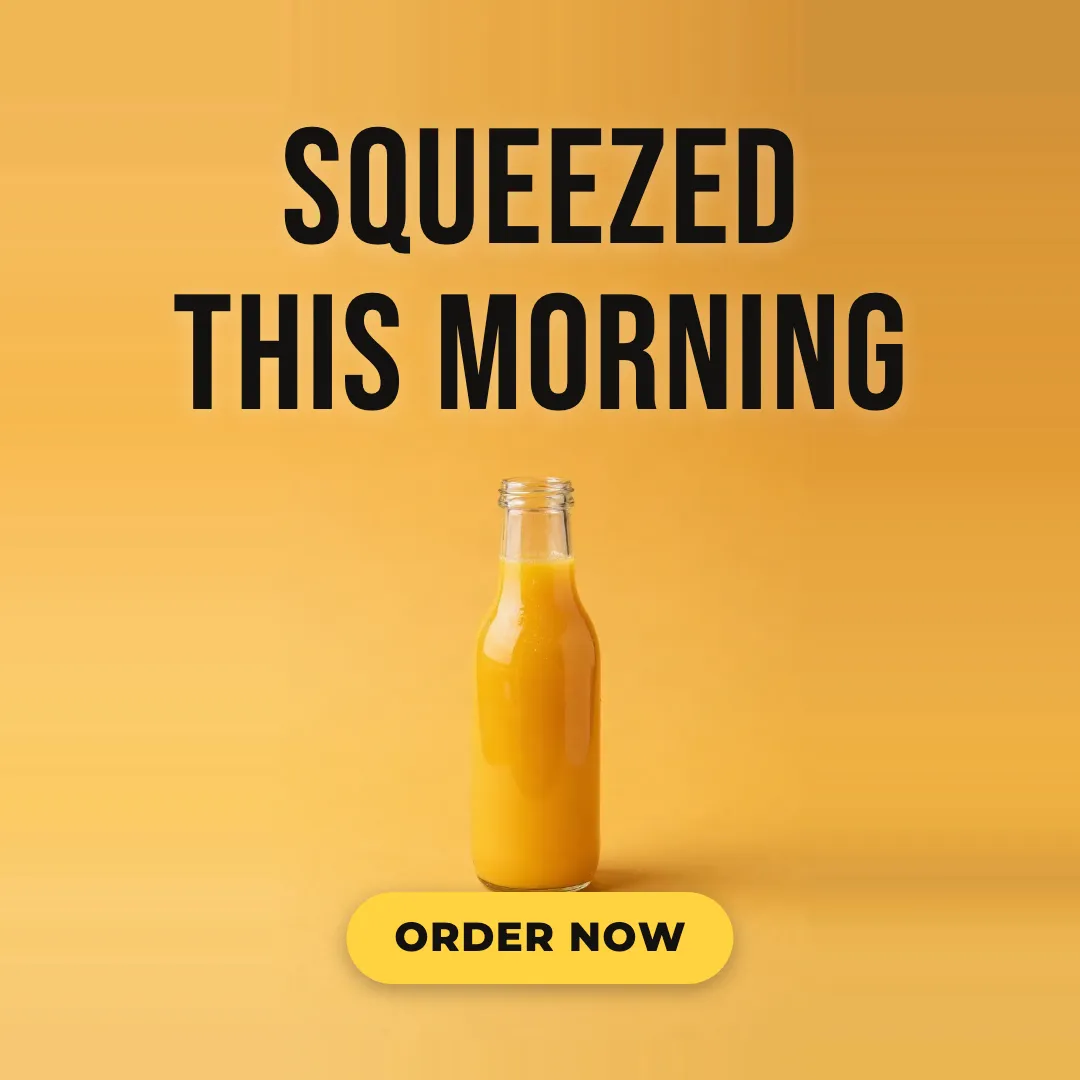
Free AI ad maker: get an ad with your headline and button for Instagram and Facebook, in every size.

AI Album Cover Maker
Make an album cover with AI: describe your music, pick one of 16 styles and add your name and title, spelled right. Free, no sign-up.
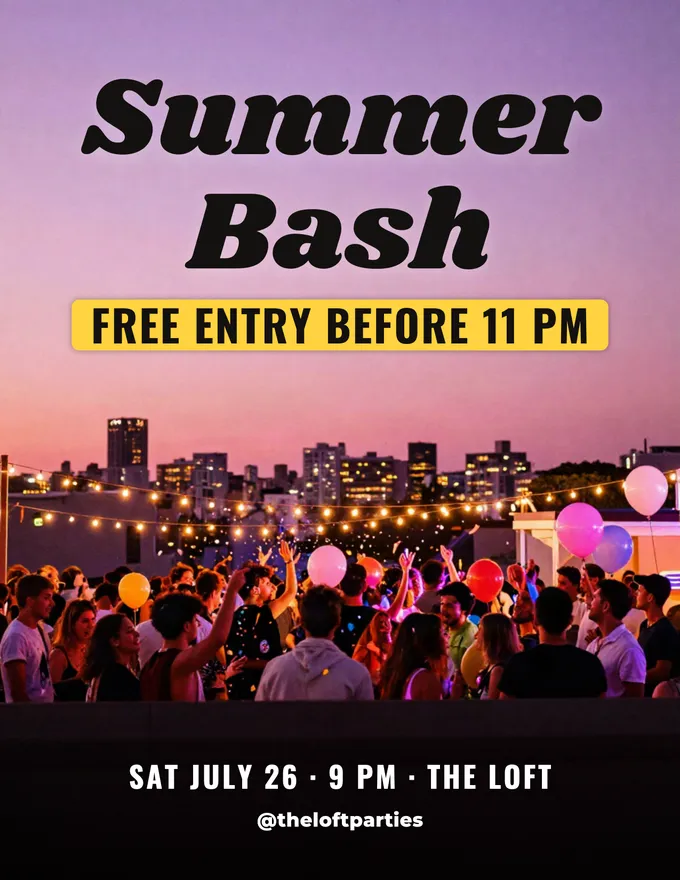
AI Flyer Generator
Make a flyer with AI: pick a type, add your text, download it to print.

AI Logo Generator
Free AI logo maker: the AI draws your symbol and your name is set in real fonts, never misspelled.
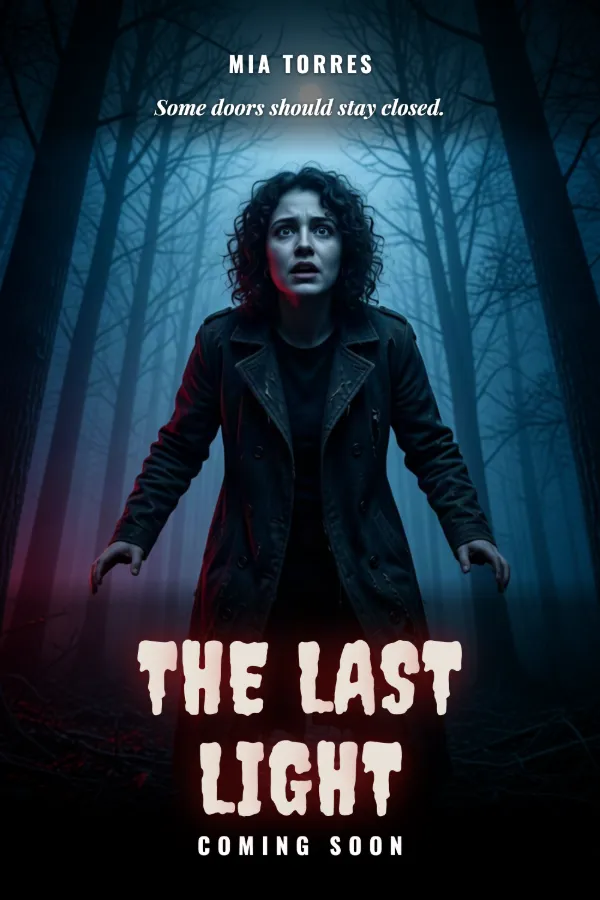
AI Poster Generator
Turn your photo into a movie poster: pick a genre and type your title.

AI Wallpaper Generator
Turn any idea into a custom wallpaper for your phone or desktop. Describe a theme, pick a style, set the aspect ratio, and download high-resolution art in seconds.
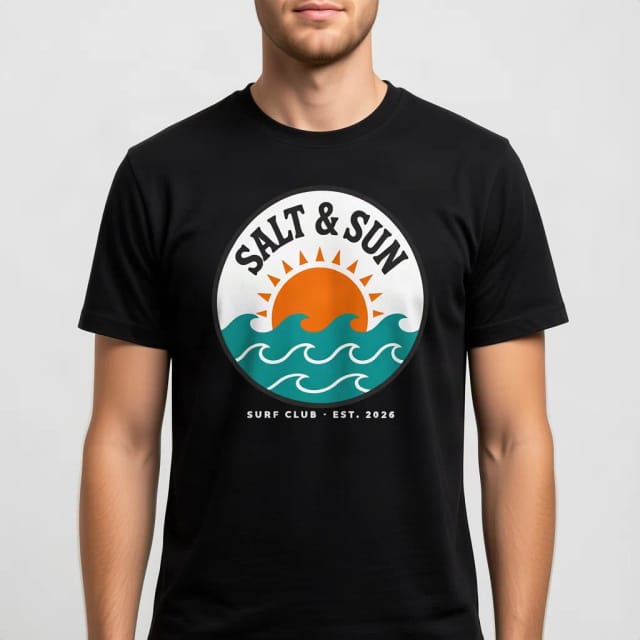
T-Shirt Mockup Generator
CreArt's free T-Shirt Mockup Generator puts your design on 7 garments in 12 colors, front or back, usually in under 20 seconds. No sign-up.
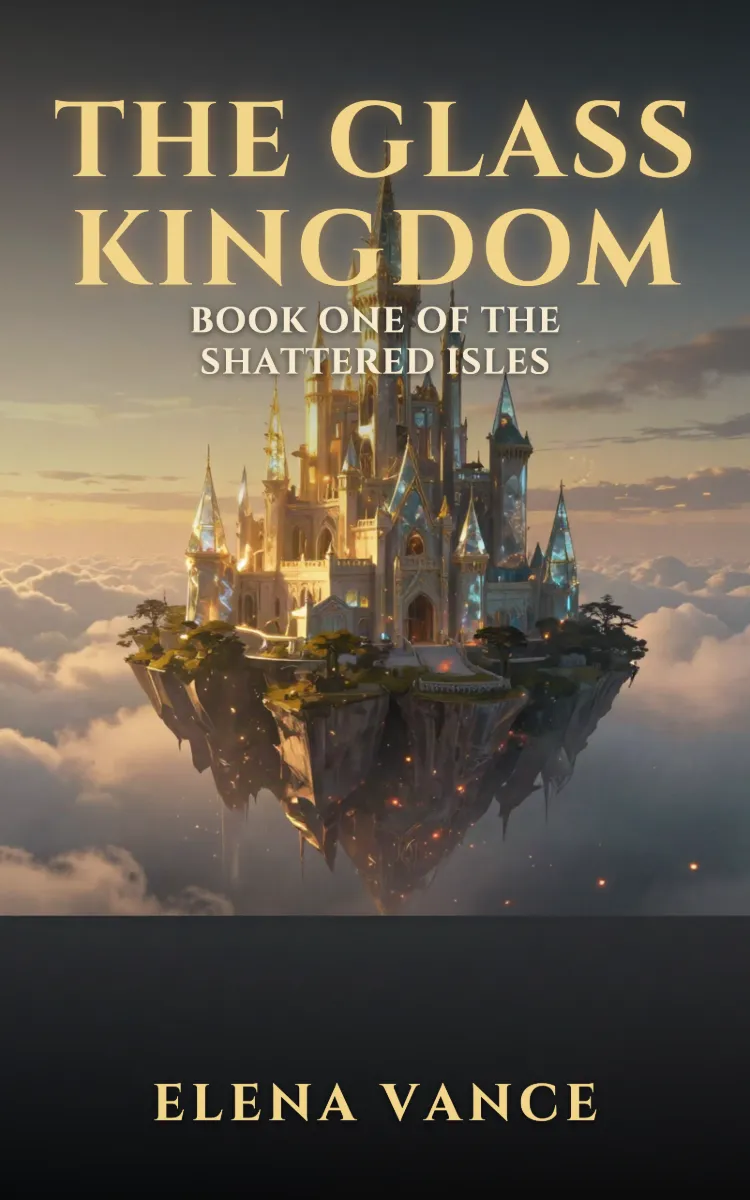
Book Cover Generator
Make a book cover with AI: describe it, pick a genre, type your title.
Ready to make something?
Open the tool, try the free Auto model and download the result.