How to Restore Old Photos
Every way to restore an old photo — careful scanning, manual retouching, and the AI route that removes scratches, sharpens faces and adds color in seconds.
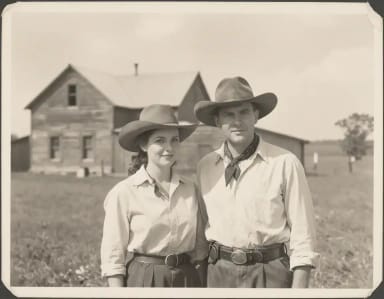 Restore a photoUpload the scan — scratches out, faces back, color optional.
The basics
What restoring an old photo actually involves
Three jobs in one: repair the damage, recover the fading, and — if you want — bring back color.
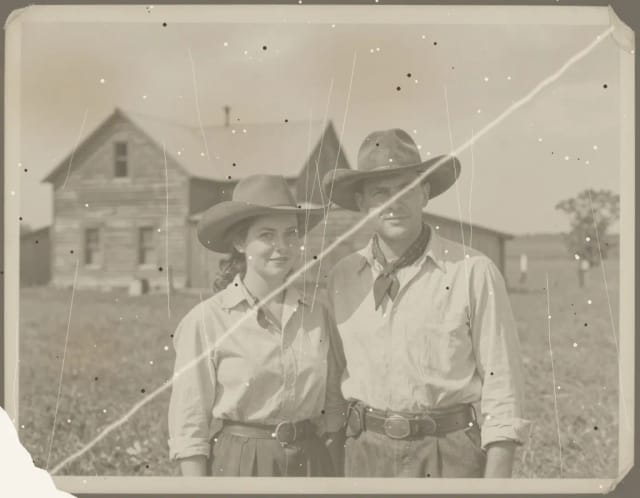
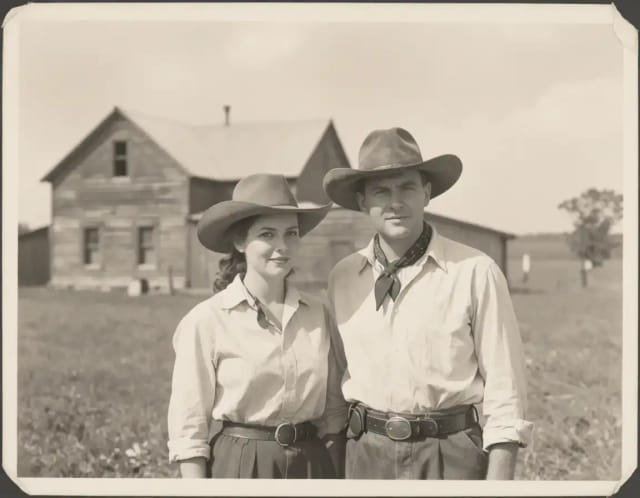
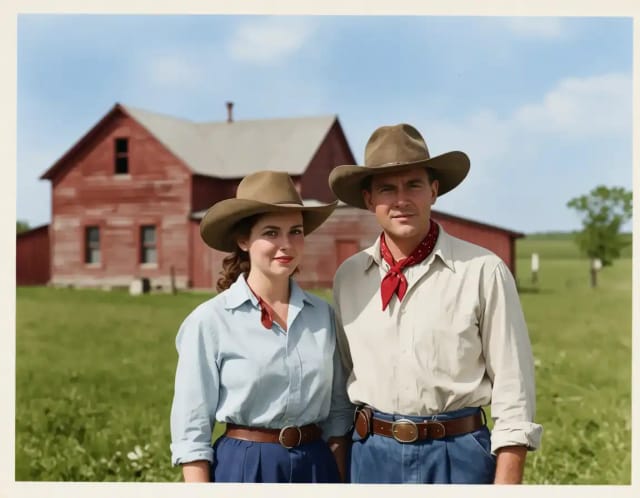
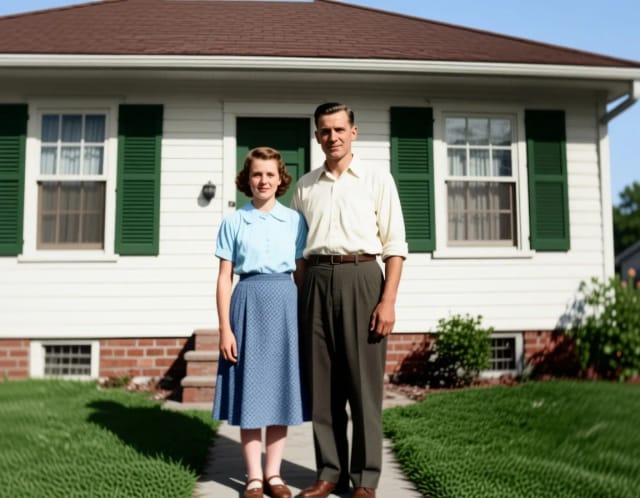
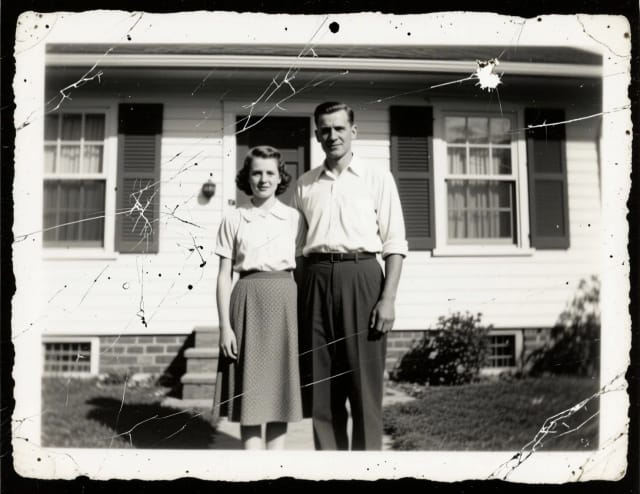
Old photo restoration is really three jobs in one: repairing physical damage (scratches, creases, spots, torn corners), recovering what has faded (contrast, detail, faces), and — optionally — adding color to black-and-white images. You can do all three by hand, pay a professional, or let AI do the heavy lifting from a single scan.
Whichever route you take, start the same way: digitize the print properly. Scan at 600 DPI or more for small prints (300 DPI for larger ones), keep the original glass clean, and never crop at this stage — damaged edges carry information a restorer (human or AI) can use. Photograph the print with your phone only as a last resort, in indirect daylight, dead-on to avoid glare and distortion.
By hand
How to restore old photos manually
The manual route — worth knowing even if you end up letting AI do it.
Digitize at high resolution
Scan at 600 DPI, in color even for black-and-white prints — the color data helps separate stains from image detail later.
Repair scratches and tears
In an editor with a healing/clone tool, remove dust and scratches first, working from large tears down to small spots. Zoom to 100% and take breaks — it is slow, careful work.
Recover contrast and detail
Fix fading with levels or curves: set the black and white points so the image regains contrast, then sharpen gently. Over-sharpening old grain makes damage MORE visible.
Colorize (optional, slow)
Colorizing by hand means painting color layers over every surface — skin, clothing, sky — at low opacity. Expect hours per photo; this is the step where AI saves the most time.
The AI route
Restoring old photos with AI in seconds
The AI route collapses those hours into seconds: upload the scan and the model removes scratches and spots, rebuilds faded detail (faces especially), and can colorize the result naturally. You judge the output, tweak the request if needed, and download — no layers, no healing brush, no learning curve.
It is also how photographers turn restoration into a service: a damaged family photo arrives with the wedding album, the restored version comes back with the delivery — minutes of work instead of an evening. If the print is just blurry or low-resolution rather than damaged, the image upscaler or the unblur tool may be all you need; and for adding color to a clean black-and-white photo, the image colorizer does exactly that one job.
Can I restore old photos for free?
What resolution should I scan old photos at?
Can AI colorize black-and-white photos?
Will restoration change the people in my photo?
Can a badly torn photo be restored?
Restore it now
The tools that do the work in this guide.