AI Relight
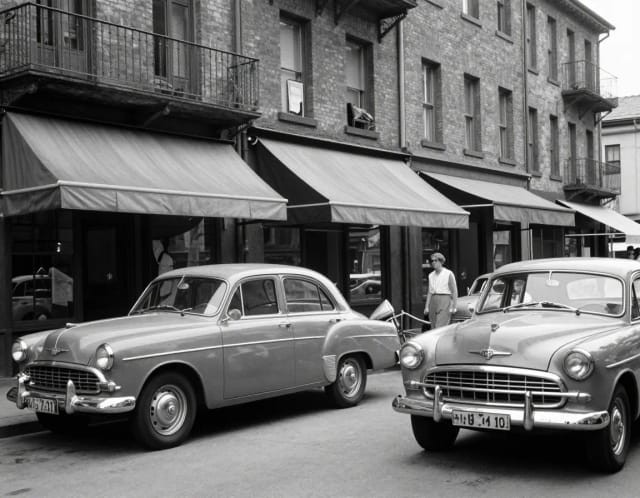
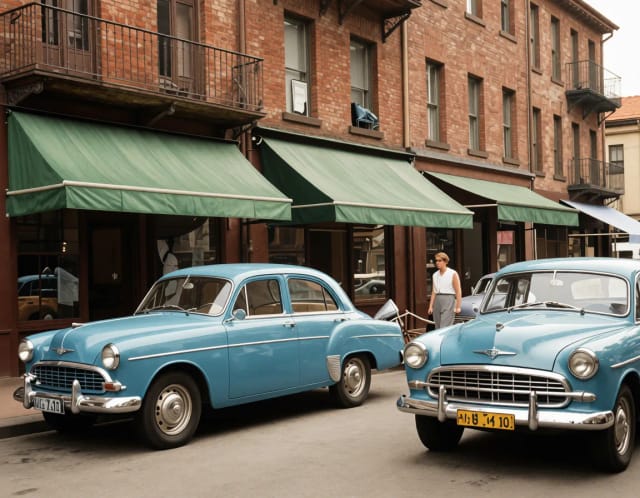
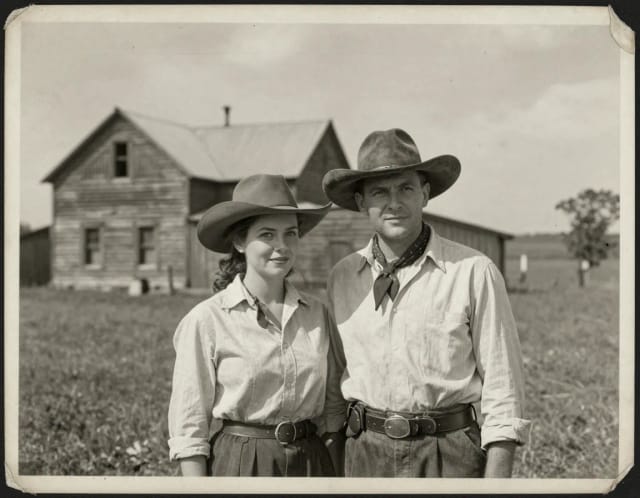
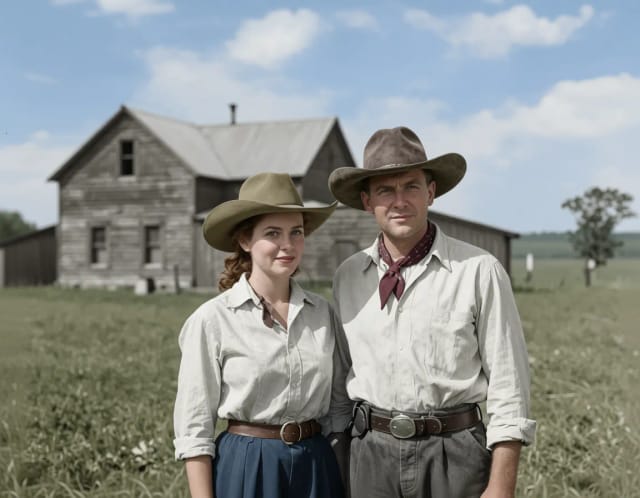
Change the lighting of any photo with AI. Pick neon, warm, cool blue, spotlight or cinematic and let the AI re-light the scene in seconds.


How to Relight a Photo With AI in 3 Steps
Upload your photo
Add the image you want to relight — a portrait, product shot or any scene with a clear subject. A sharp, well-resolved original gives the AI more to work with.
Pick a lighting style
Choose from six looks: Neon Glow, Cool Blue, Warm Glow, Spotlight, Shadow Side or Cinematic. Each one rebuilds highlights and shadows in a different direction and mood.
Download your relit image
The AI re-lights the scene in seconds. Compare it against the original, and if you like it, save the result ready to post or print.
What AI Relight Does to Your Photos
How it works
AI Relight is an online tool that changes the lighting of a photo automatically, so you can add neon glow, warm light, cool blue tones, a spotlight, dramatic shadow-side shading or a cinematic look without touching a camera or a lamp. You upload an image, pick a lighting style, and the AI re-lights the scene in a few seconds — no manual dodging and burning, no studio setup.
The effect goes past a color filter. It reads where light should fall on your subject and rebuilds highlights and shadows so the new lighting sits on faces, skin and surfaces the way real light would. If you want to fix exposure and color balance before you relight, run the shot through the free photo enhancer first to clean it up.
How the AI Rebuilds Light Around Your Subject
Under the hood, AI relighting works out the shape and depth of your subject and where the existing light comes from, then rebuilds the scene around that geometry instead of pasting a flat glow over the whole frame. That's why a Warm Glow lands softly on a face while a Spotlight tightens focus onto one area and lets the rest fall into shadow.
Because it rebuilds light on the actual pixels you upload, resolution matters. A low-res or grainy original gives the relight less to work with, so passing the photo through the AI image upscaler first gives cleaner highlights and smoother shadow transitions in the result.
Where AI Relight Fits in Your Workflow
Getting this look by hand means painting light in photo editing software layer by layer — masking the subject, building gradients, dodging highlights, burning shadows, then color-grading the whole thing. It's slow and easy to get wrong. AI Relight handles it in one pass and keeps the transitions believable across skin, hair and edges.
It slots into the rest of the toolkit too. Isolate your subject with the background remover before relighting, or turn a plain selfie into a lit-up portrait for a profile shot alongside the AI headshot generator.
Who AI Relight Is For
Portrait and selfie shooters
Turn flat phone photos into lit-up portraits with warm, spotlight or cinematic shading — no ring light or studio needed for a better profile shot.
Product and shop sellers
Relight product images to add clean highlights or a moody spotlight, making listings look styled without booking a photographer.
Social media creators
Give posts and thumbnails a neon glow or cool blue mood that catches the eye, and relight a whole set to a consistent look in minutes.
Designers and photo editors
Skip the layer-by-layer dodge-and-burn in photo editing software and get a believable relight in one pass, then refine from there if you want.
Anyone with a badly lit photo
Fix dull, flat or unflattering lighting after the shot — no reshoot, no lamps, just upload and pick the look you wanted in the first place.
CreArt Solutions
Every tool, curated for how you work
AI Tools for Real Estate
AI tools for real estate agents: virtually stage empty rooms, fix dark listing photos, and turn one set of photos into flyers, "Just Listed" posts and walkthrough videos.
Explore the toolkit →AI Tools for Content Creators
AI tools that turn a video title and a selfie into thumbnails, banners, avatars, emotes and brand-deal ads — a full channel kit from assets you already have.
Explore the toolkit →AI Tools for Small Business
A set of AI tools built for small businesses: design logos, flyers, clean product photos and daily social content without hiring a designer.
Explore the toolkit →AI Tools for Photographers
AI tools for photographers that run your marketing side: mini-session flyers, booking posts, session reels and price guides built from photos you already have.
Explore the toolkit →AI Tools for Musicians
A release-day visual kit for independent artists: build one album cover with AI, then spin off the Spotify Canvas, gig poster and "out now" ads from it.
Explore the toolkit →AI Tools for Authors & Writers
Design your book cover once and reuse it for the trailer, the countdown posts, the teaser quotes and the character art — a full self-publishing launch kit powered by AI.
Explore the toolkit →AI Tools for Teachers
Free AI tools for teachers: turn any topic into coloring pages, classroom posters and explainer comics in minutes — type it, pick a style, print.
Explore the toolkit →AI Tools for Influencers & UGC Creators
A content studio for influencers and UGC creators: brand-ready UGC ads, tappable thumbnails and on-brand profile pictures, all from a phone photo or a text idea.
Explore the toolkit →AI Tools for E-commerce Sellers
Turn one product photo into a full listing kit — clean white-background shot, lifestyle scenes, a UGC-style ad and a short video, without a studio day or an agency.
Explore the toolkit →AI Relight Pricing
Start relighting photos for free and upgrade when you want more generations and higher-resolution results.
How far do credits go? The cost depends on the tool, model and settings. The Generate button shows the price before each creation.
Free
- 100 credits every day
- Access to basic tools
- 100 MB cloud storage (signed in)
Starter
- 4,000 credits every month
- Create videos with AI
- Use every AI model
- No ads
- No watermarks
- Keep posts private anytime
- You own what you create
- 1 GB cloud storage (signed in)
Creator
- 10,000 credits every month
- Create videos with AI
- Use every AI model
- No ads
- No watermarks
- Keep posts private anytime
- You own what you create
- 5 GB cloud storage (signed in)
Pro
- 25,000 credits every month
- Create videos with AI
- Use every AI model
- No ads
- No watermarks
- Keep posts private anytime
- You own what you create
- 10 GB cloud storage (signed in)
Why Use AI Relight Instead of Editing by Hand
Six lighting styles in one tool
Neon Glow, Cool Blue, Warm Glow, Spotlight, Shadow Side and Cinematic each rebuild the light differently, so one upload can go from a soft warm portrait to a moody spotlit shot.
Light that follows your subject
The AI reads depth and shape, then places highlights and shadows where real light would land — on faces, skin and edges — instead of dropping a flat glow over the frame.
Results in seconds, no studio
Relight a photo without lamps, reflectors or a studio booking. Upload, pick a style, and the relit image is ready in a few seconds.
No editing skills required
Skip the masking, gradients and dodge-and-burn work photo editing software needs. AI relighting does it in one pass, no layers to manage.
Free AI relight to try online
Test it in the browser with your own photo before committing. No download, no plugin, no After Effects setup.
Works with the rest of your editing flow
Clean up, upscale or cut out your subject with the other CreArt tools first, then relight — the pieces fit together in one workflow.
What relighting can move, and what it cannot
Honest limits
The direction, warmth and drama of the light are genuinely changeable: a flat noon shot can become golden hour, and a dim interior can gain a window glow.
Hard shadows baked into the original stay baked in — the AI paints new light over them rather than removing them. Shots with soft, even lighting give it the cleanest canvas.