
Thumbnail Size for Roblox
Roblox game thumbnails are 1920×1080 px (16:9); icons are 512×512. Full specs and free AI tools to make yours stand out on the games page.
The right size, explained
The Roblox game thumbnail size is 1920×1080 pixels (16:9) — uploads outside that ratio get stretched to 16:9. Game icons are square: 512×512 pixels. Thumbnails accept .jpg, .gif, .png, .tga or .bmp.
Thumbnails show players what your game is before they join: Roblox recommends unique, relevant imagery of what they will find, in colors that match the game's theme, with no essential text at the bottom, where the player count can cover it. Generate concept art with AI at exactly 16:9, then upscale if you started from a smaller render.
Making a thumbnail for a YouTube video instead? The thumbnail maker for YouTube adds your face and a title at 1280×720.
Game thumbnail
| Game thumbnail | Roblox Creator Hub, read in October 2026 |
|---|---|
| Aspect ratio | 16:9; other shapes are stretched to 16:9 |
| Ideal size | 1920 × 1080 px |
| Formats | .jpg, .gif, .png, .tga or .bmp |
| How many | Up to 10 images or videos per game |
| Home page personalization | 2 to 5 active thumbnails, each under 3 MB and 1920 × 1080 |
| Videos | Real gameplay only, 3 uploads a month; not shown on Xbox, PlayStation or VR |
| Moderation | Every image and video is reviewed |
Game icon
| Game icon | Roblox Creator Hub, read in October 2026 |
|---|---|
| Shape | Square |
| Size | 512 × 512 px template, at least 512 × 512 |
| Smallest display | About 150 × 150 px in some places |
| How many | One per language |
| Default | Roblox makes one when you first publish |
| Moderation | Every icon is reviewed |
Source: Roblox Creator Hub, Thumbnails and Icons pages, read on 14 October 2026.
Thumbnail or icon?
They are two different images. The icon is the square tile that represents your game across the Home page. Thumbnails are the 16:9 images on the Home page and at the top of your game's page, where you can show features, updates and events.
Design the icon to read at 150×150 pixels: one clear subject and few details. Thumbnails have room for a scene, a character and the game's name.
Make yours stand out
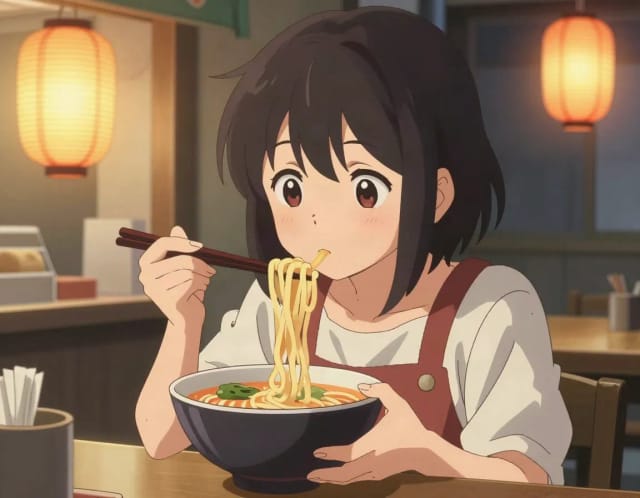
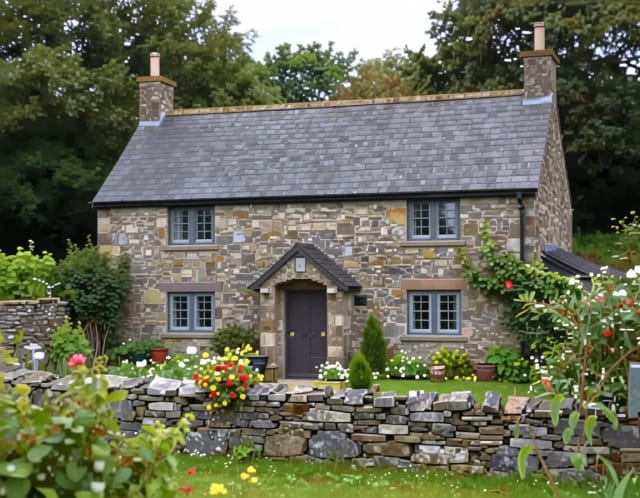
Concept art and icons at the exact size, no cropping.

Frequently asked questions
Still have a question? Visit the help center →
What size is a Roblox thumbnail?
Why does my thumbnail look stretched?
What size is a Roblox game icon?
How many thumbnails can a Roblox game have?
Where should the text go on a Roblox thumbnail?
Can I use AI art for Roblox thumbnails?
CreArt is not affiliated with, endorsed or sponsored by YouTube or Roblox. YouTube is a trademark of Google LLC. Roblox is a trademark of Roblox Corporation.