
Thumbnail Maker for YouTube
Make a thumbnail for YouTube in your browser: a new AI scene or a frame from your video, your face cut out, and a big title that is always spelled right. Free, no sign-up.
Loading the background…
The title and your face are added in your browser, so the text is always spelled right and your photo isn't uploaded. The JPG stays under YouTube's 2 MB limit.
How to
How to make a YouTube thumbnail in 4 steps
Write a short title
Three to five words work best. Use / to split it into two lines. The title is typed, not painted by the AI, so it is always spelled right.
Add your face
Upload a selfie with your face and shoulders. It is cut out in your browser, gets a white outline so it stands out, and you can drag it and change its size.
Pick the background
Use a sample scene, a frame or screenshot from your video (free, nothing to generate), or describe a new scene and Auto paints it, usually in under 20 seconds.
Check it and download
The small preview shows it the way a phone list does, and the dashed box marks where YouTube puts the video length. Download a 1280×720 JPG under 2 MB, or a PNG.
Thumbnail ideas for every kind of video
Each style paints a different kind of scene. Pick the one that fits your video, then add your title and your face.





Your face
Your face, cut out in your browser
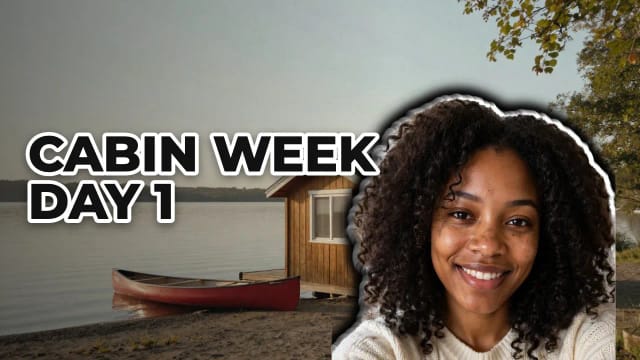
Thumbnails with a face are the norm on YouTube, and a cut-out face with a white outline reads well even at phone size. Upload a selfie that shows your face and shoulders: the person is cut out right in your browser, so the photo is never uploaded to our servers.
Drag your face to move it and use the slider to make it bigger or smaller. A selfie taken facing the camera, in even light, cuts out cleanest. No face? Choose No face and the title takes the whole side.
Title
A title that is always spelled right
AI image models often get the letters wrong when you ask them to write words inside a picture. Here the AI only paints the scene, and your title is typed on top in your browser: what you write is exactly what you get.
Pick one of five bold fonts and six color sets with a thick outline and a shadow, and put the title on the left or the right. Keep it short: three to five big words are easier to read in a list of videos.

Size
YouTube thumbnail size and the safe zone
YouTube's help page recommends thumbnails of 3840×2160 pixels at 16:9, at least 640 pixels wide, in JPG or PNG, and up to 2 MB when you upload from a phone (50 MB from a computer). This maker exports 1280×720, the classic size, as a JPG that stays under 2 MB. All the details are in the YouTube thumbnail size guide.
YouTube shows the length of the video over the bottom-right corner, so keep your title and your face clear of it. The maker marks that corner with a dashed box and tells you if something important falls under it.
Making a thumbnail for a Roblox game instead? It uses a different size: see the Roblox thumbnail size guide.
Need the banner for your channel too? The banner maker for YouTube uses the same studio at 2560×1440, with the safe area marked.
Who it’s for
Who this thumbnail maker is for
New and small channels
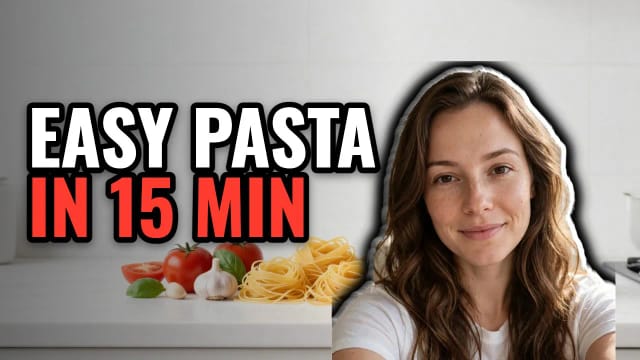
A thumbnail with your face and a clear title without a designer or a design app, ready in a couple of minutes.
Gaming channels
Bright game-world scenes with your reaction on top. Use a frame from your gameplay as the background if you prefer.
Vloggers and travel channels
Use your own frame from the trip, add your face and a two-line title, and check it at phone size.
Teachers and tutorial channels
Clean, bright scenes and a title that says exactly what the video teaches.
Podcasters
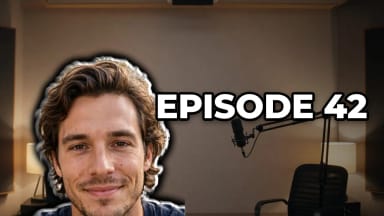
A studio scene, the episode number and the host’s face, the same look every week.
Pricing
Free
$0
- 100 credits every day
- The Auto model, on our own servers
- No card needed
Paid plans
Starter · Creator · Pro
- 4,000 to 25,000 credits a month
- Every AI model, including premium ones
- AI video, and no ads in the mobile app
Why here
Why make your thumbnail here
Free with Auto, no sign-up
New scenes run on the Auto model, covered by the free daily credits. No account, nothing to install.
Your own frame, at no cost
Use a frame or screenshot from your video as the background. Nothing is generated, so it costs nothing.
Your photo stays with you
Your selfie is cut out in your browser and never uploaded to our servers.
Spelled right, every time
The title is typed on top of the scene, so there are no AI misspellings.
See it like a viewer
A small preview shows how it looks in a phone list, and the safe zone marks the video length.
Ready to upload
A 1280×720 JPG under 2 MB, or a PNG, at 16:9.
How do I make my own thumbnail for YouTube?
What size should a YouTube thumbnail be?
Can I add my face to the thumbnail?
Is this thumbnail maker free?
Can ChatGPT create YouTube thumbnails?
What do YouTubers use to make thumbnails?
Are AI-made thumbnails allowed on YouTube?
What is the safe zone?
CreArt is not affiliated with, endorsed or sponsored by YouTube or Roblox. YouTube is a trademark of Google LLC. Roblox is a trademark of Roblox Corporation.

AI Profile Picture Maker
A free AI profile picture maker: your photo on a color background, sized for your social profiles, right in your browser. Or an anime, 3D, cartoon or pixel art avatar in under 20 seconds.
Background Remover
CreArt's Background Remover cuts the subject out of any photo for free, without sign-up, and gives you a transparent PNG, a pure white background or a solid color, usually in under 20 seconds.
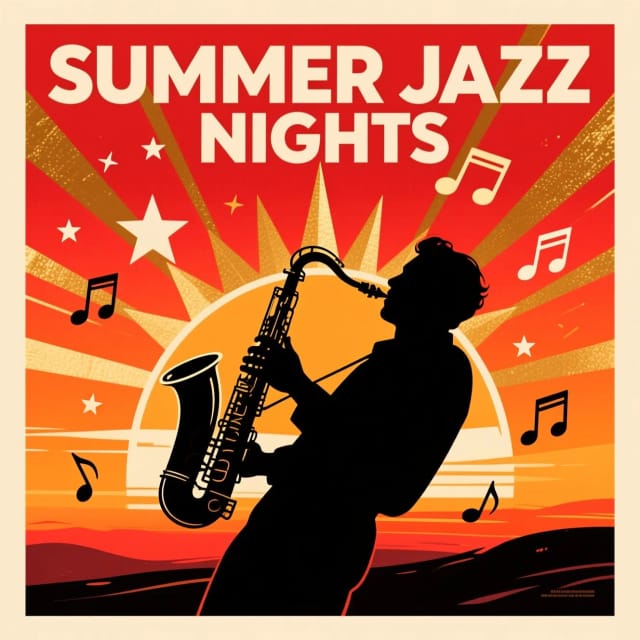
AI Design Generator
Describe what you need and we open the studio that makes it, or pick one: logos, posters, flyers, invitations, ads and more, free with Auto.

AI Album Cover Maker
Make an album cover with AI: describe your music, pick one of 16 styles and add your name and title, spelled right. Free, no sign-up.

AI Logo Generator
Free AI logo maker: the AI draws your symbol and your name is set in real fonts, never misspelled.
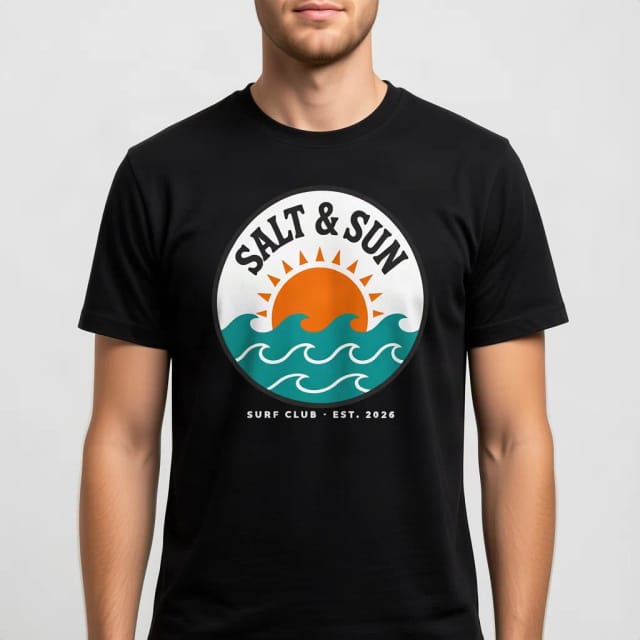
T-Shirt Mockup Generator
CreArt's free T-Shirt Mockup Generator puts your design on 7 garments in 12 colors, front or back, usually in under 20 seconds. No sign-up.
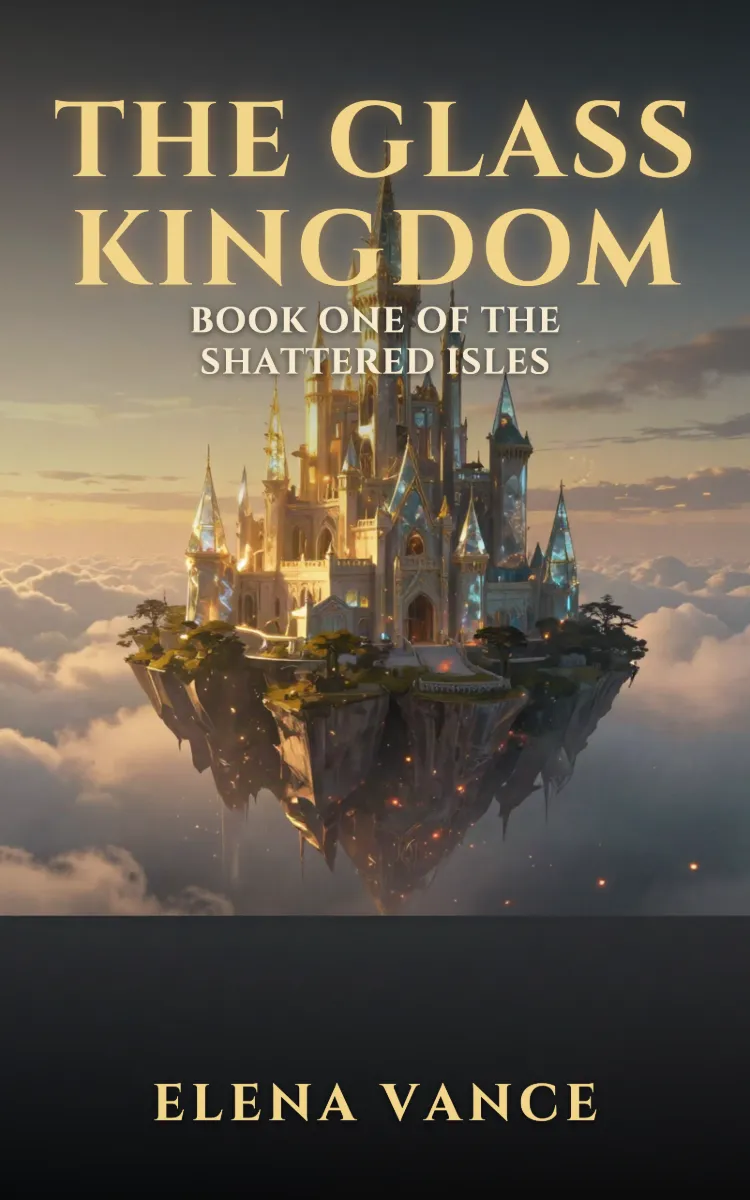
Book Cover Generator
Make a book cover with AI: describe it, pick a genre, type your title.
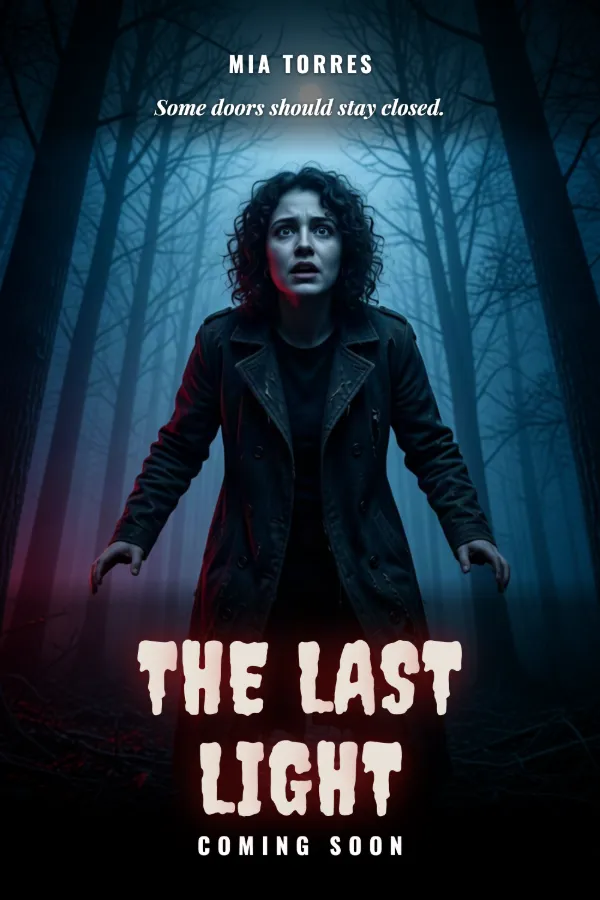
AI Poster Generator
Turn your photo into a movie poster: pick a genre and type your title.
Ready to make something?
Open the tool, try the free Auto model and download the result.