
Banner Maker for Twitch
Make a banner for your Twitch channel in your browser: a new AI background or your own image, your channel name in big letters and your face cut out. Free, no sign-up.
Loading the background…
Twitch suggests keeping the important part on the left, so your name and your face go there. The name and your photo are added in your browser: always spelled right, and the photo is never uploaded.
How to
How to make a Twitch banner in 4 steps
Type your channel name
Add / and a short line for your schedule or what you stream. The name is typed, not painted by the AI, so it is always spelled right.
Add your face
Upload a selfie with your face and shoulders. It is cut out in your browser and placed next to your name, on the left.
Pick the background
Use a sample, your own image (free, nothing to generate), or describe a scene and Auto paints it, usually in under 20 seconds.
Download and upload
Download the 1200×480 profile banner and, if you want, the 1920×1080 offline banner. Upload them in your Twitch settings.
Twitch banner ideas by style
Each style paints a different kind of background. Pick one, describe your channel, then add your name and your face.
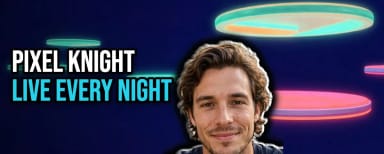
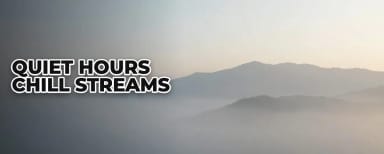

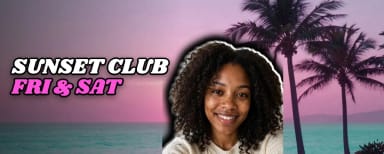

Size
Twitch banner size: profile, offline and panels
Twitch recommends 1200×480 pixels for the profile banner. Twitch scales it to 480 pixels high and stretches it when the browser window is wider than the image, so make it wide and keep the important part on the left: that is where this maker puts your name and your face.
The offline banner shows in the video player when you are not live. The player is 16:9, so 1920×1080 fills it; the maker exports that size from the same design. Images in the panels under your stream should be under 2.9 MB and no larger than 320×300 pixels.
All the sizes, in one place: Twitch banner size guide.
Name and face
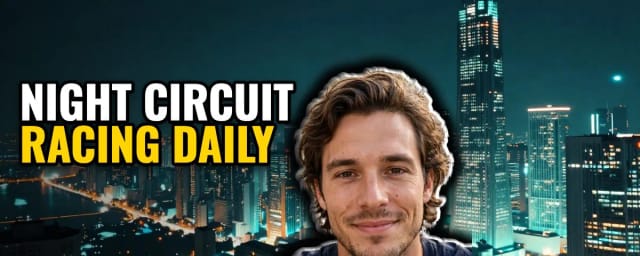
Your name and your face, on the left
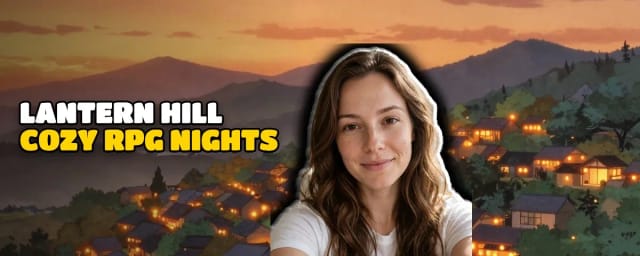
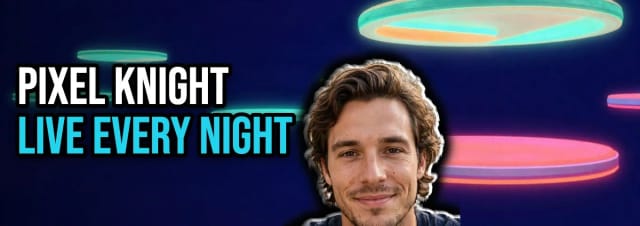
AI image models often get the letters wrong when they write words inside a picture. Here the AI only paints the background, and your channel name is typed on top: what you write is exactly what you get, in one of five bold fonts and six color sets.
Your face is cut out from a selfie right in your browser, with a white outline, and you can drag it and change its size. Making videos too? The same studio makes a thumbnail for YouTube with your face and a title.
On YouTube too? The banner maker for YouTube makes your channel banner at 2560×1440 with the same name and face.
For Discord
A profile banner for Discord, from the same design
Discord asks for a profile banner of at least 680×240 pixels, as a PNG, JPG or animated GIF under 10 MB, and only Nitro members can upload one. This maker puts the same design together again at 1360×480, twice the minimum and the same shape, with your name and your face in their place, and downloads it as a PNG.
To use it, open User Settings (the cog at the bottom left), go to Profiles and click Change Banner. Upload the PNG, adjust the crop and click Apply.
Who it’s for
Who this banner maker is for
New streamers
A banner with your name and your face in a couple of minutes, without a designer.
Gaming channels
Game-world backgrounds, or a screenshot from your own game as the background.
Just Chatting and podcasts
A calm background, your face and your schedule on one line.
Music and creative streams
Neon, vaporwave or minimal looks that match your stream overlay.
Pricing
Twitch banner generator pricing
Start free to design and preview your banner, then pick the plan that fits how many you need to generate and download.
Free
$0
- 100 credits every day
- The Auto model, on our own servers
- No card needed
Paid plans
Starter · Creator · Pro
- 4,000 to 25,000 credits a month
- Every AI model, including premium ones
- AI video, and no ads in the mobile app
Why here
Why make your Twitch banner here
Free with Auto, no sign-up
New backgrounds run on the Auto model, covered by the free daily credits. No account, nothing to install.
Profile, offline and Discord banners
One design, three downloads: 1200×480 for your Twitch profile, 1920×1080 for the player when you are offline and 1360×480 for your Discord profile.
No watermark
The banner is put together in your browser. What you download has no watermark or logo added.
Your own image, at no cost
Use a screenshot or any image of yours as the background. Nothing is generated, so it costs nothing.
Your photo stays with you
Your selfie is cut out in your browser and never uploaded to our servers.
Spelled right, every time
Your channel name is typed on top of the background, so there are no AI misspellings.
What size is a Twitch banner?
How do I make a Twitch banner?
How do I upload my banner to Twitch?
What is an offline banner?
Can I use it as my Discord profile banner?
Is this Twitch banner maker free?
Does the banner have a watermark?
Can I make an animated Twitch banner?
CreArt is not affiliated with, endorsed or sponsored by YouTube, Twitch or Discord. YouTube is a trademark of Google LLC. Twitch is a trademark of Twitch Interactive, Inc. Discord is a trademark of Discord Inc.
Thumbnail Maker for YouTube
Make a thumbnail for YouTube in your browser: a new AI scene or a frame from your video, your face cut out, and a big title that is always spelled right. Free, no sign-up.
AI Profile Picture Maker
A free AI profile picture maker: your photo on a color background, sized for your social profiles, right in your browser. Or an anime, 3D, cartoon or pixel art avatar in under 20 seconds.
Background Remover
CreArt's Background Remover cuts the subject out of any photo for free, without sign-up, and gives you a transparent PNG, a pure white background or a solid color, usually in under 20 seconds.

AI Album Cover Maker
Make an album cover with AI: describe your music, pick one of 16 styles and add your name and title, spelled right. Free, no sign-up.

AI Logo Generator
Free AI logo maker: the AI draws your symbol and your name is set in real fonts, never misspelled.
T-Shirt Mockup Generator
CreArt's free T-Shirt Mockup Generator puts your design on 7 garments in 12 colors, front or back, usually in under 20 seconds. No sign-up.
Book Cover Generator
Make a book cover with AI: describe it, pick a genre, type your title.
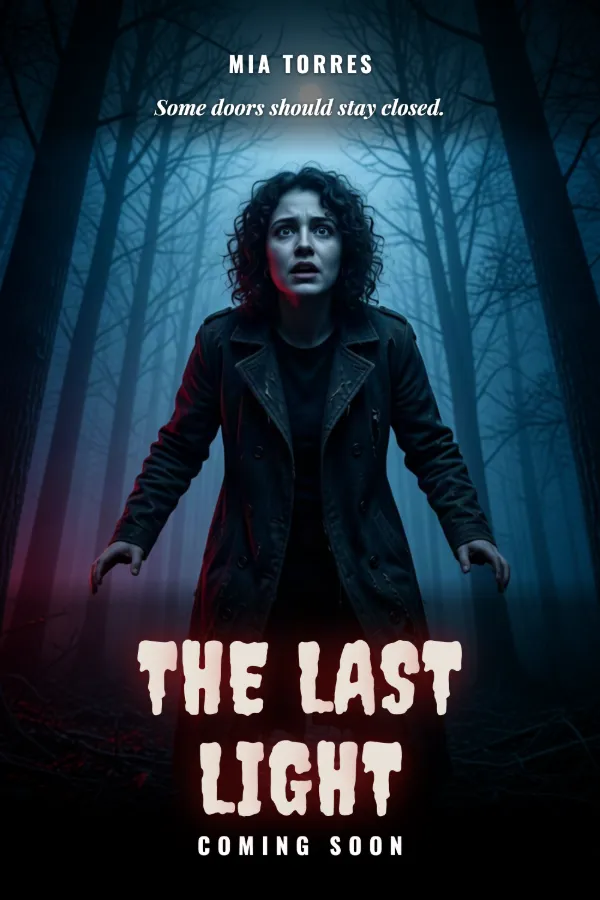
AI Poster Generator
Turn your photo into a movie poster: pick a genre and type your title.
Ready to make something?
Open the tool, try the free Auto model and download the result.