
Banner Maker for YouTube
Make a banner for your YouTube channel in your browser: a new AI background or your own image, your channel name and your face, inside the strip every device shows. Free, no sign-up.
Loading the background…
Your name and your face stay inside the strip that every device shows (YouTube: 1235 × 338 at 2048 × 1152). The JPG stays under YouTube’s 6 MB limit, and your photo is never uploaded.
How to
How to make a YouTube banner in 4 steps
Type your channel name
Add / and a short line for your schedule or what the channel is about. The name is typed, not painted by the AI, so it is always spelled right.
Add your face
Upload a selfie with your face and shoulders. It is cut out in your browser and placed next to your name, inside the safe area.
Pick the background
Use a sample, your own image (free, nothing to generate), or describe a scene and Auto paints it, usually in under 20 seconds.
Download and upload
Download the 2560×1440 JPG. In YouTube Studio, open Customization, then Profile, and change the banner image.
YouTube banner ideas for every kind of channel
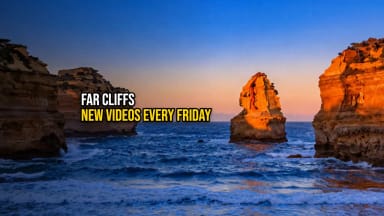
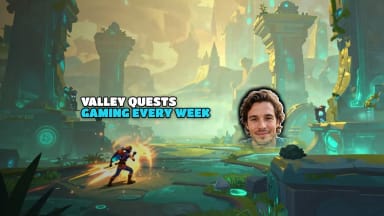
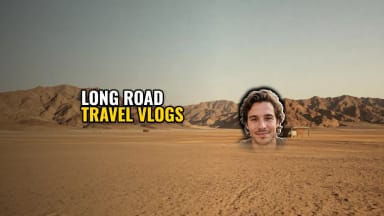
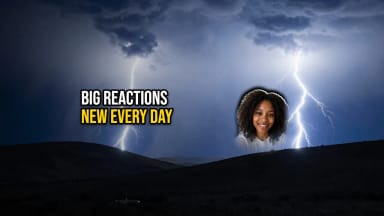
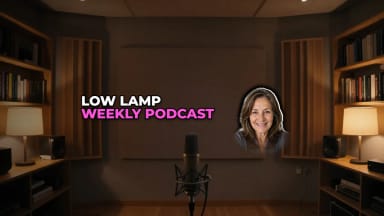
Each style paints a different kind of background. Pick the one that fits your channel, then add your name and your face.

Size
YouTube banner size and dimensions
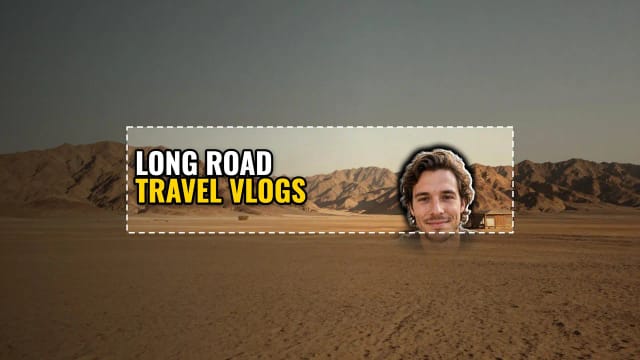
YouTube recommends a banner of 2560×1440 pixels. The minimum is 2048×1152 at 16:9, and the file has to be 6 MB or smaller. YouTube crops the banner differently on each device: at 2048×1152, the safe area for text and logos is the 1235×338 strip in the center (about 1544×423 at 2560×1440).
This maker exports 2560×1440 as a JPG under 6 MB and marks that strip with a dashed box. Your name and your face go inside it, and the small preview shows the banner as a phone shows it. Already have an image? Use it as the background and download it at the exact size, with the strip marked.
All the details, in one place: YouTube banner size guide.
Name and face
Your name and your face, where every device shows them
AI image models often get the letters wrong when they write words inside a picture. Here the AI only paints the background, and your channel name is typed on top: what you write is exactly what you get, in one of five bold fonts and six color sets.
Your face is cut out from a selfie right in your browser, with a white outline that fades out below the safe area, and you can drag it and change its size. The same studio makes a thumbnail for YouTube for each video and a banner for Twitch if you stream.
Who it’s for
Who this banner maker is for
New YouTubers
A channel banner with your name and your face in a couple of minutes, without a designer.
Gaming channels
Game-world backgrounds, or a screenshot from your own game as the background.
Vlogs and travel
A wide landscape behind your name, with your schedule on one line.
Cooking, tutorials and podcasts
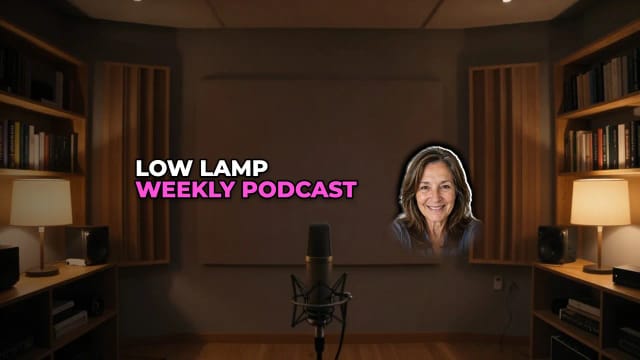
A clean, calm background that keeps the focus on your name and your face.
Pricing
Free
$0
- 100 credits every day
- The Auto model, on our own servers
- No card needed
Paid plans
Starter · Creator · Pro
- 4,000 to 25,000 credits a month
- Every AI model, including premium ones
- AI video, and no ads in the mobile app
Why here
Why make your YouTube banner here
Free with Auto, no sign-up
New backgrounds run on the Auto model, covered by the free daily credits. No account, nothing to install.
The size YouTube asks for
A 2560×1440 JPG that stays under YouTube’s 6 MB limit, ready to upload.
The safe area, marked
A dashed box shows the strip every device shows, and the maker warns you if your name or your face falls outside it.
Your own image, at no cost
Use a photo or any image of yours as the background. Nothing is generated, so it costs nothing.
Your photo stays with you
Your selfie is cut out in your browser and never uploaded to our servers.
No watermark
The banner is put together in your browser. What you download has no watermark or logo added.
What size is a YouTube banner?
Why is my banner cut off on my phone?
How do I upload a banner to YouTube?
Is this YouTube banner maker free?
Can I use my own image as the banner?
Does the banner have a watermark?
Can I use the same banner on Twitch?
CreArt is not affiliated with, endorsed or sponsored by YouTube or Twitch. YouTube is a trademark of Google LLC. Twitch is a trademark of Twitch Interactive, Inc.
Thumbnail Maker for YouTube
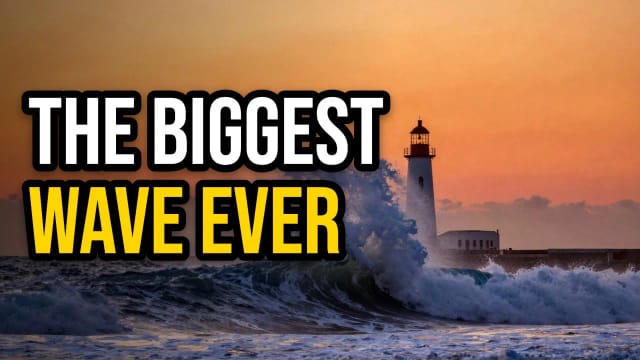
Make a thumbnail for YouTube in your browser: a new AI scene or a frame from your video, your face cut out, and a big title that is always spelled right. Free, no sign-up.
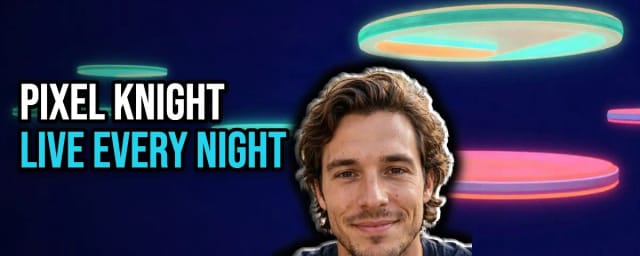
Banner Maker for Twitch
Make a banner for your Twitch channel in your browser: a new AI background or your own image, your channel name in big letters and your face cut out. Free, no sign-up.
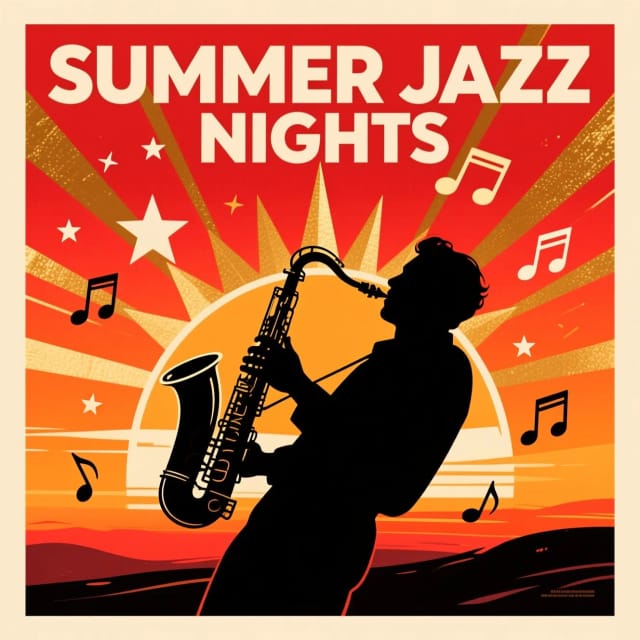
AI Design Generator
Describe what you need and we open the studio that makes it, or pick one: logos, posters, flyers, invitations, ads and more, free with Auto.

AI Album Cover Maker
Make an album cover with AI: describe your music, pick one of 16 styles and add your name and title, spelled right. Free, no sign-up.

AI Logo Generator
Free AI logo maker: the AI draws your symbol and your name is set in real fonts, never misspelled.
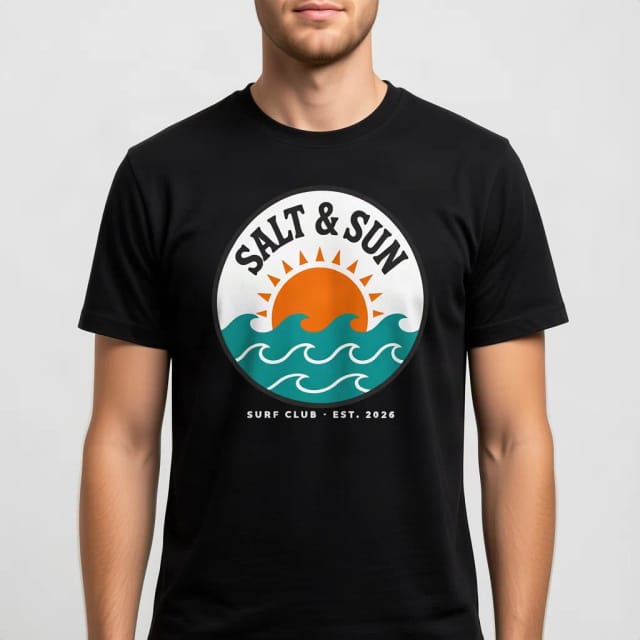
T-Shirt Mockup Generator
CreArt's free T-Shirt Mockup Generator puts your design on 7 garments in 12 colors, front or back, usually in under 20 seconds. No sign-up.
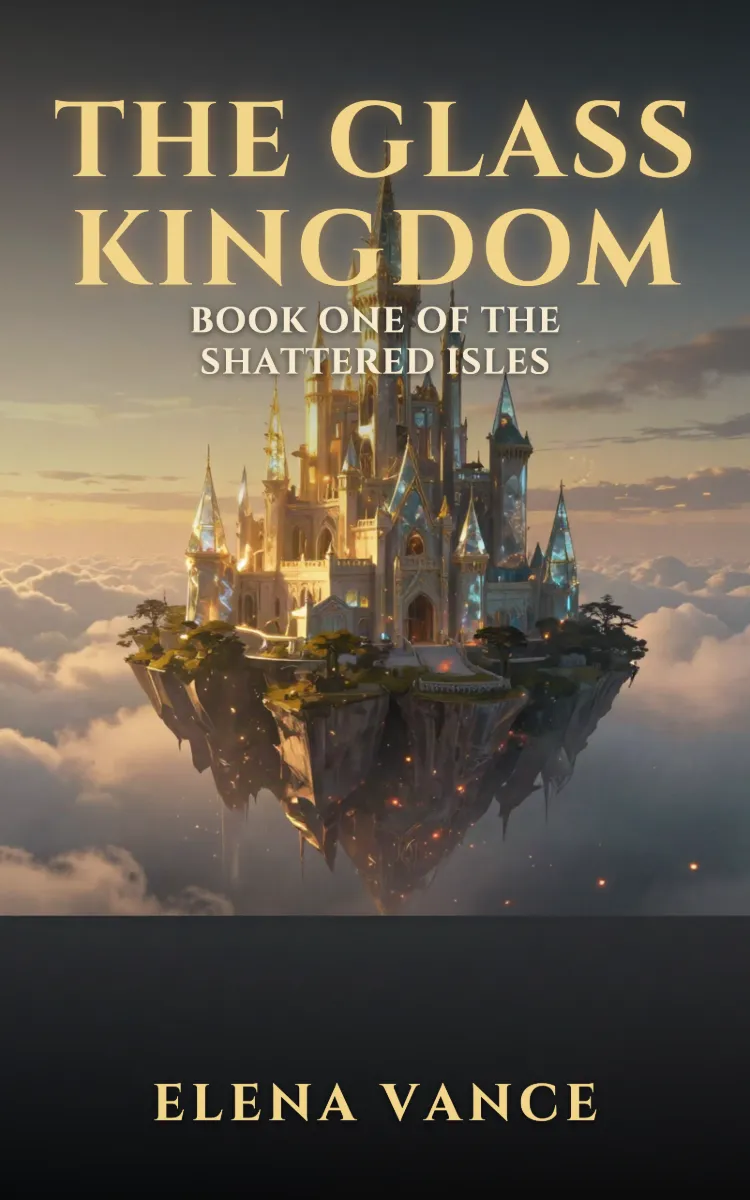
Book Cover Generator
Make a book cover with AI: describe it, pick a genre, type your title.
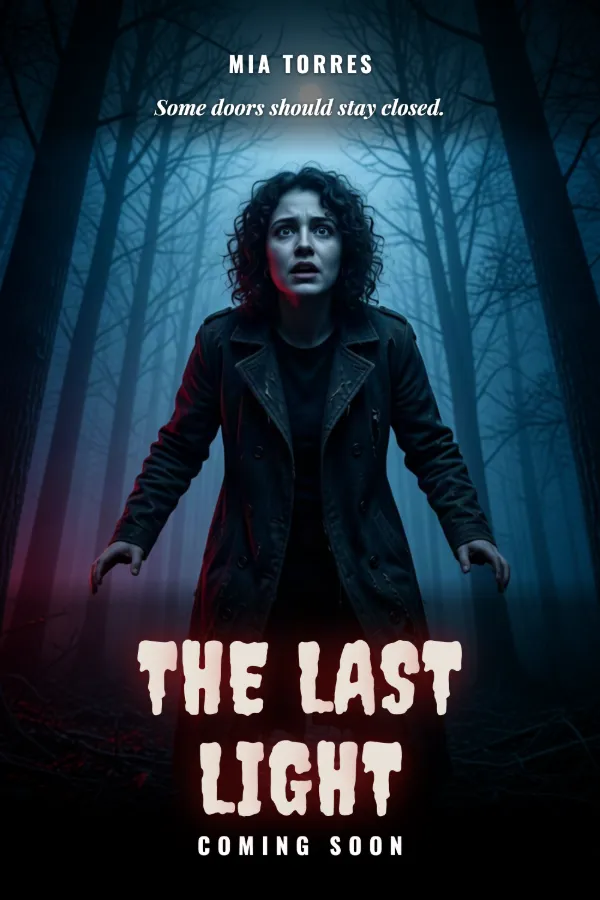
AI Poster Generator
Turn your photo into a movie poster: pick a genre and type your title.
Ready to make something?
Open the tool, try the free Auto model and download the result.