
AI Ad Maker
Free AI ad maker: get an ad with your headline and button for Instagram and Facebook, in every size.
What are you advertising?
Your product photo (optional)
Ad style· Bold
Your text
10 free tries a day with Auto · No sign-up · Feed, portrait and story sizes from one image.
What are you advertising?
Your product photo (optional)
Ad style· Bold
Your text
 Example
How it works
How to make an ad with AI in 4 steps
Describe the product, pick a style, write the headline and download every size.
Say what you are advertising
Type the product in a few words, such as "a handmade soy candle in an amber jar". Put the offer in the headline, not here.
Add a product photo, if you have one
Upload a clear photo of your product, or try a sample. Auto puts the product in a new scene; without a photo, it creates one.
Pick a style and write your text
Bold, lifestyle, luxury, promo or minimal, then your headline and the text of the button.
Download every size
Change the font, color or position of the headline without generating again, and download the ad for the feed (1:1), portrait posts (4:5) and stories (9:16).
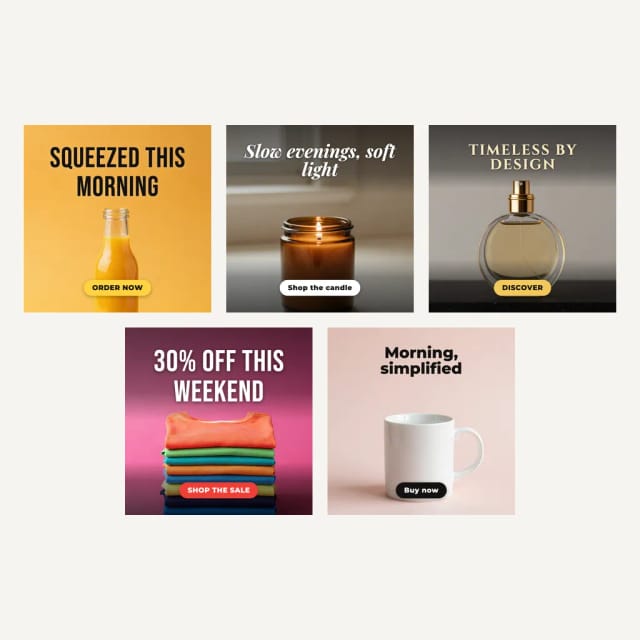
Five ad styles
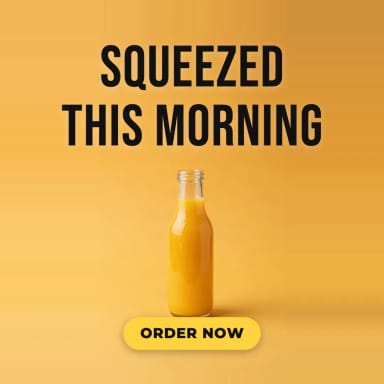
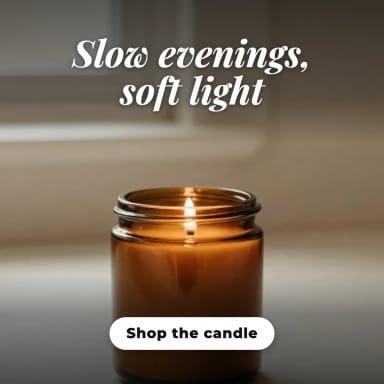
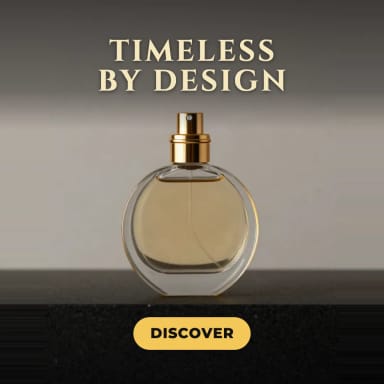
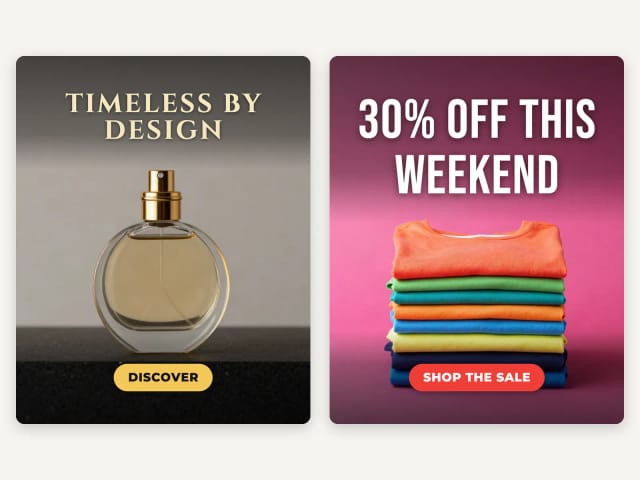
Each sample was made with this tool: the scene by the AI, the headline and the button in real fonts.
Ad Maker for Instagram
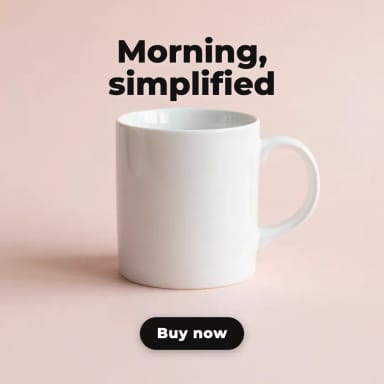
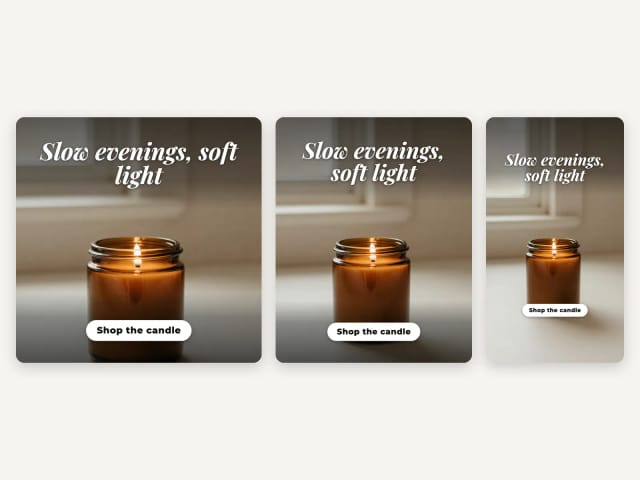
One image gives you the three Instagram sizes: a 1:1 post for the feed, a 4:5 portrait post that fills more of the screen and a 9:16 story. Each one gets its own layout, and in the story the headline and the button stay clear of the areas Instagram covers with its own buttons.
Switch between the sizes above the ad and download the one you need, or all three. For the rest of your posts, try the AI image generator.
Ad Generator for Facebook
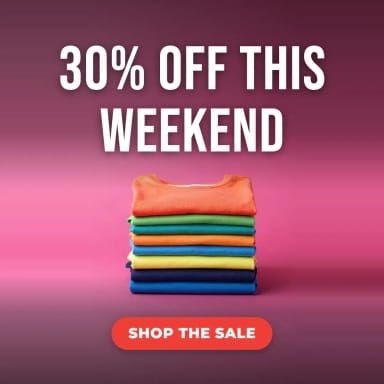
Facebook ads use the same sizes: 1:1 and 4:5 in the feed and 9:16 in stories. Write a short headline with the offer, such as "30% off this weekend", and a clear button, such as "Shop now" or "Order now".
The ad is an image that you upload to your ad account or post yourself: the tool does not connect to your account or run campaigns.
Your text
Your headline, spelled right
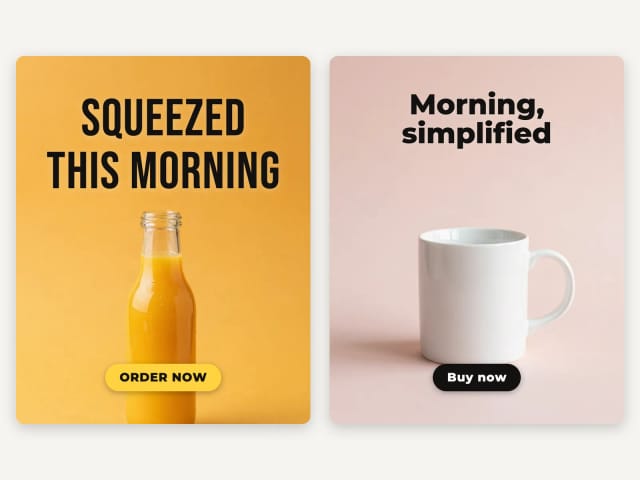
AI image models often misspell the words in an ad, add stray letters or draw the button twice. Here the AI paints only the product and the scene, with no text, and your browser sets the headline and the button in real fonts, spelled exactly as you type them.
Change the font, the color or the position of the headline as often as you like: the ad is redrawn without generating again.
Your product
Put your own product in the ad
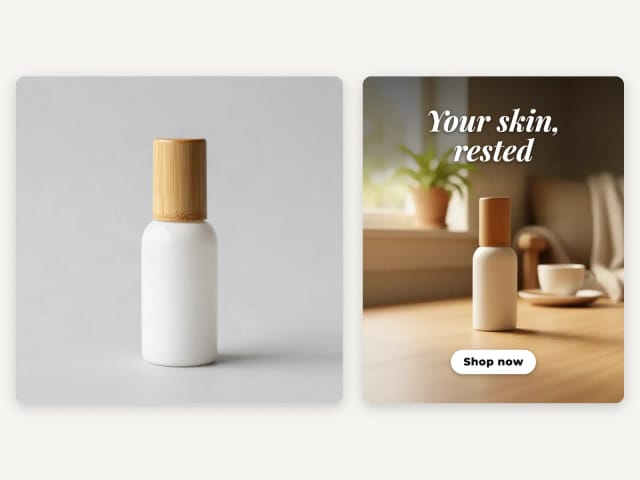
Upload a photo of your product and Auto places it in a new scene in the style you pick. It is asked to keep the product as it is in your photo, and in our tests a plain bottle stayed plain, with no invented logo.
The AI does redraw the photo, so check the product and any small print before you publish. For photos of the product in a customer's hands, try the UGC ads generator.
Who it's for
Who the AI Ad Maker is for
Anyone who needs an ad today and has no designer.
Small shops and online stores
Make an ad for a new product or an offer in a few minutes, without a designer.
Social media managers
Get the feed, portrait and story sizes of the same ad at once.
Restaurants and cafés
Turn a dish or a drink into an ad with this week's offer.
Marketers testing ideas
Try different headlines and styles on the same product before you spend on ads.
Anyone without design software
Describe the product, write the headline and download: no templates or layers.
Pricing
Simple pricing for the AI Ad Maker
Make ads for free with the Auto model, no account needed. Pick a plan when you want more a day or other image models.
Free
$0
- 100 credits every day
- The Auto model, on our own servers
- No card needed
Paid plans
Basic · Starter · Creator
- 1,600 to 10,000 credits a month
- Every AI model, including premium ones
- AI video, and no ads in the mobile app
Why CreArt
Why use this AI ad maker
A finished ad in every size, with your words spelled right.
Three sizes, one image
Feed 1:1, portrait 4:5 and story 9:16 from the same generation.
Headline spelled right
Your headline and button are set in real fonts, exactly as you type them.
Your own product
Add a product photo and Auto puts it in the scene.
Five styles
Bold, lifestyle, luxury, promo and minimal.
Edit without generating again
Change the font, color and position of the headline at no cost.
Free, no sign-up
Make ads with the Auto model for free every day, without an account.
What is the best AI ad generator?
Can I create an ad with AI?
Is it legal to use AI to generate ads?
How much does an AI ad cost?
What sizes do I get?
Can I use my own product photo?
Will the AI add text or a logo to my ad?
Does it make video ads?
CreArt is not affiliated with, endorsed or sponsored by Instagram or Facebook. Instagram and Facebook are trademarks of Meta Platforms, Inc.

AI Album Cover Maker
Make an album cover with AI: describe your music, pick one of 16 styles and add your name and title, spelled right. Free, no sign-up.
AI Flyer Generator
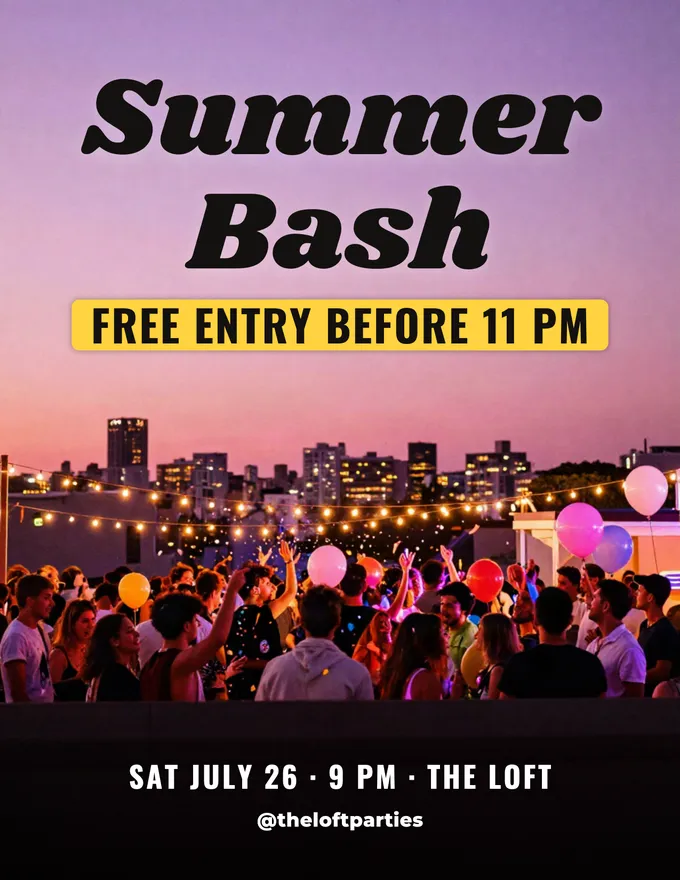
Make a flyer with AI: pick a type, add your text, download it to print.
AI Invitation Maker
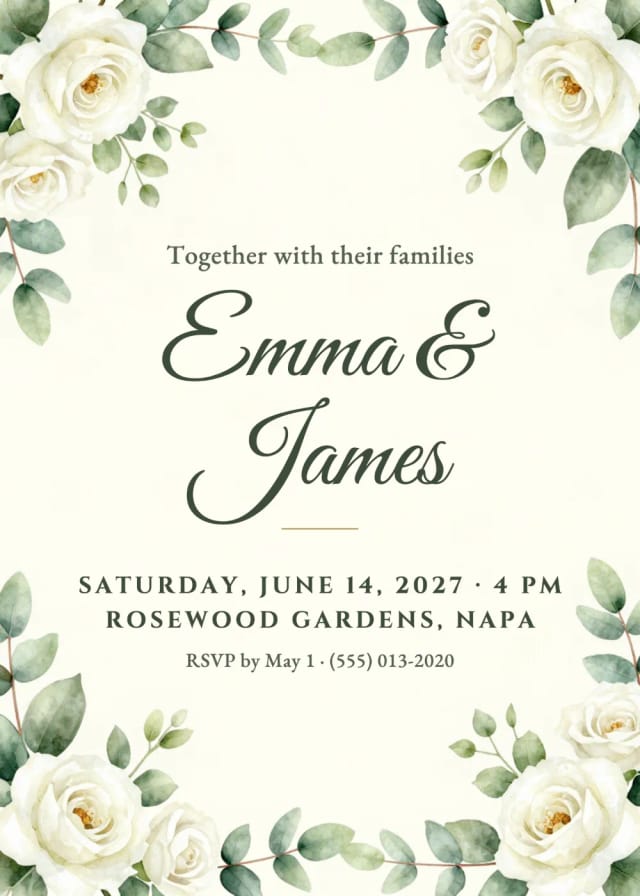
Free AI invitation maker: pick a style, add your details and a photo, then print it or send it.

AI Logo Generator
Free AI logo maker: the AI draws your symbol and your name is set in real fonts, never misspelled.
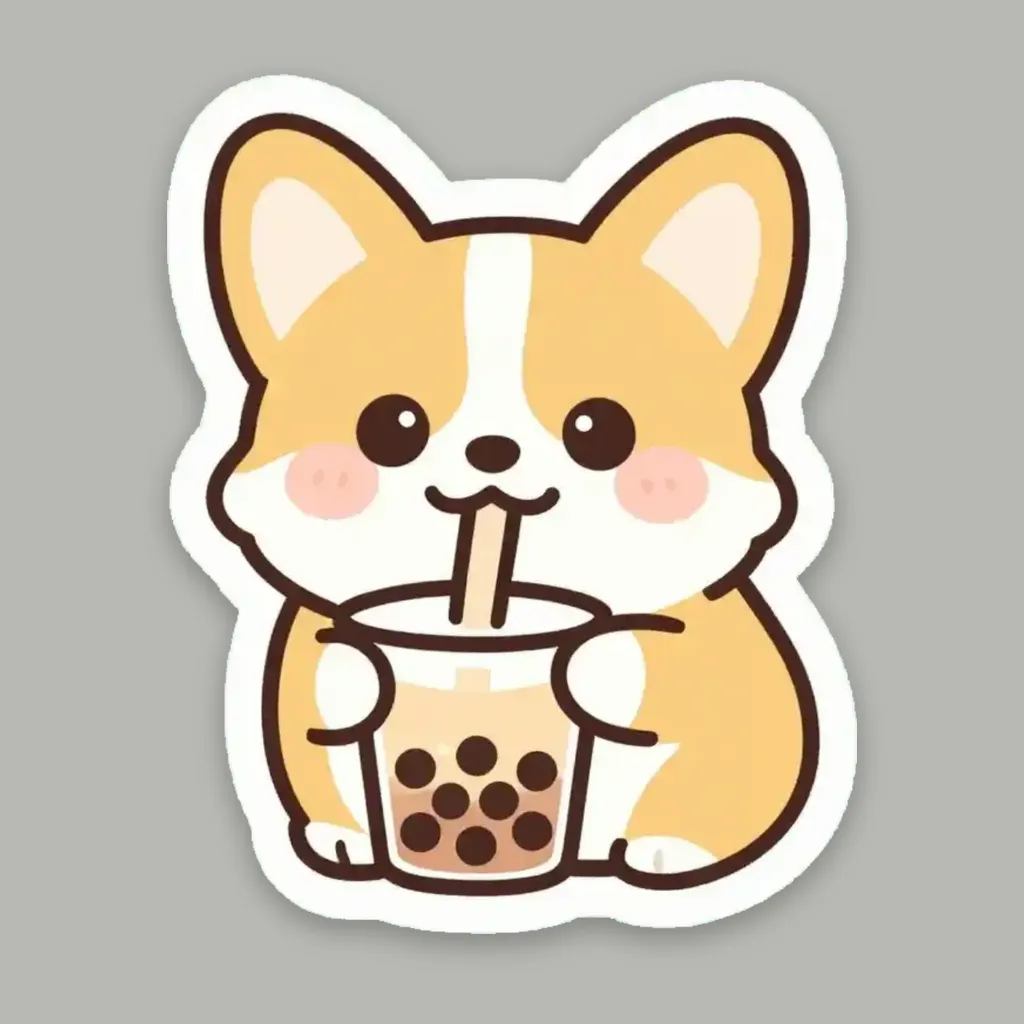
AI Sticker Generator
Turn a text idea or your own photo into a die-cut sticker, then print a sheet of 12.
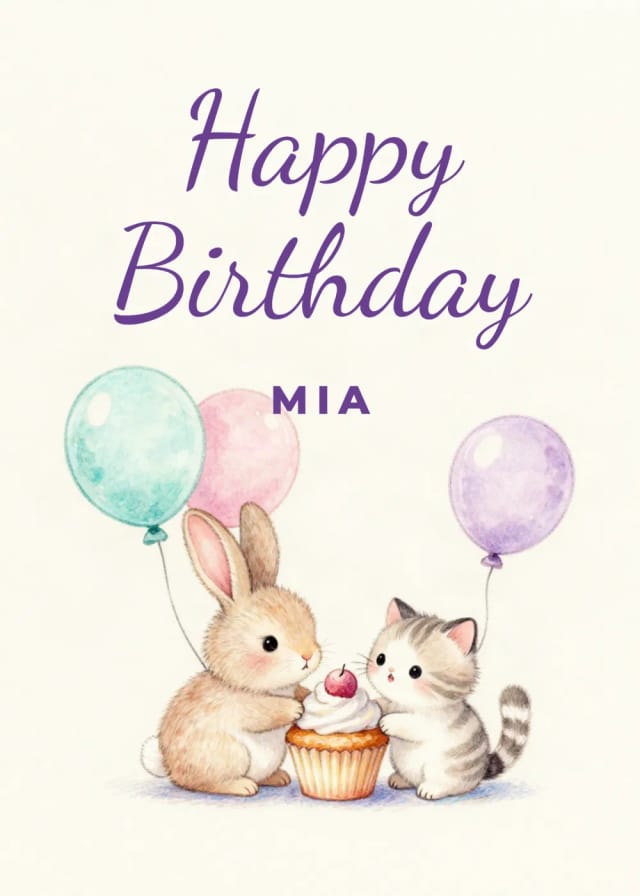
Birthday Card Generator
Make a birthday card with AI: pick a style, add a photo and your words.
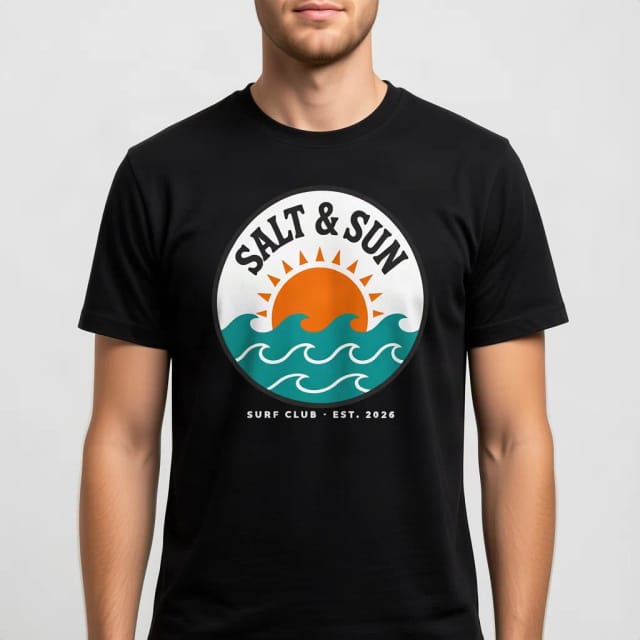
T-Shirt Mockup Generator
CreArt's free T-Shirt Mockup Generator puts your design on 7 garments in 12 colors, front or back, usually in under 20 seconds. No sign-up.
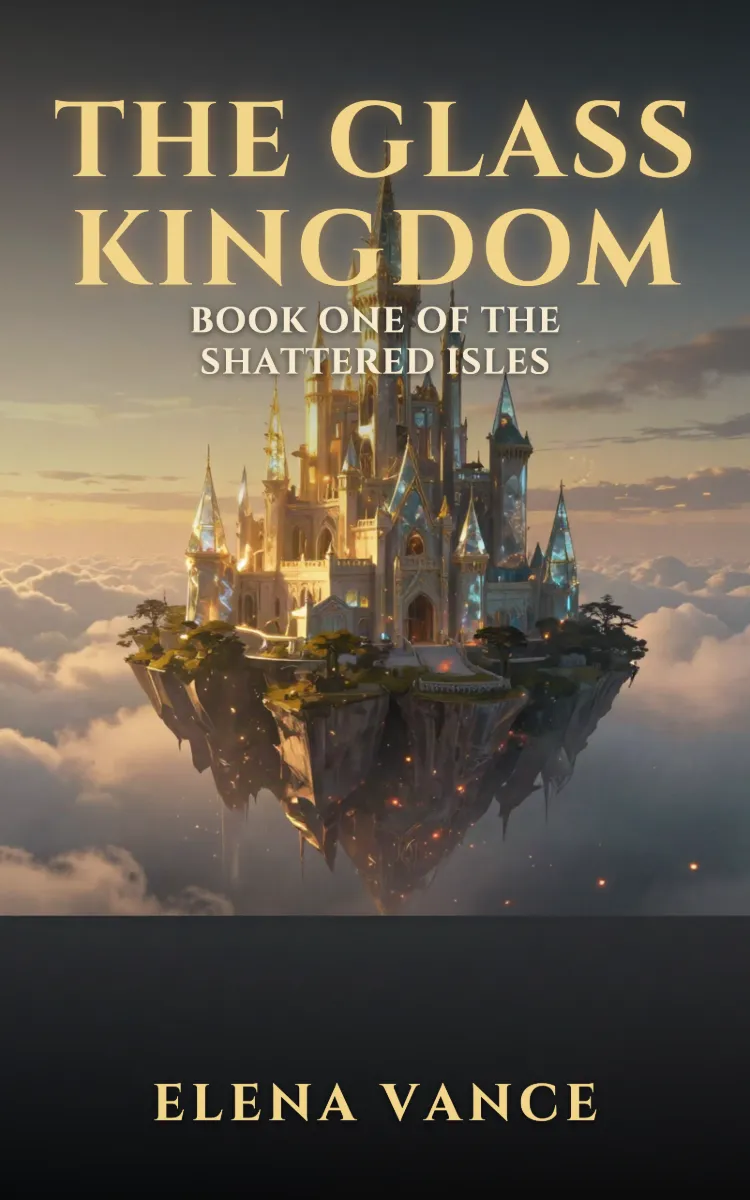
Book Cover Generator
Make a book cover with AI: describe it, pick a genre, type your title.
Ready to make something?
Open the tool, try the free Auto model and download the result.