
Emote Maker for Twitch
CreArt's Emote Maker for Twitch turns a short description or your selfie into a custom emote, free and without sign-up: pick Bold, Chibi, Pixel or Sticker and download a transparent PNG in 112, 56 and 28 pixels, usually in under 30 seconds.
20 free tries a day with Auto · No sign-up
20 free tries a day with Auto · No sign-up
Make a Twitch emote in 4 steps
From an idea to an emote you can upload, without a design app.
Describe it or add a selfie
A short idea, like "a cat giving a thumbs up", or choose From your photo and upload a selfie for an emote with your face.
Pick a style
Bold, Chibi, Pixel or Sticker. Every style keeps a clear outline so the emote still reads at 28 pixels.
Generate
The emote usually appears in under 30 seconds, cut out and filling its square. Change the wording and try again if you like.
Download for Twitch or Discord
A ZIP with 112, 56 and 28 pixels for Twitch, a 128 × 128 PNG for Discord, or the large PNG.
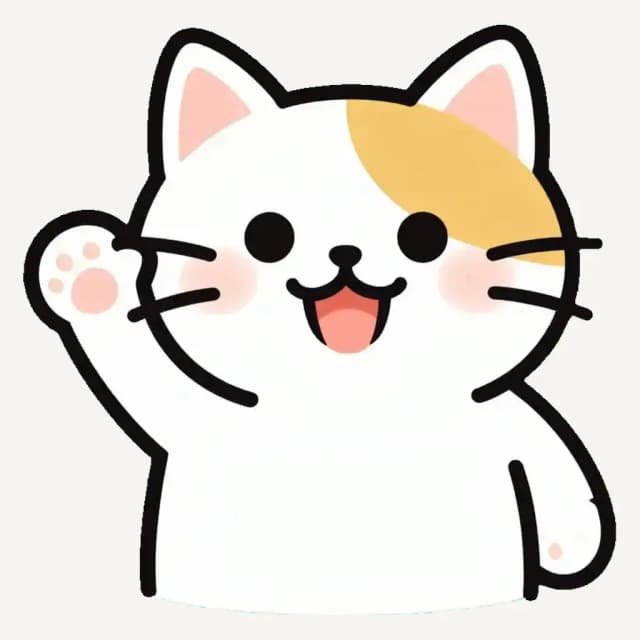
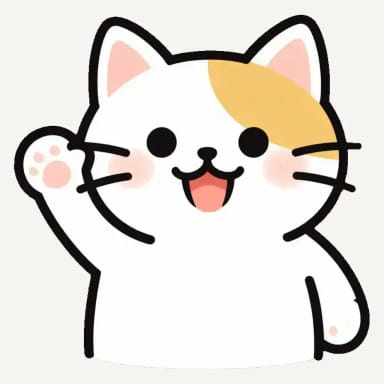
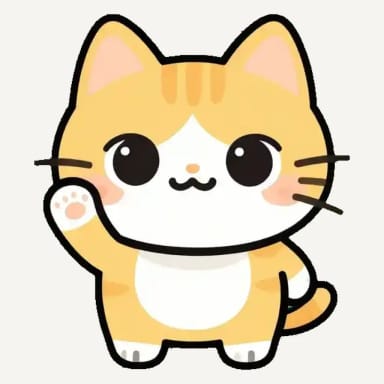
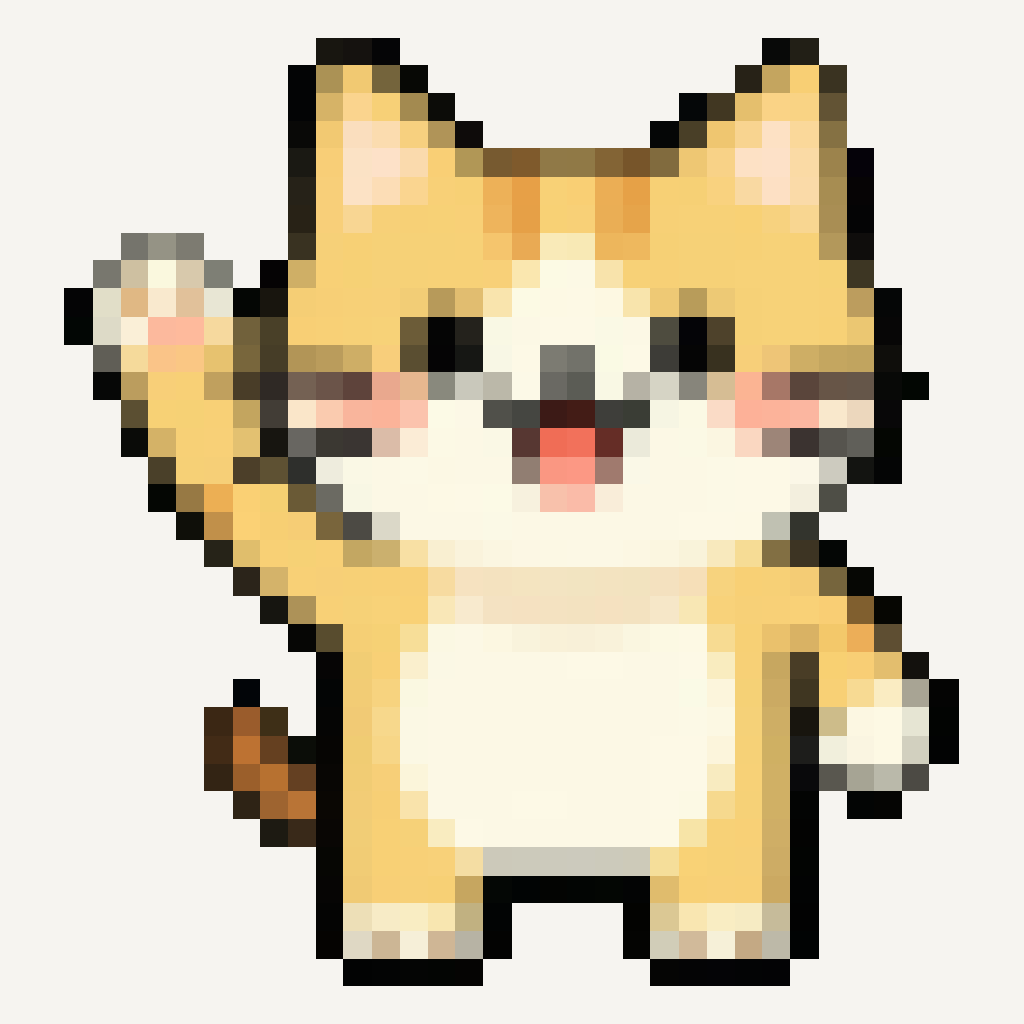
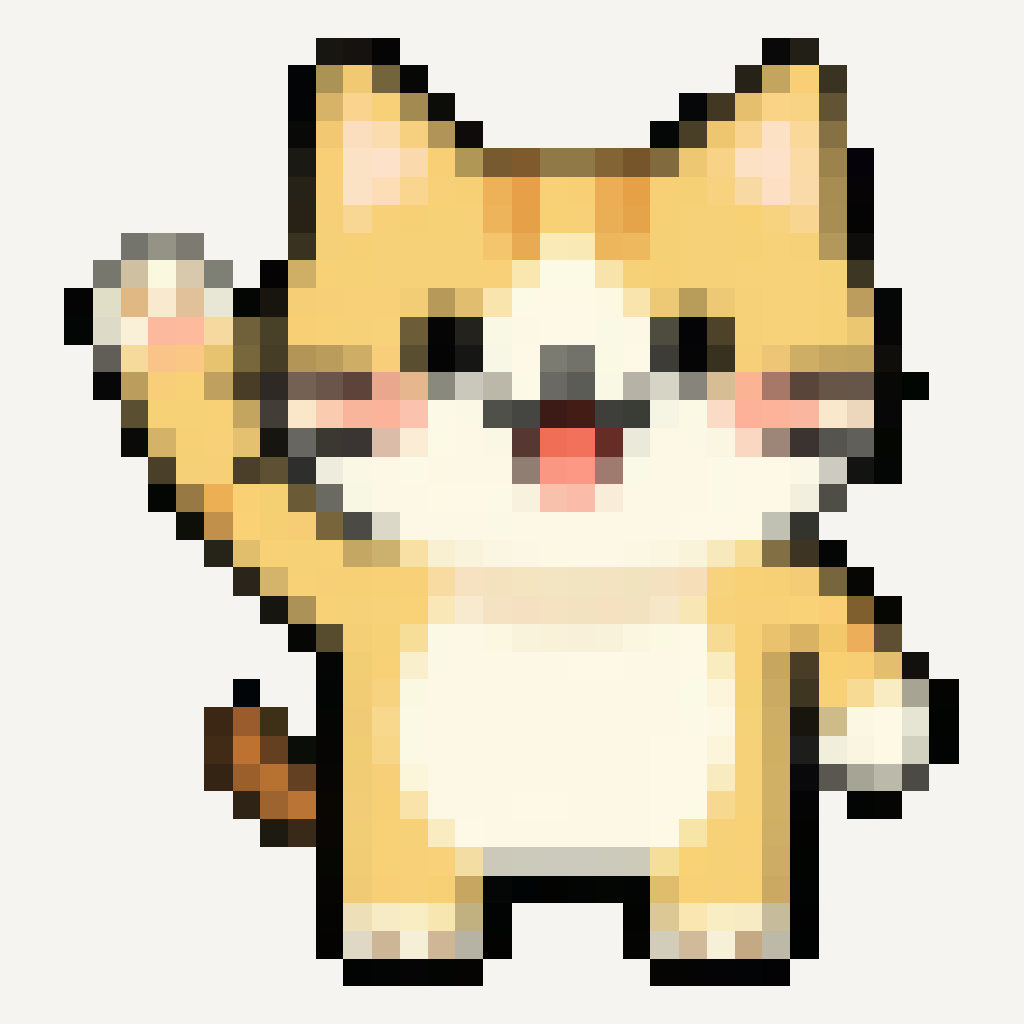
One cat, four emote styles
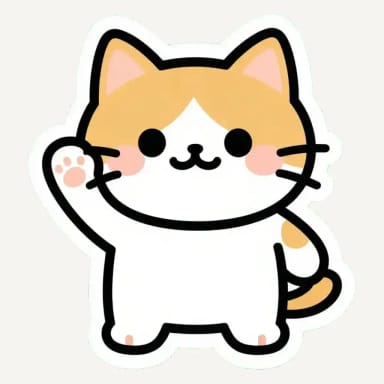
The same waving cat in each style, cut out and filling its square, as Twitch shows it.
How it works
Make an emote of your face
Upload a selfie and get a cartoon emote that still looks like you.
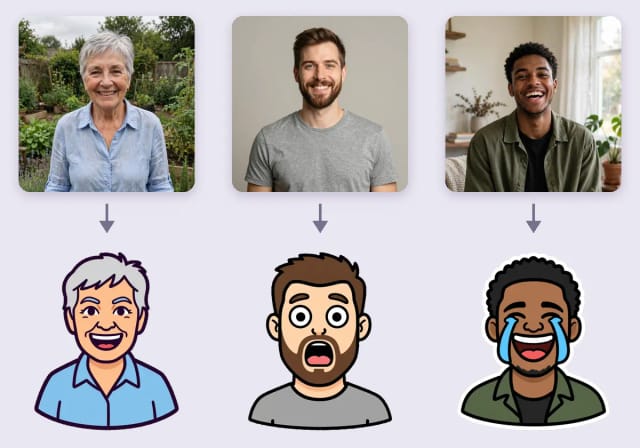
Choose From your photo and upload a selfie with one face looking at the camera, or try one of the sample photos. The AI keeps what makes you recognizable, your face, hairstyle and natural skin color, and draws your head and shoulders as an emote in the style you pick.
Add an expression if you like, such as "shocked, with wide eyes" or "laughing with tears of joy", to make a set of reactions from one photo. Your browser then cuts the emote out and gives you the Twitch and Discord sizes, as with a text emote.
How it works
Emote sizes for Twitch
The three sizes Twitch asks for, in one download.
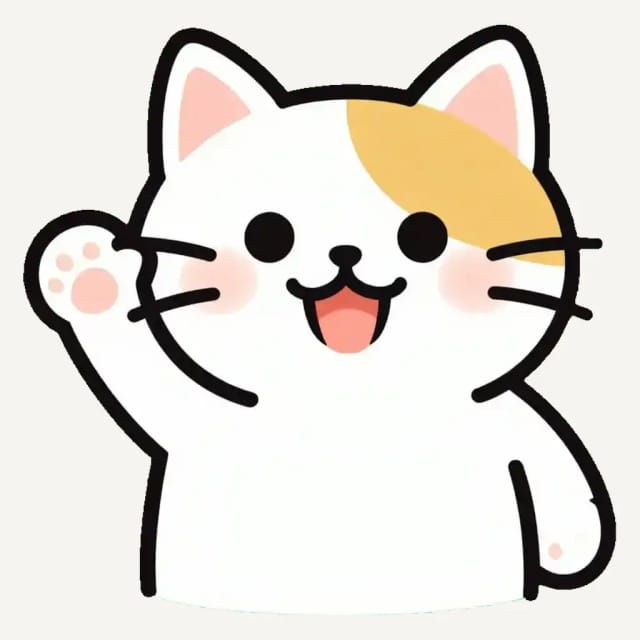
Twitch takes either one square PNG between 112 and 4096 pixels, which it resizes for you, or three sizes: 112 × 112, 56 × 56 and 28 × 28. Each file can be up to 1 MB and needs a fully transparent background.
The ZIP from this emote maker has the three sizes, already transparent and well under the limit, and the large PNG works for the single upload too. Emote slots are for Twitch Affiliates and Partners.
How it works
Emojis for Discord
The same emote, at the size a Discord server uses.
Discord takes custom emojis up to 128 × 128 pixels and under 256 KB, and shows them at 32 pixels in chat. Download the 128 × 128 PNG and upload it in Server Settings, under Emoji, with Upload Emoji.
Want a plain chat emoji instead of a streaming emote, or a reaction for Slack? The AI emoji generator makes those in six styles, also as a transparent PNG.
How it works
What makes an emote read at 28 pixels?
Fewer details, a bigger face and a clear outline.
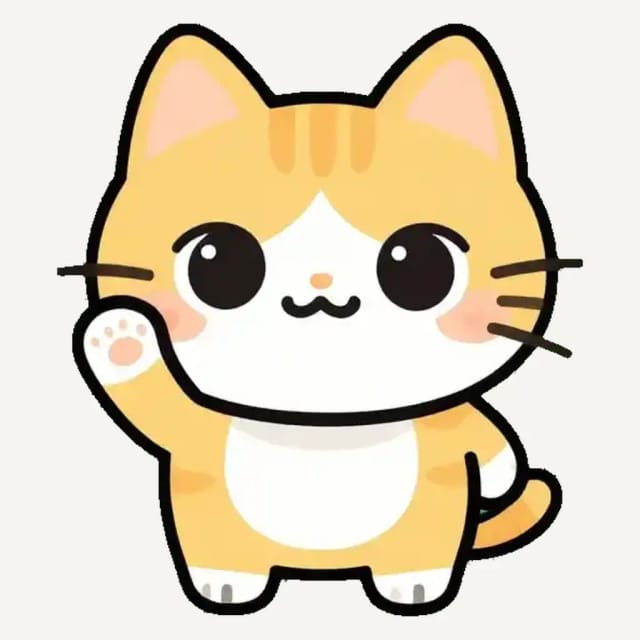
Chat shows emotes tiny, so the styles here keep one subject, a big expressive face and a thick outline, and the emote fills its square with almost no margin. Pixel is real pixel art: your browser turns the emote into square pixels, so it stays crisp when it shrinks.
For a printable version with a die-cut border, try the AI sticker generator; for app and interface symbols, the AI icon generator.
Who the Emote Maker is for
Anyone who wants their own emotes without hiring an artist for every idea.
Streamers
Turn an idea or your selfie into emotes for your channel in minutes, in the sizes Twitch asks for.
Community mods
Make reaction emotes for inside jokes and channel moments, all in one style.
Discord server owners
Fill your server with custom emojis at 128 × 128, ready to upload.
Creators on a budget
Test a look before you commission an artist, or use the emote as it is.
Start making emotes for free
Try the emote maker free with Auto, and move up to a plan when you need more volume.
Free
$0
- 100 credits every day
- The Auto model, on our own servers
- No card needed
Paid plans
Starter · Creator · Pro
- 4,000 to 25,000 credits a month
- Every AI model, including premium ones
- AI video, and no ads in the mobile app
Why use this emote maker
Made for chat, from the first draft.
Twitch sizes in one ZIP
112, 56 and 28 pixels, transparent and well under 1 MB.
Ready for Discord too
A 128 × 128 PNG for Discord servers, under 256 KB.
Fills its square
The emote is cut out and cropped to its outline, so nothing is lost at 28 pixels.
Four styles
Bold, Chibi, real Pixel art and Sticker with a die-cut border.
Your face as an emote
Upload a selfie and get an emote that keeps your face, hair and skin tone.
Free, no sign-up
Free to try with Auto, without an account, usually in under 30 seconds.
Emote Maker for Twitch: frequently asked questions
Still have a question? Visit the help center →
How do I make a Twitch emote?
What size are Twitch emotes?
Is the emote maker free? Do I need an account?
Can I use these emotes on Discord?
Who can upload emotes to Twitch?
Can I make animated emotes?
Can I make an emote of my own face?
Can I use the emotes commercially?
CreArt is not affiliated with, endorsed or sponsored by Twitch, Discord or Slack. Twitch is a trademark of Twitch Interactive, Inc. Discord is a trademark of Discord Inc. Slack is a trademark of Slack Technologies, LLC.
AI Emoji Generator
CreArt's AI Emoji Generator turns a short description into a custom emoji, free and without sign-up: pick one of 6 styles, from Classic to Pixel and Kawaii, and get it usually in under 20 seconds, as a transparent PNG for chat and streaming.
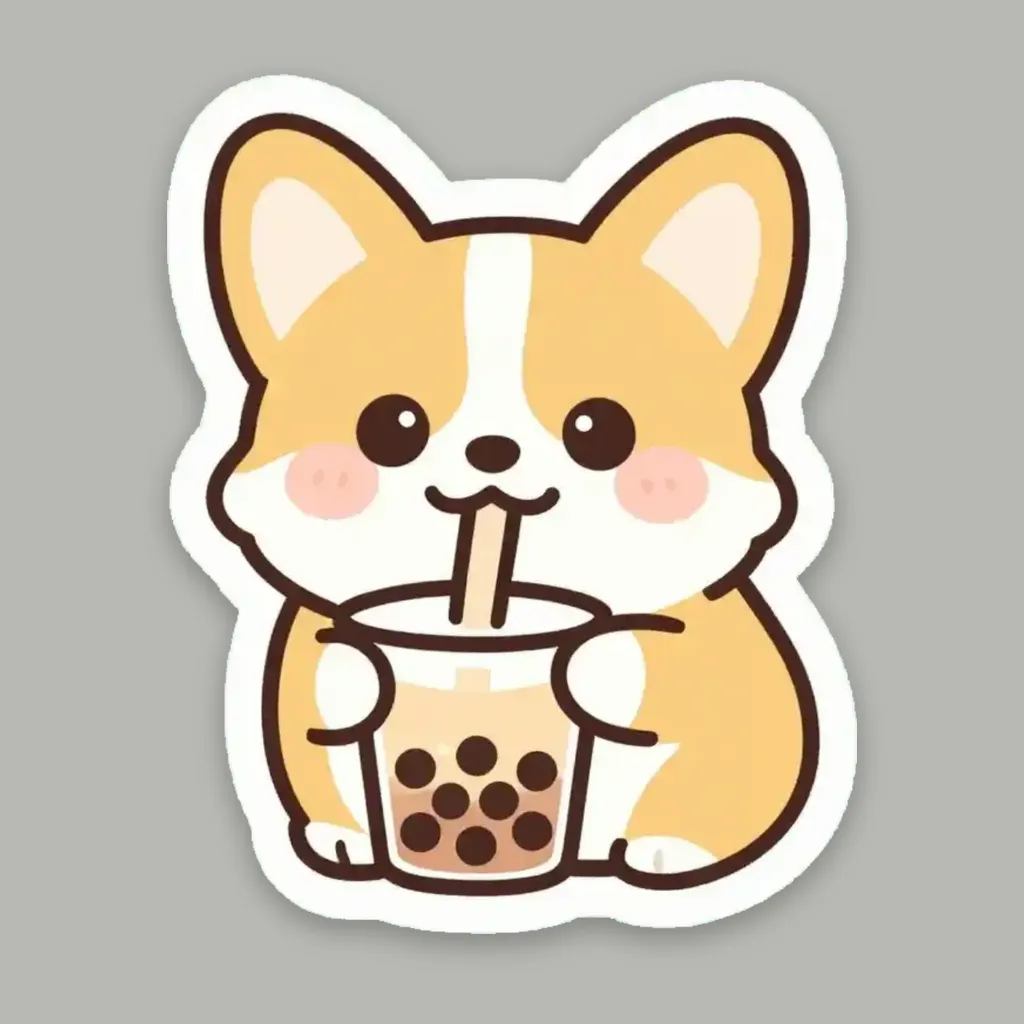
AI Sticker Generator
Turn a text idea or your own photo into a die-cut sticker, then print a sheet of 12.

AI Icon Generator
CreArt's AI Icon Generator turns a text prompt into app and web icons, free and without sign-up: a full app icon with every iOS and Android size, a transparent UI icon or a matching set, in Flat, 3D, Line, Glassmorphism or Gradient, usually in under 20 seconds.

AI Album Cover Maker
Make an album cover with AI: describe your music, pick one of 16 styles and add your name and title, spelled right. Free, no sign-up.

AI Logo Generator
Free AI logo maker: the AI draws your symbol and your name is set in real fonts, never misspelled.
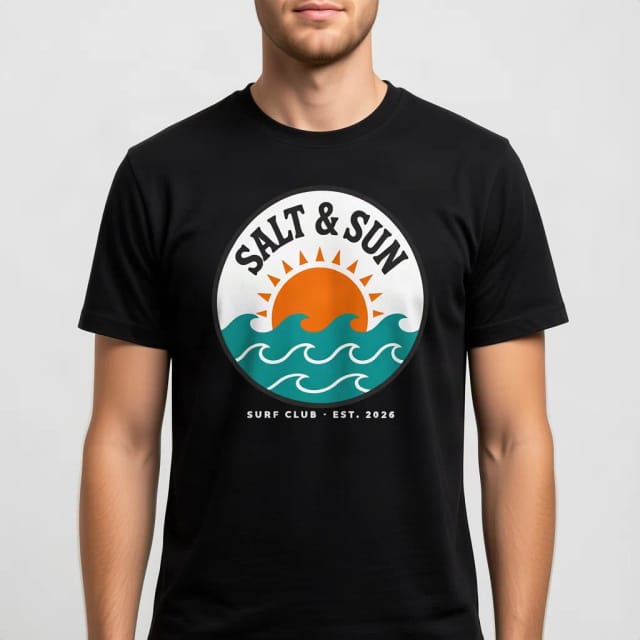
T-Shirt Mockup Generator
CreArt's free T-Shirt Mockup Generator puts your design on 7 garments in 12 colors, front or back, usually in under 20 seconds. No sign-up.
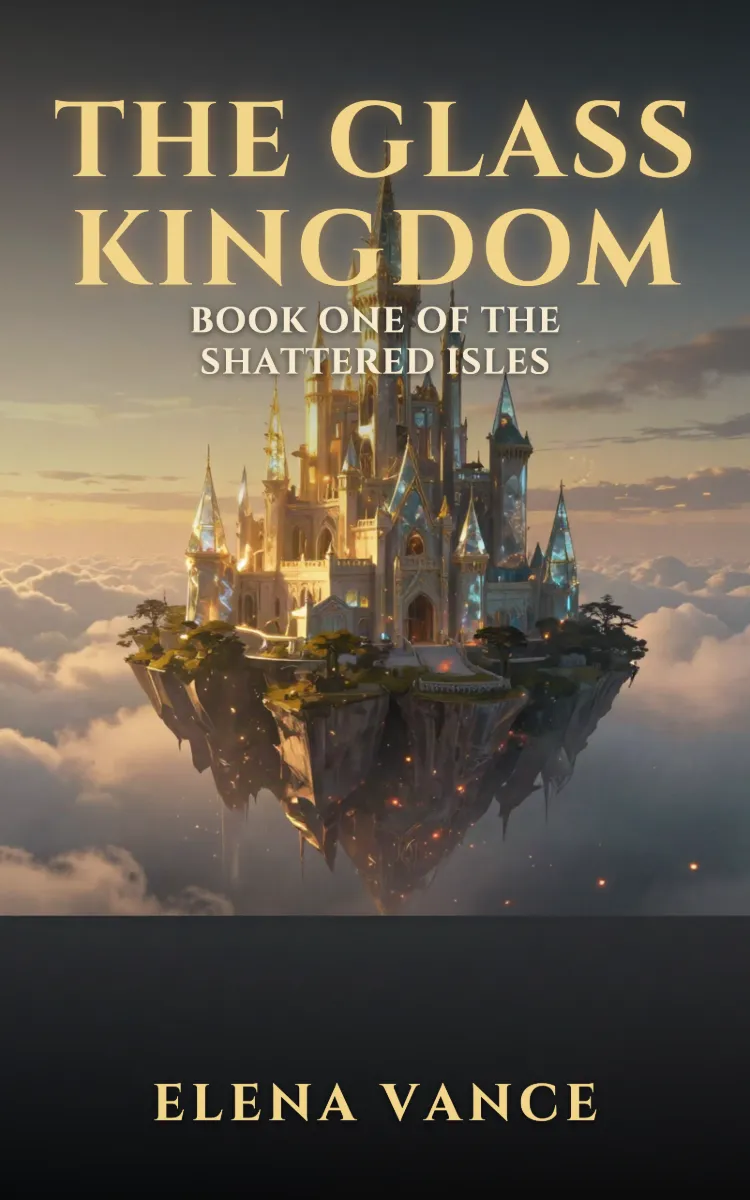
Book Cover Generator
Make a book cover with AI: describe it, pick a genre, type your title.
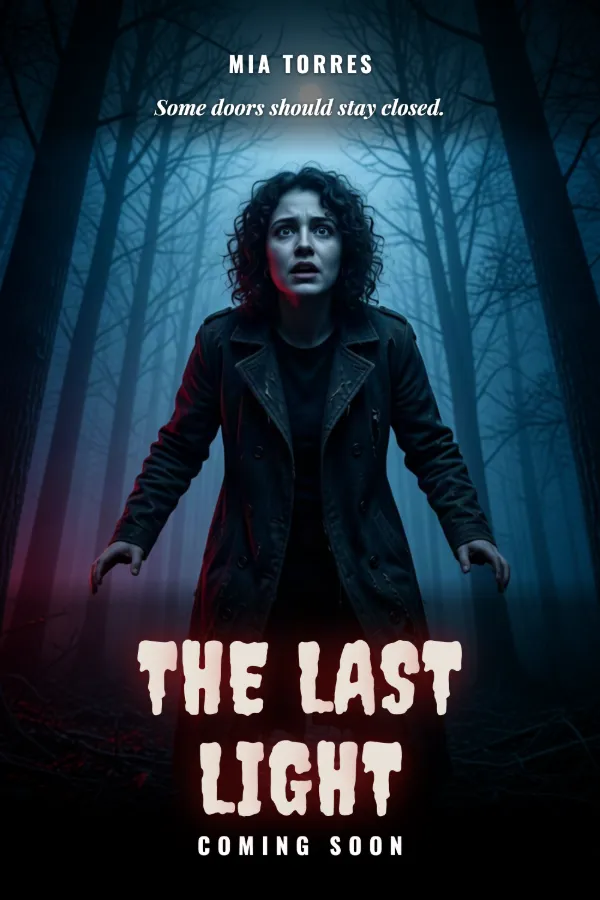
AI Poster Generator
Turn your photo into a movie poster: pick a genre and type your title.
Ready to make something?
Open the tool, try the free Auto model and download the result.