
AI Wallpaper Generator
Turn any idea into a custom wallpaper for your phone or desktop. Describe a theme, pick a style, set the aspect ratio, and download high-resolution art in seconds.
How it works
How to make an AI wallpaper in 4 steps
Describe, style, size, download — the whole flow takes about a minute.
Describe your wallpaper
Type what you want on your screen, from a subject as simple as "misty pine forest at dawn" to a full scene. The more detail you add about mood and setting, the closer the result lands.
Pick a style and colors
Choose one of the preset styles — Abstract, Nature, Space, Minimal, or Anime scenery — and optionally add a color palette so the background matches your home screen or setup.
Set the aspect ratio
Select a portrait ratio for a phone or a wide one for a desktop, so the wallpaper is generated at the right shape from the start with no cropping.
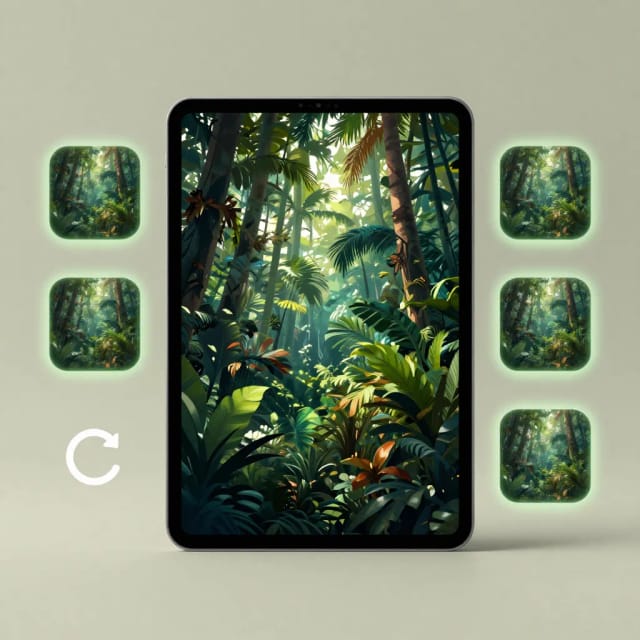
Download in high resolution
Generate the wallpaper, regenerate for more variations if you want, then download the version you like at full resolution and set it as your background.
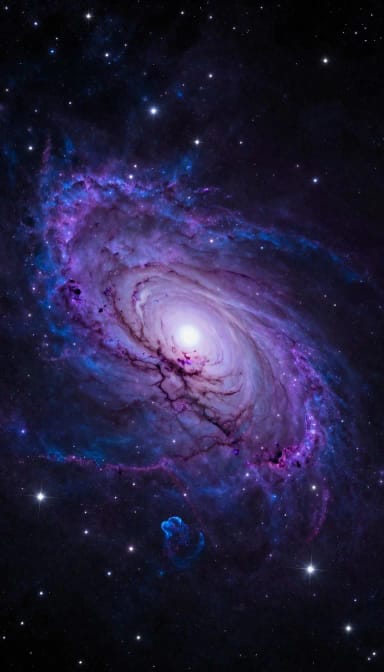
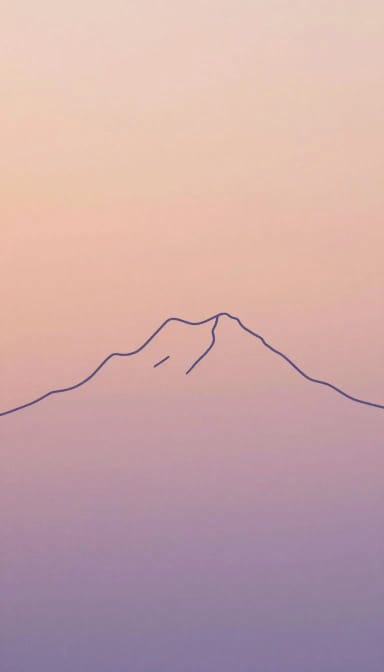
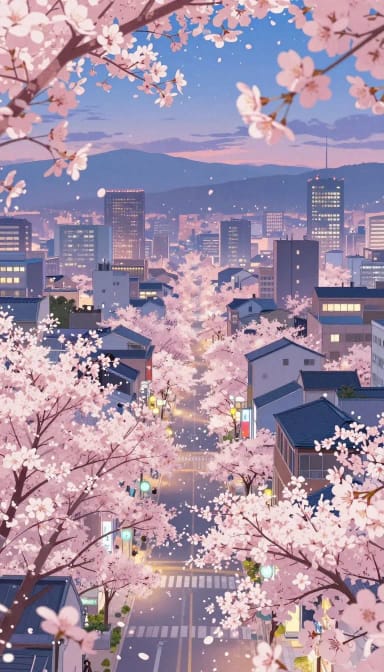
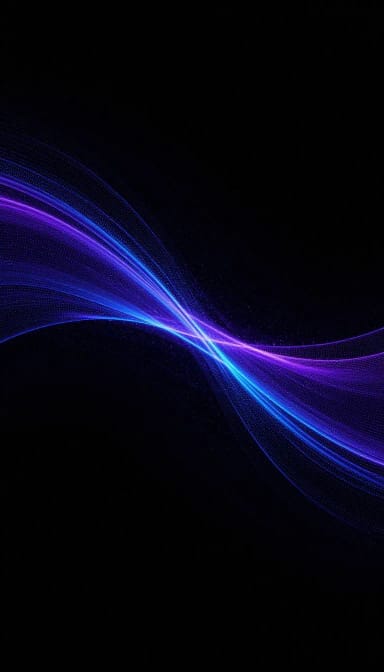
Six moods for your screen
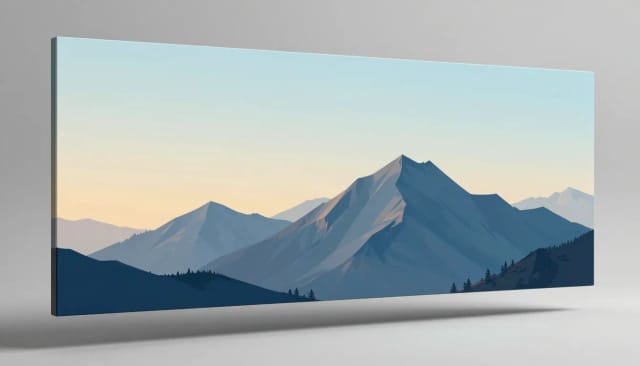
Minimal, cosmic, nature — the same theme as each wallpaper aesthetic.

How it works
What the AI Wallpaper Generator does
From a short prompt to a ready-to-download background for any screen.
The AI Wallpaper Generator is a tool that turns a text description into an original wallpaper for your phone, tablet, or desktop. You type what you want to see — a foggy mountain range, a neon cyberpunk city, an abstract gradient — pick a style and aspect ratio, and it generates a high-resolution background you can download in seconds.
Unlike stock wallpaper sites where thousands of people share the same image, every result here is generated from your own prompt. If you want something more open-ended than a background, the same engine powers CreArt's general-purpose AI image generator for any kind of picture.
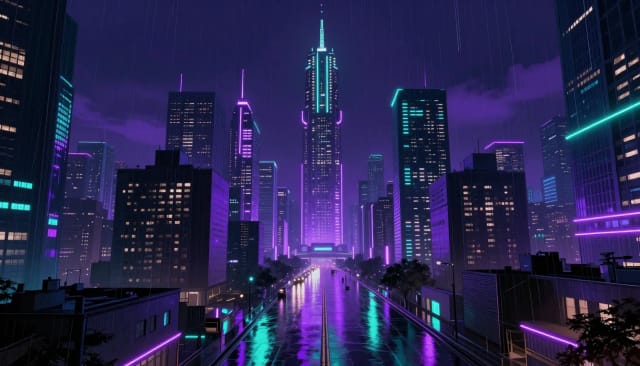
You don't need to write like a professional prompt engineer. Start with the subject, add a mood or color palette, and choose a preset style — Abstract, Nature, Space, Minimal, or Anime scenery. The generator handles composition and lighting so the result actually looks like a wallpaper, not a cropped photo.
Because you set the aspect ratio up front, you get a portrait image sized for a phone lock screen or a wide one built for a monitor. No awkward stretching or manual cropping afterward, and if you want to isolate a subject you already have, the background remover pairs well with it.
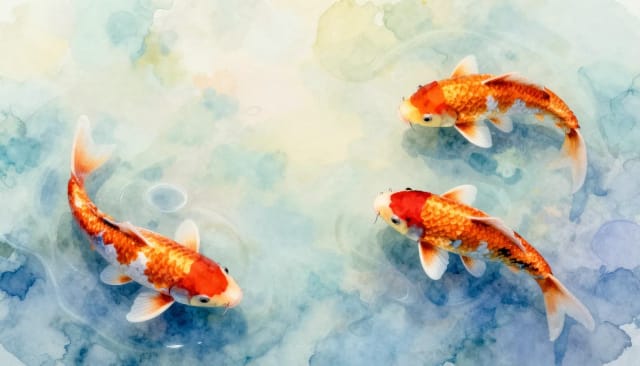
Making an AI generated wallpaper by hand usually means opening design software, sourcing assets, matching colors, and exporting at the right dimensions. This does all of that from one sentence, and you can regenerate as many variations as you like until one clicks.
It sits inside CreArt's wider set of creative tools, so the same account that makes your wallpaper can also produce an original piece of AI artwork or sharpen an older image up to 4x before you set it as your background.
Who it's for
Who the AI Wallpaper Generator is for
Anyone who wants a background that feels like theirs.
Phone customizers
People who redecorate their lock and home screen often and want an AI iPhone or Android wallpaper that matches a specific theme or color instead of a generic preset.
Desktop setup enthusiasts
Anyone tuning a workspace or gaming rig who needs an AI generated desktop wallpaper sized for an ultrawide or standard monitor without cropping.
Designers and creators
Designers who want quick background art for mockups, thumbnails, or social posts and prefer to describe an idea rather than search stock libraries.
Anime and art fans
Fans who want anime scenery, space, or abstract backgrounds tailored to their taste, generated on demand rather than pulled from the same shared image pool.
Pricing
Plans for the AI Wallpaper Generator
Start free to test the quality, then pick a plan that fits how many wallpapers you generate.
Free
$0
- 100 credits every day
- The Auto model, on our own servers
- No card needed
Paid plans
Basic · Starter · Creator
- 1,600 to 10,000 credits a month
- Every AI model, including premium ones
- AI video, and no ads in the mobile app
Why choose it
Why use CreArt's AI Wallpaper Generator
Everything you need to go from an idea to a screen-ready background.
One-of-a-kind backgrounds
Every wallpaper is generated from your prompt, so you're not sharing the same stock image with thousands of other people. Regenerate until a version feels right.
High-resolution output
Download crisp, high-resolution wallpapers built to look sharp on modern phone and desktop screens instead of blurry when scaled up.
Correct size from the start
Set a portrait or wide aspect ratio before generating, so you get a phone lock screen or desktop wallpaper without stretching or manual cropping.
Preset styles to start from
Pick Abstract, Nature, Space, Minimal, or Anime scenery so you never face a blank prompt, then fine-tune with your own description.
Match your palette
Add an optional color palette and the generator leans into those tones, handy for keeping your background consistent with your icons or theme.
Free to try, no design skills
You don't need photo editing software or prompt expertise. A single sentence is enough to create a custom AI wallpaper you can download in seconds.
FAQ
AI Wallpaper Generator questions
Answers to the things people ask most before creating a wallpaper.
Still have a question? Visit the help center →
Is the AI wallpaper generator free?
Can it make wallpapers in 4K or high resolution?
How does an AI wallpaper generator work?
Can I create an iPhone or Android wallpaper?
Do I need to be good at writing prompts?
Are the AI generated wallpapers unique?
Can I use the wallpapers on multiple devices?
CreArt is not affiliated with, endorsed or sponsored by Android, Twitch or iPhone. Android is a trademark of Google LLC. Twitch is a trademark of Twitch Interactive, Inc. iPhone is a trademark of Apple Inc.

AI Ad Maker
Free AI ad maker: get an ad with your headline and button for Instagram and Facebook, in every size.

AI Album Cover Maker
Make an album cover with AI: describe your music, pick one of 16 styles and add your name and title, spelled right. Free, no sign-up.
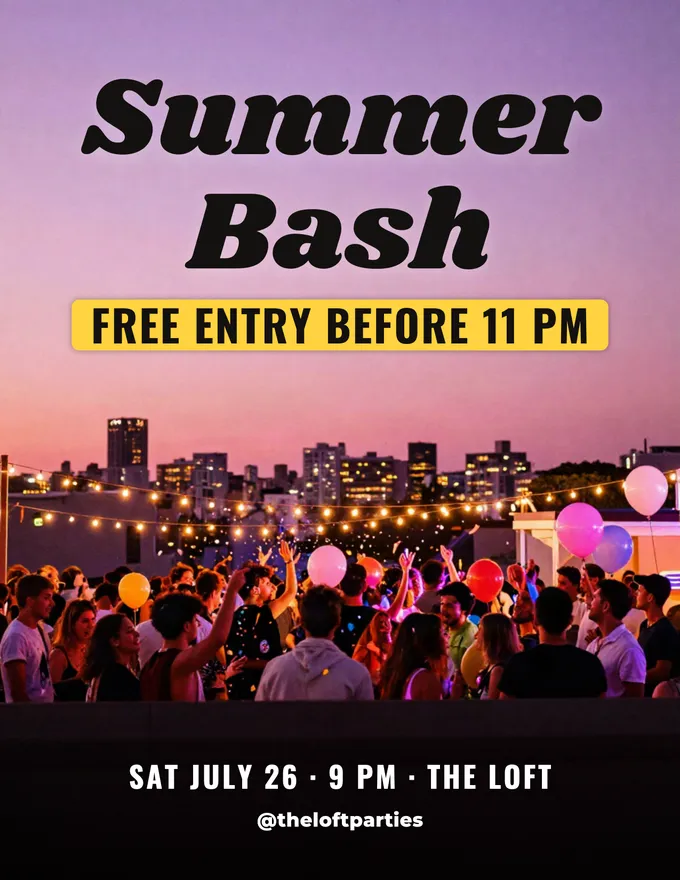
AI Flyer Generator
Make a flyer with AI: pick a type, add your text, download it to print.
AI Invitation Maker
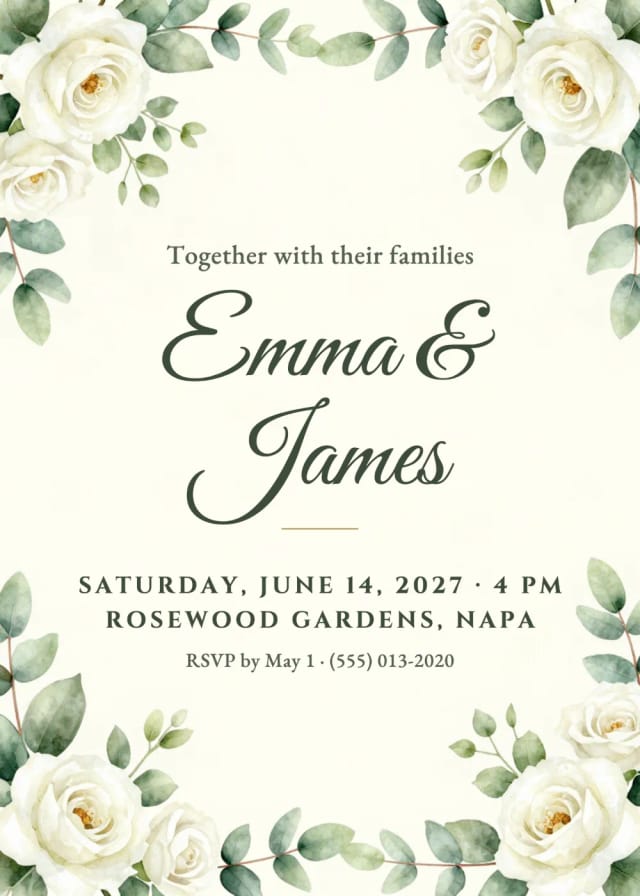
Free AI invitation maker: pick a style, add your details and a photo, then print it or send it.
Banner Maker for Twitch
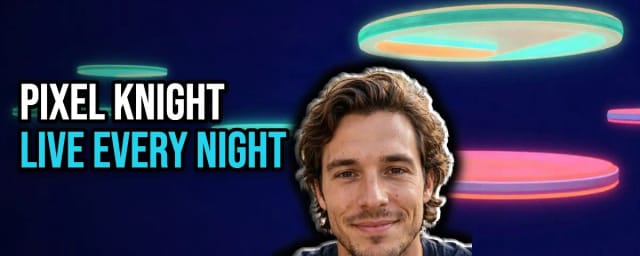
Make a banner for your Twitch channel in your browser: a new AI background or your own image, your channel name in big letters and your face cut out. Free, no sign-up.
AI UGC Ads Generator
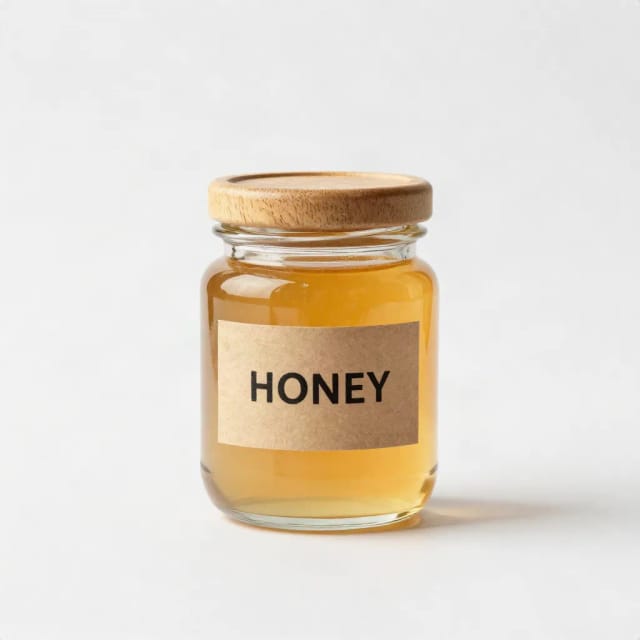
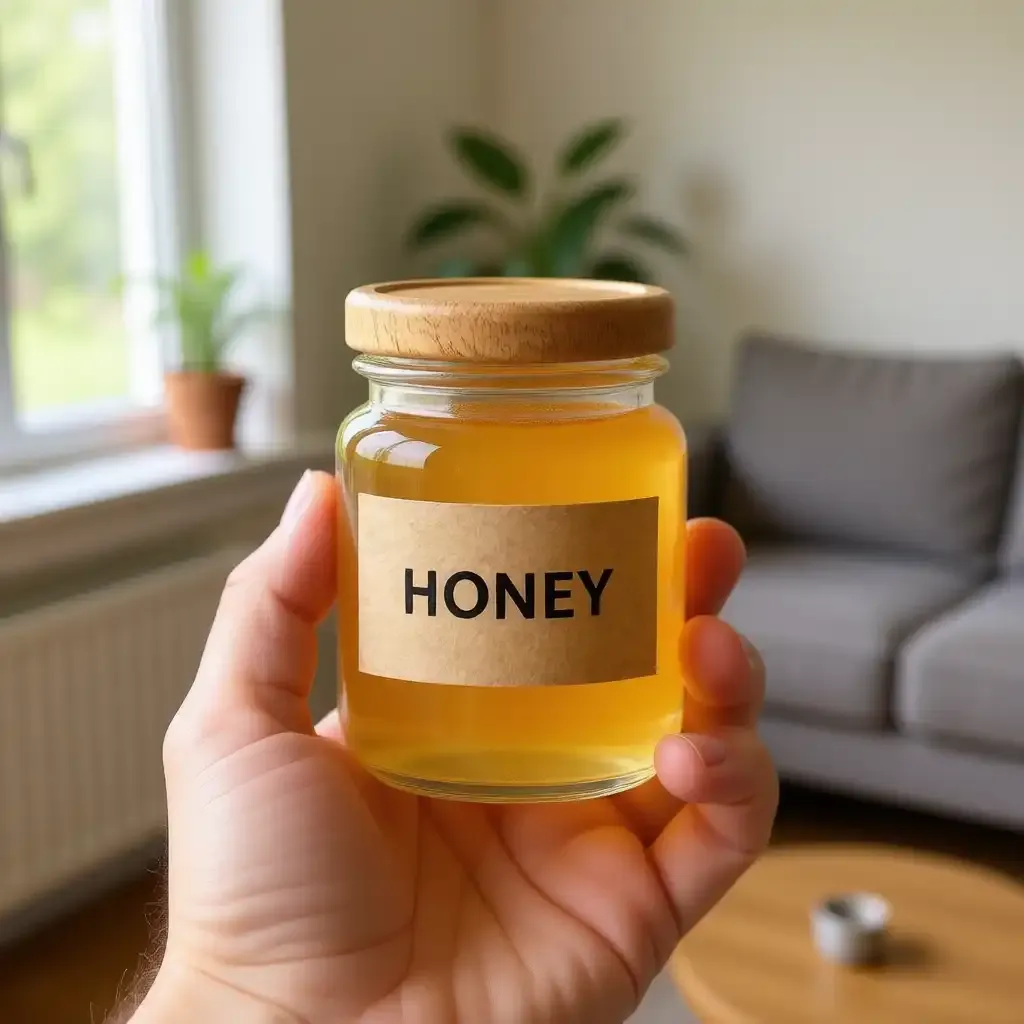
Free AI UGC ads generator: upload a product photo and get UGC-style photos of it in hand, unboxed or in use, with no captions added.

AI Logo Generator
Free AI logo maker: the AI draws your symbol and your name is set in real fonts, never misspelled.
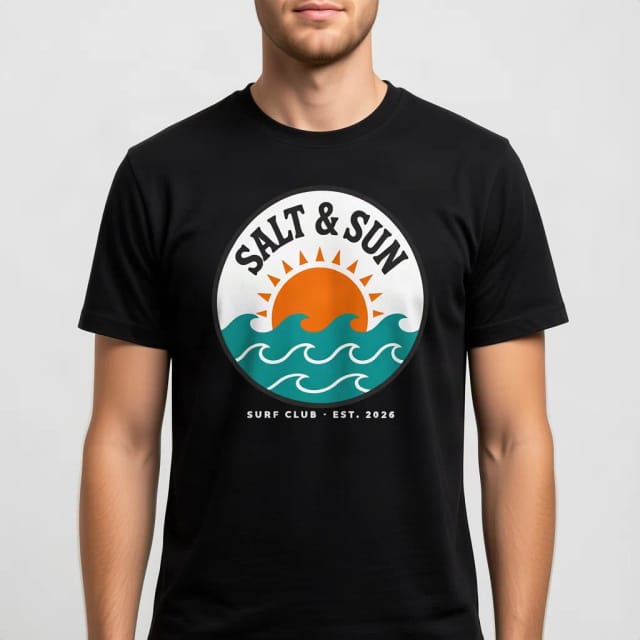
T-Shirt Mockup Generator
CreArt's free T-Shirt Mockup Generator puts your design on 7 garments in 12 colors, front or back, usually in under 20 seconds. No sign-up.
Ready to make something?
Open the tool, try the free Auto model and download the result.