
AI Kitchen Design
CreArt's free AI kitchen design remodels a photo of your kitchen in 8 styles, with any cabinet color, countertop and backsplash, usually in under 20 seconds. No sign-up.
Your photo
What changes
Style · Modern
10 free tries a day with Auto · No sign-up

How to design a kitchen with AI
How to redesign your kitchen with AI in 4 steps
From a photo of your kitchen to a new look in a few clicks.
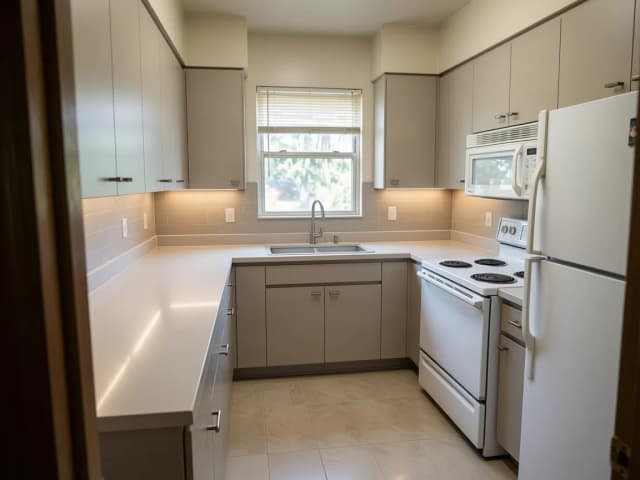
Upload a photo of your kitchen
Take it from the doorway in daylight, with the cabinets, counters and appliances in view. No photo at hand? Try one of the sample kitchens.
Pick what changes
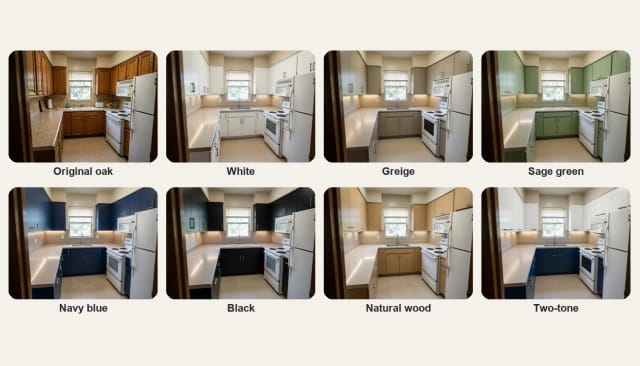
Choose a cabinet color (white, greige, sage green, navy, black, natural wood or two-tone) and, if you like, a countertop and a backsplash. Leave them on "From style" to let the style decide.
Choose a kitchen style
Eight styles: modern, white kitchen, farmhouse, coastal, Scandinavian, Japandi, industrial and traditional.
Compare and download
Slide between your photo and the redesign, try another color or style on the same photo, then download the one you like.
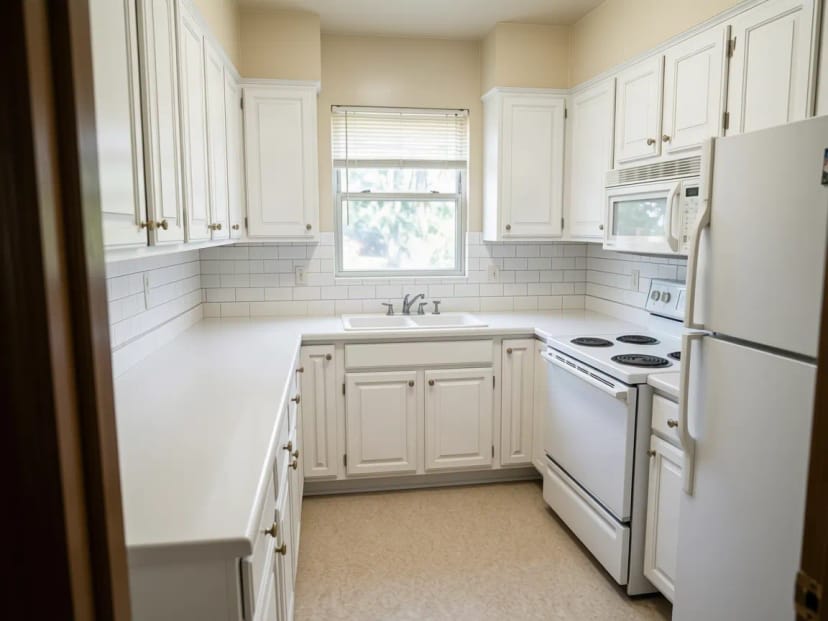 BeforeAfter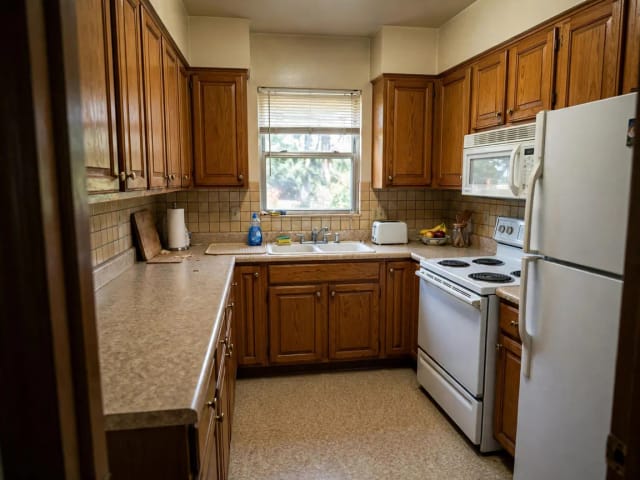
8 kitchen styles on the same kitchen
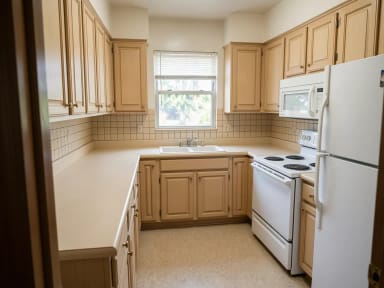
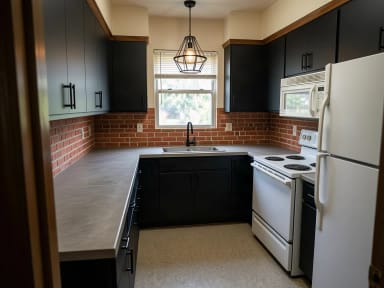
A 1990s honey oak kitchen remodeled as modern, white, farmhouse, coastal, Scandinavian, Japandi, industrial and traditional. Tap a style to try it on your kitchen.
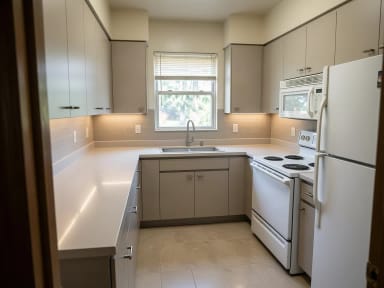
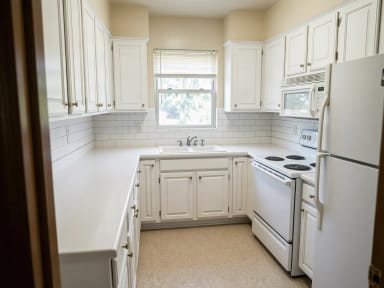
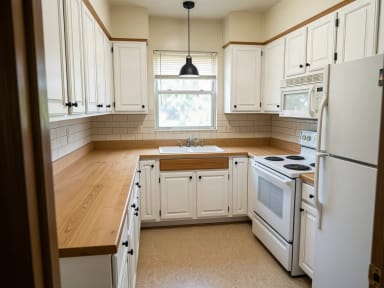
Cabinet colors
Kitchen cabinet colors and two-tone cabinets, on your own kitchen
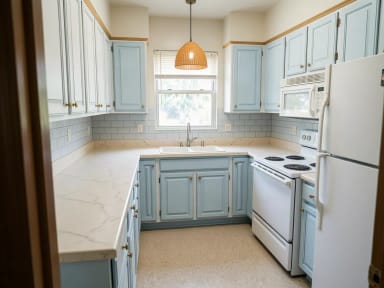
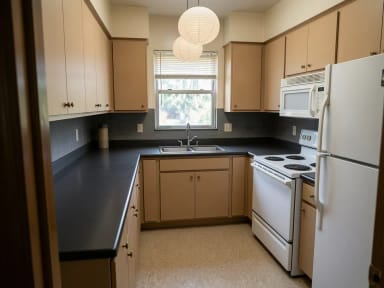
New cabinet fronts or a coat of paint is often the biggest visual change in a kitchen, and the color is the hardest decision. Here the same honey oak kitchen goes white, greige, sage green, navy, black, natural wood and two-tone, with navy lower cabinets and white uppers. Pick a swatch in step 2 to see that color on your own kitchen.
Two-tone cabinets usually pair a darker color below with a lighter one above, which keeps the room bright. White and greige keep a small kitchen light; navy, sage and black look best with daylight and a light countertop to balance them. Want to test a wall color too? Use the paint visualizer.
Backsplash and countertops
Kitchen backsplash ideas to try before you tile
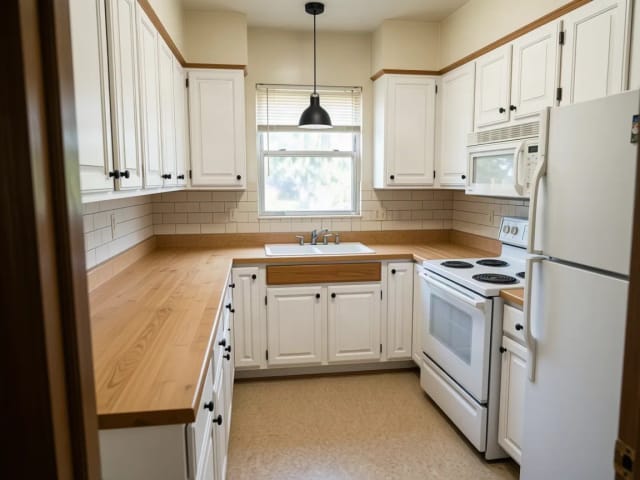
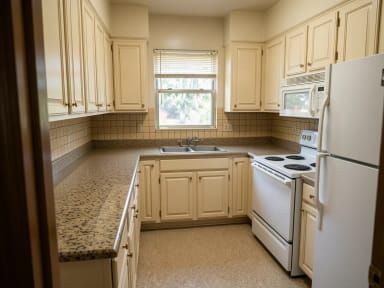
The backsplash is a small surface that changes the whole kitchen. Try white subway tile, glossy green zellige, a full-height marble slab or patterned cement tile, and pair it with a countertop: white quartz, marble, butcher block, black granite or concrete.
Both start on "From style", so the style picks a backsplash and a countertop that match it unless you choose your own. Change one thing at a time to see what each choice does.
Small kitchens
Small kitchen and galley kitchen ideas
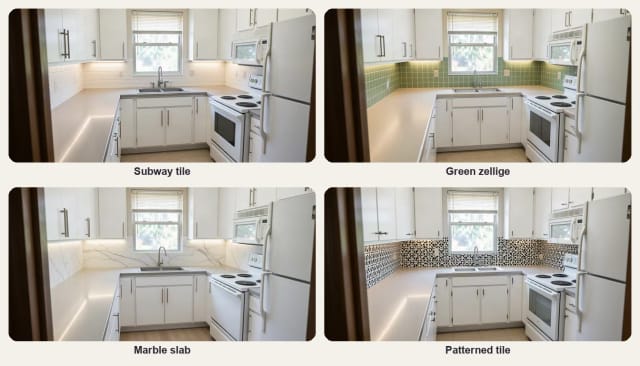
In a narrow galley kitchen, light cabinets and a light countertop make the room feel wider, and a simple backsplash keeps it calm. The AI keeps the galley as it is, with the same cabinets on both sides and the window at the end, and only changes the colors and finishes.
Peninsula and L-shaped kitchens work the same way: the peninsula, the sink and the appliances stay where they are, and you see the new cabinets, counters and lighting around them.
What AI can and cannot do
What AI kitchen design can and cannot do
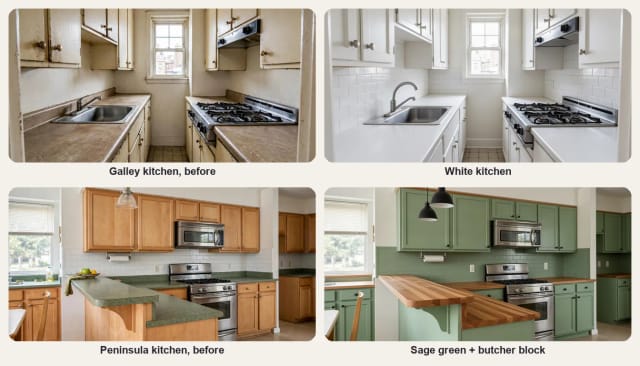
It can show your own kitchen with new cabinet fronts, a different countertop and backsplash, paint, flooring and lighting in a few seconds, so you can compare ideas before you talk to a contractor. It keeps the layout: the walls, the windows, the position of the cabinets, the island, the sink and the appliances.
It cannot measure your kitchen, draw a floor plan or a 3D model, estimate the cost or check what fits. The result is an idea, not a plan: small details such as handles or the faucet may come out different, and a new layout (moving the sink or adding an island) is a job for a kitchen designer. Getting the kitchen ready for a listing instead? Virtual staging adds stools and decor without changing anything.
Who it's for
Who AI Kitchen Design is for
Anyone deciding on a new look for a kitchen before spending on it.
Homeowners planning a remodel
Compare cabinet colors, countertops and backsplashes on your own kitchen before you order anything.
DIYers painting their cabinets
See the paint color on your real cabinets before you sand a single door.
Renters and landlords
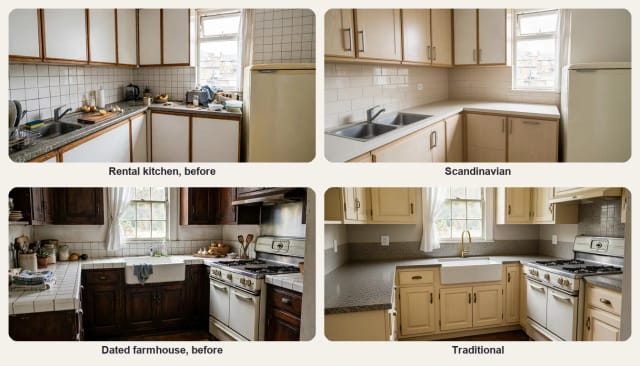
Try light refreshes, such as paint, hardware and a new backsplash, on a rental kitchen.
Kitchen designers and contractors
Show a client two or three directions from a photo during the first visit.
People buying a home
Picture what a dated kitchen could become before you make an offer.
Why choose it
Why use this AI kitchen design tool
A kitchen visualizer that works on a photo of your real kitchen.
Cabinet colors in one tap
White, greige, sage green, navy, black, natural wood or two-tone, on your own cabinets.
Countertops and backsplash
Quartz, marble, butcher block, granite or concrete, with subway, zellige, marble or patterned tile.
Your layout stays
Walls, windows, cabinets, the island, the sink and the appliances stay where they are.
Eight kitchen styles
From modern and white to farmhouse, coastal, Scandinavian, Japandi, industrial and traditional.
Keeps the shape of your photo
A wide kitchen photo stays wide: the result has the same framing as yours.
Free to try, no sign-up
Redesign your kitchen with the Auto model for free every day, without an account.
Pricing
Try AI Kitchen Design for free
Redesign your kitchen for free with the Auto model, no account needed. Pick a plan when you want more redesigns.
Free
$0
- 100 credits every day
- The Auto model, on our own servers
- No card needed
Paid plans
Basic · Starter · Creator
- 1,600 to 10,000 credits a month
- Every AI model, including premium ones
- AI video, and no ads in the mobile app
Can AI design my kitchen from a photo?
Is the AI kitchen design tool free?
Can I see my kitchen with a different cabinet color?
Which cabinet color should I choose?
What backsplash goes with my countertop?
Will the AI change my kitchen layout?
Can it plan a new layout or give me measurements?
What photo works best?
Does it work for small and galley kitchens?
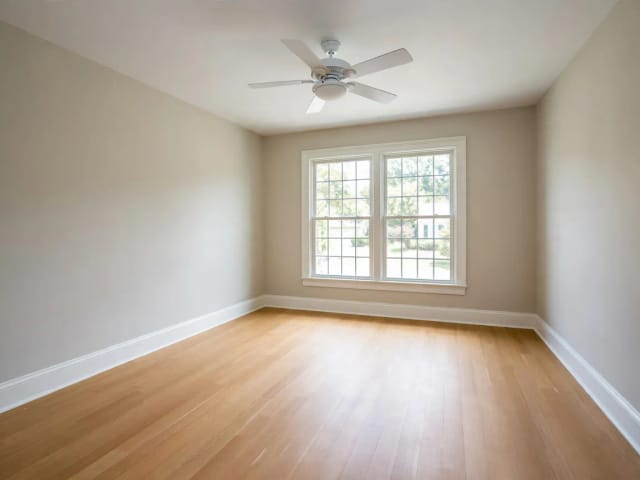
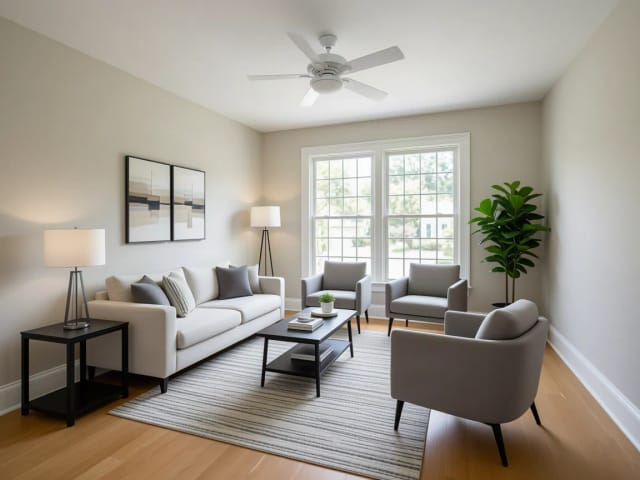
Virtual Staging AI
CreArt's free AI virtual staging furnishes a vacant listing photo in 10 buyer-friendly styles, or empties a furnished one, usually in under 20 seconds. No sign-up.
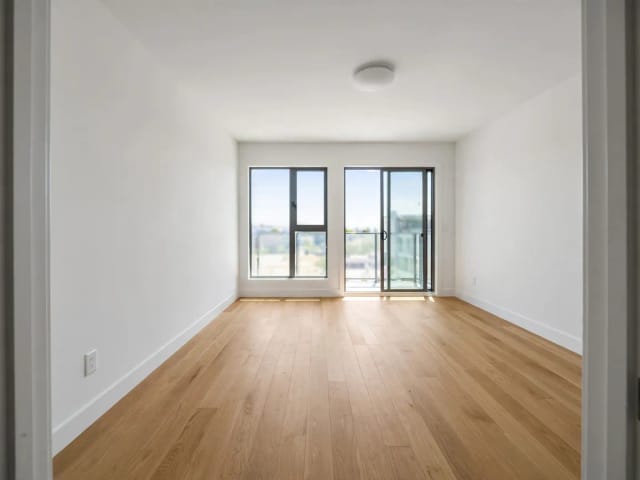
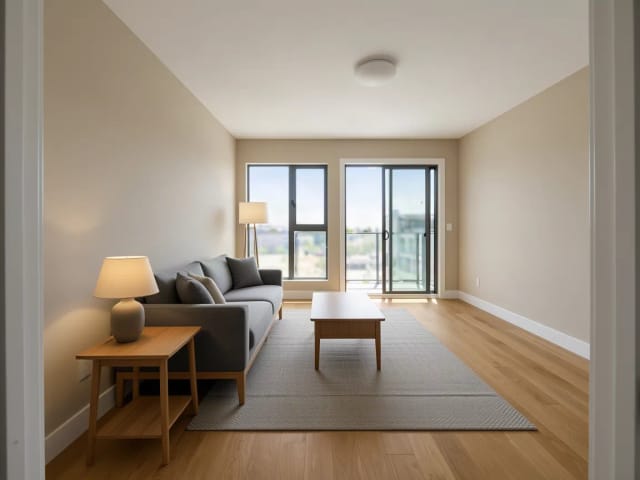
AI Room Designer
CreArt's free AI Room Designer redesigns a photo of any room in 14 interior styles and 8 room types, keeping your walls and windows, usually in under 20 seconds. No sign-up.
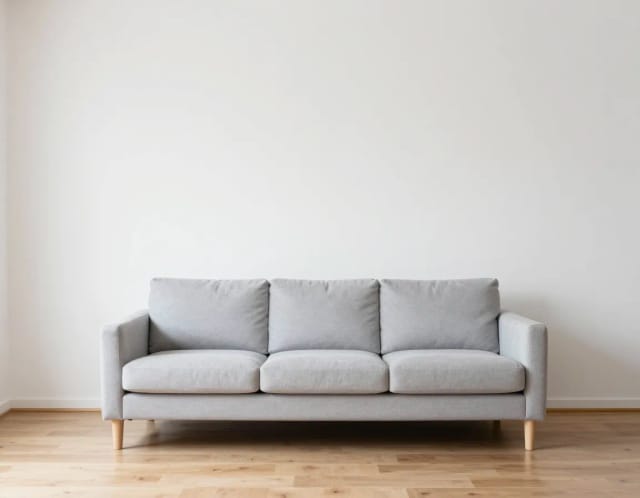
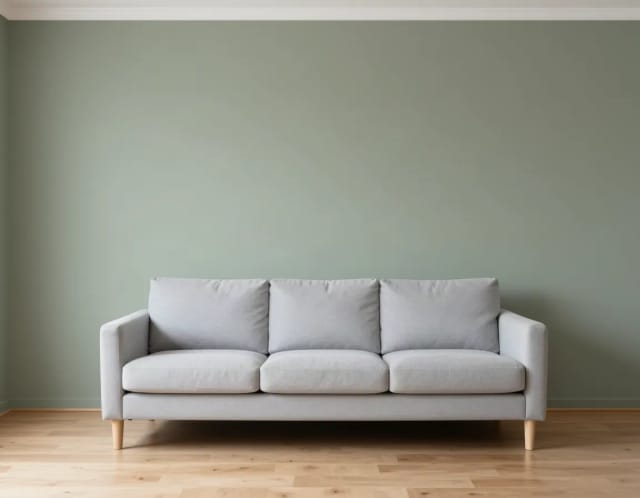
Paint Visualizer
CreArt's free Paint Visualizer repaints a room's walls or the outside of your house in 12 colors or any color you name, usually in under 20 seconds.
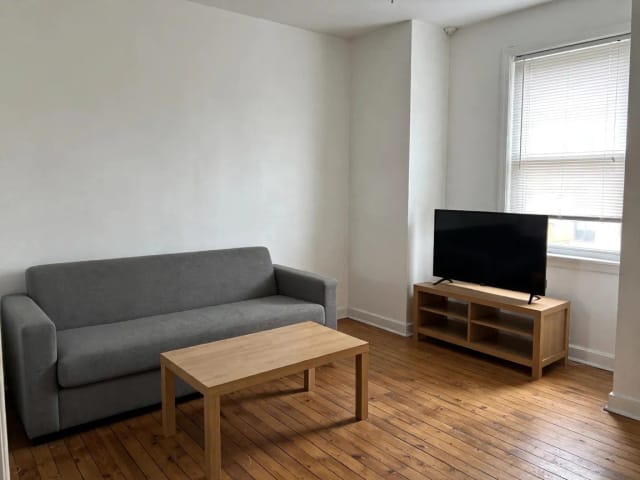
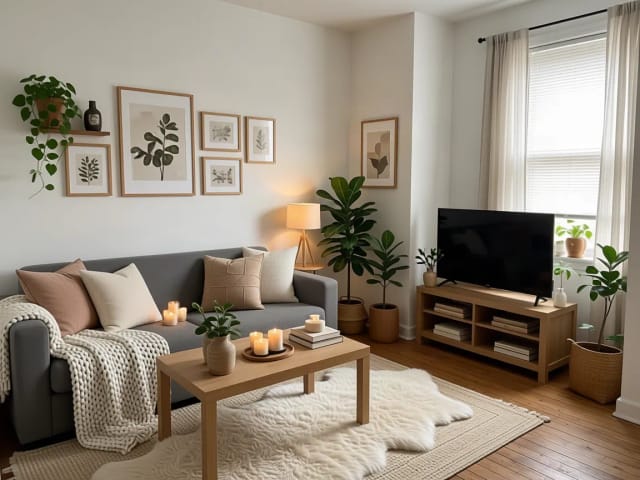
AI Home Decor
CreArt's free AI Home Decor adds plants, wall art, textiles and lighting to a photo of your room in 10 styles, without moving your furniture.
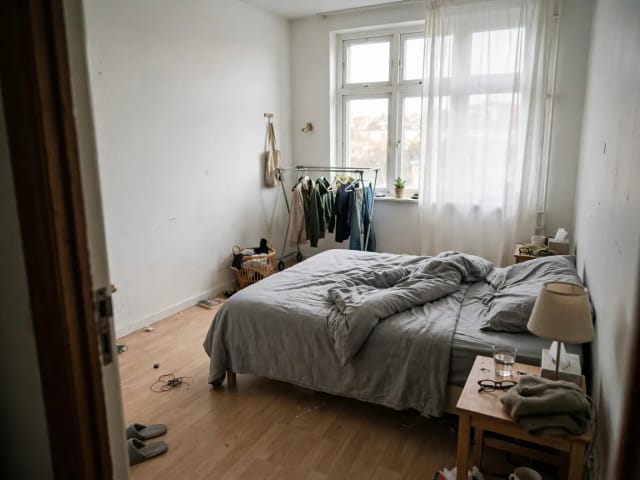
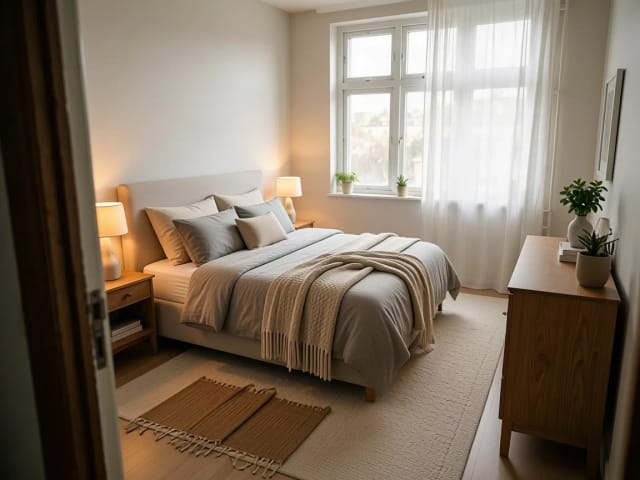
AI Bedroom Design
CreArt's free AI Bedroom Design turns a photo of your bedroom into ideas for 6 bedroom types and 16 styles, from cozy to hotel suite, usually in under 20 seconds. No sign-up.
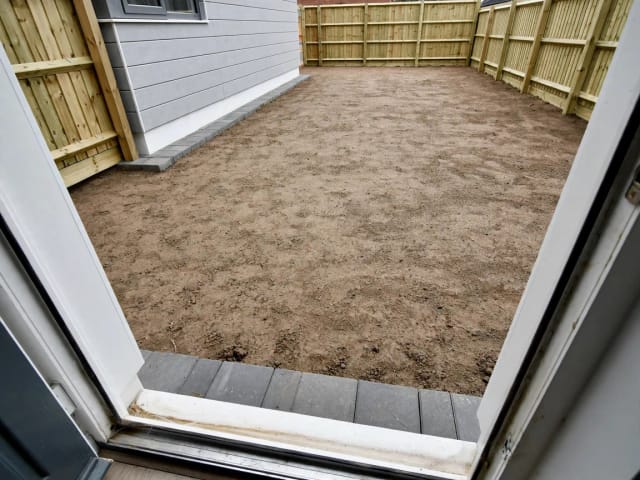
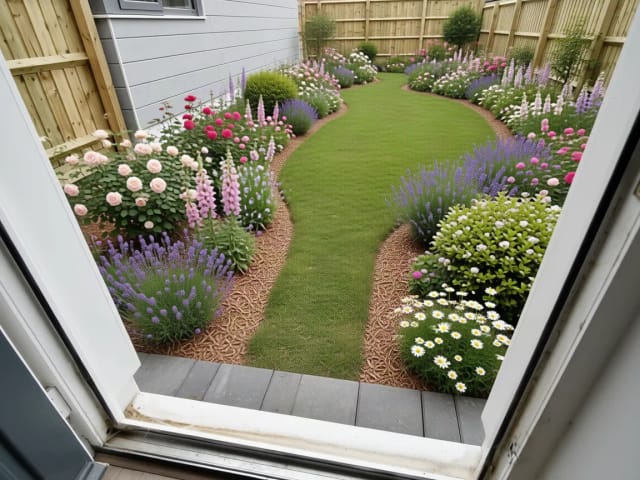
AI Garden Design
CreArt's free AI Garden Design replants a photo of your garden in 10 styles, for full sun, part shade or shade, usually in under 20 seconds. No sign-up.
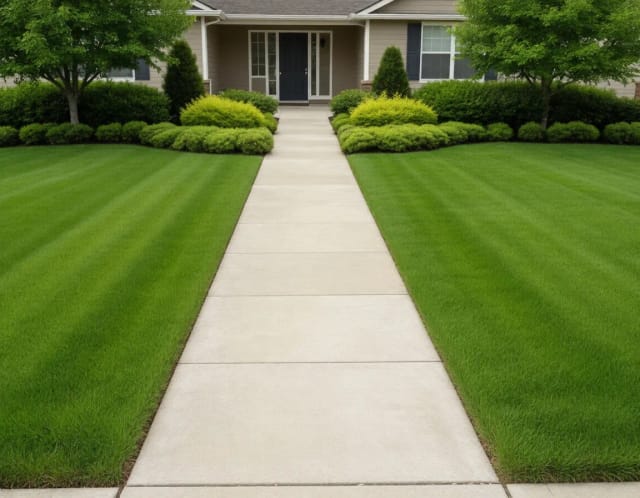
AI Landscape Design
Turn a photo of your yard into realistic AI landscape design concepts in seconds. Pick a style, see the redesign, and plan before you dig — free to try online.
Ready to make something?
Open the tool, try the free Auto model and download the result.