
From sketch to product shot: the flow small brands use

By Nora Vidal
Head of Product
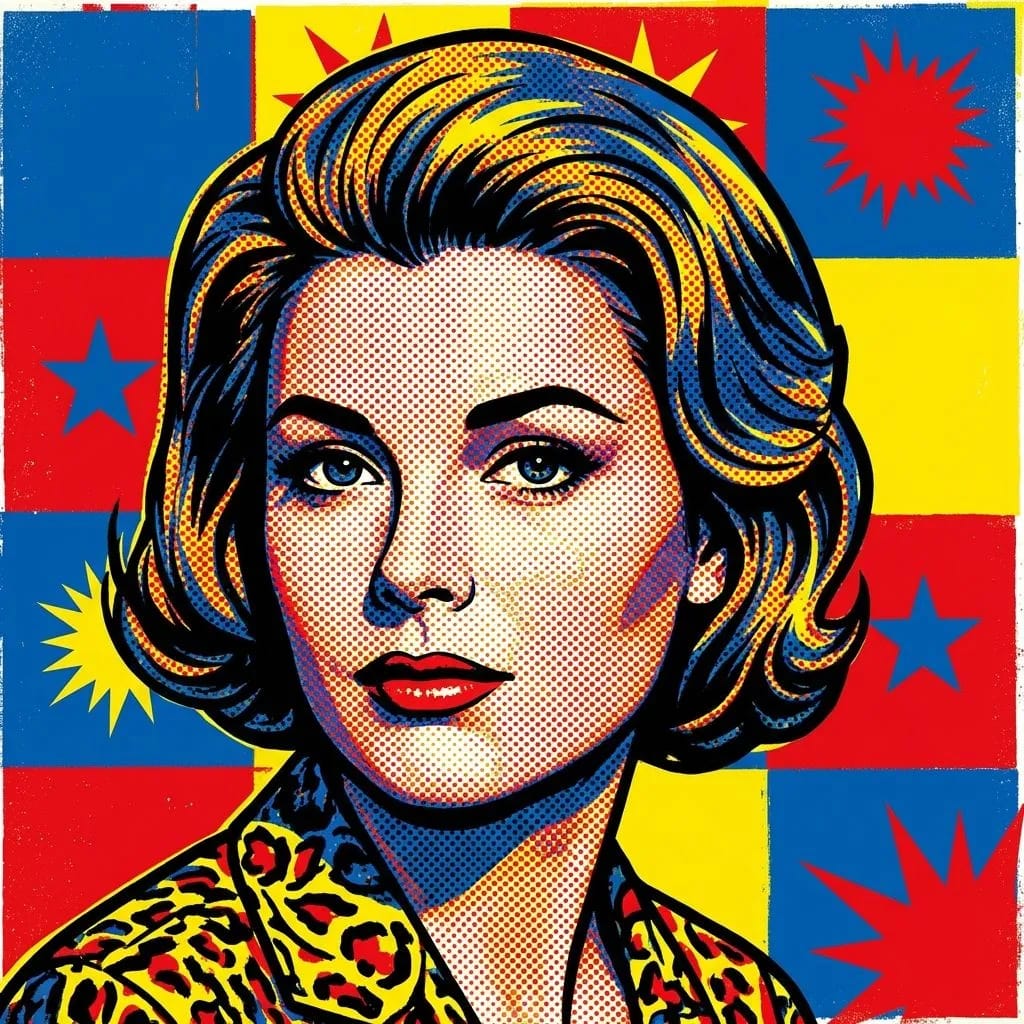
Several small brands have told us the same workflow: generate the product "hero shot" with the Image Generator, then use the Oil or Watercolor style for social pieces. The result is a coherent catalog without hiring a studio.
Step 1 — The hero shot
Always start with the image that will be reused the most: catalog cover, website banner. Define the palette and background here — you will repeat it across the rest of the pieces. If you are starting from a hand-drawn concept, turn the sketch into an image first and use that as your base.
Step 2 — Variations for each channel
From the same base prompt, change only the aspect ratio and a small compositional detail to adapt it for Instagram, stories, or the product page itself.
"You do not need 50 different photos — you need one good base and five smart variations."
Step 3 — Brand consistency
Save the prompt that worked best as a template. Visual consistency across posts matters more than the perfection of any single image. A quick way to test it: place the design on a product mockup before publishing.
Keep reading
 Inspiration
The avatar styles that work best for streamers
We analyzed hundreds of community-generated avatars to find which style and color combinations stand out most on social.

Mei Fontán
June 17, 2026 · 4 min read
 News
NewsCommunity: what we shipped and what is coming
A look at the new social section — trending, top creators, one-click recreate — plus a preview of what is next.
Nora Vidal
July 6, 2026 · 3 min read
 Product
Introducing the AI Video Studio: from idea to clip in seconds
Our new generative video section arrives with control over duration, format, and style. Here is how it works under the hood.

Dani Ochoa
July 5, 2026 · 4 min read