
Cap & Hat Mockup Generator
See your logo on a cap, trucker, bucket hat or beanie, embroidered or printed.
Your design
Embroidery turns fine lines and tiny text into thread: bold logos work best.
Hat and finish · Baseball cap · Embroidered
Color · White
View · Front
10 free tries a day with Auto · No sign-up · Mugs, posters, books and more: Mockup generator →
Your design
Embroidery turns fine lines and tiny text into thread: bold logos work best.
Hat and finish · Baseball cap · Embroidered
Color · White
View · Front
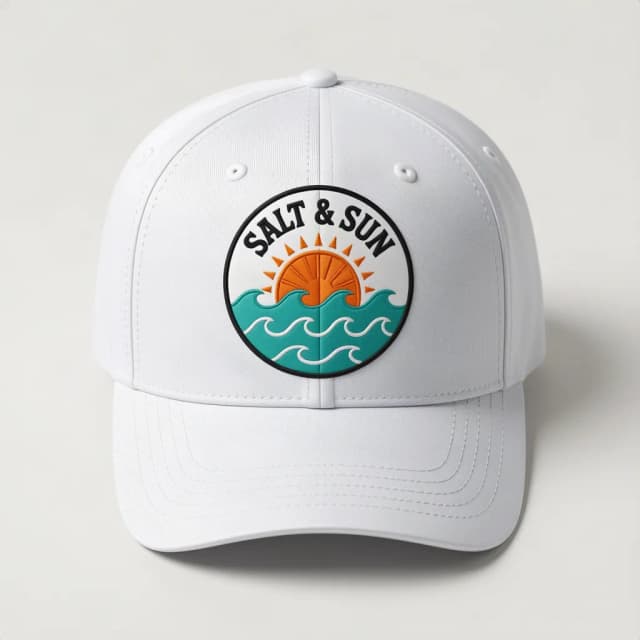
How to make a hat mockup
Make a cap or hat mockup in 4 steps
No Photoshop, no PSD templates and no smart objects: upload, choose, create.
Upload your logo
Add your logo or design as a PNG or JPG. A transparent PNG is best; a plain white or single-color background is removed for you. Bold logos work best on a hat: embroidery turns fine lines and tiny text into thread. No logo yet? Try the sample.
Pick the hat, the finish and the color
A structured baseball cap, a trucker cap with a mesh back, a flat-brim snapback, a soft dad hat, a bucket hat or a cuffed beanie; embroidered, printed or on a patch; in 12 colors, from black and navy to khaki and beige.
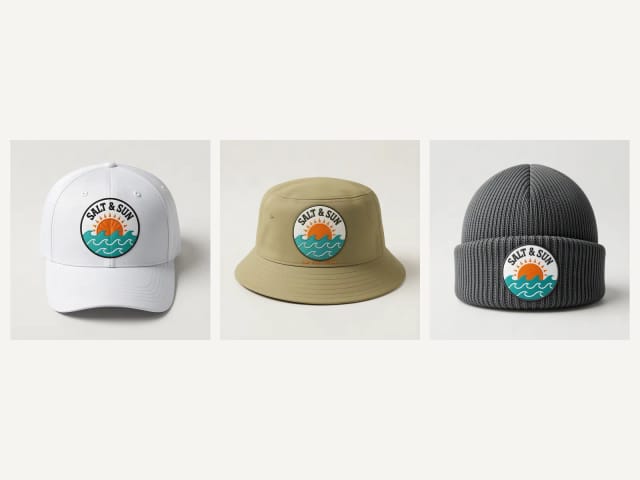
Choose how it is shown
From the front, in a three-quarter view, on a man or a woman, on a table, or from the back with the logo small above the strap.
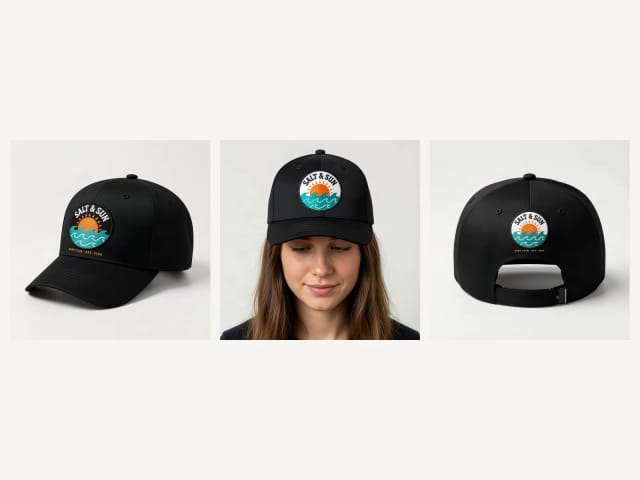
Create and download
Press Create my mockup. The AI stitches or prints your logo onto the hat, following its curve and the light, usually in under 20 seconds. Download the photo for your shop, your team or a client.
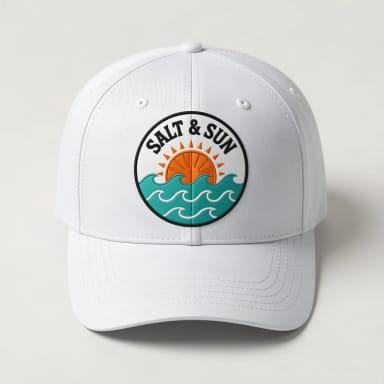
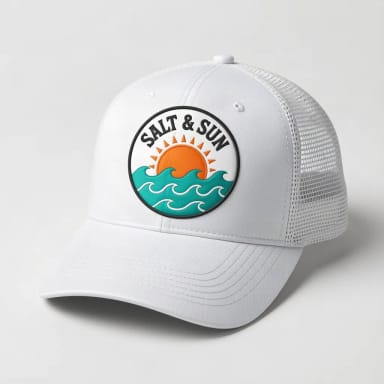
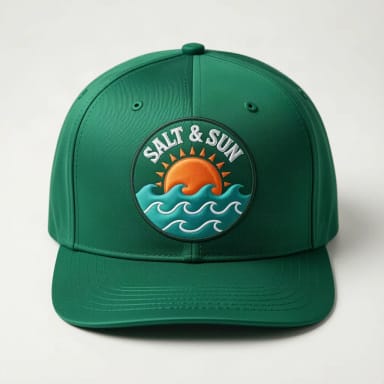
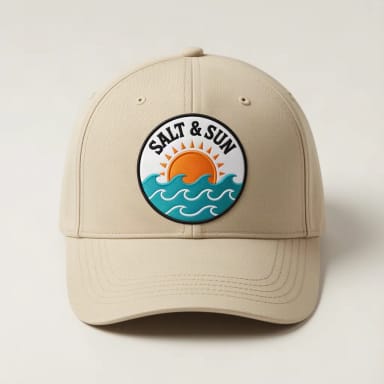
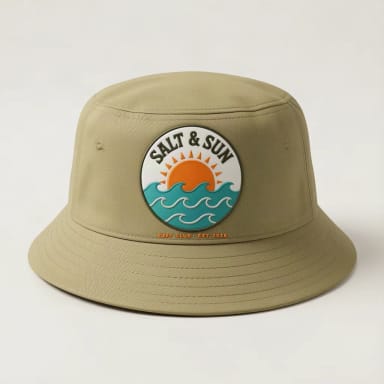
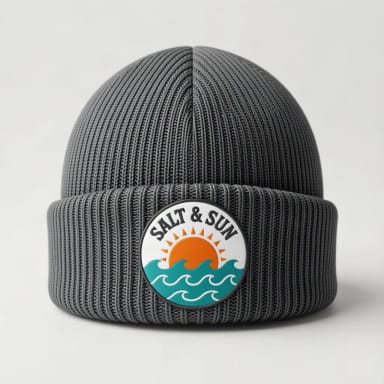
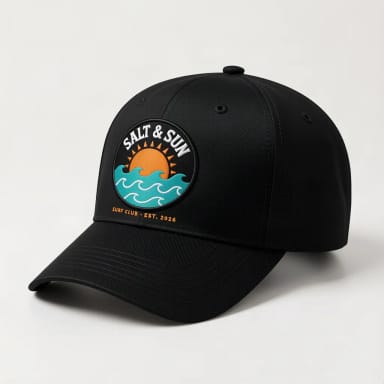
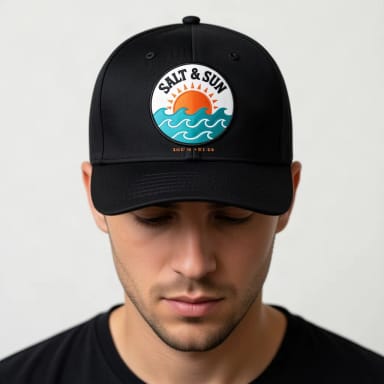
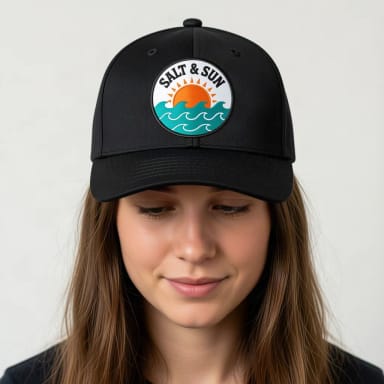
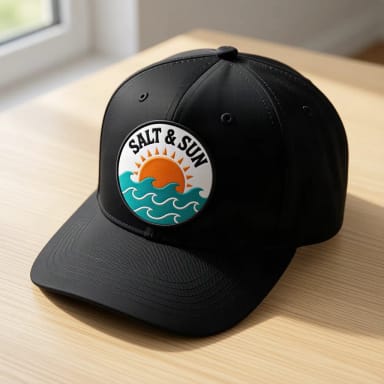
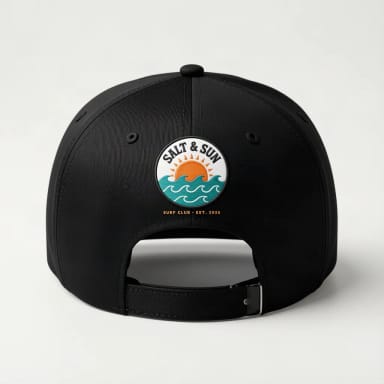
Embroidered, printed or patch
Embroidered hat mockups, or printed and patch
Most caps are embroidered: the logo is stitched in thread, with a slightly raised texture. Pick Embroidered to see your logo the way a hat shop would make it. Embroidery has limits, on a real cap and here: fine lines and tiny text turn into thread and get simpler, so a bold logo with a few colors looks best. On a dark hat, it can also use a lighter thread for dark parts of the logo and leave large white areas unstitched, as many hat shops would.
Printed puts the logo on with ink, flat, and keeps the exact colors and more fine detail; it suits bucket hats and full-color designs. Patch prints your logo on a woven patch sewn onto the front, colors included, a popular look on trucker caps.
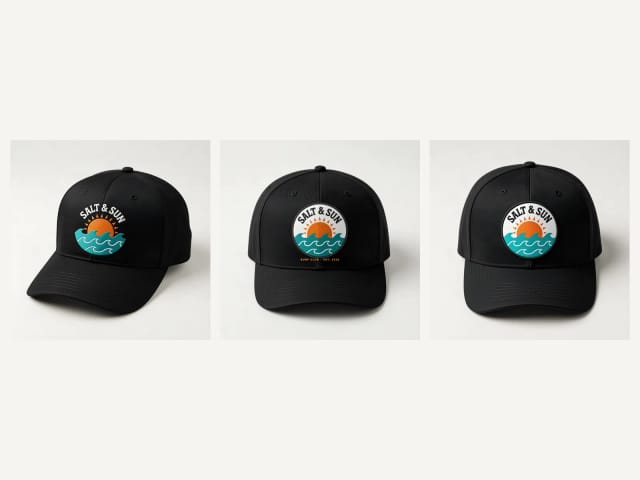
Which hat
Baseball cap, trucker, snapback, dad hat, bucket hat or beanie
The baseball cap is structured, with six panels and a curved brim: the logo goes across the two front panels. A trucker cap has a solid front and a mesh back; a snapback has a flat brim and a snap strap; a dad hat is soft and low, in washed cotton.
A bucket hat has a brim all around, with the logo on the front of the crown, and a beanie carries it on the folded cuff. All come in the same 12 colors: black, navy and khaki are the classics, and a light logo reads best on a dark hat.
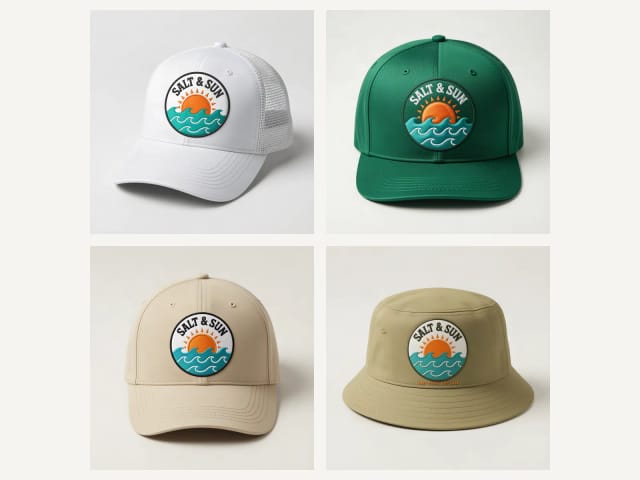
Your file
Which logo file works best
A PNG with a transparent background gives the cleanest result. A logo on a plain white or single-color background works too: the tool removes that background before stitching or printing, so you do not get a white box on a black cap. White parts inside the logo are kept.
What does not work as well: a photo with a busy background, which comes out as a rectangle; very thin lines or tiny text, which embroidery cannot hold; and a white logo on a white hat. If your file is small or soft, run it through the image upscaler first. No logo yet? Make one with the AI logo generator.
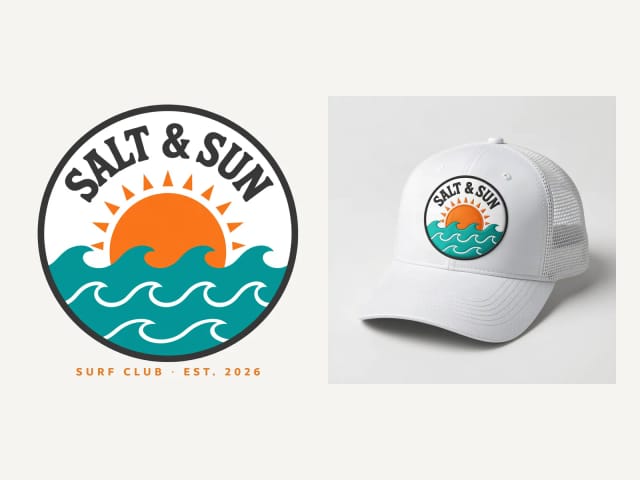
On a person or on a table
Hat mockups on a model, on a table and from the back
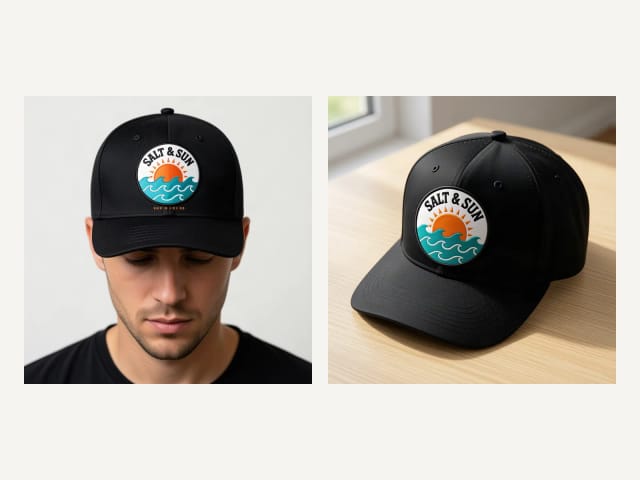
A hat on a person sells it: pick On a man or On a woman for a head-and-shoulders photo. For a shop listing, Front and 3/4 view give a clean product shot on a light background, and On a table a lifestyle photo.
Back shows the back of the hat with your logo small above the strap, a common second spot. Make the front and the back with the same file, hat and color so the photos match. Need t-shirts or hoodies too? Use the t-shirt mockup generator or the hoodie mockup generator.
What you get
What the hat mockup generator includes
Everything you can pick, in one table.
| Feature | Details |
|---|---|
| Hats | Baseball cap, trucker, snapback, dad hat, bucket hat and beanie |
| Colors | Black, white, heather gray, charcoal, navy, royal blue, red, maroon, forest green, khaki, beige and light pink |
| Views | Front, 3/4 view, on a man, on a woman, on a table and from the back |
| Finish | Embroidered in thread, printed with ink or on a sewn-on patch |
| Your file | PNG or JPG; a plain background around the logo is removed automatically |
| Price | Free with the Auto model, without an account; plans add more mockups a day |
Who it's for
Who this hat mockup generator is for
Anyone who needs a believable cap or hat photo without a sample order.
Merch and streetwear brands
Show a new cap or beanie drop in black, navy and khaki before you order stock.
Embroidery and print shops
Show customers their logo embroidered, printed or on a patch on the hat they pick.
Teams, clubs and companies
Preview a team or company cap and pick the color together before ordering a batch.
Etsy and print-on-demand sellers
Make a photo for every hat and color you list, instead of the stock photo everyone uses.
Why it works
Why use this hat mockup generator
Built for one job: a cap or hat photo you can use today.
6 hats, 12 colors
Baseball cap, trucker, snapback, dad hat, bucket hat and beanie, in the colors hat shops sell.
Embroidered, printed or patch
See the logo stitched in thread, printed flat or on a sewn-on patch.
On a model or a table
Front, 3/4 view, on a man or a woman, on a table or from the back.
Background removed for you
A logo on a white or plain background is cut out first: no white box on a black cap.
Free, no sign-up
Make hat mockups with the Auto model for free every day, without an account.
No PSD, no Photoshop
No templates to download, no smart objects to edit: upload, pick and create.
Pricing
Free to start, more when you sell more
Make cap and hat mockups for free with the Auto model, no account needed. Pick a plan when you need more mockups a day.
Free
$0
- 100 credits every day
- The Auto model, on our own servers
- No card needed
Paid plans
Starter · Creator · Pro
- 4,000 to 25,000 credits a month
- Every AI model, including premium ones
- AI video, and no ads in the mobile app
Is this hat mockup generator free?
How do I make a cap or hat mockup?
Can I make an embroidered hat mockup?
Which hats can I use?
Where does the logo go?
What file should I upload?
Will my logo stay exactly the same?
Can I download the mockup as a transparent PNG?
Can I use the mockups commercially?
Can I make t-shirt or hoodie mockups here?
CreArt is not affiliated with, endorsed or sponsored by Kindle or Etsy. Kindle is a trademark of Amazon.com, Inc. Etsy is a trademark of Etsy, Inc.
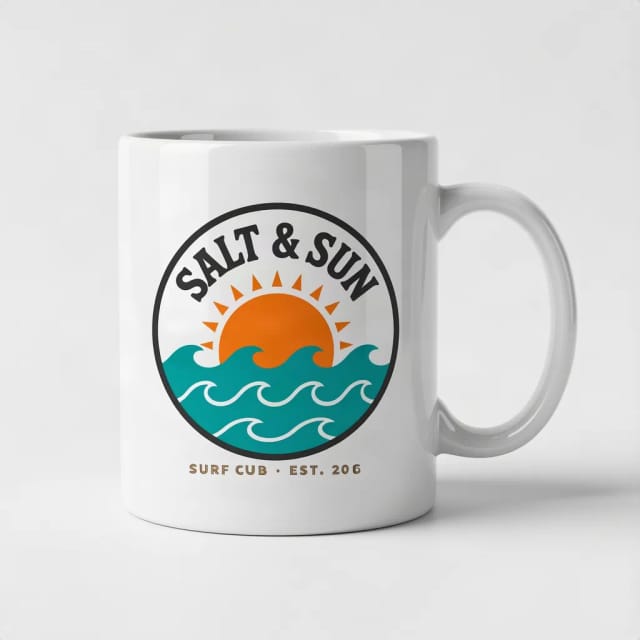
Mug Mockup Generator
See your design on a coffee, two-tone, enamel or travel mug, in hand or as a gift.
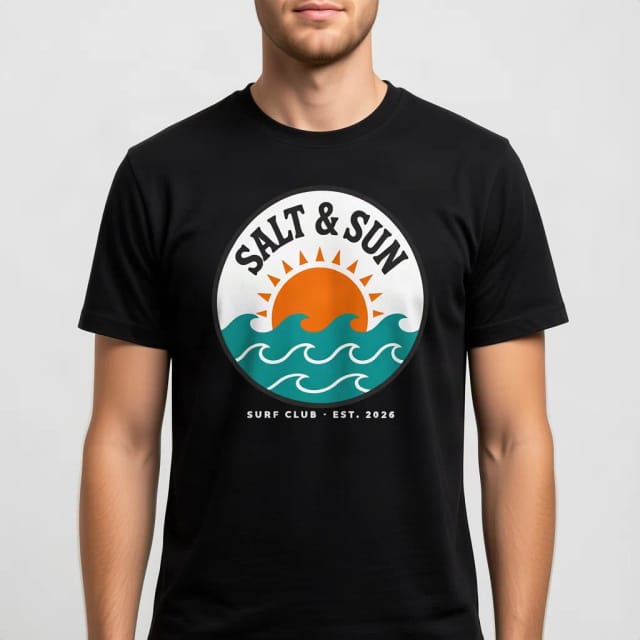
T-Shirt Mockup Generator
CreArt's free T-Shirt Mockup Generator puts your design on 7 garments in 12 colors, front or back, usually in under 20 seconds. No sign-up.
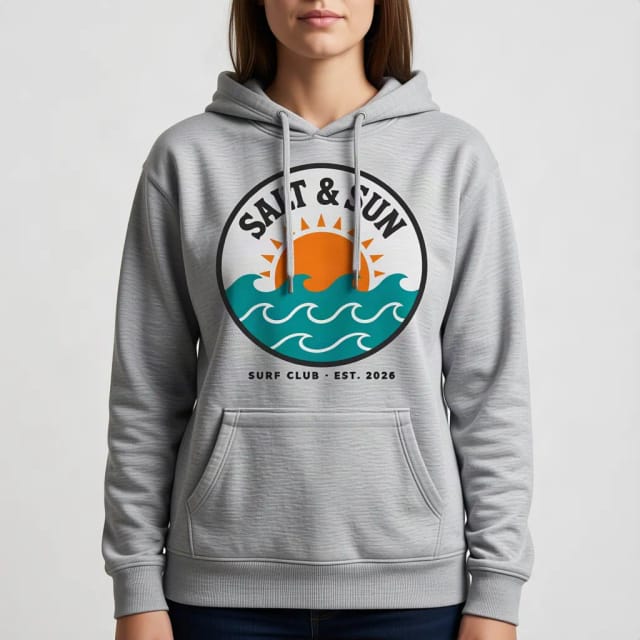
Hoodie Mockup Generator
CreArt's free Hoodie Mockup Generator puts your design on a pullover or zip-up hoodie or a crewneck sweatshirt in 12 colors, front or back, usually in under 20 seconds. No sign-up.
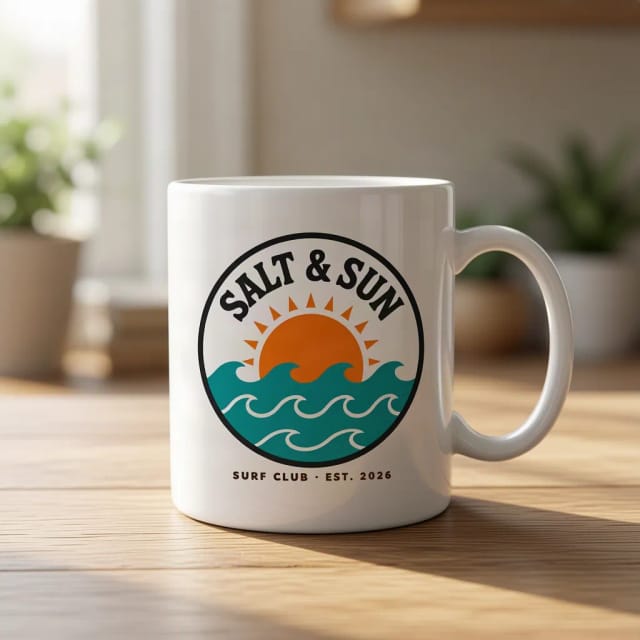
AI Mockup Generator
CreArt's free AI Mockup Generator puts your design on 15 products, from mugs and posters to book covers, usually in under 20 seconds. No sign-up.

AI Logo Generator
Free AI logo maker: the AI draws your symbol and your name is set in real fonts, never misspelled.

AI Album Cover Maker
Make an album cover with AI: describe your music, pick one of 16 styles and add your name and title, spelled right. Free, no sign-up.
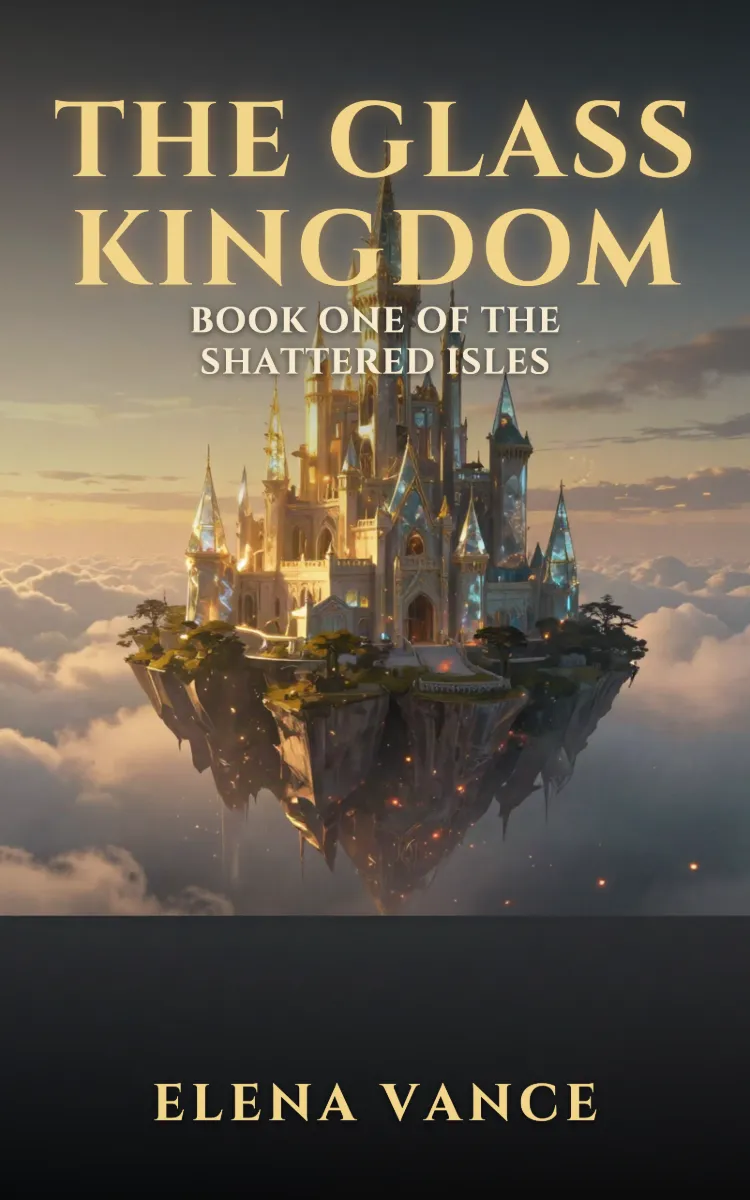
Book Cover Generator
Make a book cover with AI: describe it, pick a genre, type your title.
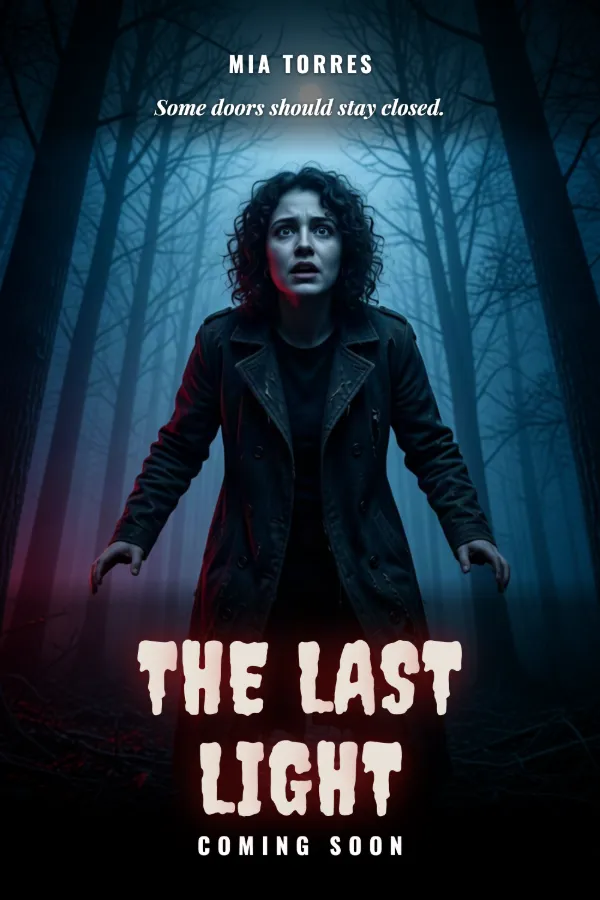
AI Poster Generator
Turn your photo into a movie poster: pick a genre and type your title.
Ready to make something?
Open the tool, try the free Auto model and download the result.