
AI UGC Ads Generator
Free AI UGC ads generator: upload a product photo and get UGC-style photos of it in hand, unboxed or in use, with no captions added.
Your product photo
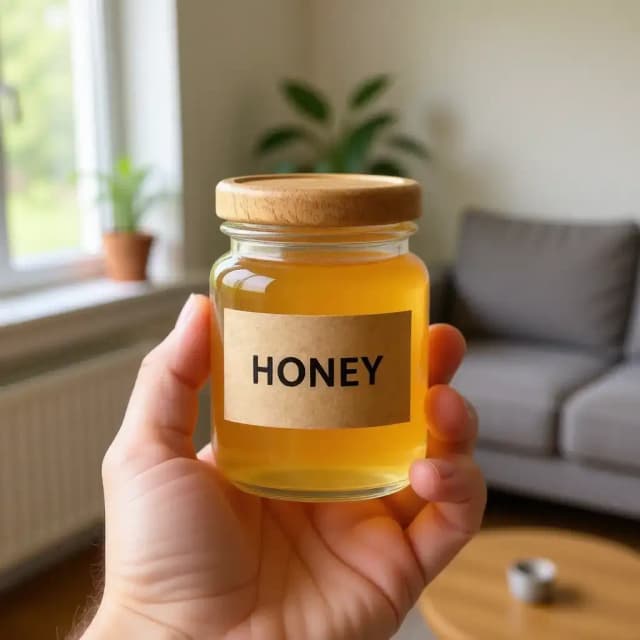
UGC scene · In hand
10 free tries a day with Auto · No sign-up
How it works
How to make UGC-style photos in 4 steps
No filming, no creator brief: one product photo and a scene.
Upload a product photo
A clear photo of the product on a plain background works best. No product photo yet? Try one of the samples.
Pick a UGC scene
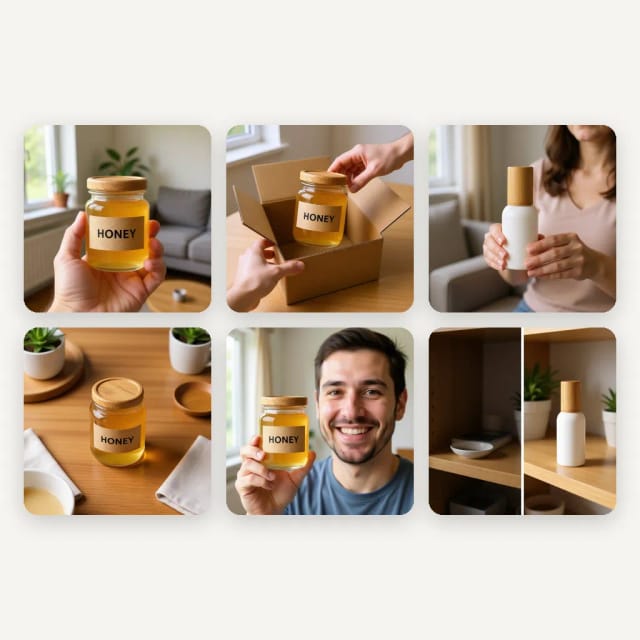
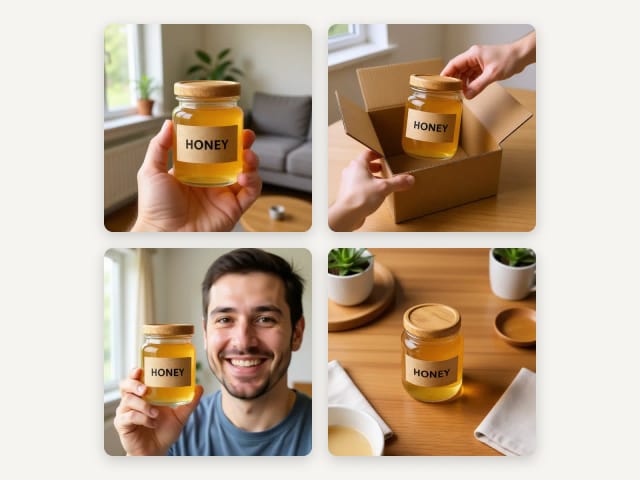
In hand, unboxing, in use, flatlay, held up by a smiling person, or a before and after pair.
Make your UGC photo
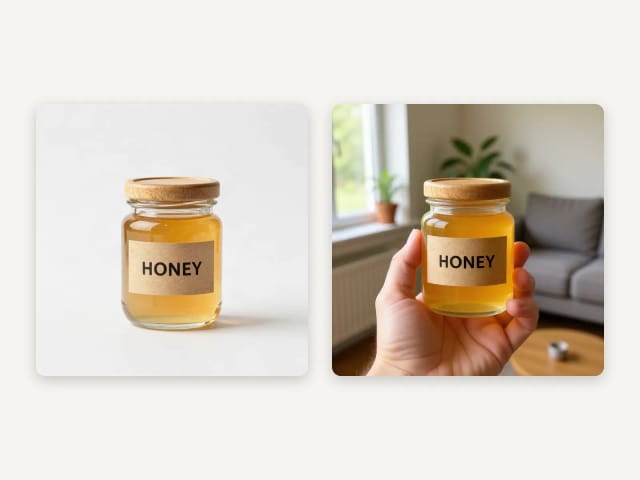
Auto puts your product in the scene, keeping its shape, colors and label as in your photo, with no captions or stickers added. Check small print before you post.
Use it in your ads
Download it for Instagram, TikTok or Facebook. Try another scene with the same photo and keep the one that works.
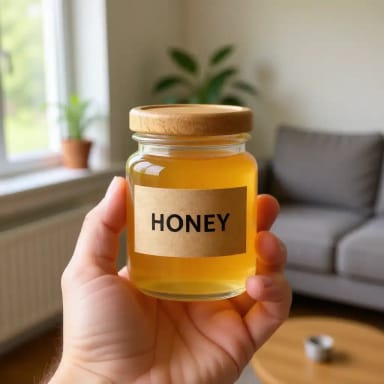
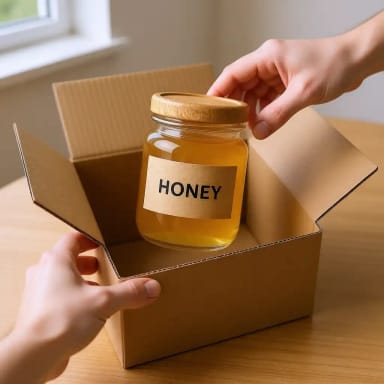
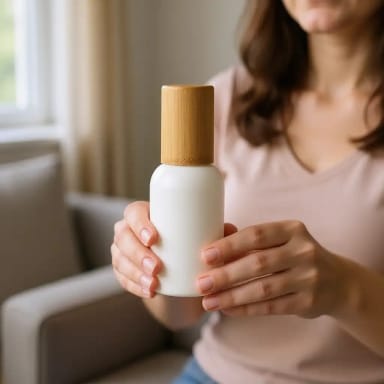
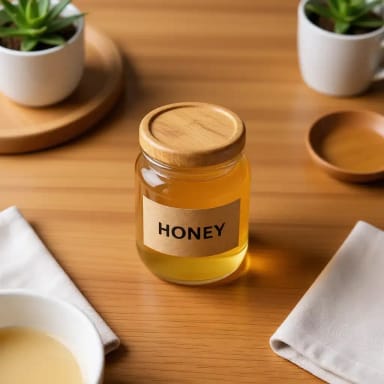
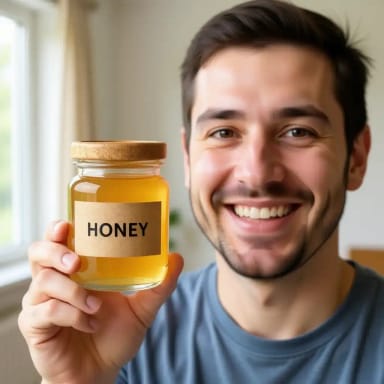
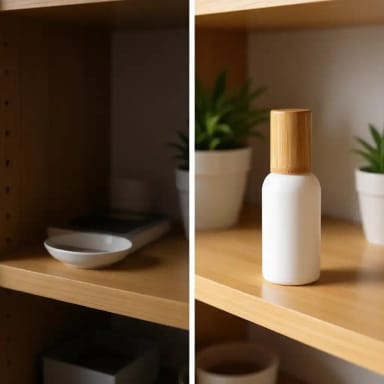
Six UGC scenes from one product photo
Each one was made with this tool from a plain product photo. Tap one to start from that scene.
UGC ads
What is a UGC ad?
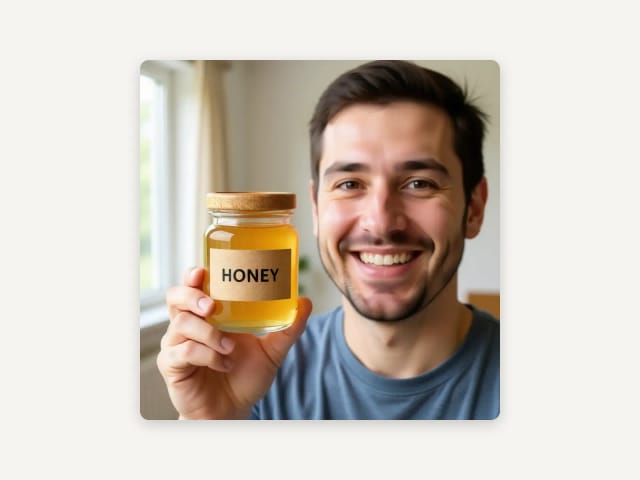
UGC means user-generated content: photos and videos that look like a real customer took them, not a studio. UGC ads use that look in paid posts because it feels native to the feed: a hand holding the product, an unboxing on the kitchen table, a smiling face next to it.
This generator makes the photos. Upload one product photo, pick a scene and get a UGC-style photo of it, ready for your posts and ads. It makes photos, not videos.
Use it honestly
UGC-style, not fake reviews
These photos show your real product in a believable setting. Do not present them as photos taken by real customers, and do not attach them to made-up reviews or quotes.
Where a platform or a law asks for it, label AI-generated content. For real testimonials, ask your real customers: these photos show the product, they do not speak for anyone.
Your product
Your product, kept as in your photo
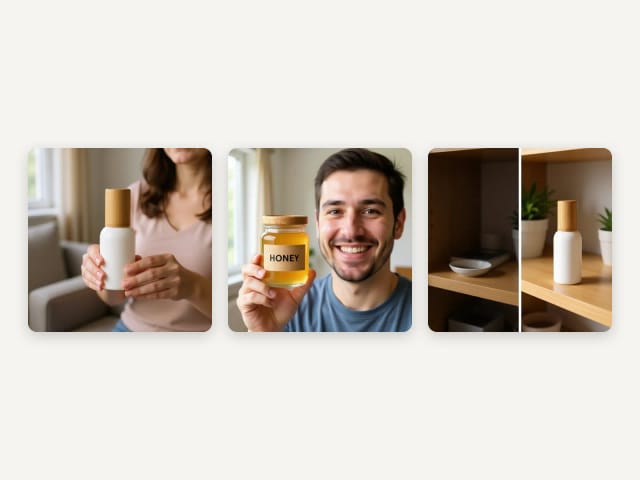
Many AI tools redraw the product and misspell its label. Here the AI is asked to keep the product as it is in your photo: the same shape, colors and label, with no captions, stickers or new text added. In our tests, a printed label came out intact and a plain bottle stayed plain, with no invented logo.
The AI does redraw the photo, though, so small print can come out softer or change. Check the label before you post.
For your ads
UGC-style photos for Instagram, TikTok and Facebook
Use the scenes in feed posts, stories and ads. The photo keeps the shape of the one you upload, so for a story, upload a vertical photo. Make a few scenes with the same product and keep the one that works.
Need an ad with a headline and a button? Use the AI ad maker.
Who it's for
Who the UGC Ads Generator is for
Anyone who needs UGC-style photos of a product without a shoot.
Online shops and DTC brands
Get UGC-style photos of a new product before the first customer has it.
Marketers testing creatives
Make several scenes from one photo and test which one works in your ads.
Etsy and handmade sellers
Show your product in a real home without a photo shoot.
Social media managers
Fill a week of posts with UGC-style photos of the same product.
Pricing
Start making UGC ads
Make UGC-style photos for free with the Auto model, no account needed. Pick a plan when you want more a day or other image models.
Free
$0
- 100 credits every day
- The Auto model, on our own servers
- No card needed
Paid plans
Basic · Starter · Creator
- 1,600 to 10,000 credits a month
- Every AI model, including premium ones
- AI video, and no ads in the mobile app
Why choose it
Why use this UGC ads generator
The UGC look, with your real product.
Your product, as in your photo
The AI keeps the shape, colors and label of your photo. Check small print before you post.
Six UGC scenes
In hand, unboxing, in use, flatlay, held up by a person, before and after.
No captions or stickers
The photo comes out clean, ready for your own text.
One photo is enough
A clear product photo on a plain background is all you need.
Photos, not video
UGC-style photos for posts and ads. This tool does not make videos.
Free, no sign-up
Make UGC-style photos with the Auto model for free every day, without an account.
What is an AI UGC ad?
Can you create AI UGC ads?
Are AI UGC ads legal?
Is this UGC ads generator free?
Does it make UGC videos?
What product photo works best?
Will my product label stay the same?
Can I use these photos on Instagram, TikTok and Facebook?
CreArt is not affiliated with, endorsed or sponsored by Instagram, Facebook, TikTok or Etsy. Instagram and Facebook are trademarks of Meta Platforms, Inc. TikTok is a trademark of ByteDance Ltd. Etsy is a trademark of Etsy, Inc.
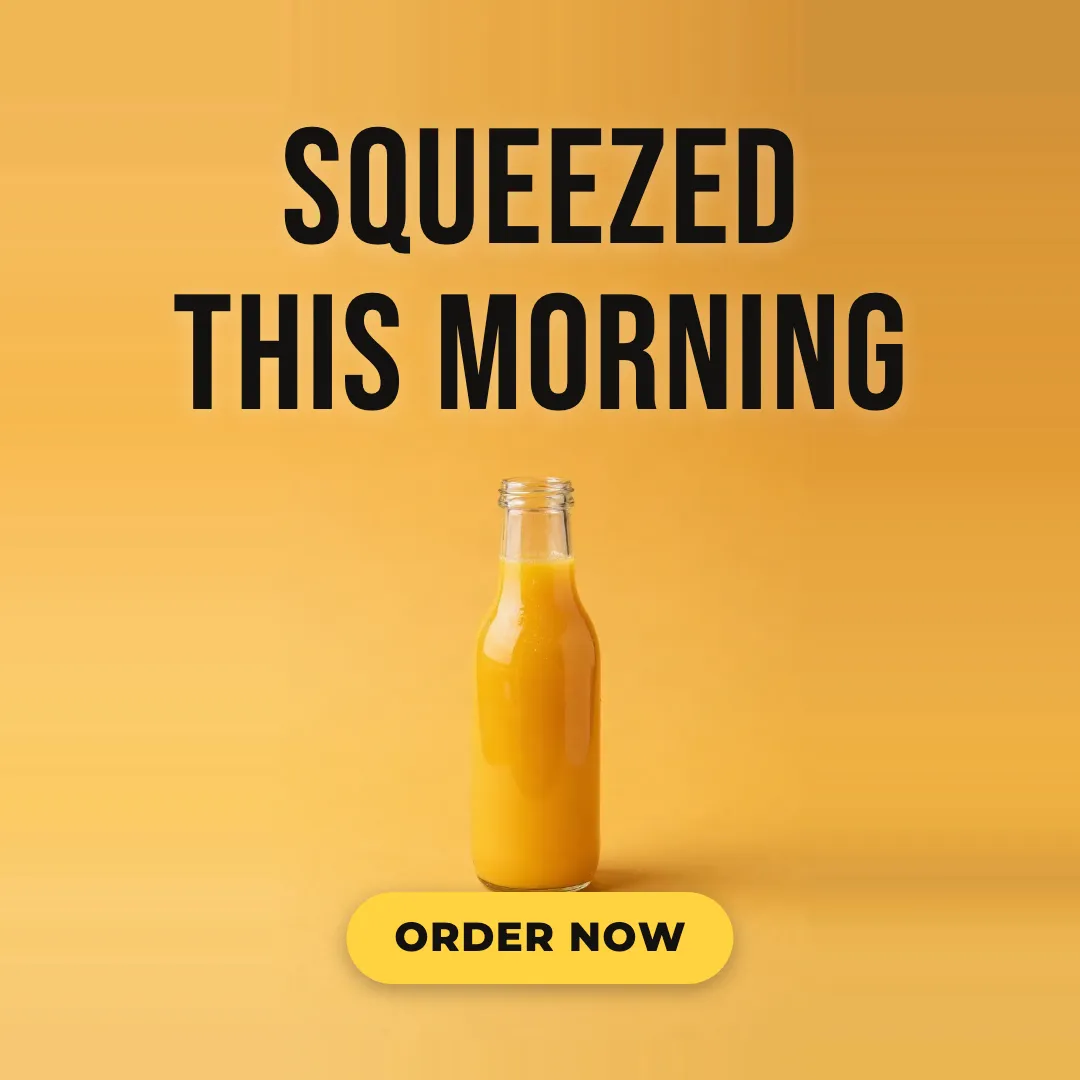
AI Ad Maker
Free AI ad maker: get an ad with your headline and button for Instagram and Facebook, in every size.

AI Album Cover Maker
Make an album cover with AI: describe your music, pick one of 16 styles and add your name and title, spelled right. Free, no sign-up.
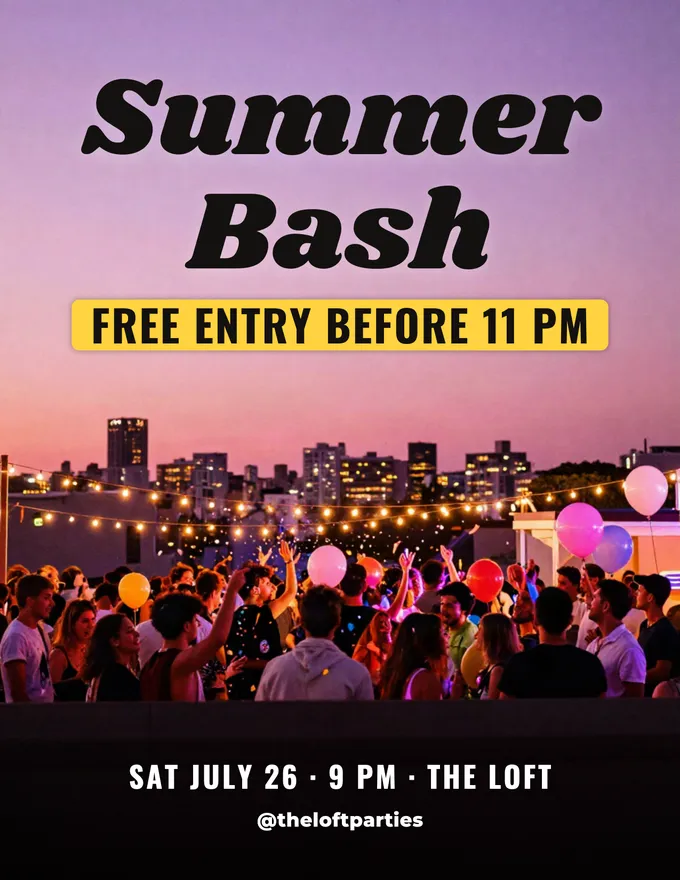
AI Flyer Generator
Make a flyer with AI: pick a type, add your text, download it to print.
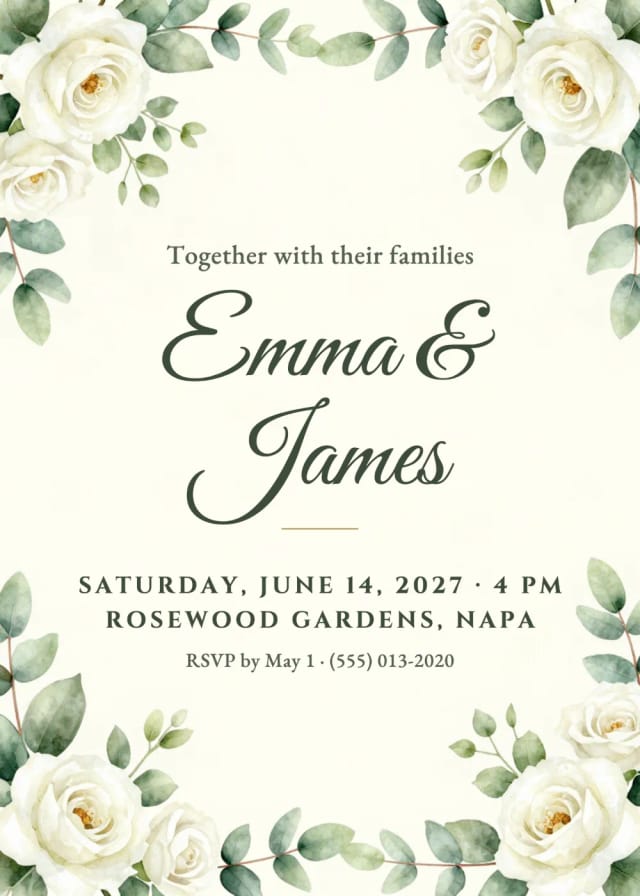
AI Invitation Maker
Free AI invitation maker: pick a style, add your details and a photo, then print it or send it.

AI Logo Generator
Free AI logo maker: the AI draws your symbol and your name is set in real fonts, never misspelled.
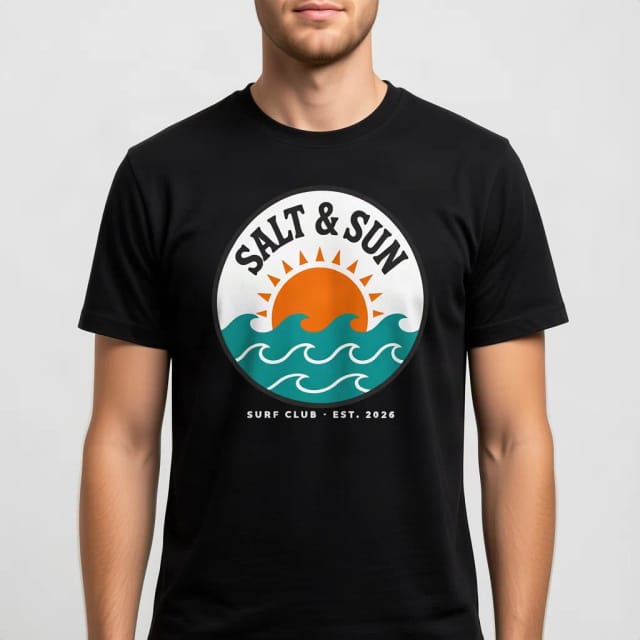
T-Shirt Mockup Generator
CreArt's free T-Shirt Mockup Generator puts your design on 7 garments in 12 colors, front or back, usually in under 20 seconds. No sign-up.
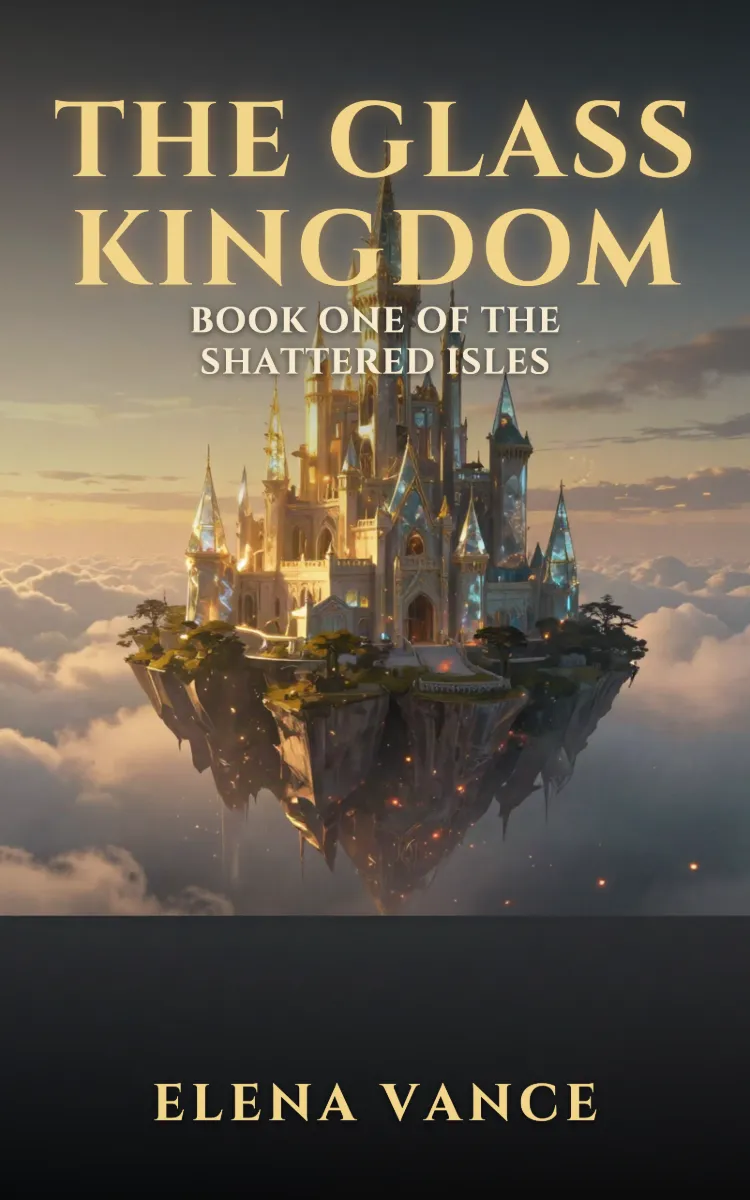
Book Cover Generator
Make a book cover with AI: describe it, pick a genre, type your title.
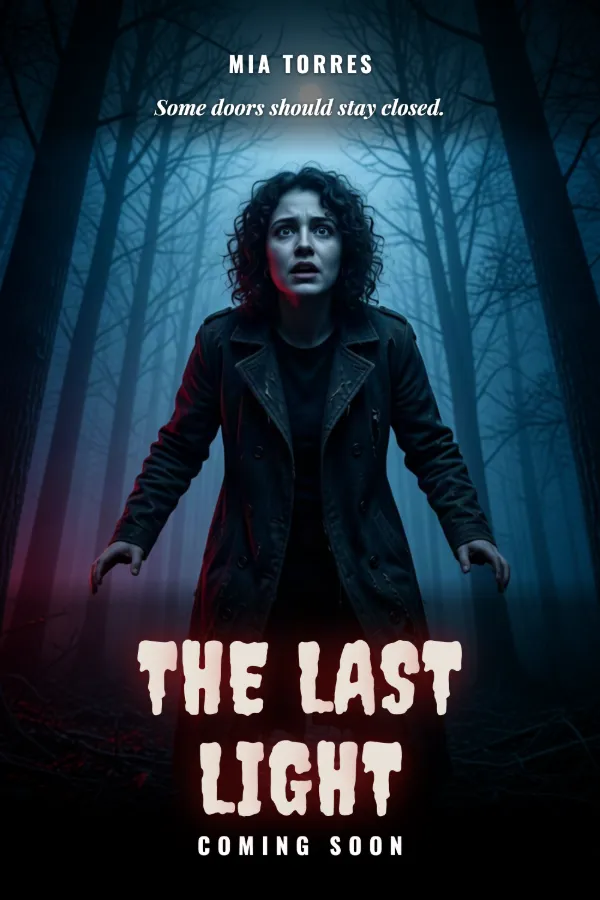
AI Poster Generator
Turn your photo into a movie poster: pick a genre and type your title.
Ready to make something?
Open the tool, try the free Auto model and download the result.