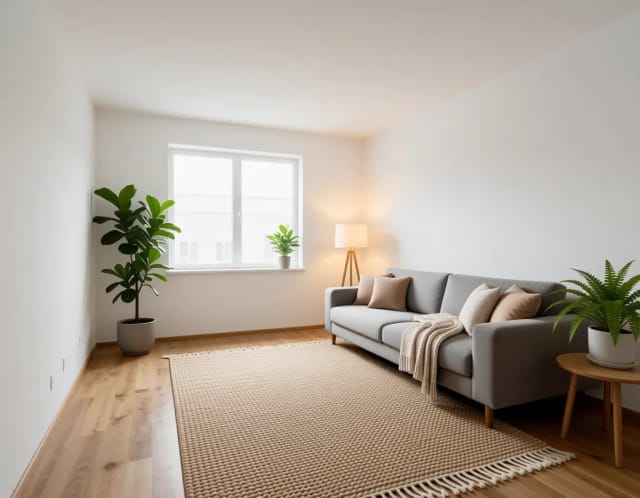
Virtual Staging AI
For listings, not for living. Furnish an empty or dated room so buyers can picture themselves in it, straight from the photo you already have.
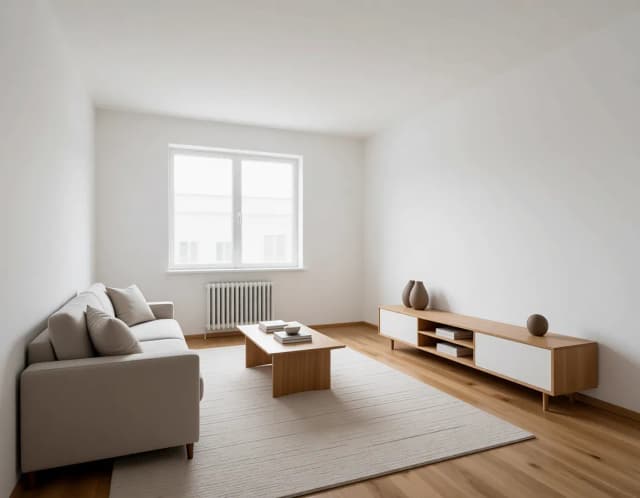

The same empty room, furnished eight ways
From family living room to home office — identical space, every buyer. Click the staging your listing needs.
Step by step
From an empty room to an MLS-ready furnished shot, no design skills needed.
Upload your room photo
Add the empty or dated listing shot you want to furnish. A straight, well-lit photo gives the AI the most to work with.
Choose room purpose and style
Tell the tool what the space should be — living room, bedroom, home office and more — then pick one of eight design styles like Modern, Scandinavian or Coastal.

Add extra wishes (optional)
Type a short note to steer the look, like "warm neutral tones" or "family-friendly". Tick the furniture box if the room isn't already empty so the AI clears it first.

Download your staged photo
Generate and save the furnished image in seconds, ready to disclose as virtually staged on the MLS and listing portals.
How an empty room gets furnished
Furnish an empty room from the photo you already have — no rented furniture, no reshoot.
How it works
Virtual staging is the process of digitally furnishing an empty or dated room from a single listing photo, so buyers can picture living there. You upload the shot, choose what the room should become — living room, bedroom, home office, kids room, bathroom or dining room — pick one of eight design styles, and the AI places realistic furniture, rugs and lighting into the image in seconds.
Instead of hiring a staging company, which typically runs $2,000 or more per home per month, you get a furnished photo from the picture you already have. Empty rooms photograph badly: buyers can't read the scale and the space feels cold. A staged photo answers "would my sofa fit here?" at a glance. If you want the background first, read the plain-English guide on what virtual staging is and when to use it.

Under the hood, this virtual staging software works from your real photo rather than generating a room from scratch, so the architecture stays honest. Walls, windows, floors and fixed features stay where they are — it adds furniture and decor on top of the space you shot. If the room already has furniture, tick that box and the tool clears it before styling instead of piling new pieces on top of the old ones.
Pick a room purpose and one of eight styles — Modern, Scandinavian, Farmhouse, Industrial, Mid-century, Coastal, Traditional or Luxury — and add a short note if you want ("mid-century, warm tones" or "neutral for family buyers") to steer the look. The result keeps the original camera angle and lighting so the staged photo still reads as the same property, just lived-in. For more direction, browse the interior design prompts by room style and reuse the wording that fits your listing.
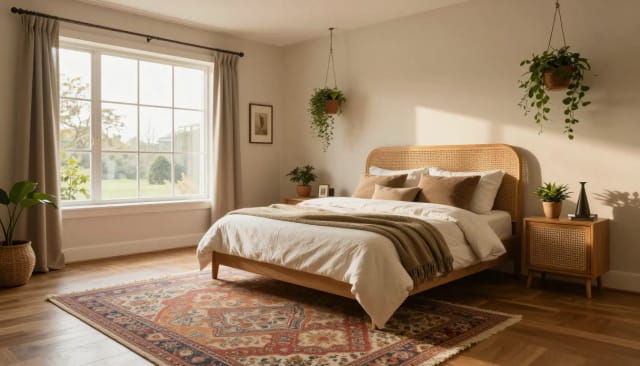
Virtual staging for real estate is welcome on the MLS and the major portals when you play fair. Three rules keep you safe: disclose it ("virtually staged" in the caption), never mask permanent defects, and keep the unedited originals, since some MLS rules require providing them on request.
Because the tool is free to try and works fast, it fits both a full listing shoot and a last-minute relist. Clean up the source shot first: brighten a dim room with the free photo enhancer so you're not staging the darkness, and sharpen a low-res capture with the image upscaler so the furniture lands on a crisp base. Testing a repaint on the same room? The paint visualizer shows wall colors on your actual walls first.
Who stages listings with this
Built for anyone who has to make an empty listing photo sell.
Real estate agents
Turn empty listings into warm, furnished photos before they hit the MLS, so buyers scroll past fewer of your listings and book more showings.
Home stagers
Offer virtual staging alongside physical work, or pitch styles to clients before hauling furniture. Show three looks for a room in the time one setup used to take.
FSBO sellers
Selling on your own? Stage your listing photos yourself without a stager's invoice, and present rooms the way buyers expect on the portals.
Real estate photographers
Add virtual staging as an upsell to your shoots. Deliver furnished versions of empty rooms from the same session you already photographed.
Property managers and landlords
Show a vacant rental as a comfortable home instead of a bare box, helping units lease faster between tenants.
CreArt Solutions
Every tool, curated for how you work
AI Tools for Real Estate
AI tools for real estate agents: virtually stage empty rooms, fix dark listing photos, and turn one set of photos into flyers, "Just Listed" posts and walkthrough videos.
Explore the toolkit →AI Tools for Content Creators
AI tools that turn a video title and a selfie into thumbnails, banners, avatars, emotes and brand-deal ads — a full channel kit from assets you already have.
Explore the toolkit →AI Tools for Small Business
A set of AI tools built for small businesses: design logos, flyers, clean product photos and daily social content without hiring a designer.
Explore the toolkit →AI Tools for Photographers
AI tools for photographers that run your marketing side: mini-session flyers, booking posts, session reels and price guides built from photos you already have.
Explore the toolkit →AI Tools for Musicians
A release-day visual kit for independent artists: build one album cover with AI, then spin off the Spotify Canvas, gig poster and "out now" ads from it.
Explore the toolkit →AI Tools for Authors & Writers
Design your book cover once and reuse it for the trailer, the countdown posts, the teaser quotes and the character art — a full self-publishing launch kit powered by AI.
Explore the toolkit →AI Tools for Teachers
Free AI tools for teachers: turn any topic into coloring pages, classroom posters and explainer comics in minutes — type it, pick a style, print.
Explore the toolkit →AI Tools for Influencers & UGC Creators
A content studio for influencers and UGC creators: brand-ready UGC ads, tappable thumbnails and on-brand profile pictures, all from a phone photo or a text idea.
Explore the toolkit →AI Tools for E-commerce Sellers
Turn one product photo into a full listing kit — clean white-background shot, lifestyle scenes, a UGC-style ad and a short video, without a studio day or an agency.
Explore the toolkit →Pricing
Start free to stage your first listing photos, then pick a plan when virtual staging becomes part of your regular workflow.
How far do credits go? The cost depends on the tool, model and settings. The Generate button shows the price before each creation.
Free
- 100 credits every day
- Access to basic tools
- 100 MB cloud storage (signed in)
Starter
- 4,000 credits every month
- Create videos with AI
- Use every AI model
- No ads
- No watermarks
- Keep posts private anytime
- You own what you create
- 1 GB cloud storage (signed in)
Creator
- 10,000 credits every month
- Create videos with AI
- Use every AI model
- No ads
- No watermarks
- Keep posts private anytime
- You own what you create
- 5 GB cloud storage (signed in)
Pro
- 25,000 credits every month
- Create videos with AI
- Use every AI model
- No ads
- No watermarks
- Keep posts private anytime
- You own what you create
- 10 GB cloud storage (signed in)
Why agents use it
Faster and cheaper than a staging crew, without faking the property.
Free virtual staging to try
Stage a room and see the result before you commit to anything — no rented furniture, no photographer callback, no upfront staging invoice.
Keeps your real architecture
It works from your actual photo, so walls, windows and floors stay put. The staged shot reads as the same property, just furnished.
Eight styles, six room types
Match the buyer you're targeting — Modern, Scandinavian, Farmhouse, Industrial, Mid-century, Coastal, Traditional or Luxury across living rooms, bedrooms, offices and more.
Clears existing furniture
Staging a room that's already furnished? One checkbox tells the AI to empty it first, so you're not layering a new sofa over the old one.
Ready in seconds
AI virtual staging returns a furnished photo in seconds instead of the days a staging company needs — ideal for a last-minute relist.
Built for MLS disclosure
Add furniture without touching permanent features, keep your originals, and label the shot "virtually staged" so your listing stays compliant.
Good to know
What is virtual staging?+
What is virtual staging in real estate?+
How do you do virtual staging?+
Is virtual staging worth it?+
Is there free virtual staging?+
Does virtual staging change the actual room?+
Can I virtually stage a room that already has furniture?+
Is virtual staging allowed on the MLS?+
Finish the listing
The rest of the listing package, from the same photos.