
AI Album Cover Maker
Make an album cover with AI: describe your music, pick one of 16 styles and add your name and title, spelled right. Free, no sign-up.
What's your music about?
Style · Hip-hop
Your name and title
Optional: tap the photo button to be on the cover.
10 free tries a day with Auto · No sign-up
What's your music about?
Style · Hip-hop
Your name and title
Optional: tap the photo button to be on the cover.
 Example
How to make an album cover
Make an album cover with AI in 4 steps
CreArt's free AI Album Cover Maker turns a short idea into a 3000 × 3000 cover, usually in under 20 seconds, with your artist name and title spelled right. No design software, no template hunting.
Describe your music
Type what you see when you hear the song: a scene, an object, a color, a mood. Stuck? Tap the dice for an idea, or start from one of the sample covers.
Pick a style
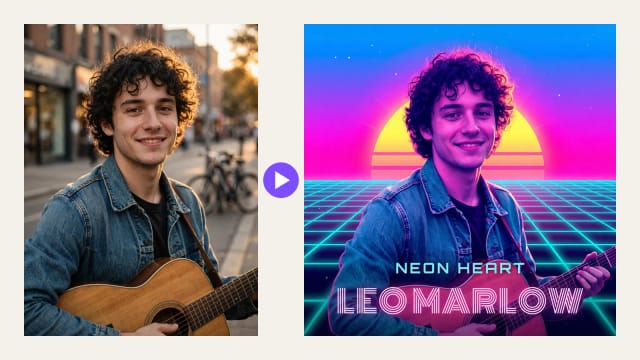
Choose one of 16 styles, from hip-hop, rock and lo-fi to synthwave, vaporwave and Y2K chrome. Want to be on the cover? Add your own photo and the AI turns it into that style.
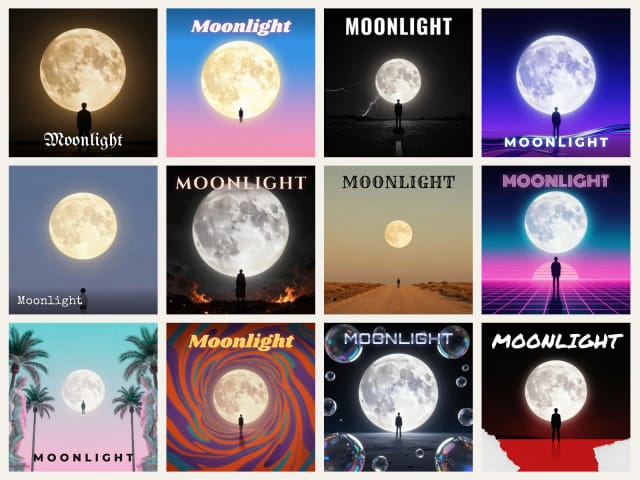
Add your artist name and title
Type them in and they are set on the artwork in the style's typeface, spelled exactly as you wrote them. Change the position, font or color at any time without generating again.
 BeforeAfter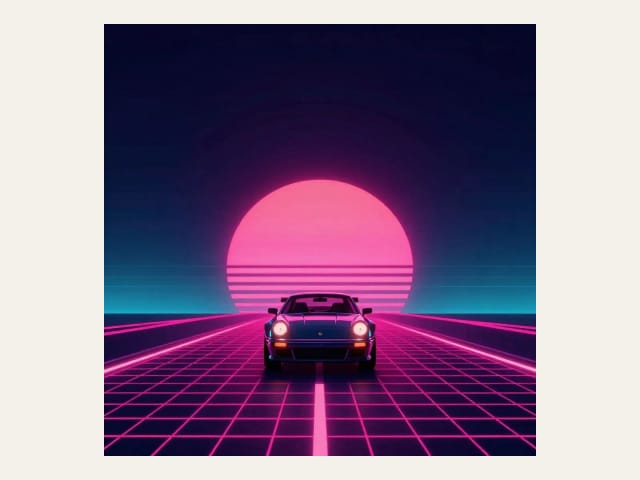
Download your cover
Download a 3000 × 3000 px JPG: the size Apple Music recommends, and within the 640 to 10,000 px that Spotify accepts. Want it to move? Turn the cover into a short looping video with image to video.
Sixteen styles, one cover each
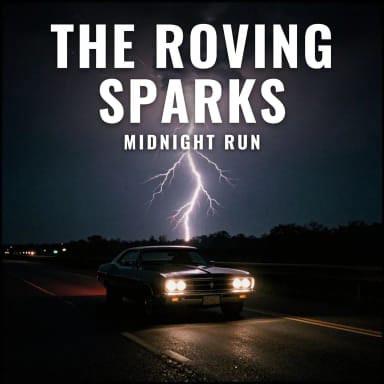
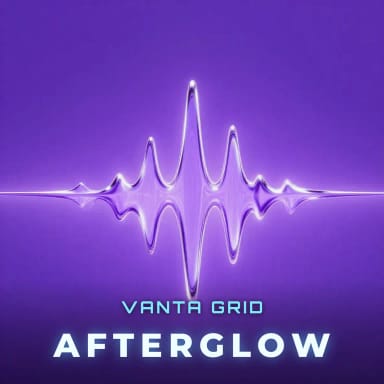
Hip-hop, pop, rock, lo-fi, metal, country, synthwave, vaporwave and more, each with its own typeface. Tap a style to make yours.


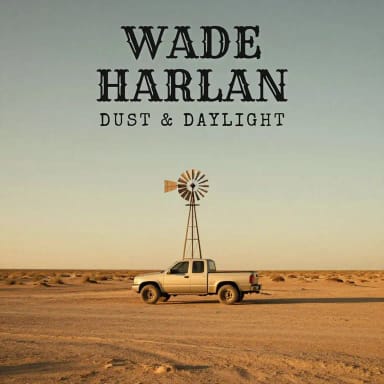

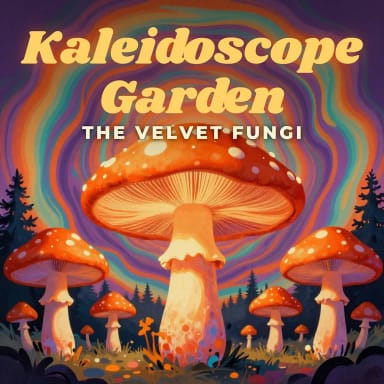

Real typography
Your artist name and title, spelled right
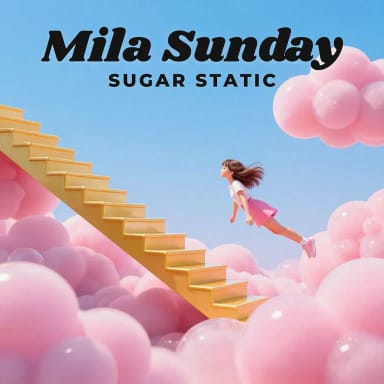
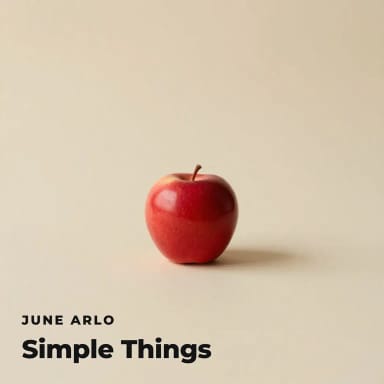
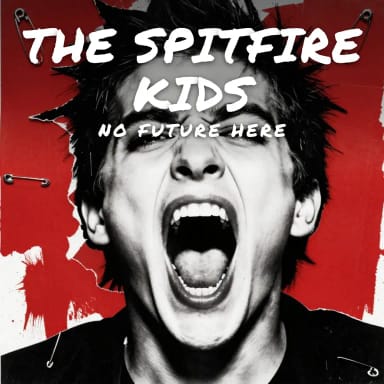
AI image models are great at pictures and bad at letters: ask one for your band name and it often comes back misspelled or turned into squiggles. So here the AI only paints the artwork, and your artist name and album title are set on top as real type, in a typeface picked for each style: blackletter for hip-hop, neon for synthwave, a marker for punk, a typewriter for lo-fi.
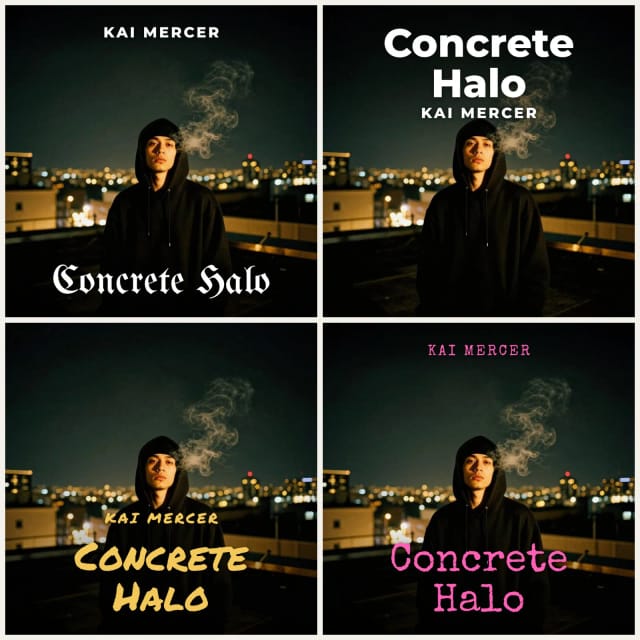
Because the text is not baked into the image, you can change it whenever you like: move it to the top or the bottom, switch the font, pick another color, fix a typo, all without generating again. Need a logo for the merch too? Make one with the AI logo generator.
Your photo on the cover
Turn your own photo into cover art
Want your face on the record? Add a photo and pick a style: the AI repaints the background, colors and light in that look and keeps you recognizable. A clear, well-lit photo where your face is not too small works best. No photo at hand? Try the sample one.
For a proper shoot first, the AI musician photoshoot turns one selfie into a set of press photos, and the background remover cuts you out for a cleaner layout. Once the cover is done, animate it into a short looping video for your posts.
Sizes
Album cover sizes for each platform
One 3000 × 3000 px square works almost everywhere. The full specs are in the album cover size guide.
| Feature | Details |
|---|---|
| Spotify | Square, 640 to 10,000 px on each side, TIFF, PNG or JPG, sent through your distributor |
| Apple Music | Square, 3000 × 3000 px or larger recommended (1400 × 1400 minimum), JPG or PNG |
| Bandcamp | Square, at least 1400 × 1400 px |
| SoundCloud | Square, at least 800 × 800 px |
| Podcast cover | Square, 1400 to 3000 px, JPG or PNG |
| CD booklet | 4.75 × 4.75 in, about 1425 × 1425 px at 300 dpi |
| 12-inch vinyl sleeve | 12.375 × 12.375 in, about 3713 × 3713 px at 300 dpi: upscale the 3000 px file first |
Cover ideas to remix
Six covers made with this tool, prompt included. Open one, then swap in your own name and title.

Hip-hop: Concrete Halo
a young rapper in a hoodie on a rooftop at night, city lights behind him, smoke rising
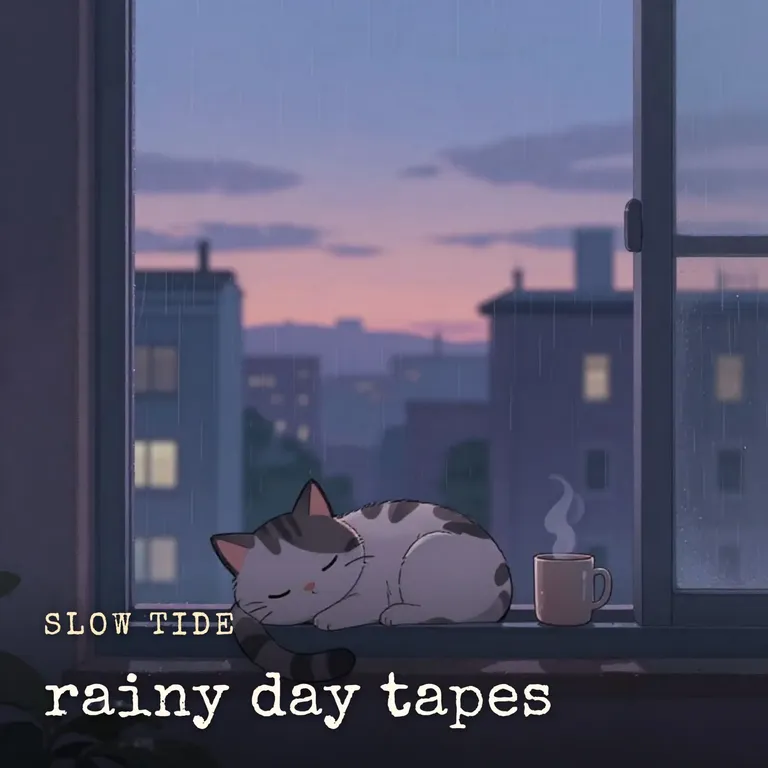
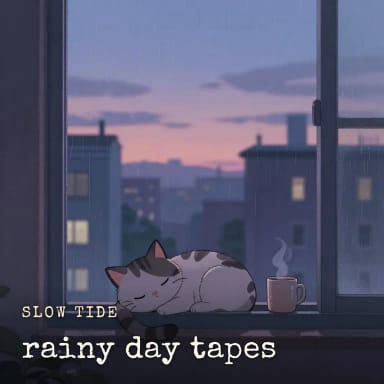
Lo-fi: rainy day tapes
a cat sleeping on a windowsill above a rainy city at dusk, a steaming mug beside it
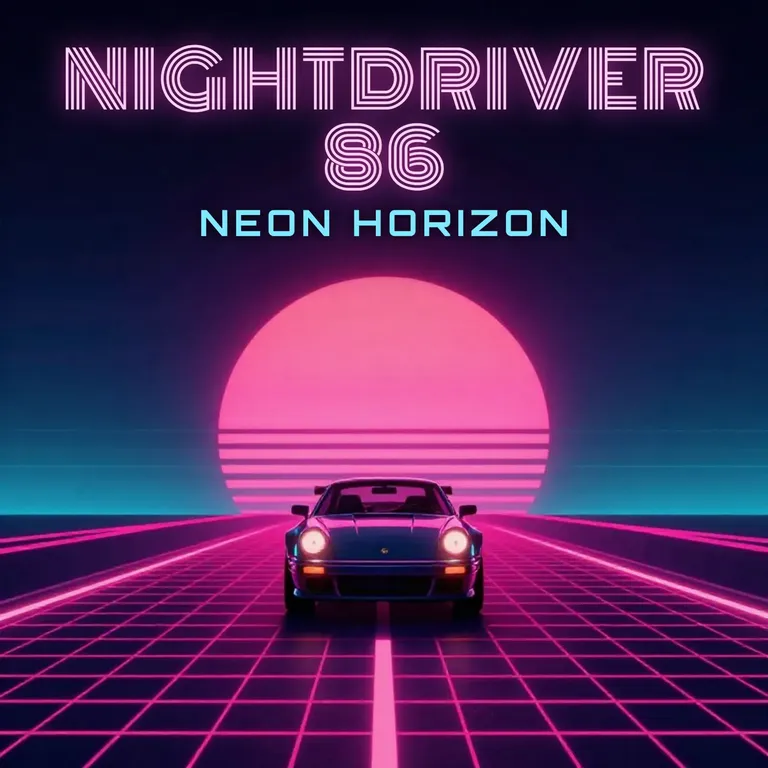
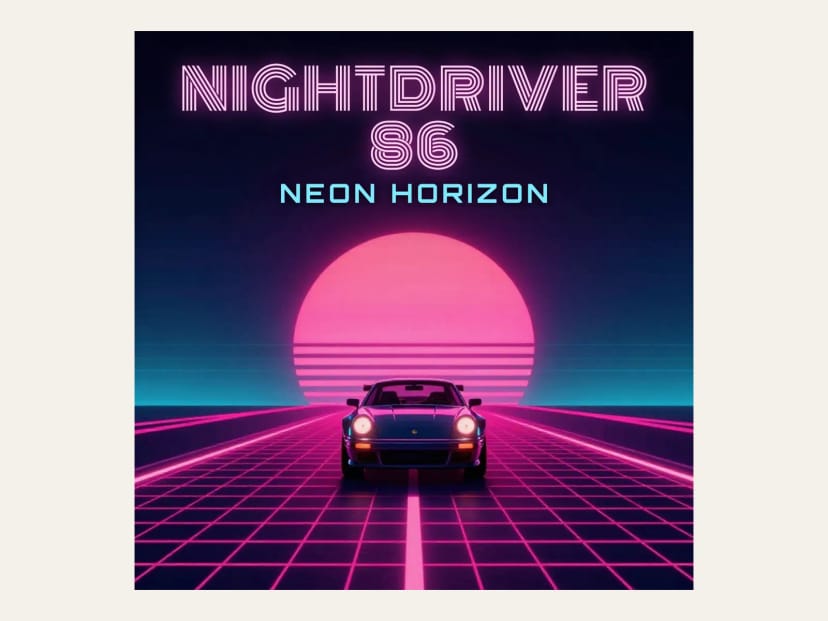
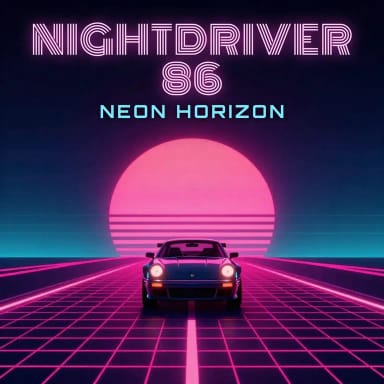
Synthwave: Neon Horizon
a sports car driving toward a giant neon sunset on a retro grid highway
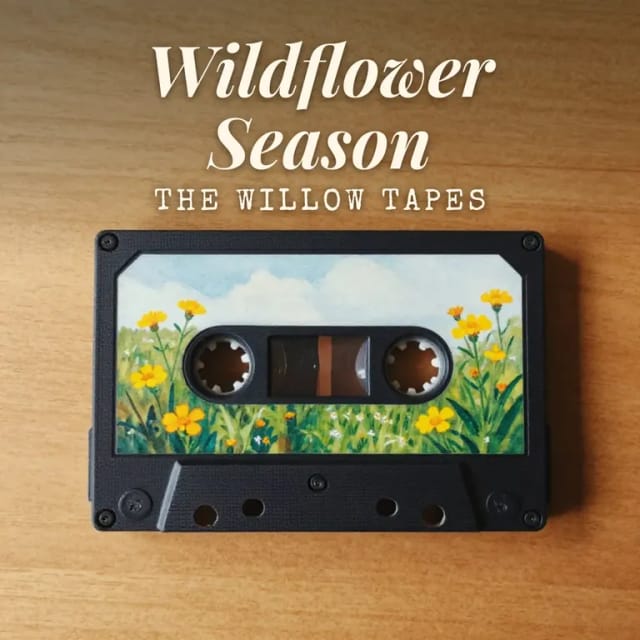
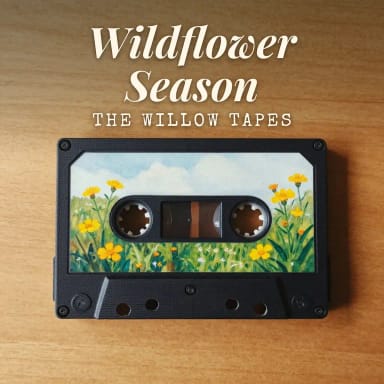
Indie: Wildflower Season
wildflowers growing out of an old cassette tape on a wooden table
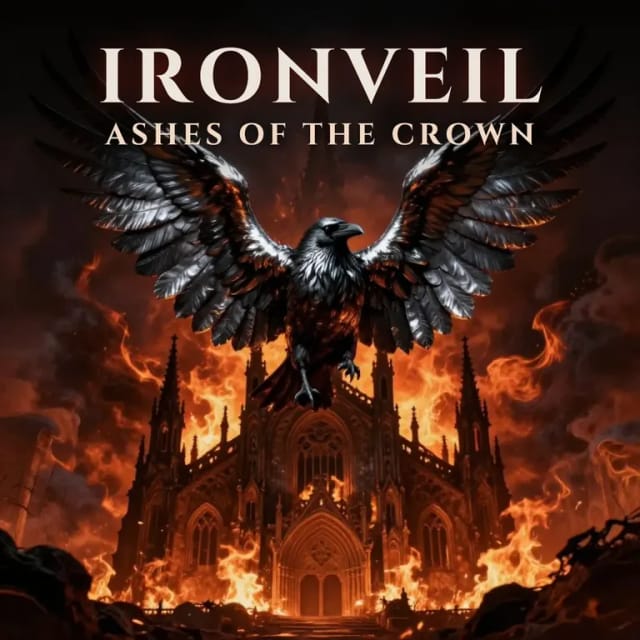
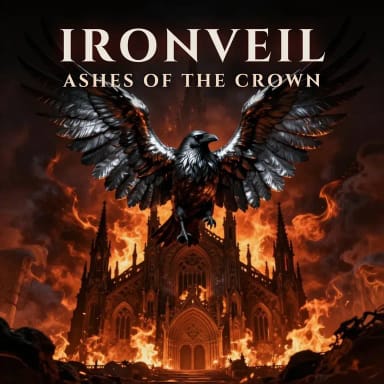
Metal: Ashes of the Crown
an obsidian raven with molten silver wings over a burning cathedral
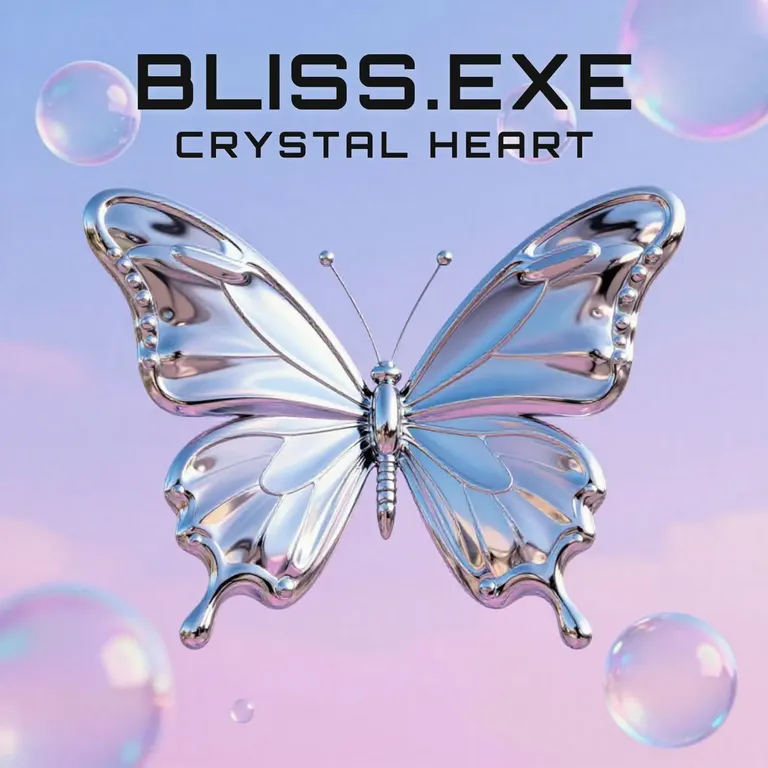
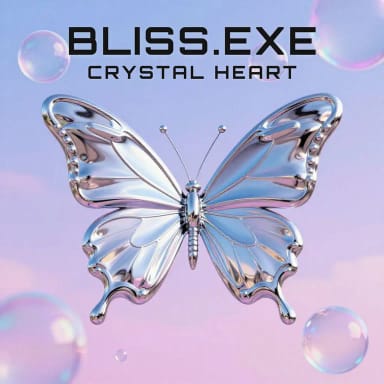
Y2K Chrome: Crystal Heart
a glossy chrome butterfly and iridescent bubbles floating in a pastel sky
Who it's for
Who this album cover creator is for
Built for anyone shipping music who needs artwork fast, without a designer on retainer.
Independent artists and bands
The single is mixed and the release date is set, but there is no artwork. Make a cover with your name on it in minutes, not days.
Producers and beat makers
A fresh cover for every beat, type beat or sample pack, in a style that matches the sound, without waiting on a designer.
Podcasters
The same square format works for a show cover and for each season. Put the show name on it in real type.
Mixtape and playlist curators
Give every mixtape, DJ set or playlist its own cover, so it stands out in a grid of thumbnails.
Small labels
Mock up cover directions for a release before the design budget kicks in, and keep singles and the album in one visual style.
Why use it
Why musicians use this album cover maker
Built for one job: a square cover with your name and title, at the size Apple Music recommends.
Your name, spelled right
The artist name and title are set as real type on top of the artwork, never misspelled by the AI.
Edit the text anytime
Change the text, position, font or color after generating. No new generation, no credits.
16 styles with their own type
From hip-hop and metal to synthwave and Y2K chrome, each style comes with a typeface that fits it.
Free to try, no sign-up
Make covers with the Auto model for free every day, without an account.
3000 × 3000 download
A square 3000 × 3000 JPG. Your name and title are set at full size; the artwork is enlarged from the AI image, so check it at 100% before you send it to your distributor.
Your photo on the cover
Add a photo and the AI restyles it in the look you pick, keeping you recognizable.
Pricing
Pricing for the AI album cover generator
Make album covers for free with the Auto model, no account needed. Pick a plan when you want more covers a day or the premium models.
Free
$0
- 100 credits every day
- The Auto model, on our own servers
- No card needed
Paid plans
Basic · Starter · Creator
- 1,600 to 10,000 credits a month
- Every AI model, including premium ones
- AI video, and no ads in the mobile app
FAQ
Frequently asked questions about the album cover maker
Still have a question? Visit the help center →
Is this album cover maker free?
Can I put my artist name and album title on the cover?
What size is the album cover?
Can I use the cover for my release on streaming platforms?
Who owns the copyright of an AI album cover?
Can I use my own photo?
Which AI model makes the covers?
How do I write a good album cover prompt?
What makes a good album cover?
Can I make mixtape, playlist or podcast covers too?
CreArt is not affiliated with, endorsed or sponsored by Spotify, Apple Music, SoundCloud or Bandcamp. Spotify is a trademark of Spotify AB. Apple Music is a trademark of Apple Inc. SoundCloud is a trademark of SoundCloud Global Limited & Co. KG. Bandcamp is a trademark of Songtradr, Inc.
Image to Video AI
Animate any still photo into a short video clip with AI. Upload an image, choose a camera motion, and download the clip.
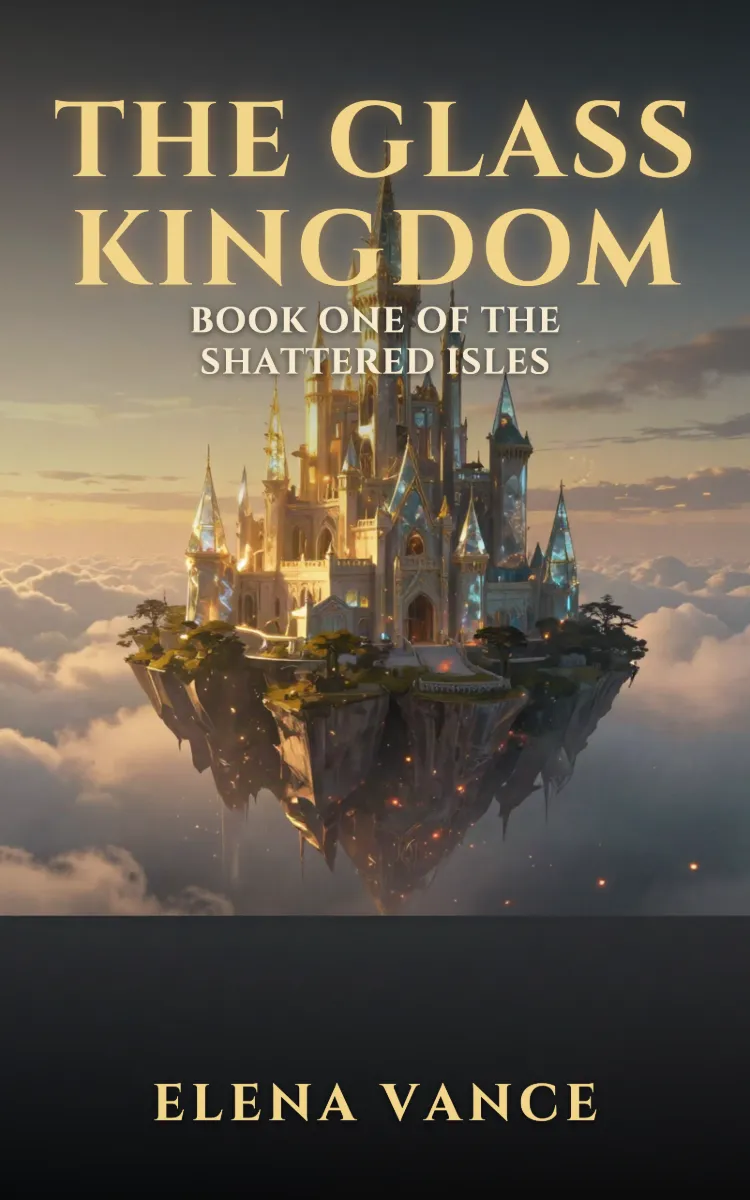
Book Cover Generator
Make a book cover with AI: describe it, pick a genre, type your title.
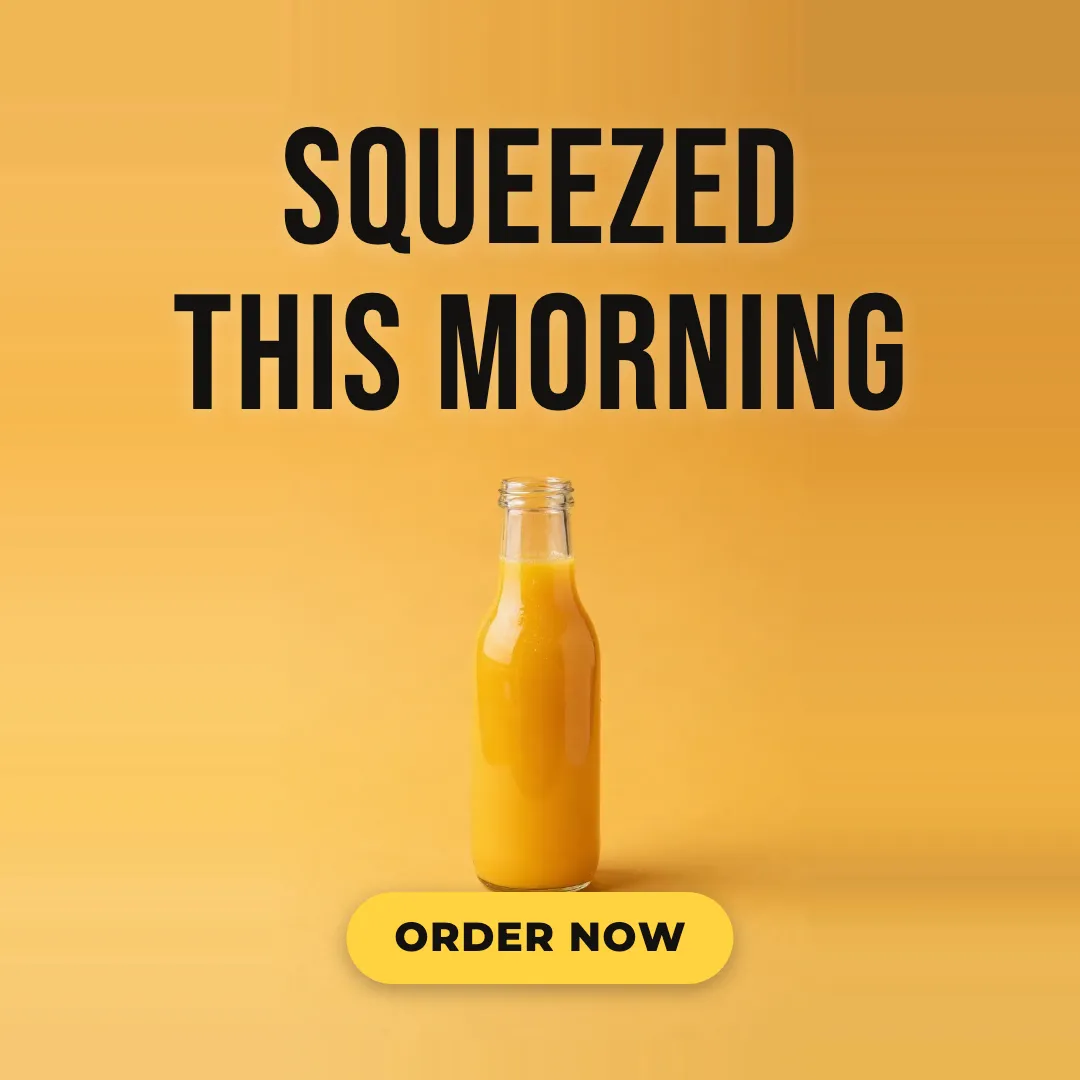
AI Ad Maker
Free AI ad maker: get an ad with your headline and button for Instagram and Facebook, in every size.

AI Flyer Generator
Make a flyer with AI: pick a type, add your text, download it to print.
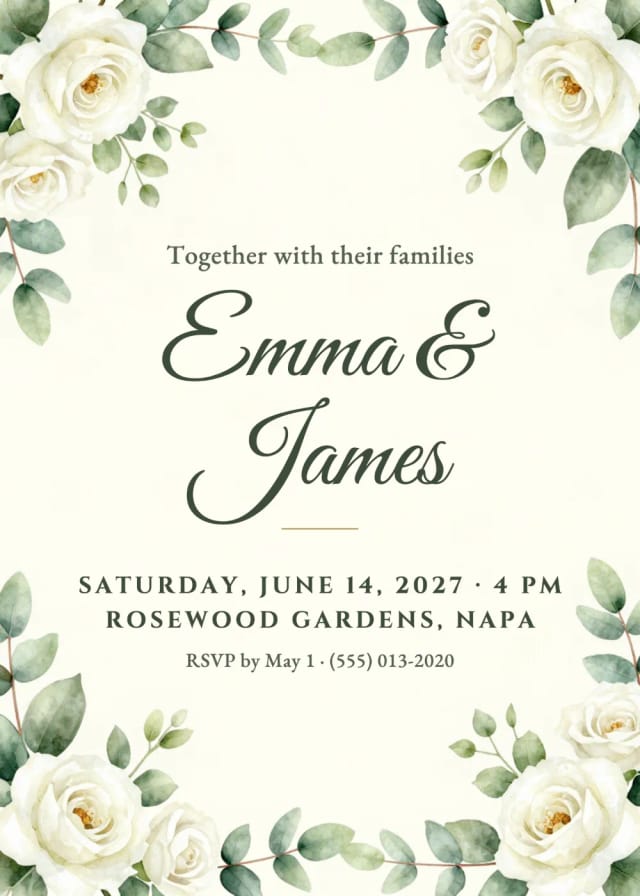
AI Invitation Maker
Free AI invitation maker: pick a style, add your details and a photo, then print it or send it.

AI Sticker Generator
Turn a text idea or your own photo into a die-cut sticker, then print a sheet of 12.

AI Logo Generator
Free AI logo maker: the AI draws your symbol and your name is set in real fonts, never misspelled.
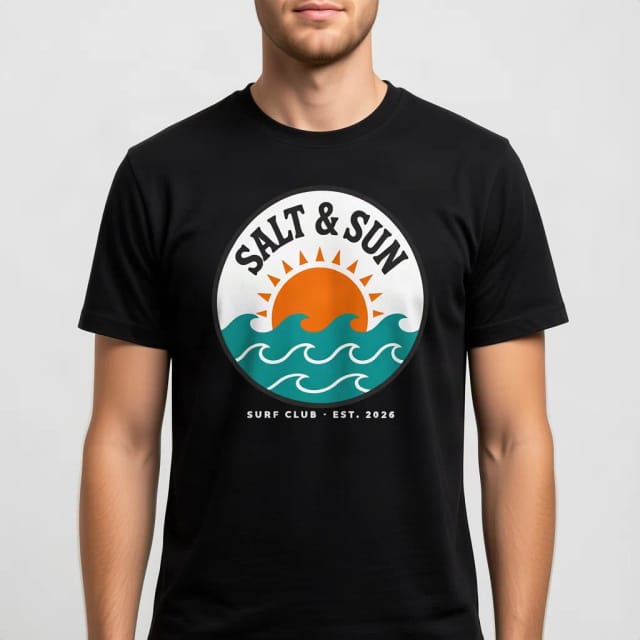
T-Shirt Mockup Generator
CreArt's free T-Shirt Mockup Generator puts your design on 7 garments in 12 colors, front or back, usually in under 20 seconds. No sign-up.
Ready to make something?
Open the tool, try the free Auto model and download the result.