
Tote Bag Mockup Generator
See your design on a canvas tote bag, flat, hanging or on a shoulder.
Your design
The canvas texture shows through the ink. A dark design will not show on a black bag.
Bag · Classic
Color · Natural
View · Flat lay
10 free tries a day with Auto · No sign-up · Mugs, posters, books and more: Mockup generator →
Your design
The canvas texture shows through the ink. A dark design will not show on a black bag.
Bag · Classic
Color · Natural
View · Flat lay
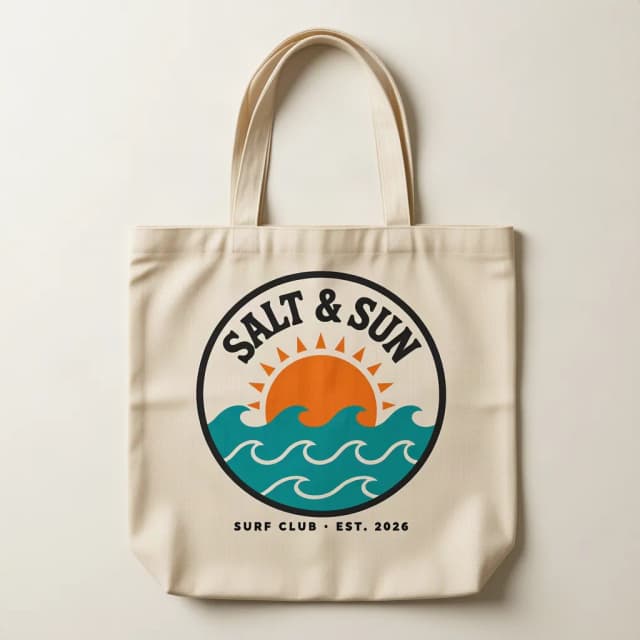
How to make a tote bag mockup
Make a tote bag mockup in 4 steps
No Photoshop, no PSD templates and no smart objects: upload, choose, create.
Upload your design
Add your logo, quote or artwork as a PNG or JPG. A transparent PNG is best; a plain white or single-color background is removed for you. No design yet? Try the sample.
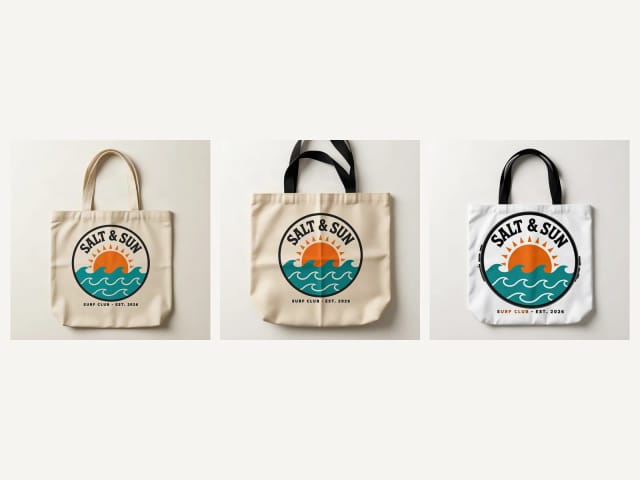
Pick the bag and the color
A classic canvas tote, a boxy tote with a square bottom, a heavy canvas tote with black handles, a light cotton shopping tote or an all-over print tote, in 8 colors, from natural canvas to black and navy.
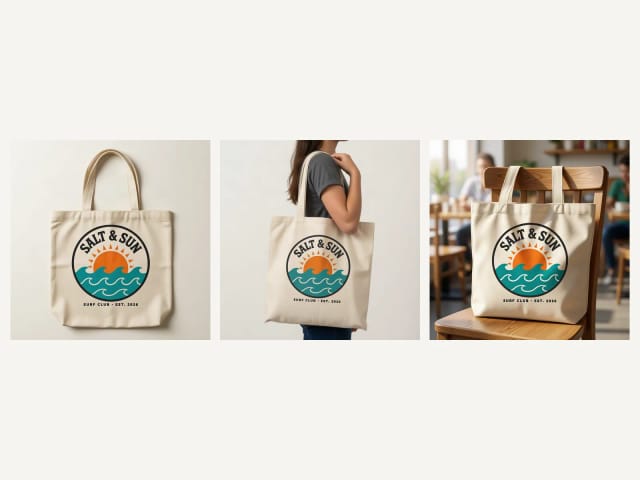
Choose the view
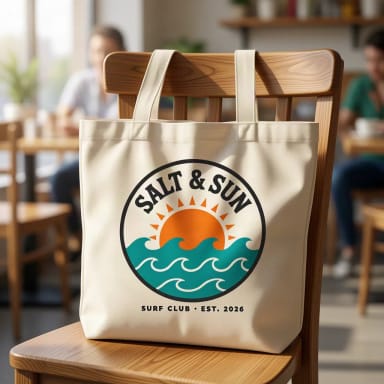
Flat lay from above, hanging on a hook, on a woman’s shoulder, carried by a man, front and back, or on a chair in a café.
Create and download
Press Create my mockup. The AI prints your design on the bag, following the folds and the canvas texture, usually in under 20 seconds. Download the photo for your shop, your ads or a client.
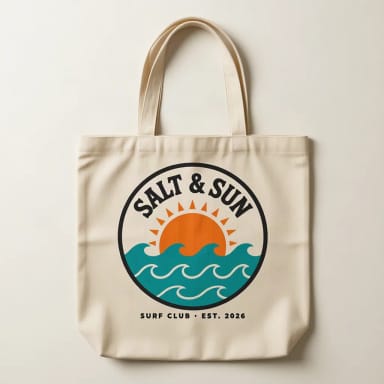
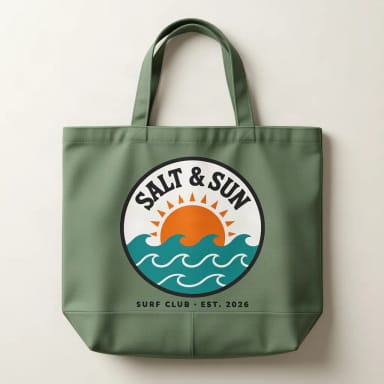
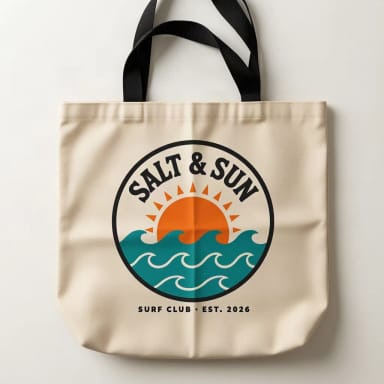
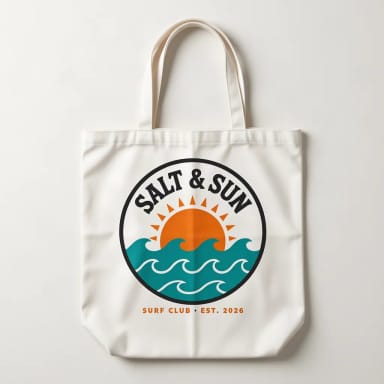
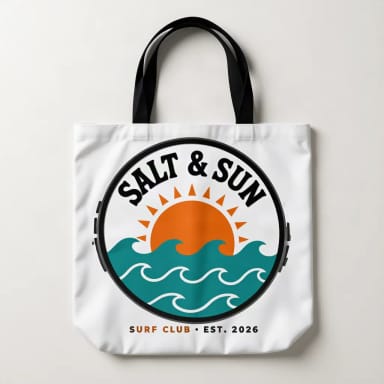
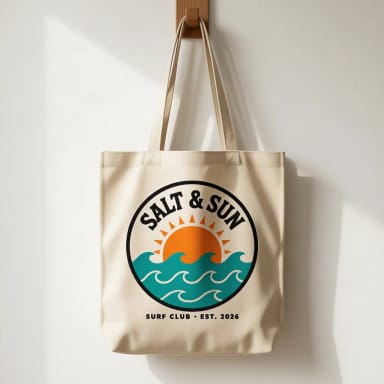
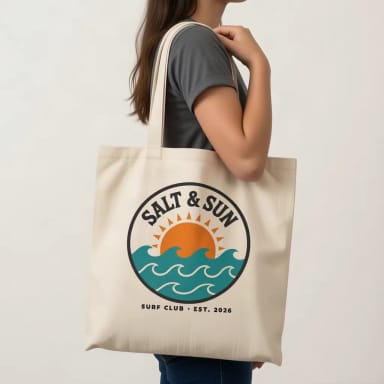
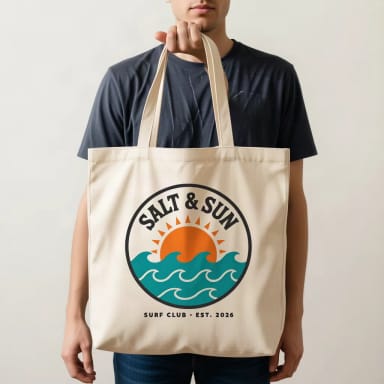
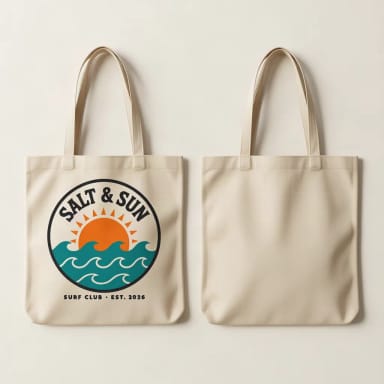
Front and back
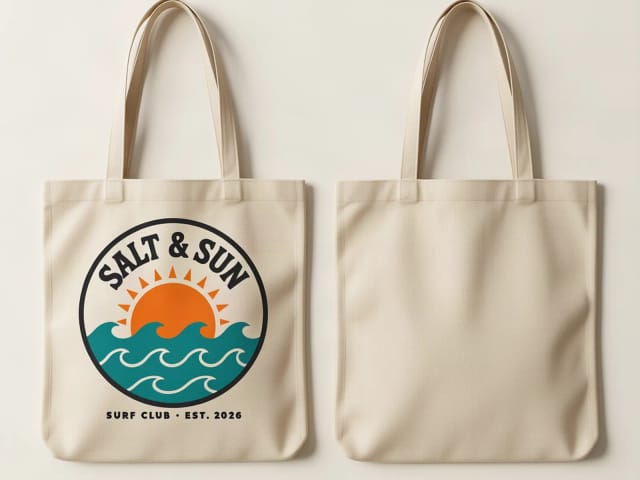
Front and back tote bag mockups
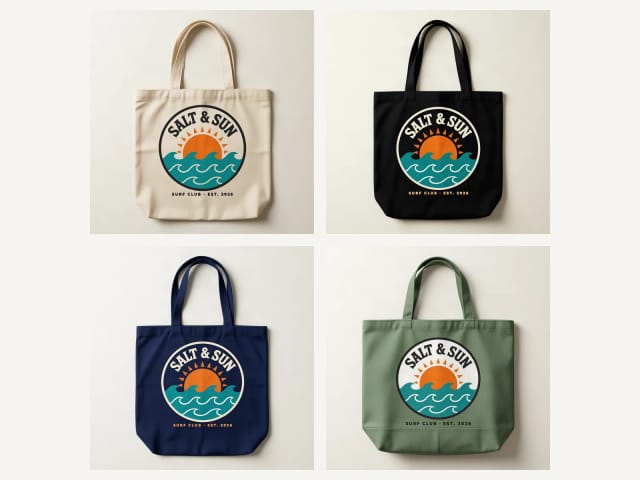
Front & back shows two bags side by side: one with your design and one turned around. With one design, the back comes out plain, the way most totes are printed. For a printed back, make a second mockup with the back design and the same bag and color.
On a woman or On a man show the bag carried, with the front to the camera; Flat lay and Hanging give a clean shot for a listing, and In a café a lifestyle one.
Which tote
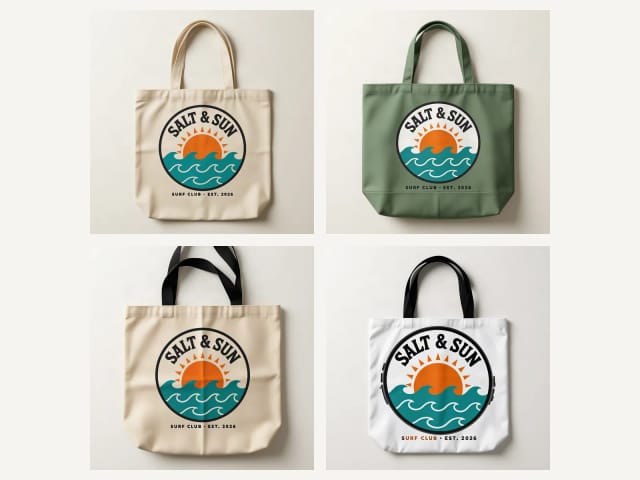
Classic, boxy, black handles, shopping or all-over print
The classic canvas tote is the one most shops sell, with long handles to carry it on the shoulder. The boxy tote has a square bottom and holds more; the heavy canvas tote with black handles has a sturdier, more premium look; the shopping tote is thin cotton, light and cheap to print.
The all-over print tote is smooth polyester, and the design covers the whole front panel from edge to edge, the way print-on-demand shops make it. A photo shows one side of the bag.
Your file
Which design file works best
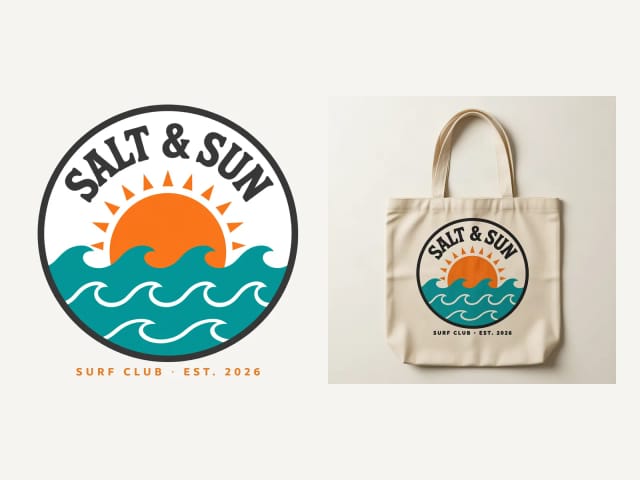
A PNG with a transparent background gives the cleanest print. A design on a plain white or single-color background works too: the tool removes that background before printing, so you do not get a white box on a black bag. White parts inside the design are kept.
The canvas texture shows through the ink, as on a real printed tote, so very tiny text can blur, and a dark design will not show on a black or navy bag. If your file is small or soft, run it through the image upscaler first. No logo yet? Make one with the AI logo generator.
Colors
Natural canvas, black and six more colors
Natural canvas is the default, because it is the most sold tote and shows any design as it is. White, black and navy are the other classics; sage green, light pink, red and brown suit a brand or a season. On black and navy, upload the light version of your design, like the cream logo in these photos: a dark design will not show.
Need t-shirts, hoodies or mugs too? Use the t-shirt, hoodie or mug mockup generator, and the mockup generator for posters, books and more.
What you get
What the tote bag mockup generator includes
Everything you can pick, in one table.
| Feature | Details |
|---|---|
| Bags | Classic canvas tote, boxy tote, black-handle tote, shopping tote and all-over print tote |
| Colors | Natural canvas, white, black, navy, sage green, light pink, red and brown |
| Views | Flat lay, hanging, on a woman, on a man, front and back, and in a café |
| Print placement | Centered on the front panel at a natural size, or edge to edge on the all-over print tote |
| Your file | PNG or JPG; a plain background around the design is removed automatically |
| Price | Free with the Auto model, without an account; plans add more mockups a day |
Who it's for
Who this tote bag mockup generator is for
Anyone who needs a believable tote bag photo without a sample order.
Print-on-demand and Etsy sellers
Make a photo for every tote and color you list, in your own scene instead of the stock photo everyone uses.
Small brands and shops
See your logo on a branded tote for the counter, the shop or a giveaway before you order.
Events and weddings
Preview a tote for a conference, a festival or a wedding welcome bag.
Designers and illustrators
Show a client or your followers an illustration on a real-looking bag.
Why it works
Why use this tote bag mockup generator
Built for one job: a tote bag photo you can use today.
5 totes, 8 colors
Classic, boxy, black handles, shopping and all-over print, natural canvas by default.
Front and back
Front & back shows the printed front and the plain back in one photo.
On a model or flat
On a woman or a man, flat lay, hanging or in a café.
Background removed for you
A design on a white or plain background is cut out first: no white box on a black bag.
Free, no sign-up
Make tote bag mockups with the Auto model for free every day, without an account.
No PSD, no Photoshop
No templates to download, no smart objects to edit: upload, pick and create.
Pricing
Free to start, more when you sell more
Make tote bag mockups for free with the Auto model, no account needed. Pick a plan when you need more mockups a day.
Free
$0
- 100 credits every day
- The Auto model, on our own servers
- No card needed
Paid plans
Starter · Creator · Pro
- 4,000 to 25,000 credits a month
- Every AI model, including premium ones
- AI video, and no ads in the mobile app
Is this tote bag mockup generator free?
How do I make a tote bag mockup?
Can I make a front and back tote bag mockup?
Which tote bags can I use?
What is an all-over print tote?
Can I make a black tote bag mockup?
What file should I upload?
Will my design stay exactly the same?
Can I download the mockup as a transparent PNG?
Can I use the mockups commercially?
Can I make t-shirt, hoodie or mug mockups here?
CreArt is not affiliated with, endorsed or sponsored by Kindle or Etsy. Kindle is a trademark of Amazon.com, Inc. Etsy is a trademark of Etsy, Inc.
AI Mockup Generator
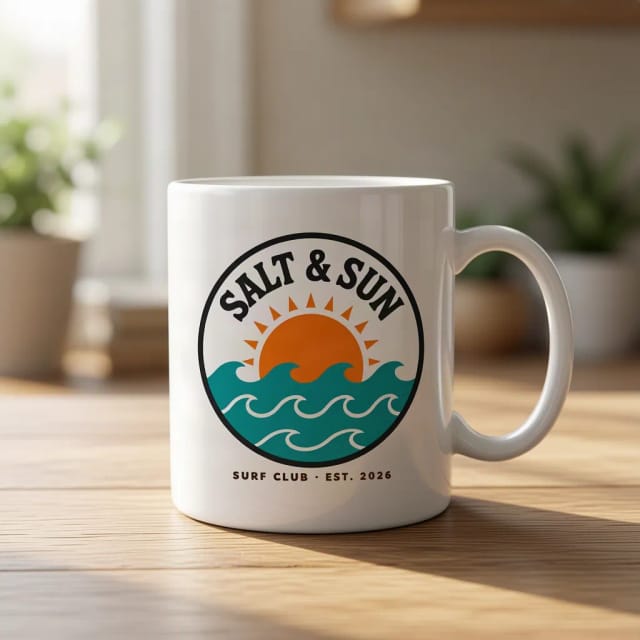
CreArt's free AI Mockup Generator puts your design on 15 products, from mugs and posters to book covers, usually in under 20 seconds. No sign-up.
T-Shirt Mockup Generator
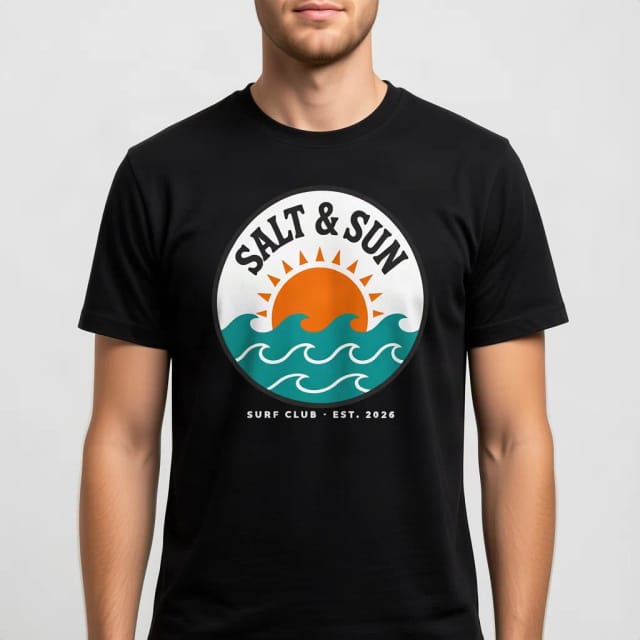
CreArt's free T-Shirt Mockup Generator puts your design on 7 garments in 12 colors, front or back, usually in under 20 seconds. No sign-up.
Hoodie Mockup Generator
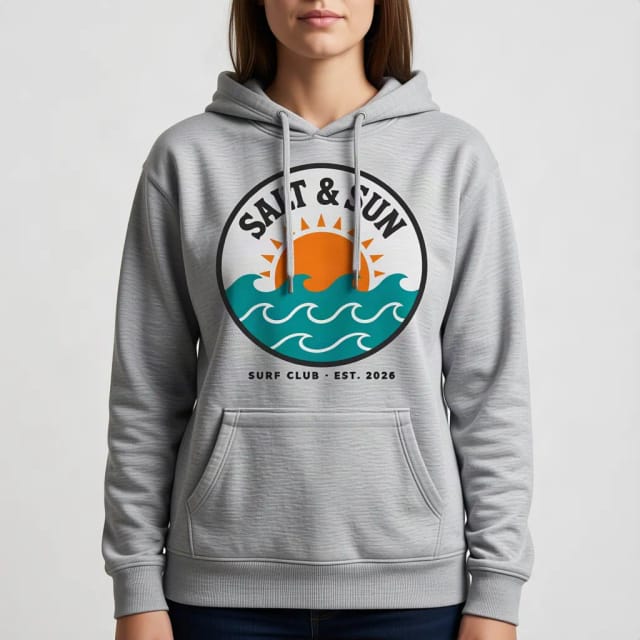
CreArt's free Hoodie Mockup Generator puts your design on a pullover or zip-up hoodie or a crewneck sweatshirt in 12 colors, front or back, usually in under 20 seconds. No sign-up.
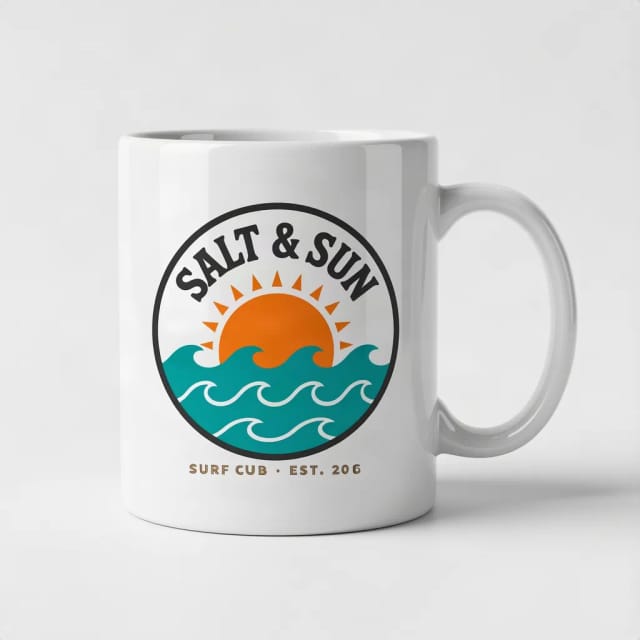
Mug Mockup Generator
See your design on a coffee, two-tone, enamel or travel mug, in hand or as a gift.
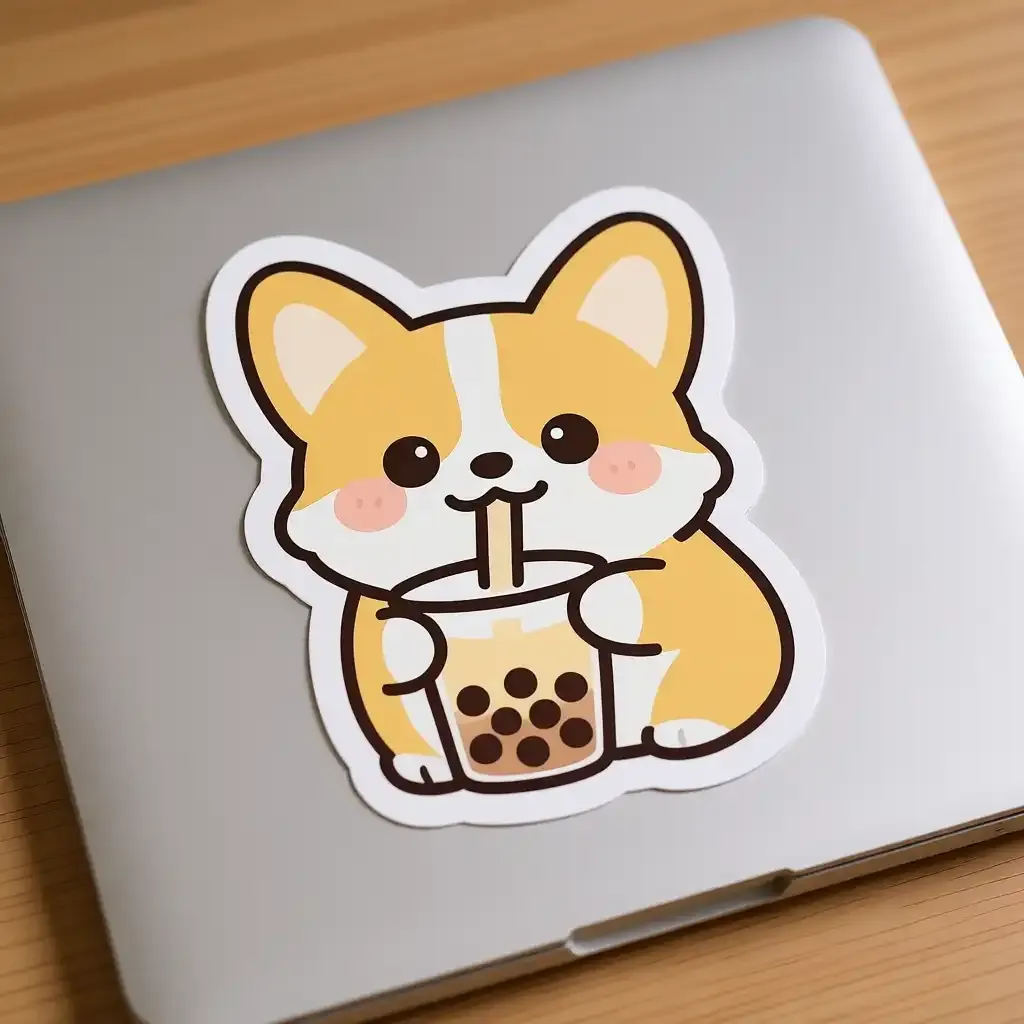
Sticker Mockup Generator
See your design as a die-cut, round or holographic sticker on a laptop or a bottle.

AI Album Cover Maker
Make an album cover with AI: describe your music, pick one of 16 styles and add your name and title, spelled right. Free, no sign-up.

AI Logo Generator
Free AI logo maker: the AI draws your symbol and your name is set in real fonts, never misspelled.
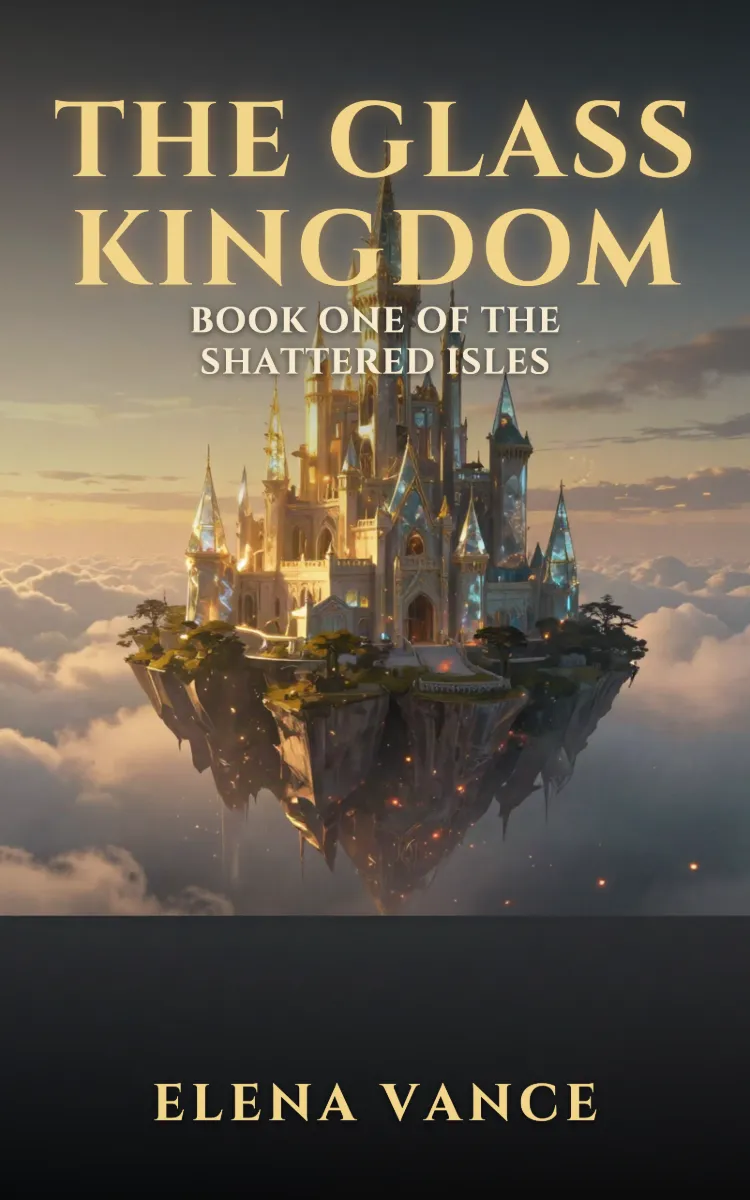
Book Cover Generator
Make a book cover with AI: describe it, pick a genre, type your title.
Ready to make something?
Open the tool, try the free Auto model and download the result.