AI Art Generator
Describe an idea and turn it into original artwork — oil painting, anime, cyberpunk, watercolor and more, ready to download in seconds. Free, no sign-up needed.
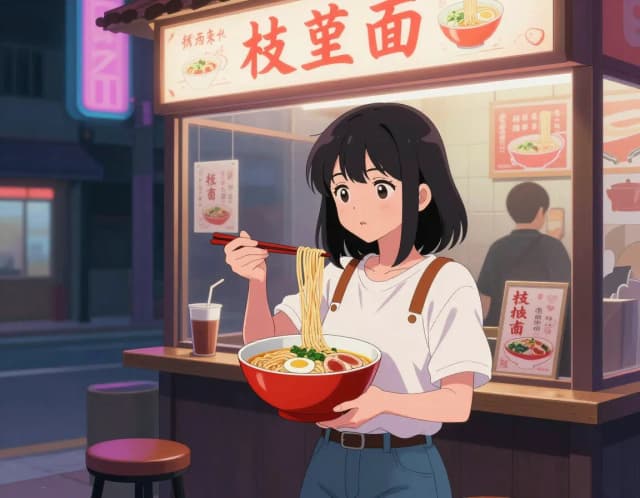
How to create AI art from text in 4 steps
Go from a sentence to a downloadable image without opening any design software.
Describe your artwork
Type what you want to see — subject, colors, mood, composition. The more specific your prompt, the closer the result lands to what's in your head.
Pick an art style
Choose from eight presets like oil painting, anime, watercolor, pixel art, and glitch art, or leave it neutral and let your prompt carry the look.
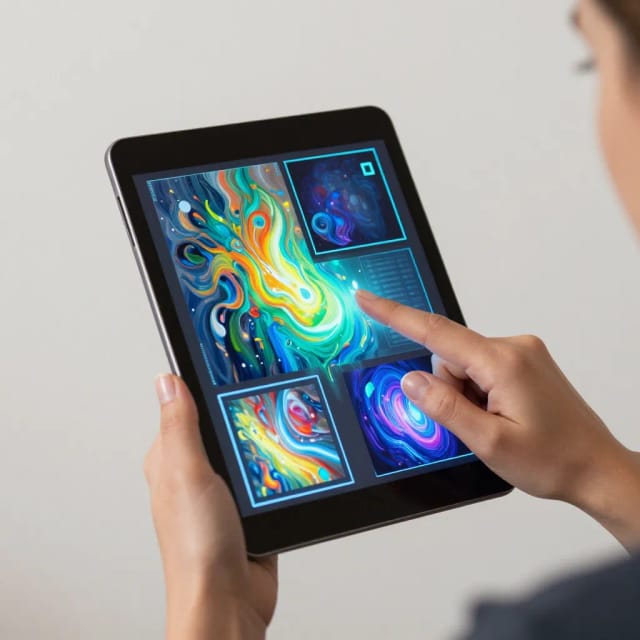
Set the aspect ratio
Match the frame to where the image will live — square for social, tall for a phone wallpaper, wide for a poster or banner.
Generate and download
The AI builds your image in seconds. Tweak a few words and run it again for free, then download the full-resolution file when you're happy.
One idea, fourteen art movements
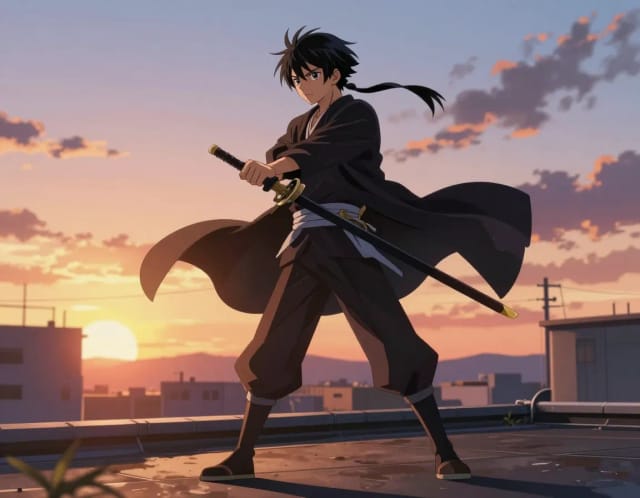
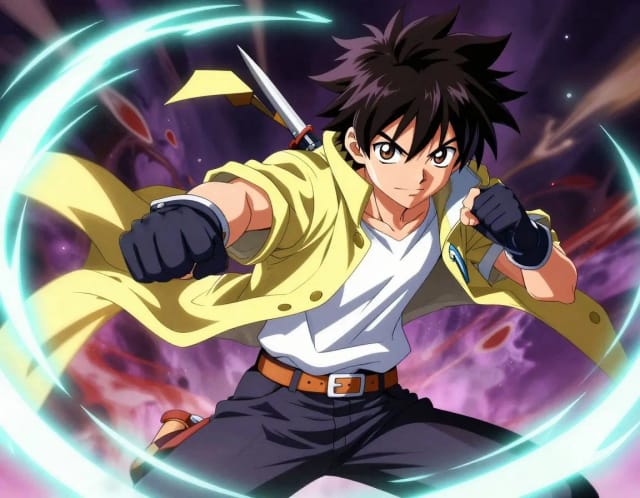
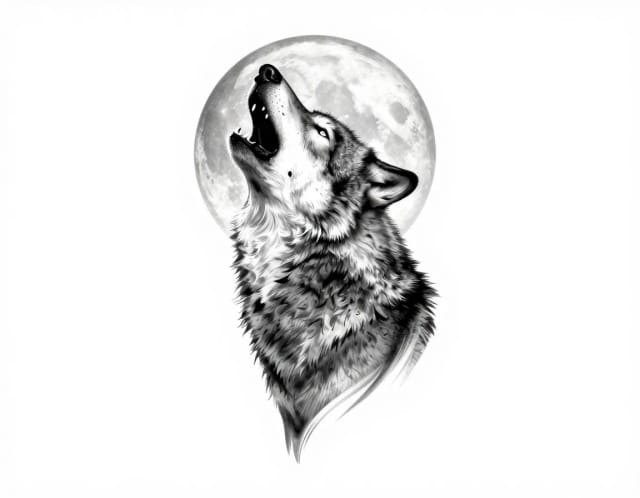
Oil, watercolor, cyberpunk, ukiyo-e — see how far the same subject can travel. Click a style to start there.
What the AI Art Generator does
From a written idea to a finished piece — how the generator turns words into artwork.
How it works
The AI Art Generator is a tool that turns a written description into original artwork. You type what you want to see, pick a visual style, and the AI produces a finished image in seconds — no drawing, sketching, or design software required.
It handles everything from painterly portraits and fantasy landscapes to logos, character concepts, and abstract wall art. If you already have a specific look in mind, the free-text prompt lets you describe colors, mood, composition, and subject in your own words. If you'd rather explore, eight style presets — from oil painting and watercolor to anime, pixel art, and glitch art — give you a fast starting point. For ready-made starting points, browse our AI art prompts.
For street-art styles specifically, the graffiti art generator sprays your prompt onto brick, shutters or canvas.
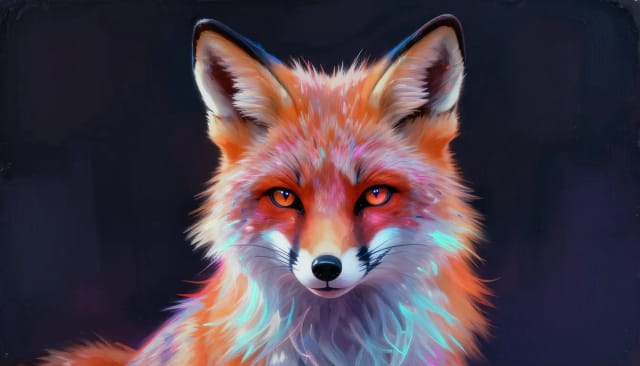
Why every generation is an original image
Behind the scenes, the generator reads your prompt and the style you selected, then builds the image pixel by pixel from that description rather than editing a stock photo. That's why two people can type the same idea and get different, original AI generated images.
You stay in control of the output. Prefer photorealism over painting? Send the same prompt to the photo-style AI image generator instead. Want a specific frame shape for a poster or a phone wallpaper? Set the aspect ratio before you generate. If the first result isn't quite right, tweak a few words and run it again — each pass costs you nothing but a few seconds. Once you're happy, download the full-resolution file.
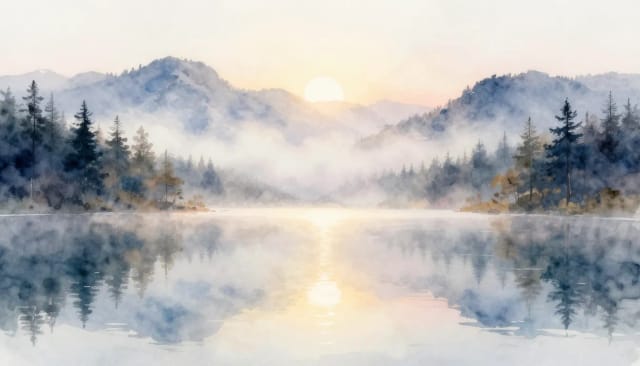
Hours of drawing collapsed into a sentence
Drawing something from scratch means hours of work and a skill set most people don't have. This tool collapses that into a sentence. That makes it useful whether you're a marketer who needs on-brand visuals fast or someone who just wants a piece of art for a bedroom wall.
CreArt keeps a whole set of connected tools next to it, so your art rarely ends where the generator stops. Turn a brand idea into a mark with the AI logo generator, clean up a composition by dropping it into the background remover, or push a finished piece to print quality with the image upscaler.
Who the AI Art Generator is for
Marketers and social teams
Spin up on-brand visuals for posts, ads, and campaigns without waiting on a designer or paying for stock every time you need an image.
Content creators and bloggers
Illustrate articles, thumbnails, and newsletters with original AI generated images that match your topic instead of generic photos everyone else uses.
Hobbyists and home decorators
Turn a description into a piece of wall art, a phone wallpaper, or a gift print — no drawing skill required, just an idea.
Game and character designers
Explore character concepts, environments, and mood boards quickly, iterating on wording until the look matches what you're building.
Small business owners
Create product visuals, promo graphics, and branded artwork in seconds so your store or site looks polished on any budget.
CreArt Solutions
Every tool, curated for how you work
AI Tools for Real Estate
AI tools for real estate agents: virtually stage empty rooms, fix dark listing photos, and turn one set of photos into flyers, "Just Listed" posts and walkthrough videos.
Explore the toolkit →AI Tools for Content Creators
AI tools that turn a video title and a selfie into thumbnails, banners, avatars, emotes and brand-deal ads — a full channel kit from assets you already have.
Explore the toolkit →AI Tools for Small Business
A set of AI tools built for small businesses: design logos, flyers, clean product photos and daily social content without hiring a designer.
Explore the toolkit →AI Tools for Photographers
AI tools for photographers that run your marketing side: mini-session flyers, booking posts, session reels and price guides built from photos you already have.
Explore the toolkit →AI Tools for Musicians
A release-day visual kit for independent artists: build one album cover with AI, then spin off the Spotify Canvas, gig poster and "out now" ads from it.
Explore the toolkit →AI Tools for Authors & Writers
Design your book cover once and reuse it for the trailer, the countdown posts, the teaser quotes and the character art — a full self-publishing launch kit powered by AI.
Explore the toolkit →AI Tools for Teachers
Free AI tools for teachers: turn any topic into coloring pages, classroom posters and explainer comics in minutes — type it, pick a style, print.
Explore the toolkit →AI Tools for Influencers & UGC Creators
A content studio for influencers and UGC creators: brand-ready UGC ads, tappable thumbnails and on-brand profile pictures, all from a phone photo or a text idea.
Explore the toolkit →AI Tools for E-commerce Sellers
Turn one product photo into a full listing kit — clean white-background shot, lifestyle scenes, a UGC-style ad and a short video, without a studio day or an agency.
Explore the toolkit →AI Art Generator pricing
Start describing ideas and generating art for free, and move up to a paid plan when you need more volume and features.
How far do credits go? The cost depends on the tool, model and settings. The Generate button shows the price before each creation.
Free
- 100 credits every day
- Access to basic tools
- 100 MB cloud storage (signed in)
Starter
- 4,000 credits every month
- Create videos with AI
- Use every AI model
- No ads
- No watermarks
- Keep posts private anytime
- You own what you create
- 1 GB cloud storage (signed in)
Creator
- 10,000 credits every month
- Create videos with AI
- Use every AI model
- No ads
- No watermarks
- Keep posts private anytime
- You own what you create
- 5 GB cloud storage (signed in)
Pro
- 25,000 credits every month
- Create videos with AI
- Use every AI model
- No ads
- No watermarks
- Keep posts private anytime
- You own what you create
- 10 GB cloud storage (signed in)
Why use this AI art generator
A free AI image generator built for original results, fast iteration, and real control over the output.
Original, not recycled
Every image is built from your prompt pixel by pixel, so no two runs are identical and nothing is stitched together from stock photos.
Eight art styles in one place
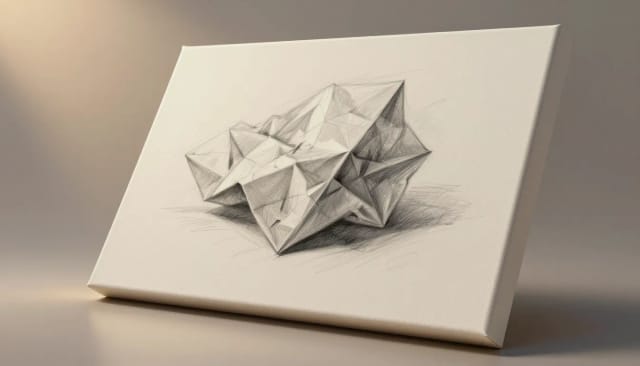
Switch between oil painting, anime, watercolor, pencil sketch, pixel art, pop art, caricature, and glitch art without leaving the tool.
Free AI image generation
Describe an idea and generate it at no cost. Rerun with tweaked wording as many times as you need to dial in the look.
Results in seconds
There's no queue for a designer and no software to learn. A finished, downloadable image lands seconds after you hit generate.
Control over the frame
Set the aspect ratio up front so your art fits a square post, a vertical wallpaper, or a wide banner without cropping later.
Connected to a full toolkit
Upscale, remove backgrounds, or turn the same idea into a logo using CreArt's other tools — your art doesn't stop at the generator.
Art prompts to build on
Four finished pieces, wording included. Start from one instead of a blank box.
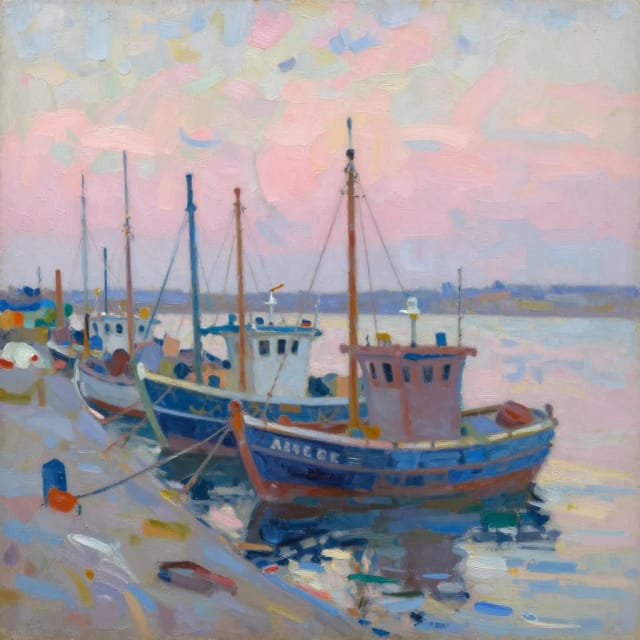
Impressionist harbor
impressionist oil painting of a fishing harbor at dawn, loose visible brushstrokes, soft pinks and blues, style of plein air painting
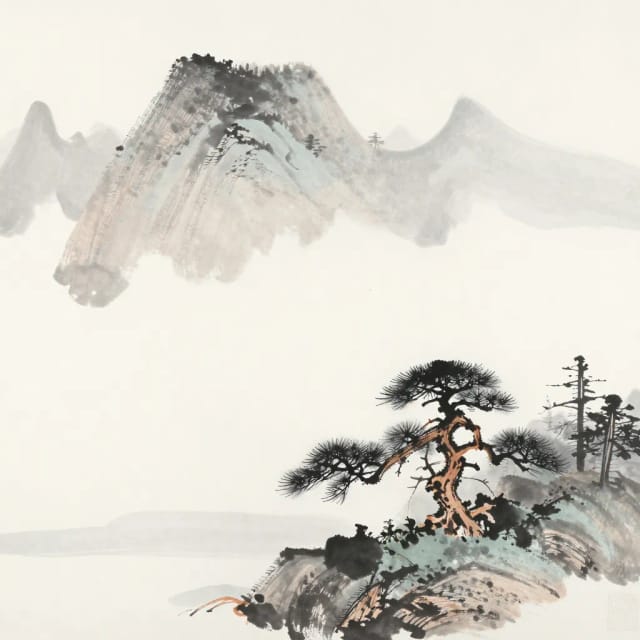
Ink wash mountains
traditional japanese ink wash painting of misty mountains with a lone pine, minimal strokes, generous negative space
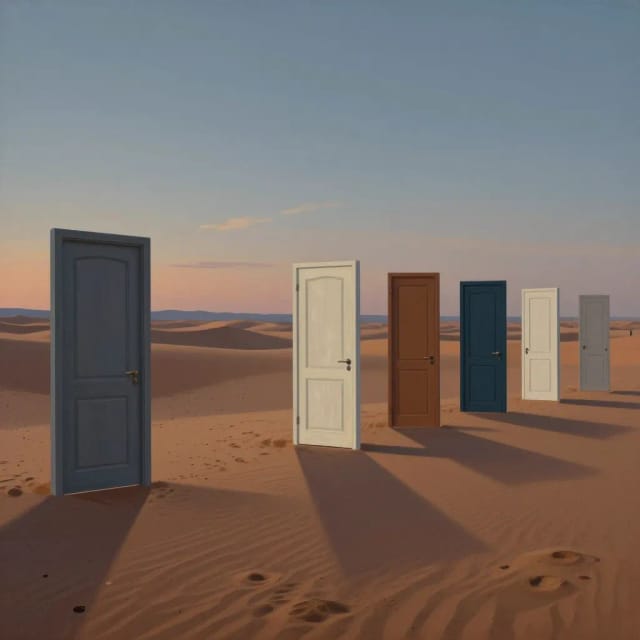
Surreal desert doors
surrealist painting of a row of mismatched doors standing alone in a desert at dusk, long shadows, dreamlike atmosphere
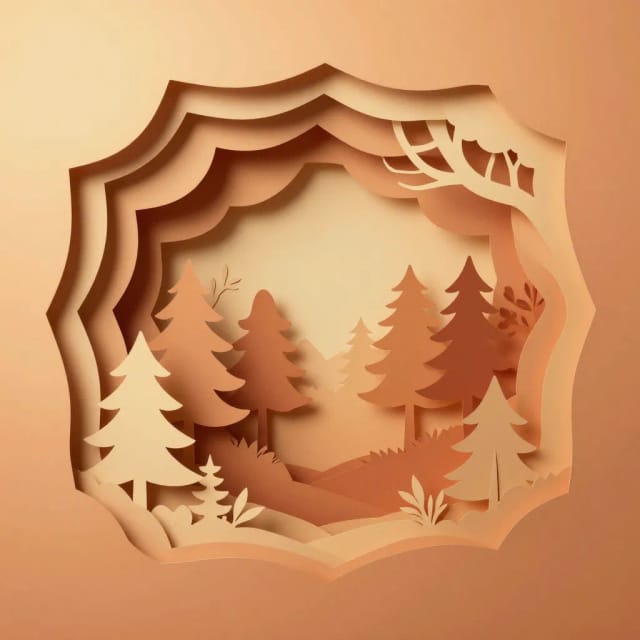
Cut-paper layers
layered paper-cut art illustration of a forest scene with depth, warm gradient background, crisp shadows between layers