AI Business Photo Generator
Upload a selfie and get a polished professional headshot in seconds — studio lighting and a clean corporate backdrop, no photographer needed.

How to make a professional headshot in 4 steps
No design skills and no camera gear required.
Upload your selfie
Add a clear photo where your face is visible and reasonably well lit. A regular phone selfie works fine — you don't need a professional camera or a studio.
Pick a business look
Choose the setting that fits your field: a modern office, a LinkedIn classic backdrop, a conference stage or a startup loft. Each one changes the background and mood of your headshot.
Generate your headshot
The AI rebuilds the scene around your face, adds studio lighting and a clean corporate backdrop, and returns a polished professional headshot in seconds.

Download and use it
Save your favorite variation and put it straight on LinkedIn, a CV, a company page or a speaker profile.
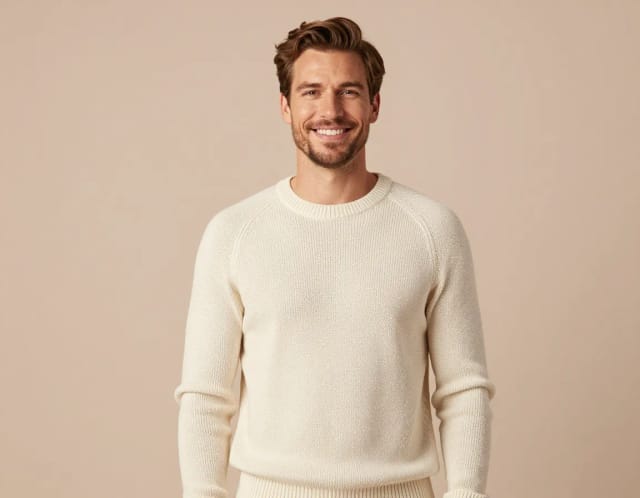
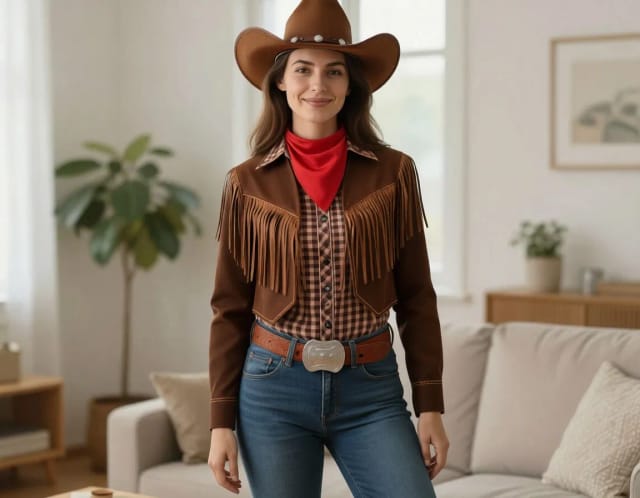
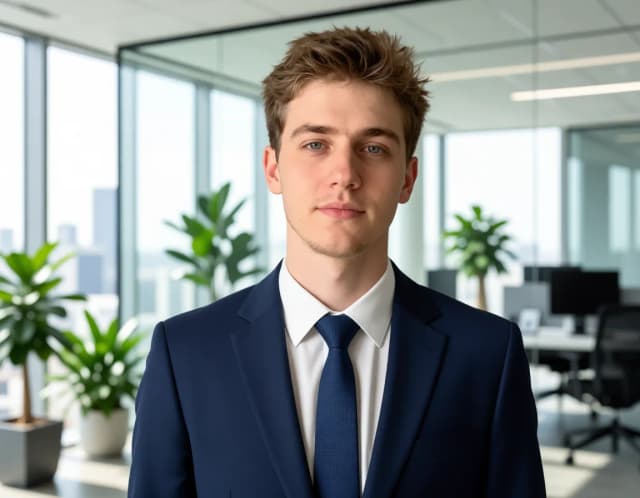
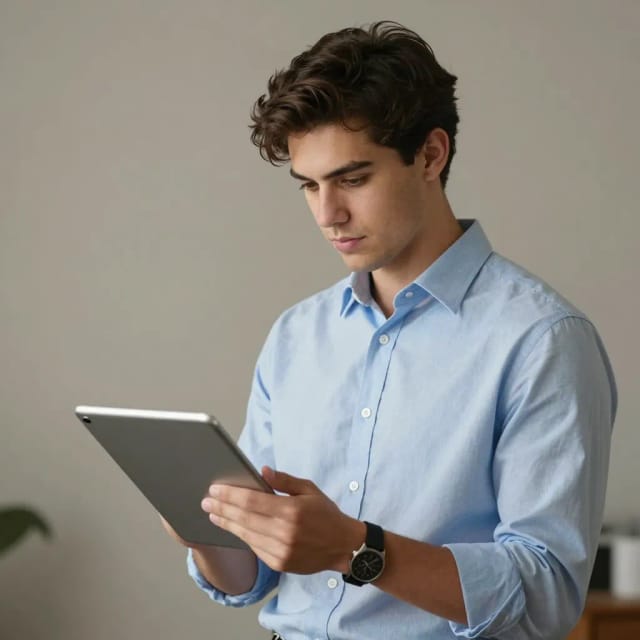
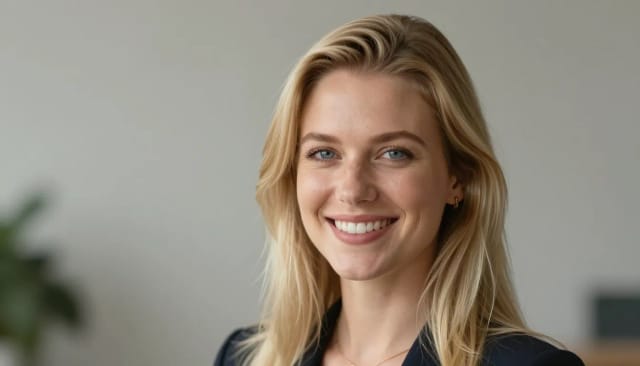
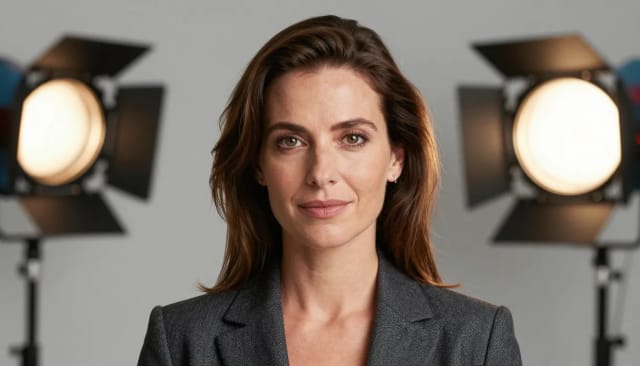
Same person, four offices
Modern office, LinkedIn classic, conference stage — pick the professional context your photo needs.
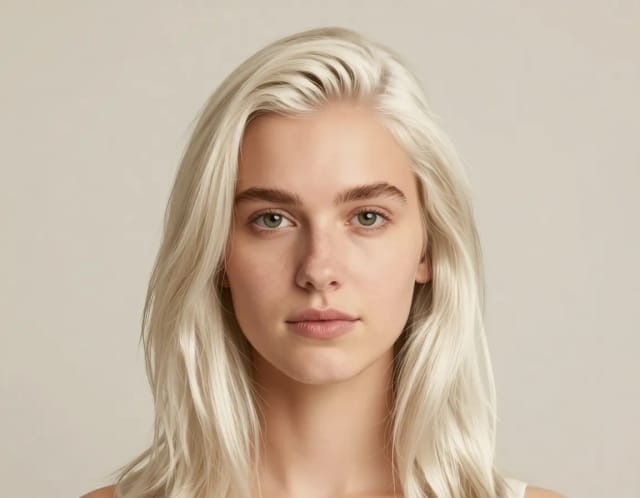
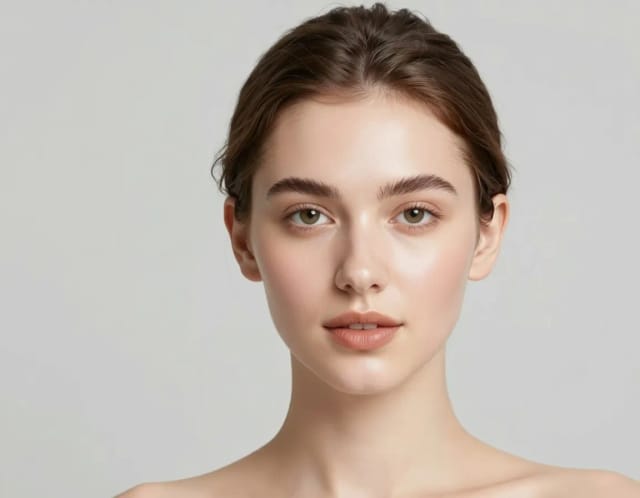
From selfie to professional headshot with AI
From a casual selfie to a headshot you'd actually put on LinkedIn.
How it works
The AI Business Photo Generator is a tool that turns an ordinary selfie into a professional business headshot, adding studio lighting, a clean corporate backdrop and polished styling while keeping your real face. You upload one photo, pick the look you want, and get a headshot suitable for LinkedIn, a company page, a CV or a speaker profile.
There's no photographer to book and no studio to visit. If you want to tidy up the picture yourself first, you can pair it with the background remover to isolate your face before generating a fresh corporate scene around it.

Under the hood, the generator reads your uploaded photo and rebuilds the scene around your features: it swaps the messy bedroom or noisy street behind you for a neutral studio wall or soft office blur, evens out the lighting, and applies a professional wardrobe when you choose that option.
Your facial identity stays consistent, so the result still looks like you — just on a good day, in front of a proper camera. If you'd rather stylize a portrait for something less formal, the AI portrait generator gives you more creative freedom, while this tool stays focused on business-ready results.
Booking a photographer the traditional way means a session, travel, wardrobe changes and a wait for edited files, often for a few hundred dollars. The AI Business Photo Generator collapses that into a single upload and a few seconds of processing.
You can generate several variations and keep the one that fits your industry, whether that's a warm consultant look or a crisp executive shot. Want to refine your overall appearance first? You can preview a different look with the AI hairstyle changer or swap outfits using the AI clothes changer before settling on your final headshot.
Who the AI Business Photo Generator is for
Job seekers
Anyone updating a CV or resume who needs a professional headshot fast, without paying for a full photo session before an application deadline.
LinkedIn users and professionals
People who want a clean, consistent profile photo for LinkedIn and company pages but don't have a recent, well-lit headshot on hand.
Founders and startup teams
Small teams that need matching, on-brand headshots for an about page or pitch deck, without scheduling a group shoot.
Consultants, realtors and freelancers
Self-employed professionals who rely on a credible image to win clients and want a headshot that fits their industry.
Speakers and event organizers
Anyone who needs a polished photo for a speaker profile, conference program or bio at short notice.
CreArt Solutions
Every tool, curated for how you work
AI Tools for Real Estate
AI tools for real estate agents: virtually stage empty rooms, fix dark listing photos, and turn one set of photos into flyers, "Just Listed" posts and walkthrough videos.
Explore the toolkit →AI Tools for Content Creators
AI tools that turn a video title and a selfie into thumbnails, banners, avatars, emotes and brand-deal ads — a full channel kit from assets you already have.
Explore the toolkit →AI Tools for Small Business
A set of AI tools built for small businesses: design logos, flyers, clean product photos and daily social content without hiring a designer.
Explore the toolkit →AI Tools for Photographers
AI tools for photographers that run your marketing side: mini-session flyers, booking posts, session reels and price guides built from photos you already have.
Explore the toolkit →AI Tools for Musicians
A release-day visual kit for independent artists: build one album cover with AI, then spin off the Spotify Canvas, gig poster and "out now" ads from it.
Explore the toolkit →AI Tools for Authors & Writers
Design your book cover once and reuse it for the trailer, the countdown posts, the teaser quotes and the character art — a full self-publishing launch kit powered by AI.
Explore the toolkit →AI Tools for Teachers
Free AI tools for teachers: turn any topic into coloring pages, classroom posters and explainer comics in minutes — type it, pick a style, print.
Explore the toolkit →AI Tools for Influencers & UGC Creators
A content studio for influencers and UGC creators: brand-ready UGC ads, tappable thumbnails and on-brand profile pictures, all from a phone photo or a text idea.
Explore the toolkit →AI Tools for E-commerce Sellers
Turn one product photo into a full listing kit — clean white-background shot, lifestyle scenes, a UGC-style ad and a short video, without a studio day or an agency.
Explore the toolkit →AI Business Photo Generator pricing
Start free with your own selfie, then upgrade when you want more headshots and looks.
How far do credits go? The cost depends on the tool, model and settings. The Generate button shows the price before each creation.
Free
- 100 credits every day
- Access to basic tools
- 100 MB cloud storage (signed in)
Starter
- 4,000 credits every month
- Create videos with AI
- Use every AI model
- No ads
- No watermarks
- Keep posts private anytime
- You own what you create
- 1 GB cloud storage (signed in)
Creator
- 10,000 credits every month
- Create videos with AI
- Use every AI model
- No ads
- No watermarks
- Keep posts private anytime
- You own what you create
- 5 GB cloud storage (signed in)
Pro
- 25,000 credits every month
- Create videos with AI
- Use every AI model
- No ads
- No watermarks
- Keep posts private anytime
- You own what you create
- 10 GB cloud storage (signed in)
Why use the AI Business Photo Generator
A professional headshot without the studio bill or the scheduling.
A real headshot from a plain selfie
Turn an everyday phone selfie into a professional headshot with studio lighting and a clean backdrop, without booking a photo shoot.
Four business looks to choose from
Switch between a modern office, a LinkedIn classic setting, a conference stage or a startup loft so the background matches your industry.
Your face stays your face
The AI keeps your real features intact and only changes the lighting, background and styling, so the result still clearly looks like you.
Ready in seconds, not days
Skip the session, the travel and the wait for edited files. You get a LinkedIn-ready photo a few seconds after uploading.
Generate several variations
Try different looks from the same selfie and keep the one that fits best, whether you want a warm consultant vibe or a crisp executive shot.
Free to try, no studio needed
Test the free AI headshot generator with your own photo before committing, right from your browser.