AI Bedroom Design
Turn a photo of your real bedroom into styled AI redesigns in seconds. Pick a look, upload your room, and see it reimagined before you spend a cent.
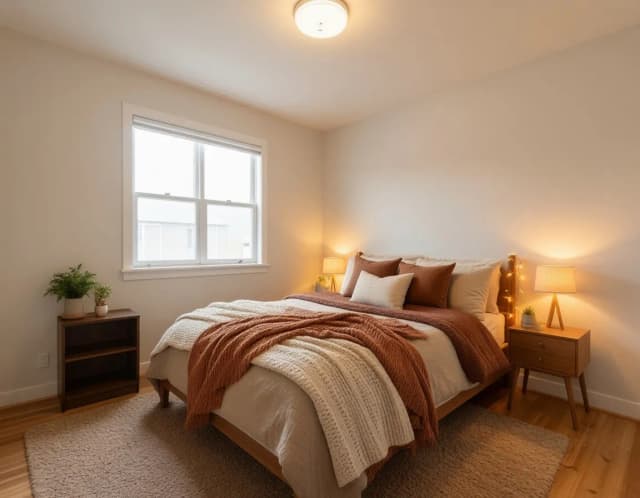

The same bedroom, six moods
Cozy warm to luxury hotel — one room, restyled six times. Pick the one you would wake up in.
Redesign your bedroom with AI in 4 steps
From upload to finished redesign in under a minute.
Upload a photo of your bedroom
Take a clear photo of your room from a corner so the AI can read the walls, window and layout, then upload it. One shot is enough.
Pick a bedroom style
Choose from six looks — Cozy warm, Minimal white, Luxury hotel, Rustic, Boho or Coastal. Each one sends the AI a different palette, material set and mood.
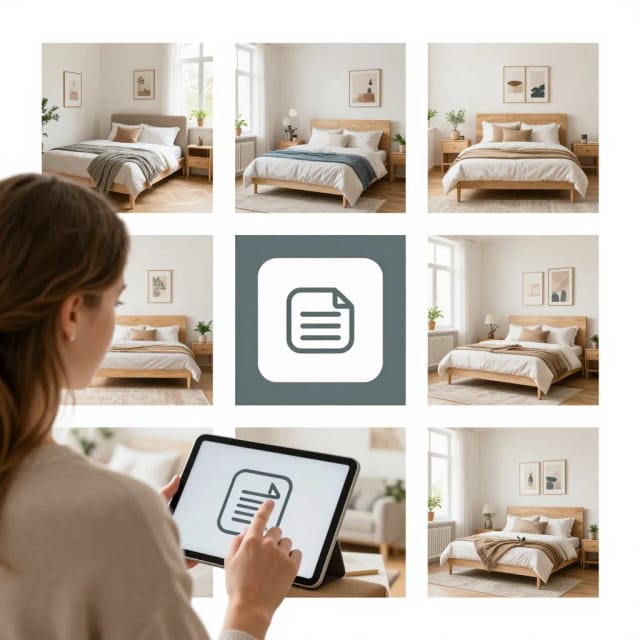
Generate your AI room design
The tool reworks the furniture, colors and lighting while keeping your room's proportions, and returns a styled version in seconds.
Compare the before and after
See your original bedroom next to the redesign, then rerun it in another style or download the version you like best.
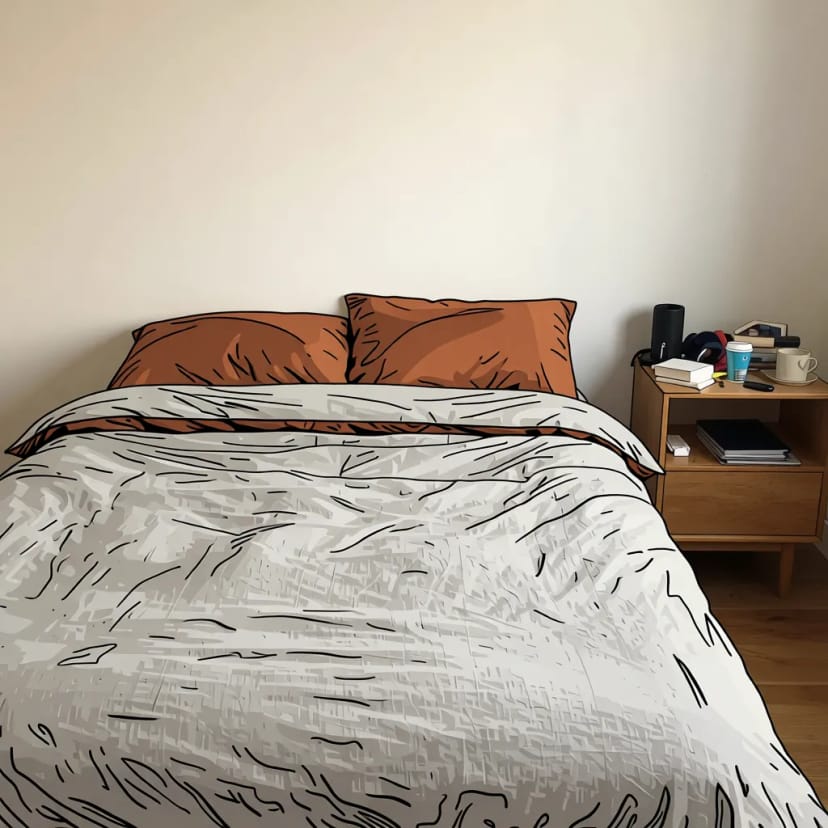
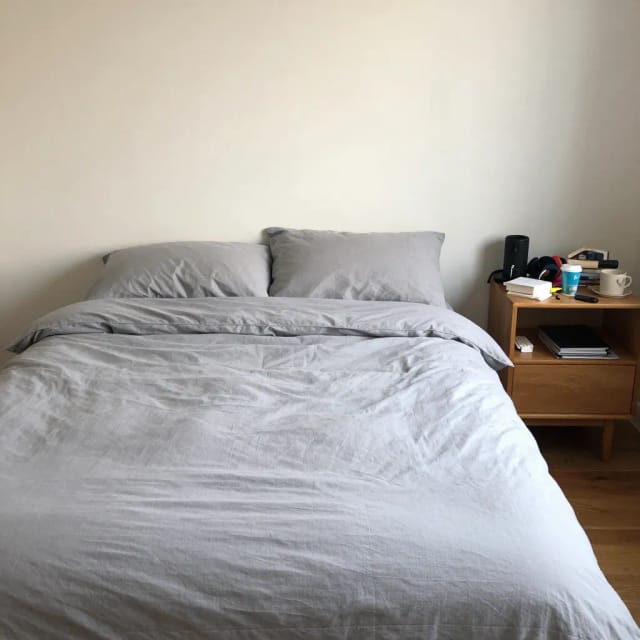
How AI Bedroom Design reimagines your real room
From your photo to a fresh look, without moving a single piece of furniture first.
How it works
AI Bedroom Design is a tool that takes a photo of your actual bedroom and shows you what it could look like styled differently. You keep the walls, windows and general layout you already have, and the AI reworks the furniture, colors, textiles and mood around them.
That matters because most inspiration boards show someone else's house. Here you're looking at your own space with a new bed frame, a different rug, warmer lighting or a calmer palette. It's the difference between guessing and seeing. If you want to push the changes further into whole-room styling, the same idea extends to an AI room decorator for full makeovers.
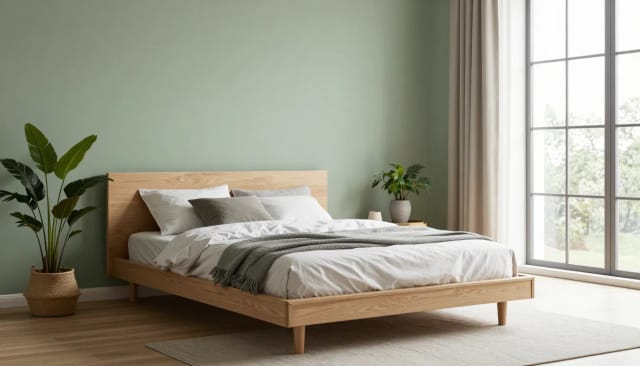
Try four styles on the same bedroom
You choose the direction and the AI fills in the details. It reads your uploaded photo and the style you selected, then generates a fresh version that respects the room's proportions. Pick Minimal white and you'll get lighter surfaces, muted tones and clean lines. Ask for Luxury hotel and the same room comes back with richer finishes, layered lighting and a more polished feel.
Run the same photo through all four styles and compare them side by side. Nothing is permanent, so trying a bold direction you'd normally never commit to costs you nothing but a few seconds. When you want the render itself to look sharper for printing or sharing, a quick pass through an AI photo enhancer that fixes lighting and clarity pairs well with this.
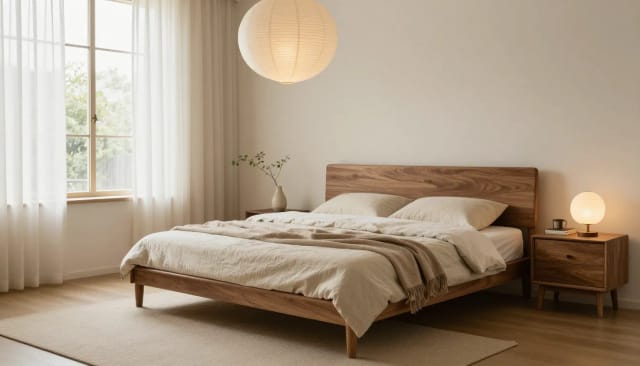
Audition bedroom ideas before spending money
Test ideas on screen before they cost you money. Hiring an interior designer or buying furniture on a hunch is expensive, and painting a wall you end up hating is a weekend lost. AI Bedroom Design lets you audition the layout, the palette and the vibe first, so free AI room design happens on your screen instead of in your wallet. For concrete starting points, the bedroom ideas gallery collects looks you can test on your own room.
Bring the result to a shopping trip, a contractor, or the partner who has strong opinions about beige. A concrete image makes the conversation shorter and the decision easier. If you need to lift a specific piece of furniture out of a busy shot to plan around it, the background remover for clean product and object shots comes in handy.
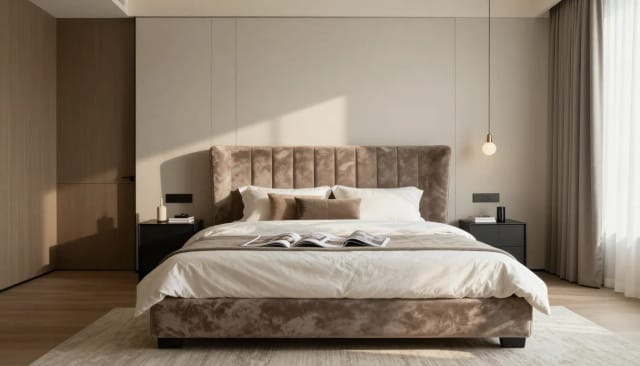
Who AI Bedroom Design is for
Renters and first-time decorators
See what your room could look like without buying anything or drilling a hole. A safe way to try a direction when you're not sure where to start.
Homeowners planning a refresh
Audition palettes and furniture before a makeover so the money goes toward a look you've already seen, not a guess.
People stuck between styles
Run the same bedroom through Cozy warm, Minimal white, Luxury hotel and Rustic to settle a debate you can't win in your head.
Anyone selling or staging a room
Show a buyer or partner what the space becomes with a bit of styling, using a concrete image instead of a description.
Fans of free AI room design tools
If you like testing ideas on screen with an AI room designer before spending, this covers the bedroom specifically and returns results fast.
CreArt Solutions
Every tool, curated for how you work
AI Tools for Real Estate
AI tools for real estate agents: virtually stage empty rooms, fix dark listing photos, and turn one set of photos into flyers, "Just Listed" posts and walkthrough videos.
Explore the toolkit →AI Tools for Content Creators
AI tools that turn a video title and a selfie into thumbnails, banners, avatars, emotes and brand-deal ads — a full channel kit from assets you already have.
Explore the toolkit →AI Tools for Small Business
A set of AI tools built for small businesses: design logos, flyers, clean product photos and daily social content without hiring a designer.
Explore the toolkit →AI Tools for Photographers
AI tools for photographers that run your marketing side: mini-session flyers, booking posts, session reels and price guides built from photos you already have.
Explore the toolkit →AI Tools for Musicians
A release-day visual kit for independent artists: build one album cover with AI, then spin off the Spotify Canvas, gig poster and "out now" ads from it.
Explore the toolkit →AI Tools for Authors & Writers
Design your book cover once and reuse it for the trailer, the countdown posts, the teaser quotes and the character art — a full self-publishing launch kit powered by AI.
Explore the toolkit →AI Tools for Teachers
Free AI tools for teachers: turn any topic into coloring pages, classroom posters and explainer comics in minutes — type it, pick a style, print.
Explore the toolkit →AI Tools for Influencers & UGC Creators
A content studio for influencers and UGC creators: brand-ready UGC ads, tappable thumbnails and on-brand profile pictures, all from a phone photo or a text idea.
Explore the toolkit →AI Tools for E-commerce Sellers
Turn one product photo into a full listing kit — clean white-background shot, lifestyle scenes, a UGC-style ad and a short video, without a studio day or an agency.
Explore the toolkit →Start free, upgrade when you need more
Try AI Bedroom Design for free and see your first redesigns before deciding — paid plans unlock more generations and higher-resolution results when you want them.
How far do credits go? The cost depends on the tool, model and settings. The Generate button shows the price before each creation.
Free
- 100 credits every day
- Access to basic tools
- 100 MB cloud storage (signed in)
Starter
- 4,000 credits every month
- Create videos with AI
- Use every AI model
- No ads
- No watermarks
- Keep posts private anytime
- You own what you create
- 1 GB cloud storage (signed in)
Creator
- 10,000 credits every month
- Create videos with AI
- Use every AI model
- No ads
- No watermarks
- Keep posts private anytime
- You own what you create
- 5 GB cloud storage (signed in)
Pro
- 25,000 credits every month
- Create videos with AI
- Use every AI model
- No ads
- No watermarks
- Keep posts private anytime
- You own what you create
- 10 GB cloud storage (signed in)
Why use AI Bedroom Design
Real reasons it beats scrolling inspiration boards or guessing at the paint store.
Your actual room, not a stock photo
The redesign is built on your uploaded photo, so you're looking at your own walls and windows with new styling — not someone else's house on an inspiration board.
Six bedroom styles to compare
Run the same room through Cozy warm, Minimal white, Luxury hotel and Rustic, then put the results side by side to see which direction actually fits.
Free AI room design, no signup
Test palettes, furniture and moods on screen before you spend anything. There's no account to create and results come back in seconds.
Decisions before dollars
Audition a layout or a bold color first so you don't buy furniture on a hunch or repaint a wall you end up hating. The render does the risky part for you.
Keeps your room's proportions
The AI respects the size and shape of your space instead of inventing a fantasy room, so the result stays useful for real planning.
Something to point at
Take the image to a shop, a contractor or a partner. A concrete picture ends the guessing and makes the decision faster.