AI Garden Design
Turn a photo of your real garden into a realistic AI redesign. Upload your yard, pick a style, and see a new garden in seconds — free to try.
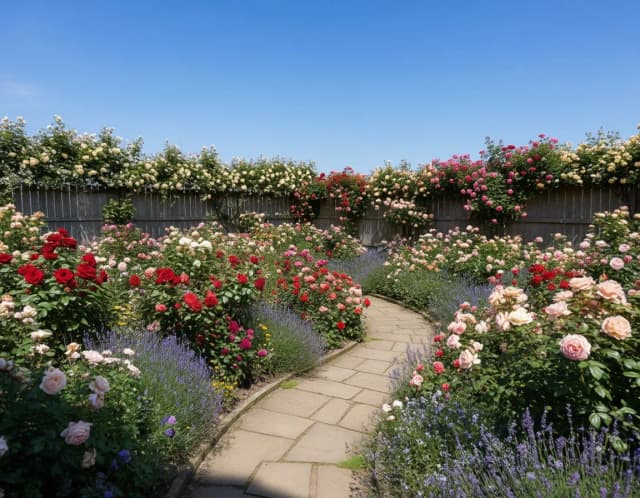

One yard, five gardens
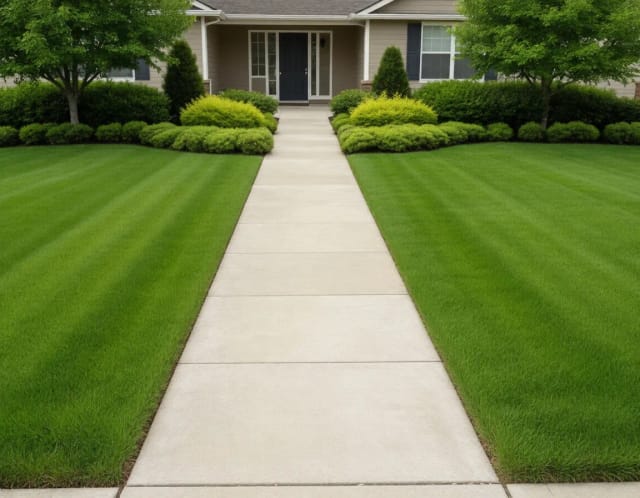
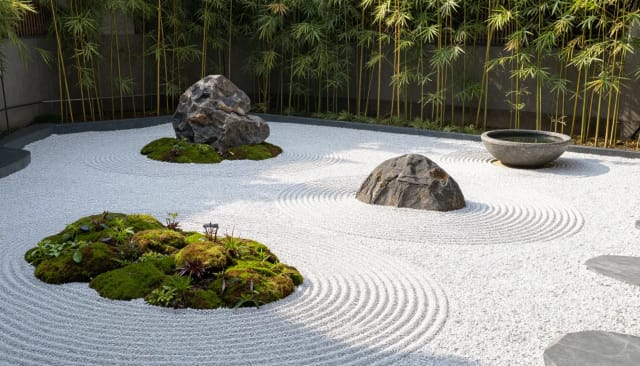
English cottage, zen gravel, Mediterranean — the same plot planted five ways. Choose yours.
Redesign your garden with AI in 4 steps
No CAD software, no measuring — just a photo and a style.
Upload a photo of your garden
Take a clear, well-lit shot of the backyard, front yard, patio or balcony you want to change, then upload it. One straight-on photo of the whole area works best.
Pick a garden style
Choose from English garden, Zen Japanese, Modern, Mediterranean or Tropical. Each style changes the planting, paving and mood while keeping your walls and boundaries in place.
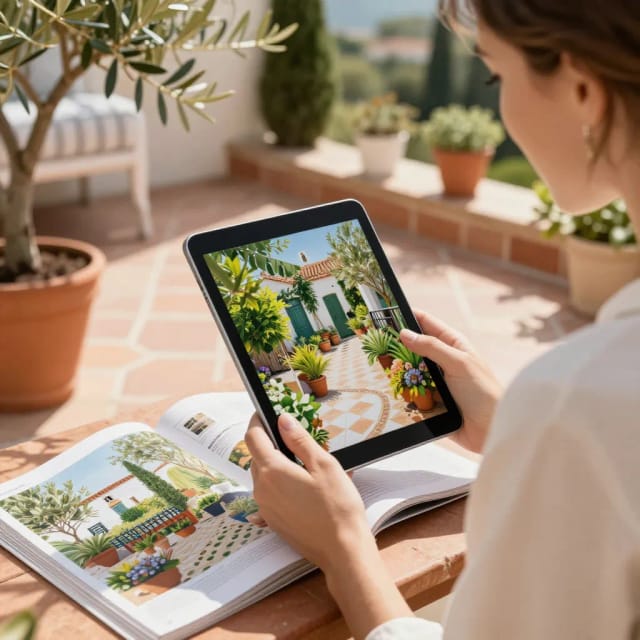
Generate your redesign
The AI redesigns your exact space in seconds and returns a photo-realistic image on the same layout and perspective as your original.
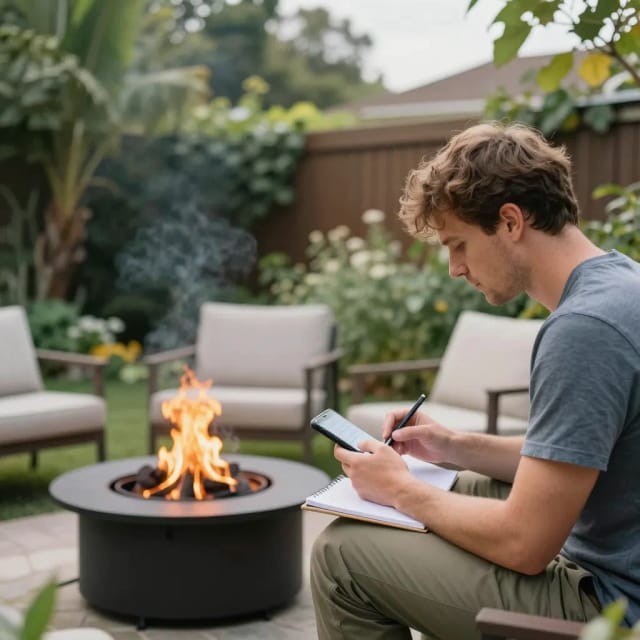
Compare and download
See the before and after side by side, generate again with another style if you want, then download the result to share with a contractor or the family.
How AI Garden Design turns your yard photo into a new garden
From a single photo to a realistic redesign of the same space, in seconds.
How it works
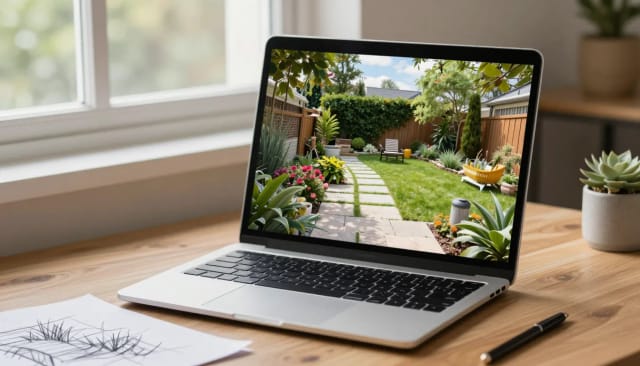
AI Garden Design is an online tool that takes a photo of your real garden and generates a realistic redesign of the same space in seconds. You upload a picture of your backyard, front yard, patio or balcony, choose a garden style, and the AI returns a new version of that exact area with fresh planting, paving and layout ideas.
Unlike a mood board of stock photos, the result is built on your own space — the same walls, fences and boundaries stay in place, so what you see is a plausible version of your garden rather than someone else's. It's a fast way to picture options before you call a landscaper or buy anything. If you're also rethinking the inside of your home, you can apply the same before-and-after idea with our AI art generator for planning boards and mockups.
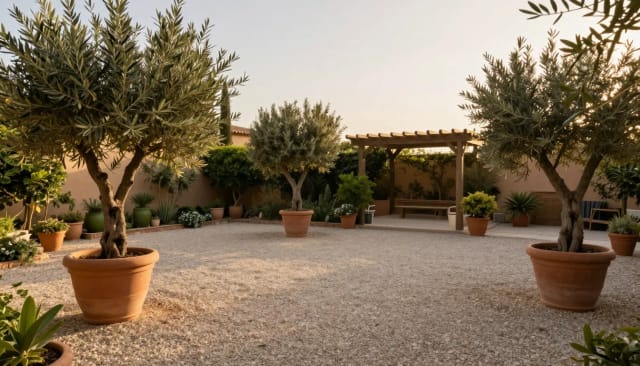
The redesign lands on your exact plot
The process is simple. Take a clear, well-lit photo of the area you want to change, upload it, and pick from garden styles like English garden, Zen Japanese, Modern, Mediterranean or Tropical. The AI keeps the shape and perspective of your original shot, so the redesign lands on the same plot you photographed.
Within seconds you get a redesigned image of your garden. Not sure about the first result? Generate again with a different style and compare. If your original photo came out dark or blurry, run it through the photo enhancer first — cleaner input gives the AI more to work with and a sharper redesign to look at.
Show contractors exactly what you want
Hiring a designer for concept drawings takes time and money, and hand-sketching your own ideas rarely shows what plants and paving actually look like together. AI Garden Design skips that gap by producing photo-realistic visuals of your space almost instantly, free to try.
It's useful whether you're planning a full landscaping project or just deciding where to put a new border. You can share the results with a contractor to explain what you want, or talk through options with the family. When you want a clean version to print or send, the image upscaler sharpens the render up to 4x, and the background remover helps you pull design elements out of a photo for your own boards.
Who AI Garden Design is for
Homeowners planning a garden makeover
See realistic backyard ideas on your own space before spending on plants, paving or a landscaper, and decide what you actually want first.
Renters and small-space gardeners
Test styles for a patio, courtyard or balcony without committing to permanent changes, and picture what a small outdoor area could become.
People briefing a landscaper
Generate a clear visual of the look you're after so a contractor understands your intent instead of guessing from a verbal description.
DIY landscapers on a budget
Use a free landscape design preview to plan borders, seating and planting yourself, and compare options before buying anything.
Anyone stuck for garden ideas
Upload a photo and cycle through English, Zen, modern, Mediterranean and tropical styles to break a decision deadlock and spot a direction you like.
CreArt Solutions
Every tool, curated for how you work
AI Tools for Real Estate
AI tools for real estate agents: virtually stage empty rooms, fix dark listing photos, and turn one set of photos into flyers, "Just Listed" posts and walkthrough videos.
Explore the toolkit →AI Tools for Content Creators
AI tools that turn a video title and a selfie into thumbnails, banners, avatars, emotes and brand-deal ads — a full channel kit from assets you already have.
Explore the toolkit →AI Tools for Small Business
A set of AI tools built for small businesses: design logos, flyers, clean product photos and daily social content without hiring a designer.
Explore the toolkit →AI Tools for Photographers
AI tools for photographers that run your marketing side: mini-session flyers, booking posts, session reels and price guides built from photos you already have.
Explore the toolkit →AI Tools for Musicians
A release-day visual kit for independent artists: build one album cover with AI, then spin off the Spotify Canvas, gig poster and "out now" ads from it.
Explore the toolkit →AI Tools for Authors & Writers
Design your book cover once and reuse it for the trailer, the countdown posts, the teaser quotes and the character art — a full self-publishing launch kit powered by AI.
Explore the toolkit →AI Tools for Teachers
Free AI tools for teachers: turn any topic into coloring pages, classroom posters and explainer comics in minutes — type it, pick a style, print.
Explore the toolkit →AI Tools for Influencers & UGC Creators
A content studio for influencers and UGC creators: brand-ready UGC ads, tappable thumbnails and on-brand profile pictures, all from a phone photo or a text idea.
Explore the toolkit →AI Tools for E-commerce Sellers
Turn one product photo into a full listing kit — clean white-background shot, lifestyle scenes, a UGC-style ad and a short video, without a studio day or an agency.
Explore the toolkit →Start free, upgrade when you need more
Try AI Garden Design for free and move to a paid plan when you want more renders and higher limits.
How far do credits go? The cost depends on the tool, model and settings. The Generate button shows the price before each creation.
Free
- 100 credits every day
- Access to basic tools
- 100 MB cloud storage (signed in)
Starter
- 4,000 credits every month
- Create videos with AI
- Use every AI model
- No ads
- No watermarks
- Keep posts private anytime
- You own what you create
- 1 GB cloud storage (signed in)
Creator
- 10,000 credits every month
- Create videos with AI
- Use every AI model
- No ads
- No watermarks
- Keep posts private anytime
- You own what you create
- 5 GB cloud storage (signed in)
Pro
- 25,000 credits every month
- Create videos with AI
- Use every AI model
- No ads
- No watermarks
- Keep posts private anytime
- You own what you create
- 10 GB cloud storage (signed in)
What makes this AI landscape design tool useful
Real results on your own garden, not a generic gallery.
Built on your actual space
The redesign keeps your fences, walls and boundaries, so every result is a plausible version of your own garden rather than a stock photo of someone else's.
Five garden styles to try
Switch between English garden, Zen Japanese, modern patio and Mediterranean to see the same plot reimagined several ways in seconds.
Results in seconds
No CAD skills or measuring. Upload, pick a style, and get a photo-realistic backyard render almost instantly — much faster than concept drawings.
Free landscape design to try
Preview real redesigns of your yard before spending on plants, paving or a designer. It's a free way to test ideas without commitment.
Easy to share
Download your render to show a landscaper exactly what you want, or use it to talk through options with the people you share the garden with.
Works for any outdoor space
Backyards, front gardens, patios, courtyards and balconies all work — anywhere you can take one clear photo of the area.