AI Kitchen Design
Turn a photo of your real kitchen into styled AI redesigns. Upload your space, pick a look, and see a realistic before-and-after in seconds.
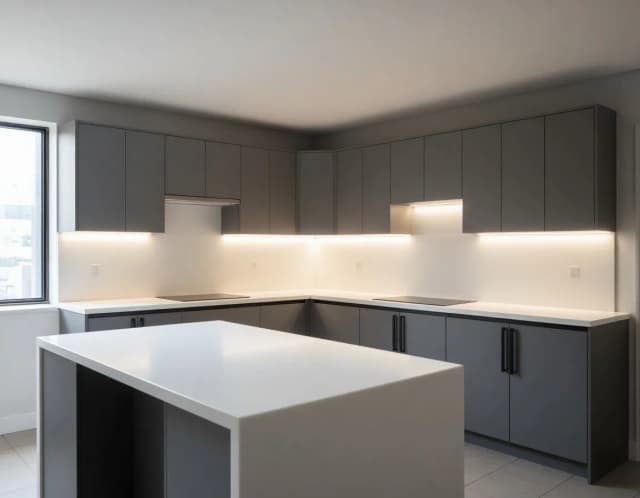

Same kitchen, six renovations
Modern white to dark luxury: identical layout, different kitchen entirely. Tap the one you would cook in.
Redesign your kitchen with AI in 4 steps
No planning software, no measurements — just your photo and a style.
Upload a photo of your kitchen
Take one clear picture of your current kitchen and drop it in. A straight-on shot with the cabinets and counters visible gives the AI the most to work with.
Pick a kitchen style
Choose from Modern white, Farmhouse, Dark luxury, or Scandi wood. Each one changes the cabinets, countertops, backsplash, and finishes to match that look.
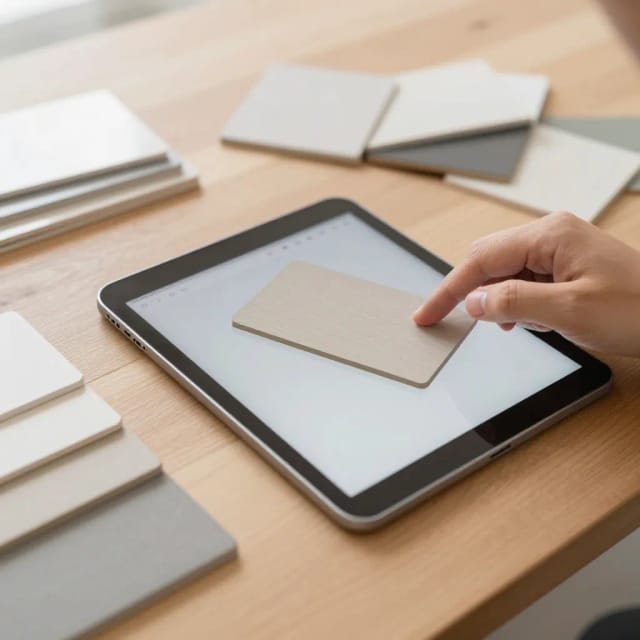
Generate your AI kitchen design
The AI redraws your space in the chosen style in seconds, keeping your real layout, windows, and dimensions recognizable so the result feels like your actual room.
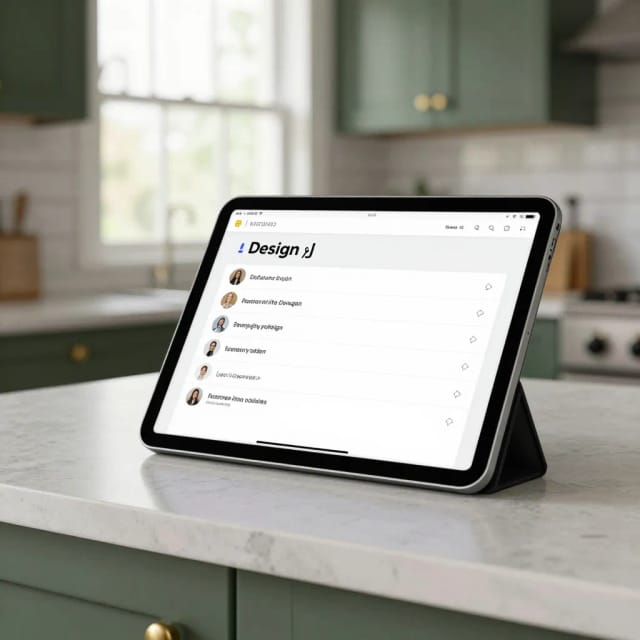
Compare the before and after
See your original photo next to the redesign, generate a few more styles from the same shot, then download the versions you want to share with a partner or contractor.
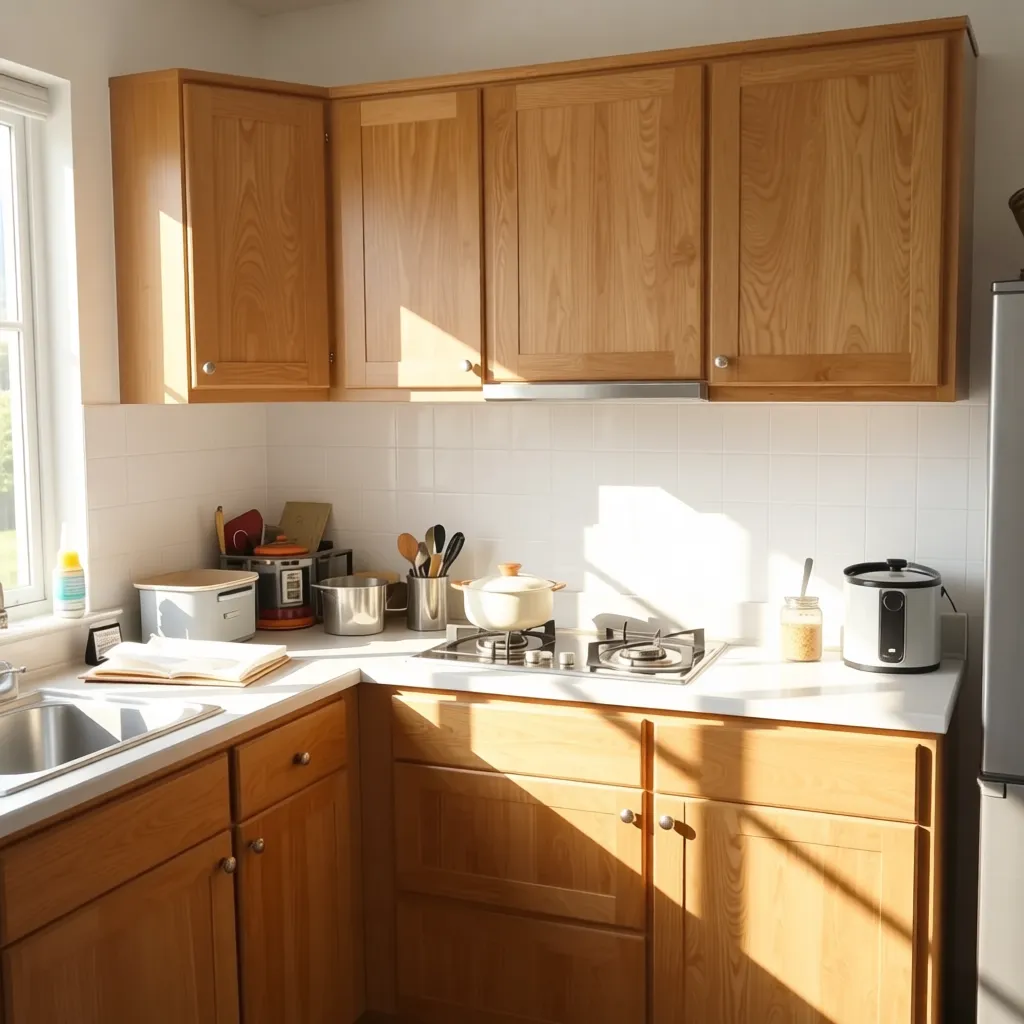
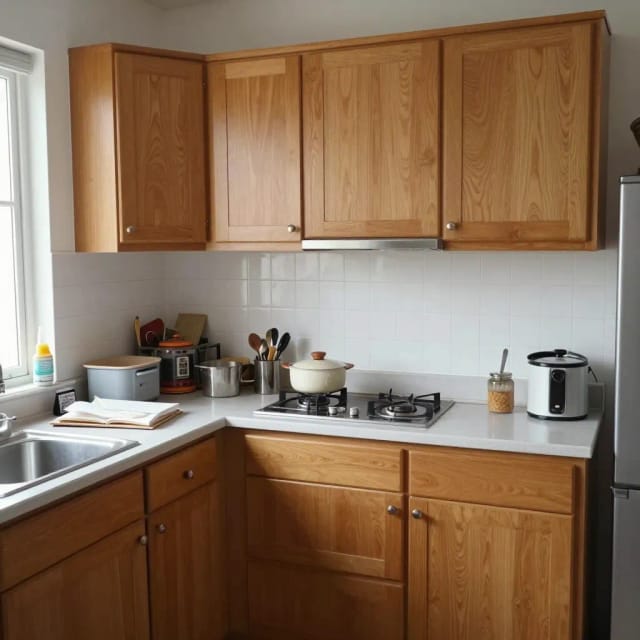
How AI Kitchen Design works
From one photo of your real kitchen to redesigns you can actually picture in your home.
How it works
AI Kitchen Design is an online tool that turns a photo of your existing kitchen into realistic redesigns in seconds. You upload one picture of your space, choose a style, and the AI reworks the cabinets, countertops, backsplash, and finishes while keeping the room's real dimensions and layout recognizable.
Instead of scrolling through generic inspiration boards, you see the new look mapped onto your own kitchen. That makes it easier to judge whether a modern flat-panel cabinet or a warmer farmhouse feel actually fits your space before you spend anything. If you want to redesign more of the house, the same approach powers our full-room AI home decor tool and a dedicated AI bedroom design page.
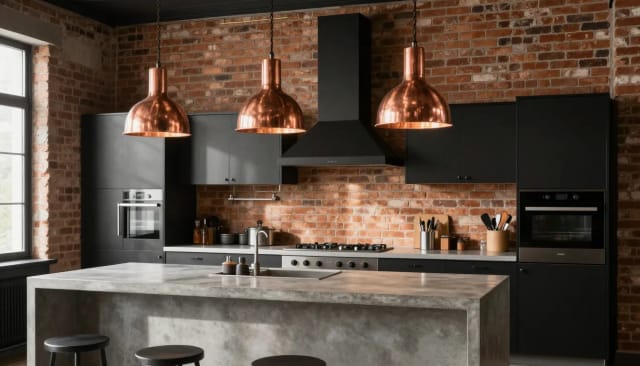
Your kitchen's layout stays, the style changes
The process is built around your photo. The AI reads the geometry of the room — where the windows, walls, and cabinet runs sit — and keeps that structure while swapping materials, colors, and cabinet styles for the look you picked.
You can generate several versions from the same shot, comparing a bright Scandinavian scheme against a moody dark-cabinet kitchen without touching a wall. Because everything happens in the browser, there's no CAD software to learn and no measuring tape required. Prefer to test only a wall color first? The paint visualizer lets you preview finishes on their own. Need wording for a specific look? Borrow it from our ready-made interior design prompts.
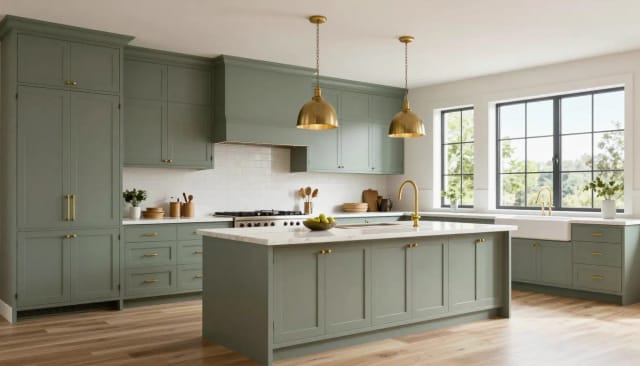
A cheaper first step than hiring a designer
Compared with hiring a designer for early concepts or wrestling with 3D planning apps, the AI route is faster and far cheaper for exploring ideas. You get shareable images you can send to a contractor, a partner, or a showroom to explain exactly what you're after.
It won't replace a professional for structural work or final quotes, but it's a strong first step for narrowing down direction. If the source photo is blurry or badly lit, running it through our photo enhancer first gives the AI cleaner detail to work with, and many people use the same styles across other spaces with our AI room decorator.
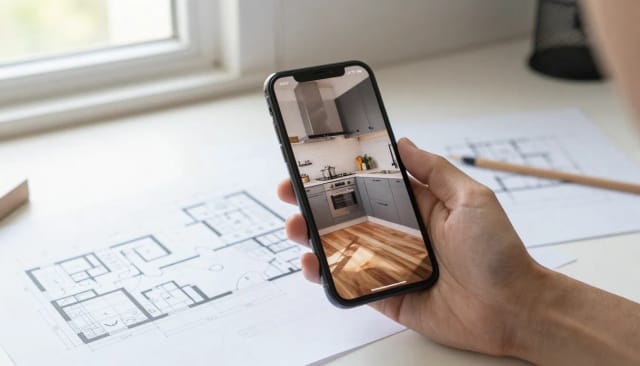
Who AI Kitchen Design is for
Anyone weighing a kitchen change and wanting to see it first.
Homeowners planning a remodel
See your own kitchen in a modern, farmhouse, or dark luxury look before spending on cabinets or contractors, so you commit with more confidence.
Renters and DIYers
Test lighter changes like cabinet color and finishes on a photo of your kitchen without touching a wall, then decide what's worth the effort.
Buyers viewing a property
Photograph a dated kitchen during a viewing and picture what it could become, helping you judge whether a place is worth the work.
Real estate agents and stagers
Generate quick style concepts from a listing photo to help buyers imagine the space's potential without a full staging budget.
Kitchen showrooms and contractors
Use before-and-after images to explain finishes and cabinet directions to clients early, aligning on the look before drawing up a real quote.
CreArt Solutions
Every tool, curated for how you work
AI Tools for Real Estate
AI tools for real estate agents: virtually stage empty rooms, fix dark listing photos, and turn one set of photos into flyers, "Just Listed" posts and walkthrough videos.
Explore the toolkit →AI Tools for Content Creators
AI tools that turn a video title and a selfie into thumbnails, banners, avatars, emotes and brand-deal ads — a full channel kit from assets you already have.
Explore the toolkit →AI Tools for Small Business
A set of AI tools built for small businesses: design logos, flyers, clean product photos and daily social content without hiring a designer.
Explore the toolkit →AI Tools for Photographers
AI tools for photographers that run your marketing side: mini-session flyers, booking posts, session reels and price guides built from photos you already have.
Explore the toolkit →AI Tools for Musicians
A release-day visual kit for independent artists: build one album cover with AI, then spin off the Spotify Canvas, gig poster and "out now" ads from it.
Explore the toolkit →AI Tools for Authors & Writers
Design your book cover once and reuse it for the trailer, the countdown posts, the teaser quotes and the character art — a full self-publishing launch kit powered by AI.
Explore the toolkit →AI Tools for Teachers
Free AI tools for teachers: turn any topic into coloring pages, classroom posters and explainer comics in minutes — type it, pick a style, print.
Explore the toolkit →AI Tools for Influencers & UGC Creators
A content studio for influencers and UGC creators: brand-ready UGC ads, tappable thumbnails and on-brand profile pictures, all from a phone photo or a text idea.
Explore the toolkit →AI Tools for E-commerce Sellers
Turn one product photo into a full listing kit — clean white-background shot, lifestyle scenes, a UGC-style ad and a short video, without a studio day or an agency.
Explore the toolkit →Try AI Kitchen Design for free
Start with free credits to redesign your kitchen, and upgrade when you want more generations and higher-resolution downloads.
How far do credits go? The cost depends on the tool, model and settings. The Generate button shows the price before each creation.
Free
- 100 credits every day
- Access to basic tools
- 100 MB cloud storage (signed in)
Starter
- 4,000 credits every month
- Create videos with AI
- Use every AI model
- No ads
- No watermarks
- Keep posts private anytime
- You own what you create
- 1 GB cloud storage (signed in)
Creator
- 10,000 credits every month
- Create videos with AI
- Use every AI model
- No ads
- No watermarks
- Keep posts private anytime
- You own what you create
- 5 GB cloud storage (signed in)
Pro
- 25,000 credits every month
- Create videos with AI
- Use every AI model
- No ads
- No watermarks
- Keep posts private anytime
- You own what you create
- 10 GB cloud storage (signed in)
Why use this AI kitchen design tool
Everything you need to explore a remodel before spending on it.
Designed from your own photo
This is AI kitchen design from a photo, not a blank template. Your real cabinets, windows, and layout stay recognizable so you're judging changes to your kitchen, not a stock render.
Four ready-made styles
Switch between Modern white, Farmhouse, Dark luxury, and Scandi wood to see very different directions on the same room without starting over.
Multiple versions to compare
Generate several redesigns from one shot and set them side by side. Comparing options is how you narrow down direction before you commit to anything.
Results in seconds
Each redesign renders in seconds in your browser, so you can iterate quickly instead of waiting on mockups or a designer's schedule.
No software, no signup to try
There's no CAD app to learn and no measuring tape required. Free AI kitchen design runs entirely online — upload, pick a style, done.
Shareable images
Download clean before-and-after images you can send to a contractor, showroom, or partner to explain exactly the finish and cabinet style you want.