AI Poster Generator
Describe your event, promotion, or idea and get a finished poster design in seconds — no design skills, no software, just a text description and a style.
How to make a poster with AI in 4 steps
Describe what the poster is for
Type a short description of your event, promotion, or idea — a summer concert, a bake sale, a movie night. Add the occasion, the mood, and the main subject so the AI has something concrete to work with.
Add your text and colors
Enter an optional headline, a date or location line, and your main colors. These are the details that turn a nice image into a usable poster people can actually read and act on.
Pick a style and generate
Choose from Concert, Movie, Vintage, Minimal, Motivational or Event, set your aspect ratio, and let the AI lay out imagery, color, and composition into a finished design in seconds.
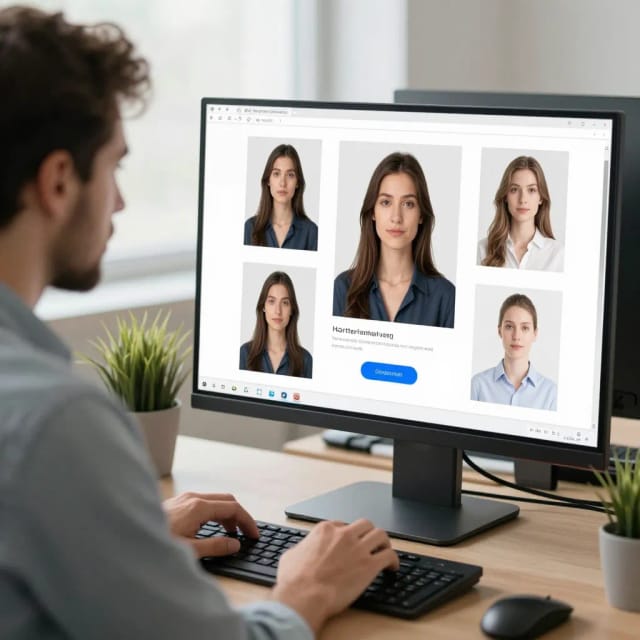
Download or regenerate
Happy with it? Download the poster ready to print or share. Not quite there? Tweak a word in your prompt and generate again to compare versions until one lands.
Six posters from the same idea
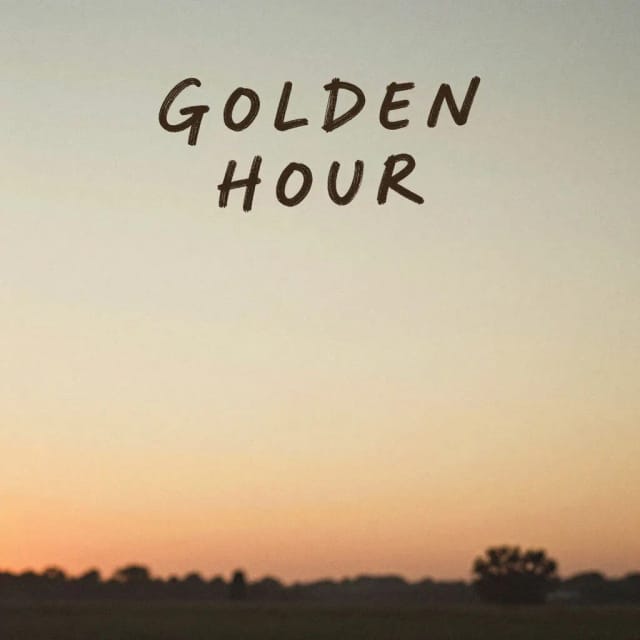
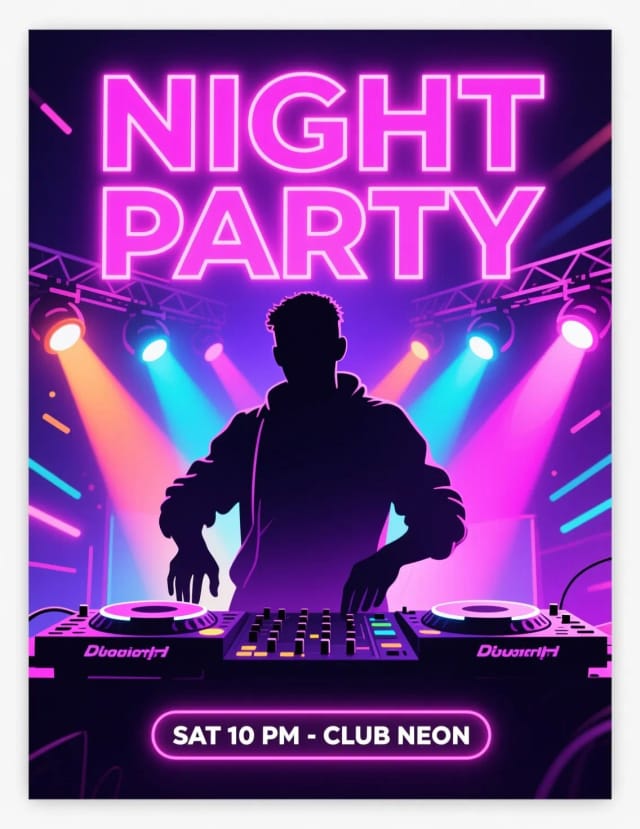
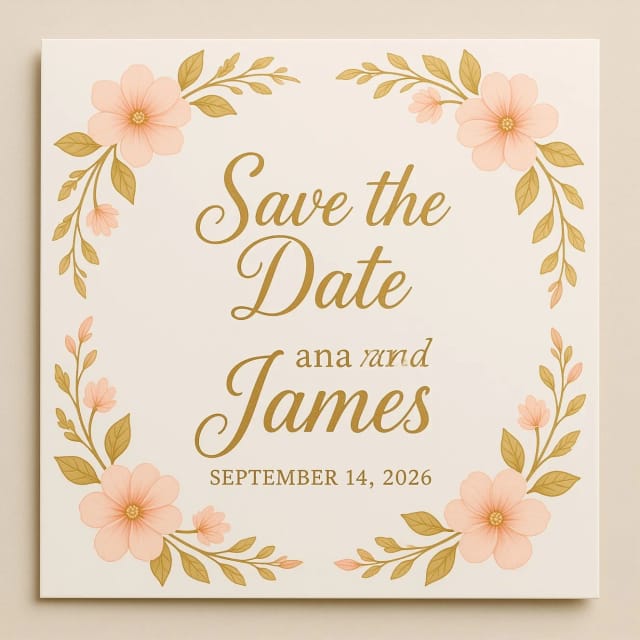
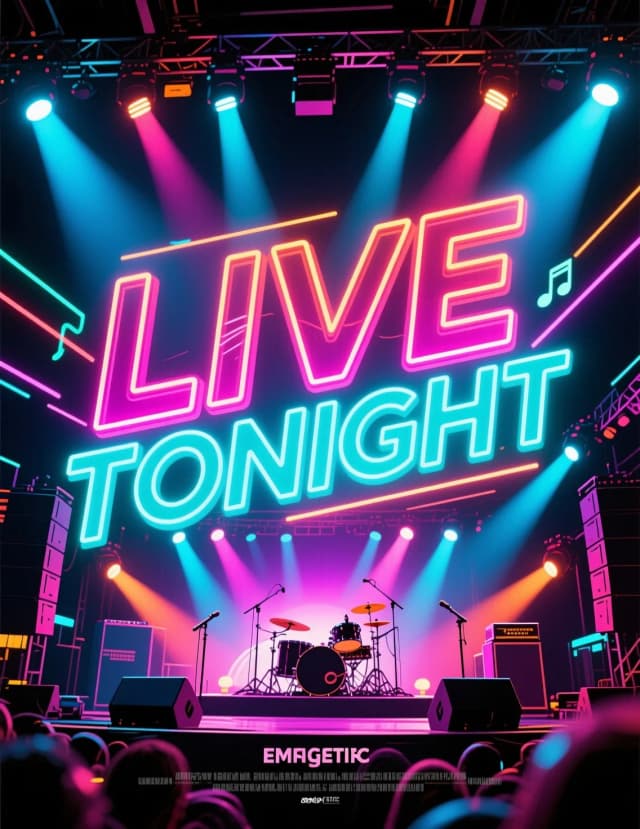
Concert, movie, vintage — one concept through each poster tradition. Choose your wall.
What the AI Poster Generator does and how it works
How it works
The AI Poster Generator is an online tool that creates a complete poster design from a text description. You type what the poster is for — a concert, a class fundraiser, a product launch, a research summary — pick a style, and the AI lays out the imagery, colors, and composition into a finished design in seconds.
You don't need photo editing software or any layout experience. Where a designer would spend an afternoon balancing a headline against a background, the generator handles the arrangement for you and gives you something you can download and print or share right away. If you need a smaller format afterwards, the same idea carries over to CreArt's AI Flyer Generator.
If the poster is a party prop or a gift, the wanted poster generator turns any photo into an old-west classic in one step.
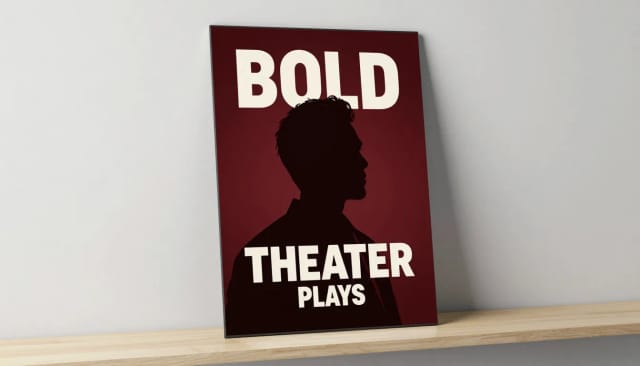
Under the hood, your description becomes a prompt that guides an image model. The more concrete you are — the occasion, the mood, a date, the main subject — the closer the first result lands to what you pictured. Style presets steer the overall look, whether you want a bold concert poster, a cinematic movie poster, or a clean minimalist layout, so you're never staring at a blank page.
Each generation gives you a full composition rather than a stock template you have to fight with. Prefer to build the whole thing from a written idea instead? The broader AI Image Generator works the same way for any kind of visual, not just posters.
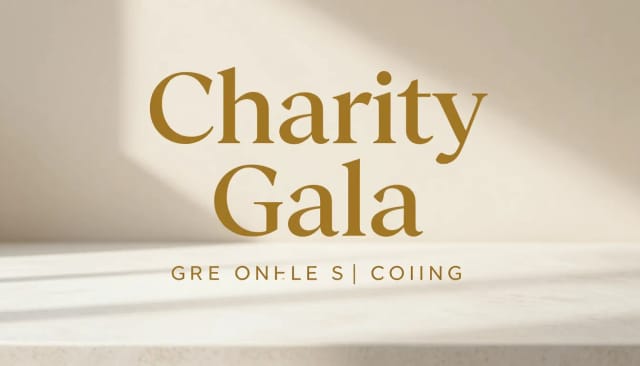
Doing this by hand means sourcing artwork, choosing fonts, and nudging elements until the balance feels right. The generator collapses that into a single step and lets you iterate fast: change a word in your prompt, generate again, and compare versions until one clicks.
Because it's part of a wider toolkit, a poster rarely lives alone. You can pair it with an AI Logo Generator for consistent branding, or clean up a product shot with the Background Remover before it goes into the design.
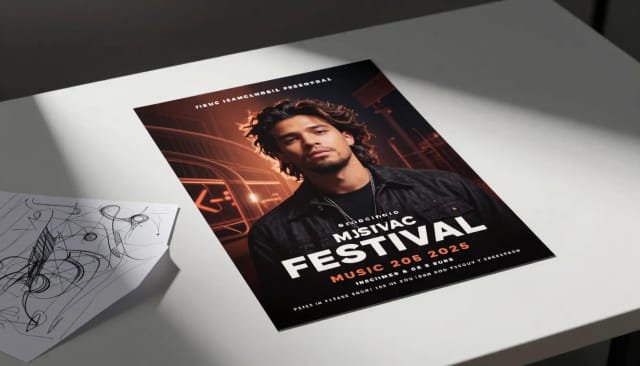
Who the AI Poster Generator is for
Event organizers
Concerts, fundraisers, open mics, community meetups — describe the event, add the date and venue, and get a poster to print and put up the same day.
Small business owners
Announce a sale, a launch, or a seasonal promotion without hiring a designer. Match your brand colors and turn it around in the time a coffee gets cold.
Teachers and students
Classroom projects, science fair summaries, club sign-ups, and reading campaigns come together fast, so the time goes into the content instead of the layout.
Social media and marketing teams
Spin up promotional visuals sized for the feed or the wall, test a couple of directions quickly, and keep a consistent look across a campaign.
Filmmakers and creators
Design a movie poster for a short, a screening, or a passion project by describing the tone and title — no mockup software required.
CreArt Solutions
Every tool, curated for how you work
AI Tools for Real Estate
AI tools for real estate agents: virtually stage empty rooms, fix dark listing photos, and turn one set of photos into flyers, "Just Listed" posts and walkthrough videos.
Explore the toolkit →AI Tools for Content Creators
AI tools that turn a video title and a selfie into thumbnails, banners, avatars, emotes and brand-deal ads — a full channel kit from assets you already have.
Explore the toolkit →AI Tools for Small Business
A set of AI tools built for small businesses: design logos, flyers, clean product photos and daily social content without hiring a designer.
Explore the toolkit →AI Tools for Photographers
AI tools for photographers that run your marketing side: mini-session flyers, booking posts, session reels and price guides built from photos you already have.
Explore the toolkit →AI Tools for Musicians
A release-day visual kit for independent artists: build one album cover with AI, then spin off the Spotify Canvas, gig poster and "out now" ads from it.
Explore the toolkit →AI Tools for Authors & Writers
Design your book cover once and reuse it for the trailer, the countdown posts, the teaser quotes and the character art — a full self-publishing launch kit powered by AI.
Explore the toolkit →AI Tools for Teachers
Free AI tools for teachers: turn any topic into coloring pages, classroom posters and explainer comics in minutes — type it, pick a style, print.
Explore the toolkit →AI Tools for Influencers & UGC Creators
A content studio for influencers and UGC creators: brand-ready UGC ads, tappable thumbnails and on-brand profile pictures, all from a phone photo or a text idea.
Explore the toolkit →AI Tools for E-commerce Sellers
Turn one product photo into a full listing kit — clean white-background shot, lifestyle scenes, a UGC-style ad and a short video, without a studio day or an agency.
Explore the toolkit →Plans for the AI Poster Generator
Start for free and generate your first posters, then move up to a plan that fits how often you design.
How far do credits go? The cost depends on the tool, model and settings. The Generate button shows the price before each creation.
Free
- 100 credits every day
- Access to basic tools
- 100 MB cloud storage (signed in)
Starter
- 4,000 credits every month
- Create videos with AI
- Use every AI model
- No ads
- No watermarks
- Keep posts private anytime
- You own what you create
- 1 GB cloud storage (signed in)
Creator
- 10,000 credits every month
- Create videos with AI
- Use every AI model
- No ads
- No watermarks
- Keep posts private anytime
- You own what you create
- 5 GB cloud storage (signed in)
Pro
- 25,000 credits every month
- Create videos with AI
- Use every AI model
- No ads
- No watermarks
- Keep posts private anytime
- You own what you create
- 10 GB cloud storage (signed in)
Why choose CreArt's AI Poster Generator
From idea to design in seconds
Describe the event and the AI arranges imagery, colors, and layout into a finished poster right away — no waiting on a designer and no back-and-forth revisions.
No design skills required
Skip photo editing software, fonts, and grid alignment. The generator handles the composition, so anyone can produce a poster that looks intentional, not thrown together.
Six styles for different occasions
Concert, Movie, Vintage, Minimal, Motivational and Event presets steer the whole look, so a gig poster and a research summary don't come out looking the same.
Your headline and colors, front and center
Add a headline, a date or location line, and your brand colors. The AI works them into the design instead of leaving you to place text by hand.
Any format you need
Set the aspect ratio to match a print sheet, a shopfront window, or a social feed, and download a poster sized for where it's going.
Iterate without starting over
Change a word, swap a style, generate again. Comparing versions is fast, so you can refine an idea instead of committing to the first draft.