AI Tattoo Generator
Describe your tattoo idea, choose a style, and let AI draw a clean, custom design you can save and bring straight to your artist.
Try on your tattoo
Upload a photo of the spot (arm, shoulder, ankle…) and place the design on your skin.
Generate a design first — the button unlocks with your tattoo.
How to generate a tattoo design in 4 steps
From a plain description to a downloadable design, no drawing skills needed.
Describe your tattoo
Write what you want in plain words — the subject, the mood, any details. "A geometric fox", "a rose with fine lines", "a wave in Japanese style". The more specific you are, the closer the first result lands.
Pick a style
Choose from seven tattoo styles — Classic, Old School, Japanese, Trash Polka, Watercolor, Dotwork and Geometric, among 28 in total. Each one changes the linework, shading and boldness of the design.
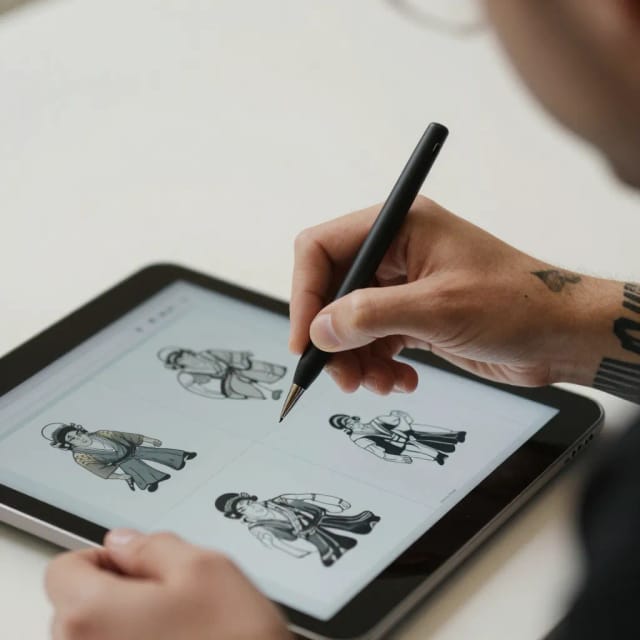
Add a placement (optional)
Tell the generator where the tattoo will go — forearm, wrist, back — and it shapes the design to fit that spot. Skip it if you just want the artwork on its own.
Generate and download
Get your design in seconds, then download it free. If it isn't quite right, tweak the wording or switch styles and run it again before saving the version you'll show your artist.
One idea, every style
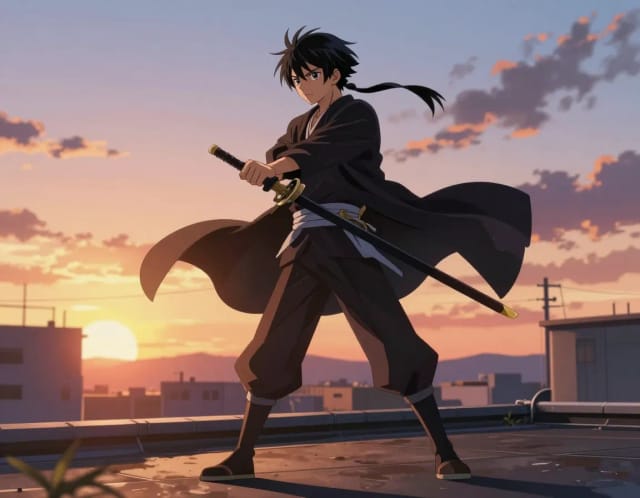
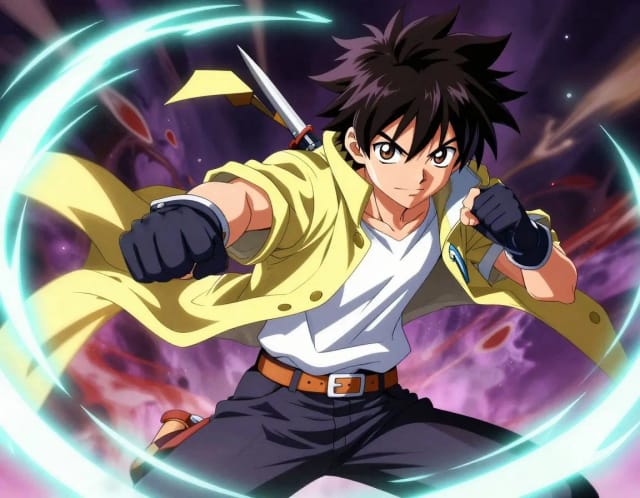
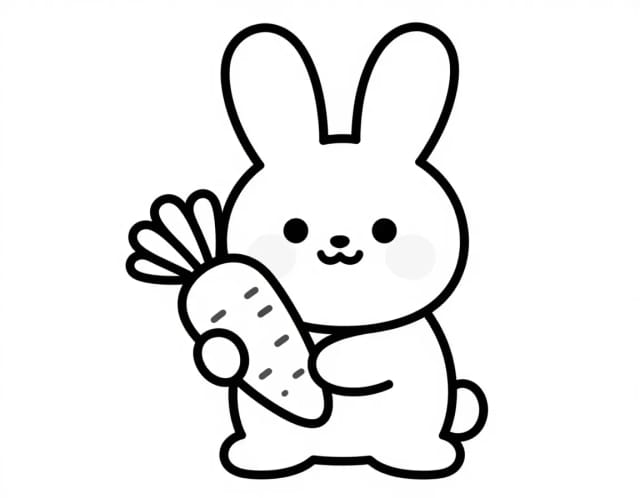
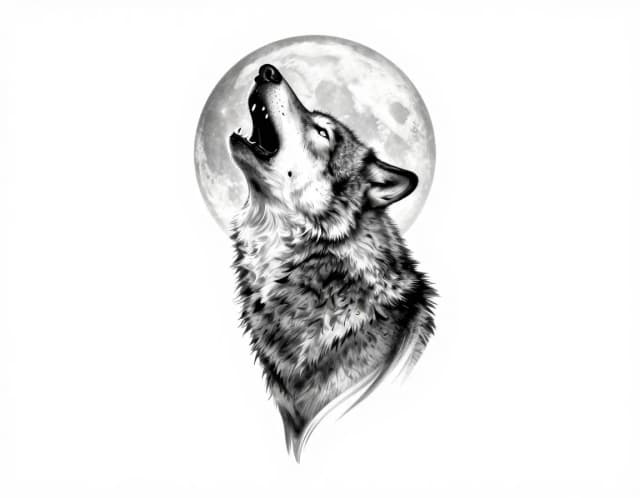
Fine line, blackwork, traditional — the same concept under each machine. Pick your style before the artist.
From a written idea to a custom tattoo design
What the AI Tattoo Generator does, how it reads your prompt, and why it beats sketching by hand.
How it works
The AI Tattoo Generator is a free online tool that turns a written description into an original tattoo design. Type what you want — a wolf in fine-line style, a minimalist mountain range, a Japanese-style koi — pick a style, and the AI draws a ready-to-use design in seconds.
You don't need to sketch anything or brief a designer first. The tool gives you a visual starting point you can refine, save, and bring to your tattoo artist, which usually saves both a few consultation rounds and the cost of a custom illustration.
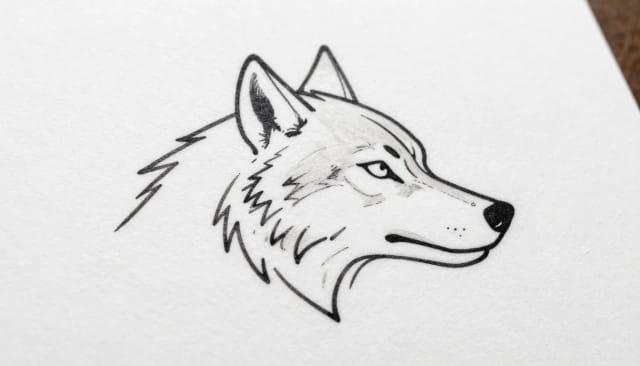
Behind the field you fill in, the generator reads your prompt and your chosen style, then produces a design that matches the linework and mood you asked for. Ask for something minimalist and you'll get clean, sparse lines; ask for blackwork or American traditional and the shading and boldness change to match.
Because every design starts from your own words, no two results are identical. If the first version isn't quite right, tweak the description or switch styles and generate again — much like you would with CreArt's AI Art Generator when you're chasing a different kind of artwork.
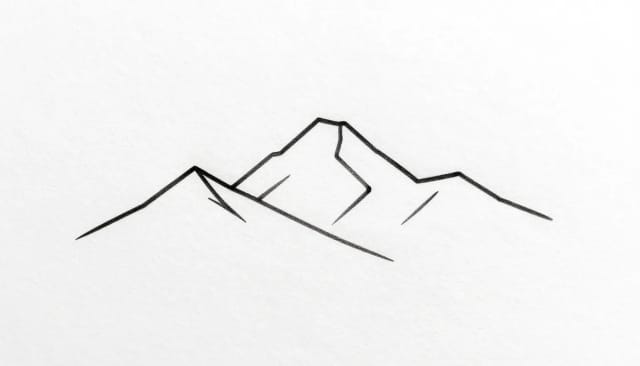
Sketching a tattoo by hand or waiting on a designer can take days and cost real money. Here you go from idea to a concrete design in one sitting, so you can compare directions before committing to permanent ink.
Once you have a design you like, you can clean it up further: run it through the Image Upscaler to sharpen the linework for printing, or use the Background Remover to isolate the design on transparent white so your artist works from a clean stencil.
Who the AI Tattoo Generator is for
People planning their next tattoo
Explore directions and styles before your appointment, so you walk in with a concrete reference instead of a vague idea.
The undecided
Not sure what you want yet? Generate free tattoo ideas from a few words and compare fine-line, blackwork or minimalist takes side by side.
Tattoo artists and studios
Spin up quick concepts to show a client during a consultation, then refine the linework by hand from a starting point that's already close.
Designers and hobbyists
Sketch out flash ideas or personal projects fast, using the styles as a base you can rework in your own tools.
CreArt Solutions
Every tool, curated for how you work
AI Tools for Real Estate
AI tools for real estate agents: virtually stage empty rooms, fix dark listing photos, and turn one set of photos into flyers, "Just Listed" posts and walkthrough videos.
Explore the toolkit →AI Tools for Content Creators
AI tools that turn a video title and a selfie into thumbnails, banners, avatars, emotes and brand-deal ads — a full channel kit from assets you already have.
Explore the toolkit →AI Tools for Small Business
A set of AI tools built for small businesses: design logos, flyers, clean product photos and daily social content without hiring a designer.
Explore the toolkit →AI Tools for Photographers
AI tools for photographers that run your marketing side: mini-session flyers, booking posts, session reels and price guides built from photos you already have.
Explore the toolkit →AI Tools for Musicians
A release-day visual kit for independent artists: build one album cover with AI, then spin off the Spotify Canvas, gig poster and "out now" ads from it.
Explore the toolkit →AI Tools for Authors & Writers
Design your book cover once and reuse it for the trailer, the countdown posts, the teaser quotes and the character art — a full self-publishing launch kit powered by AI.
Explore the toolkit →AI Tools for Teachers
Free AI tools for teachers: turn any topic into coloring pages, classroom posters and explainer comics in minutes — type it, pick a style, print.
Explore the toolkit →AI Tools for Influencers & UGC Creators
A content studio for influencers and UGC creators: brand-ready UGC ads, tappable thumbnails and on-brand profile pictures, all from a phone photo or a text idea.
Explore the toolkit →AI Tools for E-commerce Sellers
Turn one product photo into a full listing kit — clean white-background shot, lifestyle scenes, a UGC-style ad and a short video, without a studio day or an agency.
Explore the toolkit →Start designing tattoos for free
Try the generator at no cost, and upgrade when you want more generations and higher-resolution designs for printing.
How far do credits go? The cost depends on the tool, model and settings. The Generate button shows the price before each creation.
Free
- 100 credits every day
- Access to basic tools
- 100 MB cloud storage (signed in)
Starter
- 4,000 credits every month
- Create videos with AI
- Use every AI model
- No ads
- No watermarks
- Keep posts private anytime
- You own what you create
- 1 GB cloud storage (signed in)
Creator
- 10,000 credits every month
- Create videos with AI
- Use every AI model
- No ads
- No watermarks
- Keep posts private anytime
- You own what you create
- 5 GB cloud storage (signed in)
Pro
- 25,000 credits every month
- Create videos with AI
- Use every AI model
- No ads
- No watermarks
- Keep posts private anytime
- You own what you create
- 10 GB cloud storage (signed in)
Why choose this free AI tattoo generator
A faster, cheaper way to explore tattoo ideas before you book the appointment.
28 real tattoo styles
Classic, Old School, Japanese, Trash Polka, Watercolor, Dotwork and Geometric, among 28 in total — pick the one that matches the look you're after and the AI adapts the linework to it.
Free to try, no drawing needed
Generate tattoo designs online for free from a written idea. You don't have to sketch, use design software, or brief an illustrator to get a concrete visual.
Designs in seconds
Go from a sentence to a finished design in one sitting, so you can compare directions instead of waiting days on a hand-drawn concept.
Endless variations from your words
Because each design starts from your own prompt, no two are identical. Reword the idea or change the style and generate again until it clicks.
Ready to bring to your artist
Download a clean design you can show your tattoo artist as a reference, saving a few back-and-forth consultation rounds.
Cleans up for printing
Sharpen the linework with the upscaler or drop the background so your artist works from a tidy stencil, not a rough draft.
Steal these tattoo prompts
Four designs we generated, prompt included. Copy one, or open it in the generator and make it about your story.
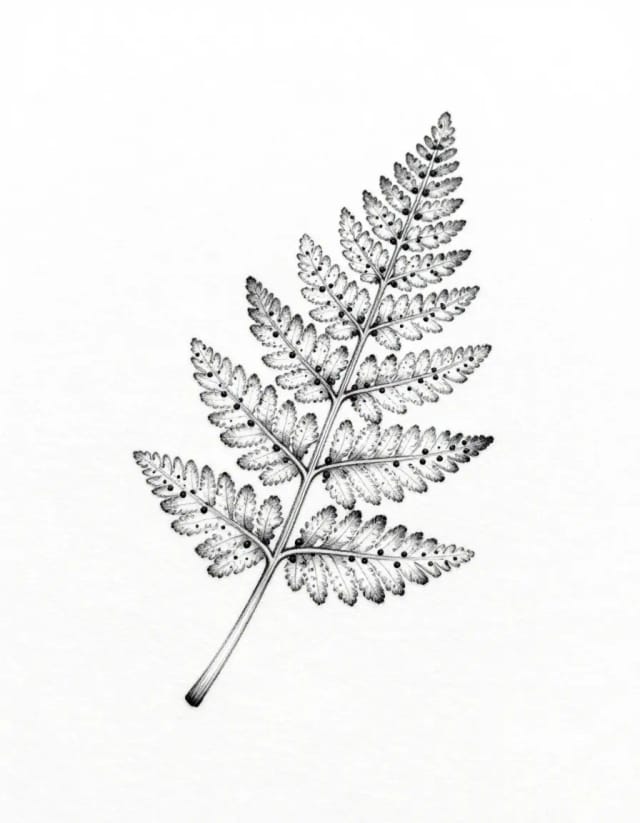
Fine-line fern
fine-line tattoo design of a delicate fern frond with tiny dotwork accents, thin black lines, white background

Blackwork moth
blackwork tattoo design of a death's-head moth with spread wings, bold solid blacks and clean negative space, white background
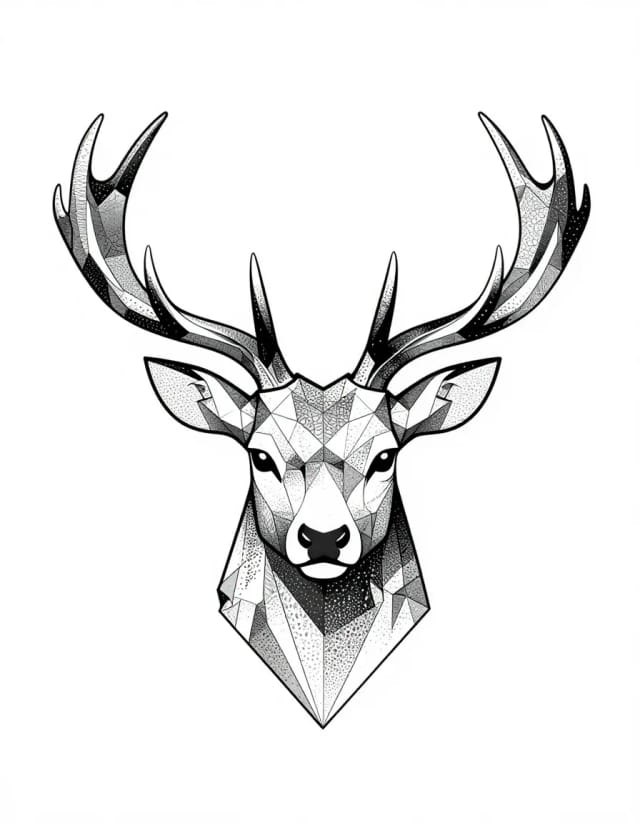
Geometric stag
geometric tattoo design of a stag head with antlers built from polygonal lines and dotwork gradient, symmetric, white background
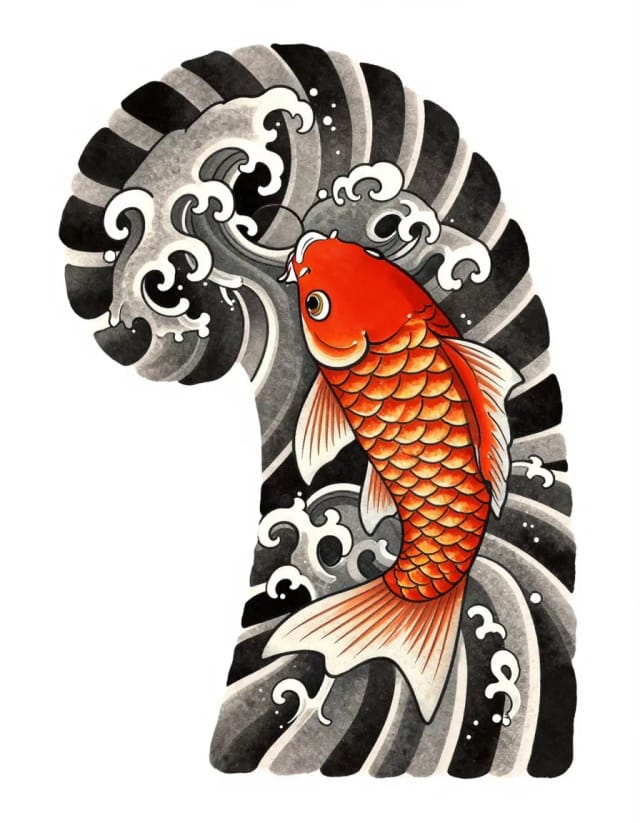
Irezumi koi
Japanese irezumi tattoo design of a koi fish among stylized waves, bold outlines, traditional shading, white background