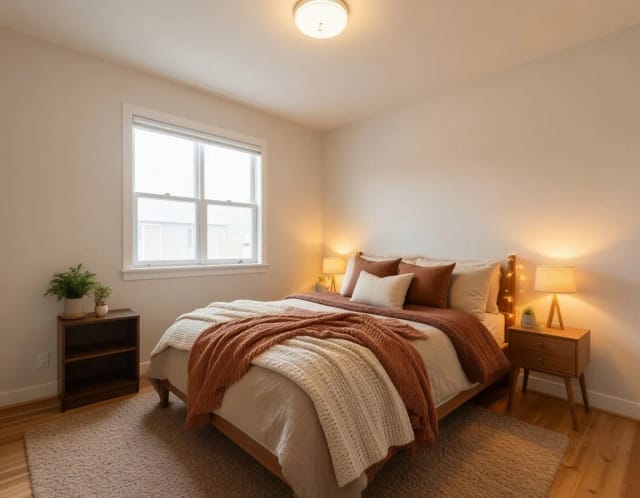
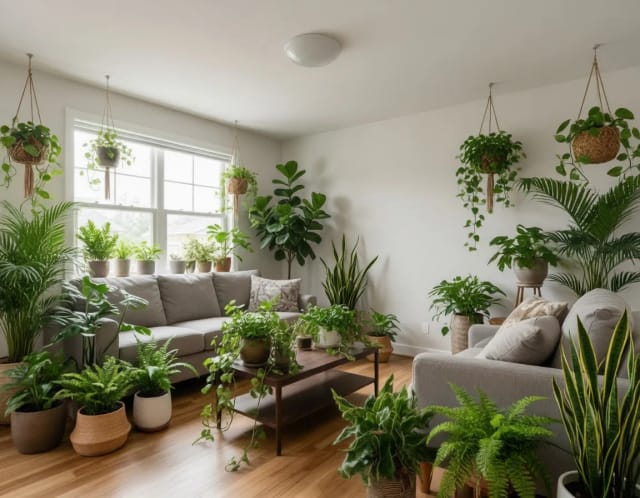
Paint Visualizer
Upload a photo of your room and see how any paint color looks on your actual walls before you buy a single can.


The same wall in every color
Sage, terracotta, navy — one room repainted seven times. Find the color before you buy the can.
Step by step
Upload a photo of your room
Take a clear, well-lit photo of the wall or space you want to paint and upload it. This is the paint visualizer upload photo step — the more of the wall you capture, the better the preview.
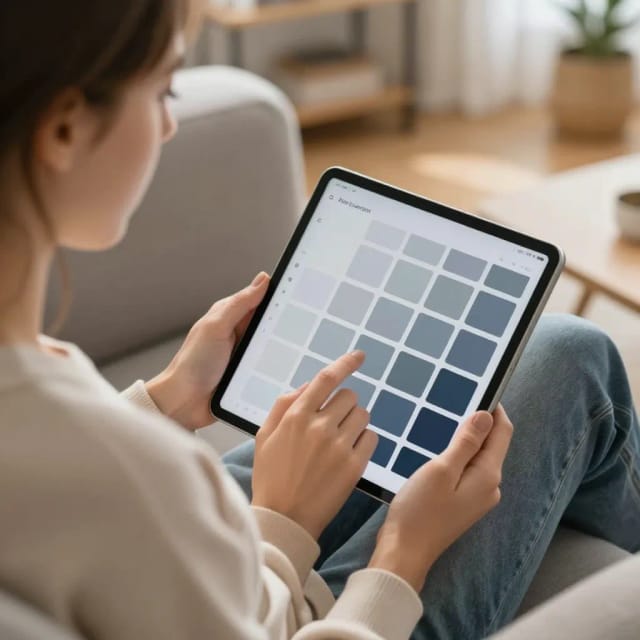
Pick a wall color
Choose from ready-made shades like sage green, terracotta, navy blue, warm beige, or charcoal, or type a custom color in your own words to match a swatch you already have in mind.
See the repaint on your real walls
The tool repaints only the wall surfaces, keeping your furniture, trim, floors, and lighting in place, so the preview looks like an actual repaint of the room.
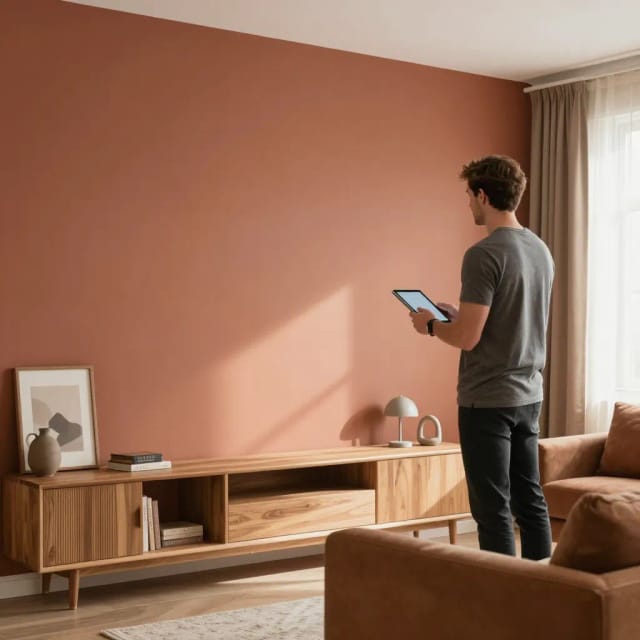
Compare and download
Try a few colors, compare the before and after, and download the previews you like to share with your partner, contractor, or client.
How your wall gets repainted
A paint visualizer is an online tool that shows how a paint color will look on your real walls by editing a photo of your room. You upload a picture of the space you want to paint, choose a color or describe a shade, and the tool repaints the walls in that photo so you can judge the result before buying anything.
Instead of holding a tiny swatch against the wall and squinting, you see the whole room in the new color, with your furniture, lighting, and trim still in place. That makes the decision far easier than guessing from a paper chip. If you're redoing a full space rather than just the walls, it pairs naturally with an AI room decorator for a broader restyle.
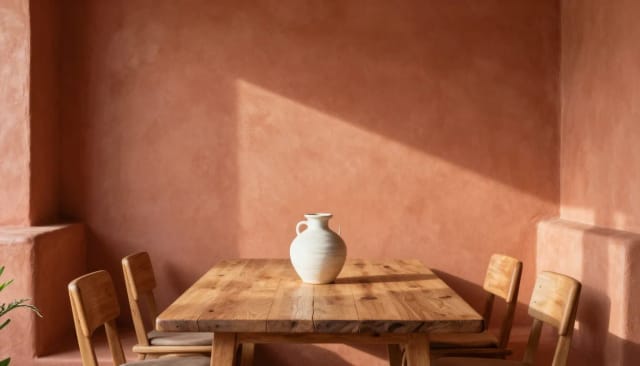
Only the walls change, nothing else
This wall paint visualizer keeps the structure of your photo intact. It recognizes the wall surfaces and applies the new color only where paint belongs, leaving windows, doors, floors, and furniture untouched, so the preview looks like a real repaint rather than a flat color overlay.
Lighting matters here. The tool respects the shadows and highlights already in your photo, so a color reads differently on a sunlit wall than on one in shade, just like it would in person. You can try a bold accent wall, a soft neutral, or a full-room color and compare them side by side. If the photo you upload is dim or grainy, running it through an AI photo enhancer first gives the visualizer cleaner walls to work with.
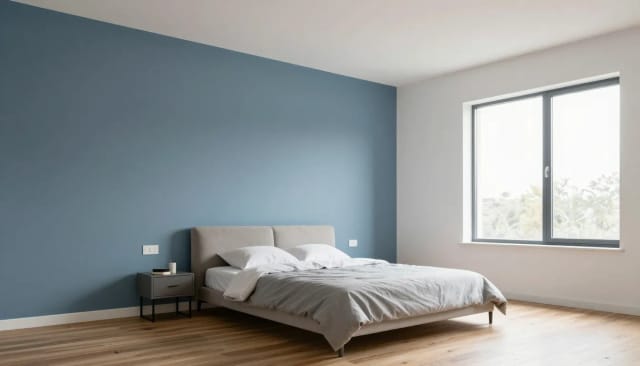
Shortlist colors before buying sample pots
Testing colors this way is faster and cheaper than buying sample pots and painting patches. A room paint visualizer lets you rule out shades that clash and shortlist the ones worth a physical sample, which is where you should still confirm your final choice, since screens and monitors vary.
It's also useful for exteriors and shared decisions. Show a color idea to your partner, a contractor, or a client without repainting anything, and everyone sees the same preview. If you plan to print your favorite previews or blow them up for a mood board, an AI image upscaler keeps them sharp at larger sizes.
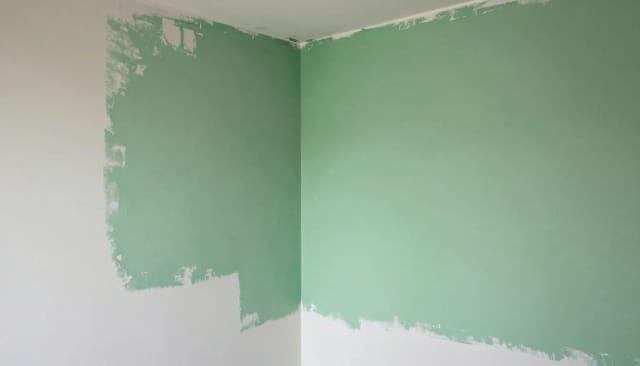
Who tests colors here
Homeowners planning a repaint
Preview colors on your own living room, bedroom, or hallway before buying paint, so you commit to a shade you've actually seen on your walls.
Renters and first-time decorators
Test a fresh color on a photo of your space without the risk of painting a wall you'll have to redo, and rule out shades that won't work with your furniture.
Interior designers and stylists
Show clients a color option on their real room in seconds, making it easy to present a direction and get sign-off without repainting anything.
Contractors and painters
Confirm a color choice with a homeowner before you start, using the same preview so there are no surprises once the paint is on the wall.
DIY renovators on a budget
Skip a pile of sample pots by shortlisting colors on screen first, then buy only the one or two samples worth testing in person.
CreArt Solutions
Every tool, curated for how you work
AI Tools for Real Estate
AI tools for real estate agents: virtually stage empty rooms, fix dark listing photos, and turn one set of photos into flyers, "Just Listed" posts and walkthrough videos.
Explore the toolkit →AI Tools for Content Creators
AI tools that turn a video title and a selfie into thumbnails, banners, avatars, emotes and brand-deal ads — a full channel kit from assets you already have.
Explore the toolkit →AI Tools for Small Business
A set of AI tools built for small businesses: design logos, flyers, clean product photos and daily social content without hiring a designer.
Explore the toolkit →AI Tools for Photographers
AI tools for photographers that run your marketing side: mini-session flyers, booking posts, session reels and price guides built from photos you already have.
Explore the toolkit →AI Tools for Musicians
A release-day visual kit for independent artists: build one album cover with AI, then spin off the Spotify Canvas, gig poster and "out now" ads from it.
Explore the toolkit →AI Tools for Authors & Writers
Design your book cover once and reuse it for the trailer, the countdown posts, the teaser quotes and the character art — a full self-publishing launch kit powered by AI.
Explore the toolkit →AI Tools for Teachers
Free AI tools for teachers: turn any topic into coloring pages, classroom posters and explainer comics in minutes — type it, pick a style, print.
Explore the toolkit →AI Tools for Influencers & UGC Creators
A content studio for influencers and UGC creators: brand-ready UGC ads, tappable thumbnails and on-brand profile pictures, all from a phone photo or a text idea.
Explore the toolkit →AI Tools for E-commerce Sellers
Turn one product photo into a full listing kit — clean white-background shot, lifestyle scenes, a UGC-style ad and a short video, without a studio day or an agency.
Explore the toolkit →Pricing
How far do credits go? The cost depends on the tool, model and settings. The Generate button shows the price before each creation.
Free
- 100 credits every day
- Access to basic tools
- 100 MB cloud storage (signed in)
Starter
- 4,000 credits every month
- Create videos with AI
- Use every AI model
- No ads
- No watermarks
- Keep posts private anytime
- You own what you create
- 1 GB cloud storage (signed in)
Creator
- 10,000 credits every month
- Create videos with AI
- Use every AI model
- No ads
- No watermarks
- Keep posts private anytime
- You own what you create
- 5 GB cloud storage (signed in)
Pro
- 25,000 credits every month
- Create videos with AI
- Use every AI model
- No ads
- No watermarks
- Keep posts private anytime
- You own what you create
- 10 GB cloud storage (signed in)
Why use it
Your actual room, not a stock scene
The preview uses a photo you upload, so you see the new color with your own furniture, windows, and light — not a generic template that looks nothing like your space.
Paint stays on the walls
The tool applies color only to wall surfaces and leaves floors, trim, doors, and furniture alone, so the result reads like a real repaint instead of a color wash over everything.
Ready-made shades or your own color
Start from popular picks like navy blue, terracotta, or warm beige, or describe a custom color to match a specific swatch or brand chip you already have.
Test before you buy a can
Rule out clashing shades and shortlist the ones worth a physical sample, saving the cost and mess of buying sample pots and painting patches on the wall.
Easy to share a decision
Send the same preview to a partner, contractor, or client so everyone judges the color from the identical image instead of describing it over the phone.
Accent wall or full room
Preview a single bold accent wall or recolor the whole room, then compare the options side by side before you commit to one.