AI Flyer Generator
Describe your event, sale, or business and get a ready-to-use flyer design in seconds. Pick a style, generate, and download — no design skills needed.
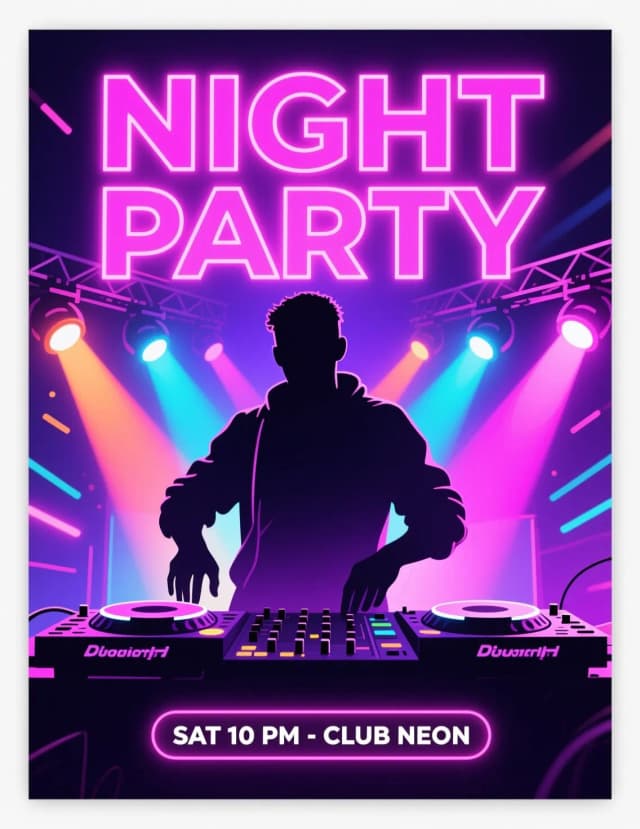
Create a flyer for free in 4 steps
Describe it, style it, generate, download. That's the whole workflow.
Describe what the flyer is for
Type a short sentence about your event, sale, or business — the more specific, the better. Add an optional headline, the date or offer, and your main colors if you have them in mind.
Pick a flyer style
Choose from six visual directions — Party, Business, Sale, Event, Real estate, or Restaurant — and set the aspect ratio that fits where the flyer will run.
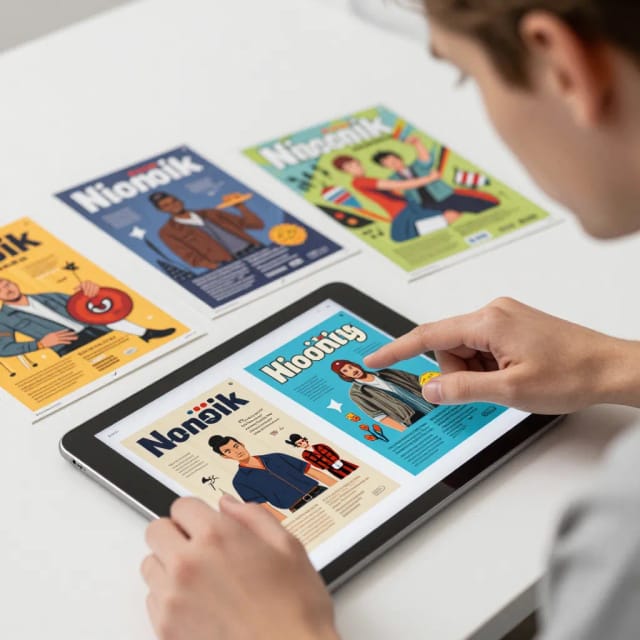
Generate and review
The AI reads your brief and composes the full flyer — background, text, and layout together. See the finished draft in seconds and generate again if you want a different take.

Download your flyer
Save the design ready to print or post. Share it online, hand it out, or refine the prompt for a matching set.
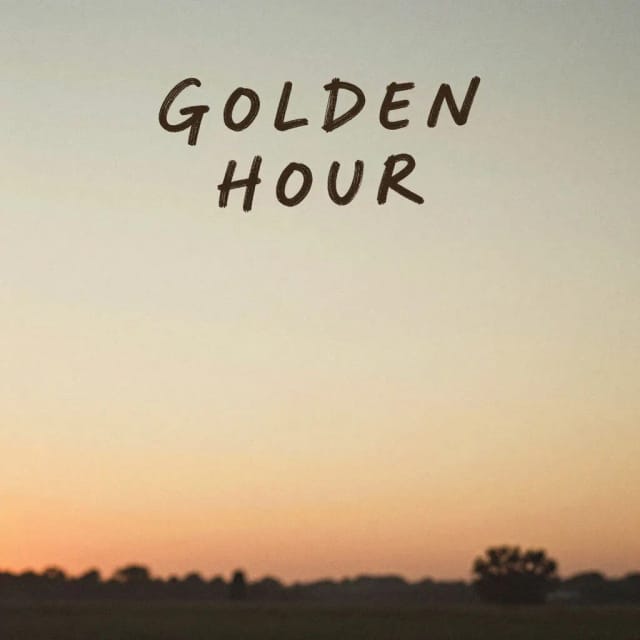
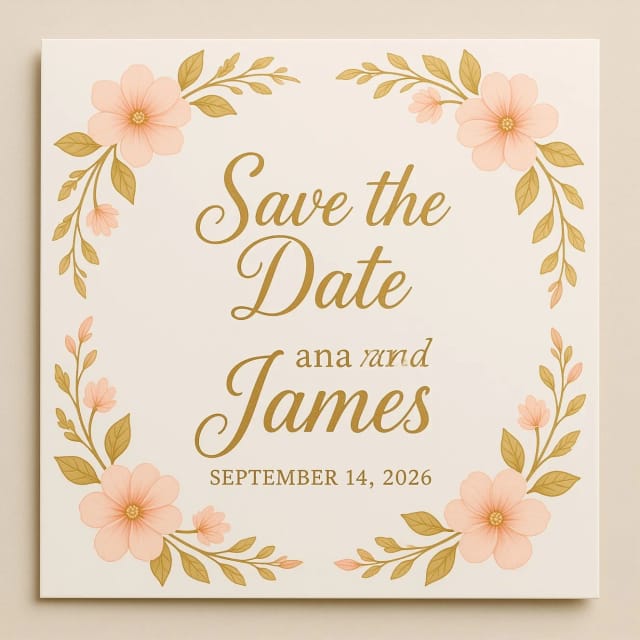
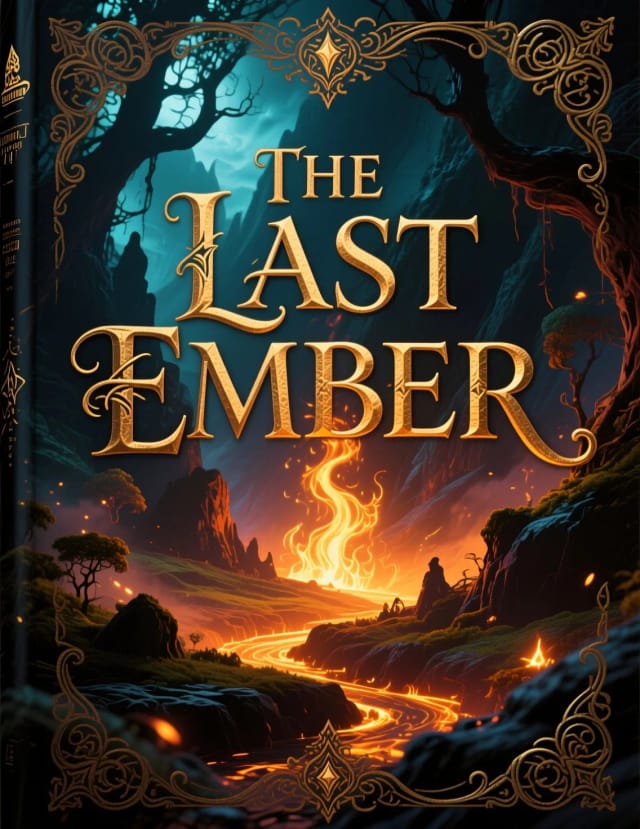
Six flyers for the same event
Party, corporate, minimalist — one event announced six ways. Pick your crowd.
How the AI Flyer Generator works
From a one-line description to a finished, downloadable flyer.
How it works
The AI Flyer Generator is a tool that turns a short text description into a finished flyer design. You type what the flyer is for — a weekend sale, a live gig, a grand opening, a real estate listing — pick a style, and it lays out the headline, supporting text, and imagery into a single downloadable design in seconds.
There's no blank canvas to stare at and no drag-and-drop to learn. If you can describe your event in a sentence, you can get a flyer out of it. It's built for the moments when you need something that looks designed but don't have a designer, a big budget, or an afternoon to spend on it.
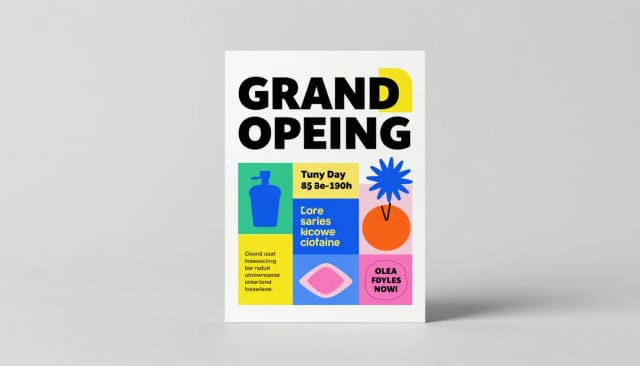
Under the hood, your description becomes the brief. The generator reads what you wrote, applies the visual direction from the style you chose, and composes the whole flyer — background, typography, and layout together — instead of handing you a template to fill in later.
Because it reads your words, small changes matter. "Ceramics studio spring sale, minimal and warm" produces something very different from "neon club night, bold and loud." If the first result isn't quite right, adjust the prompt and generate again. Want a matching set, like a poster or a mark to go with it? CreArt's AI logo designer shares the same describe-and-generate approach, and you can build out the visuals with original AI art too.
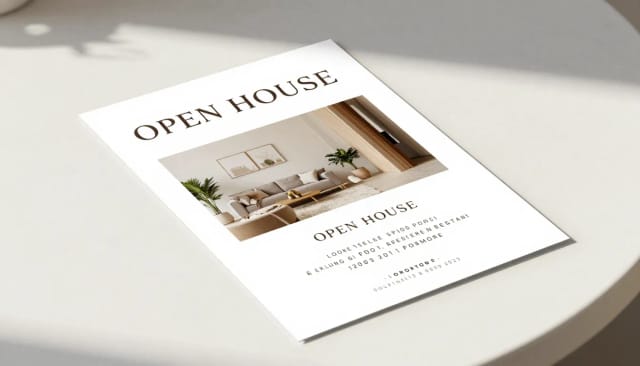
Compared with designing a flyer by hand, the trade-off is time. A traditional flyer means choosing a template, sourcing an image, aligning text boxes, and second-guessing the color palette. Here you skip straight to a finished draft and refine from there.
It also covers the less obvious jobs, not just events: internal team announcements, B2B one-pagers, product handbills, class schedules, fundraiser notices. When you need the visuals to feel your own, pair it with the background remover to drop in a clean product photo, or run a low-res logo through the image upscaler so it holds up in print. If you're not sure what dimensions to export, the flyer size reference covers the standard formats and their pixel measurements.
Who the AI Flyer Generator is for
Built for people who need a flyer done, not a design career.
Small business owners
Promote a sale, a grand opening, or a new product without hiring a designer. Describe the offer and get a handbill ready to print or post the same afternoon.
Event and party organizers
Club nights, gigs, fundraisers, community meetups — describe the event and get a flyer that matches its energy, from bold and loud to minimal and warm.
Real estate agents
Turn a listing into a clean property flyer with the Real estate style. Add the location, features, and open-house date, and generate a polished sheet in seconds.
Restaurants and cafes
Announce a new menu, happy hour, or opening with the Restaurant style. Get an appetizing flyer without booking a photo shoot or a design agency.
Marketers and team leads
Handle the everyday jobs a template can't — internal announcements, class schedules, B2B one-pagers — quickly, so a flyer never becomes a bottleneck.
CreArt Solutions
Every tool, curated for how you work
AI Tools for Real Estate
AI tools for real estate agents: virtually stage empty rooms, fix dark listing photos, and turn one set of photos into flyers, "Just Listed" posts and walkthrough videos.
Explore the toolkit →AI Tools for Content Creators
AI tools that turn a video title and a selfie into thumbnails, banners, avatars, emotes and brand-deal ads — a full channel kit from assets you already have.
Explore the toolkit →AI Tools for Small Business
A set of AI tools built for small businesses: design logos, flyers, clean product photos and daily social content without hiring a designer.
Explore the toolkit →AI Tools for Photographers
AI tools for photographers that run your marketing side: mini-session flyers, booking posts, session reels and price guides built from photos you already have.
Explore the toolkit →AI Tools for Musicians
A release-day visual kit for independent artists: build one album cover with AI, then spin off the Spotify Canvas, gig poster and "out now" ads from it.
Explore the toolkit →AI Tools for Authors & Writers
Design your book cover once and reuse it for the trailer, the countdown posts, the teaser quotes and the character art — a full self-publishing launch kit powered by AI.
Explore the toolkit →AI Tools for Teachers
Free AI tools for teachers: turn any topic into coloring pages, classroom posters and explainer comics in minutes — type it, pick a style, print.
Explore the toolkit →AI Tools for Influencers & UGC Creators
A content studio for influencers and UGC creators: brand-ready UGC ads, tappable thumbnails and on-brand profile pictures, all from a phone photo or a text idea.
Explore the toolkit →AI Tools for E-commerce Sellers
Turn one product photo into a full listing kit — clean white-background shot, lifestyle scenes, a UGC-style ad and a short video, without a studio day or an agency.
Explore the toolkit →Start making flyers for free
Try the AI Flyer Generator at no cost, and upgrade when you need more generations and higher-resolution downloads.
How far do credits go? The cost depends on the tool, model and settings. The Generate button shows the price before each creation.
Free
- 100 credits every day
- Access to basic tools
- 100 MB cloud storage (signed in)
Starter
- 4,000 credits every month
- Create videos with AI
- Use every AI model
- No ads
- No watermarks
- Keep posts private anytime
- You own what you create
- 1 GB cloud storage (signed in)
Creator
- 10,000 credits every month
- Create videos with AI
- Use every AI model
- No ads
- No watermarks
- Keep posts private anytime
- You own what you create
- 5 GB cloud storage (signed in)
Pro
- 25,000 credits every month
- Create videos with AI
- Use every AI model
- No ads
- No watermarks
- Keep posts private anytime
- You own what you create
- 10 GB cloud storage (signed in)
Why choose this AI flyer maker
What you get that a blank template can't give you.
No design skills needed
Skip the layout software and the learning curve. If you can describe your event in a sentence, you can make a flyer — the tool handles the composition for you.
A finished draft, not a blank template
Instead of a grid to fill in, you get the whole flyer composed at once: background, headline, supporting text, and imagery working together from the first result.
Six styles for real use cases
Party, Business, Sale, Event, Real estate, and Restaurant styles give each flyer the right visual direction, whether it's a club night or an open house.
Free flyer maker, no software to install
Create a flyer for free right in your browser. Nothing to download, no template library to dig through — just describe, generate, and save.
Your words shape the result
Change the prompt and the design changes with it. Add your colors, tweak the headline, and generate again until the flyer matches what you pictured.
Print or post ready
Set the aspect ratio for handbills, social posts, or notice boards, then download a design that holds up whether it's printed or shared online.