AI Tattoo Prompts
Tattoo prompts by style — fine-line, blackwork, irezumi, geometric. Each with its generated design. Copy the prompt or open it in the generator free.
 Try these promptsGenerate the design — then try it on your skin.
Style first, subject second
Tattoo prompts obey a strict recipe: style + subject + composition + "white background". Lock the style vocabulary (fine-line, blackwork, dotwork, irezumi) and any subject translates. Browse full idea galleries or run these directly.
The prompts
Each image was generated with the exact prompt on its card — copy it or run it directly.
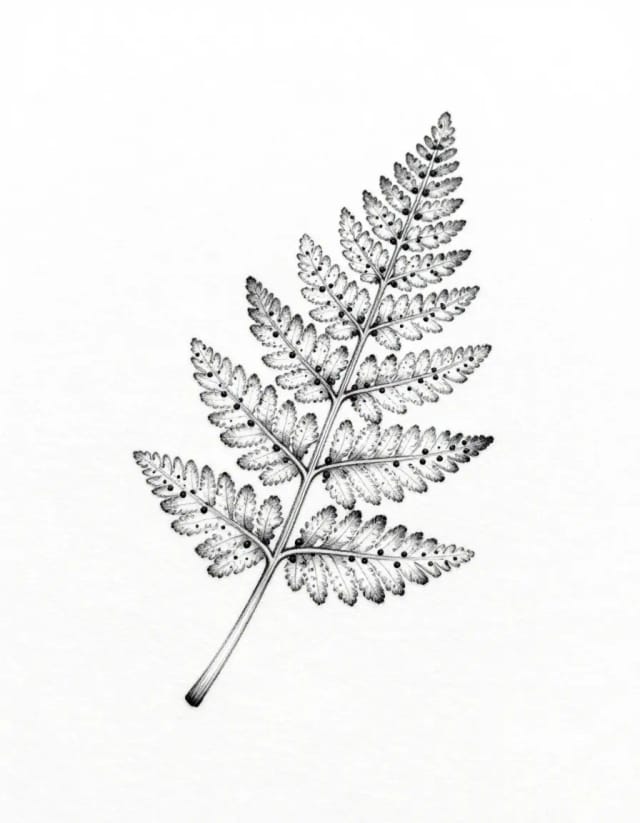
Fine-line fern
fine-line tattoo design of a delicate fern frond with tiny dotwork accents, thin black lines, white background
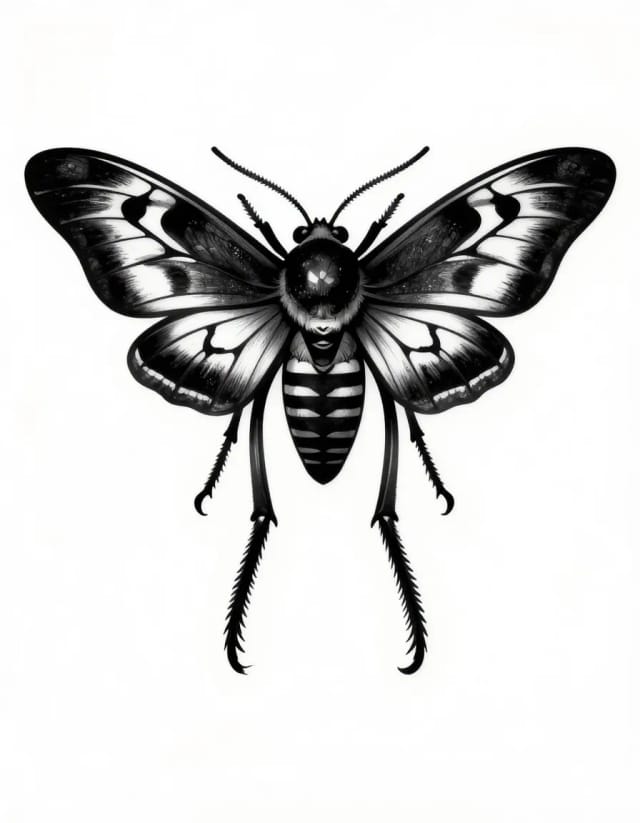
Blackwork moth
blackwork tattoo design of a death's-head moth with spread wings, bold solid blacks and clean negative space, white background
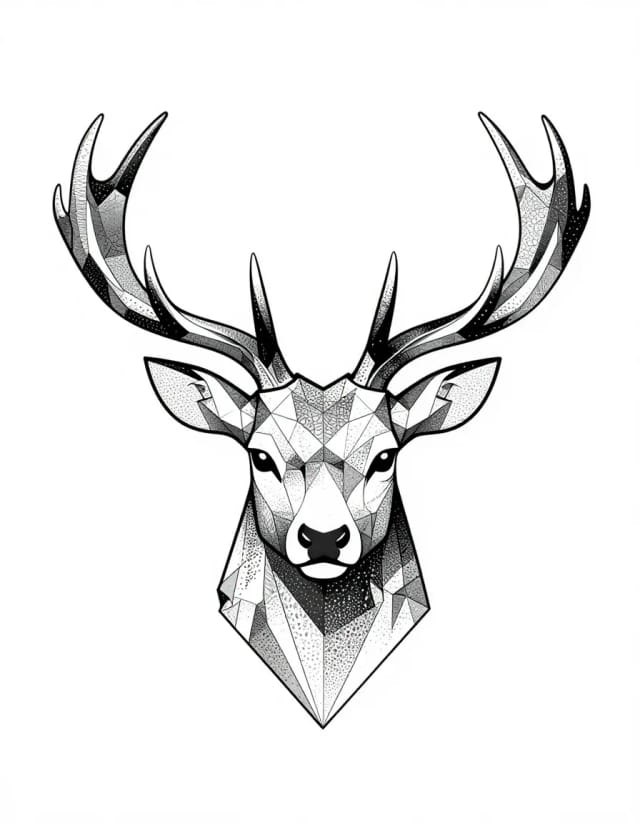
Geometric stag
geometric tattoo design of a stag head with antlers built from polygonal lines and dotwork gradient, symmetric, white background
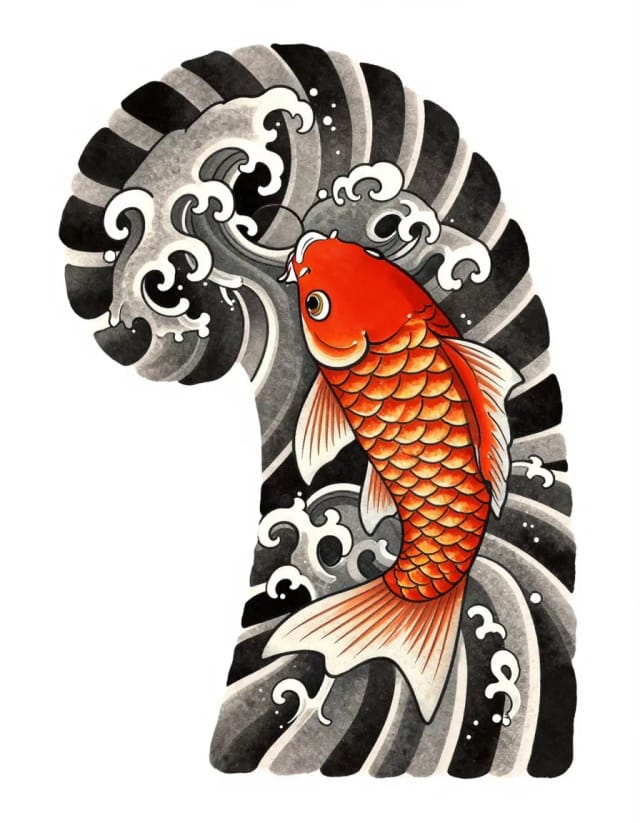
Irezumi koi
Japanese irezumi tattoo design of a koi fish among stylized waves, bold outlines, traditional shading, white background
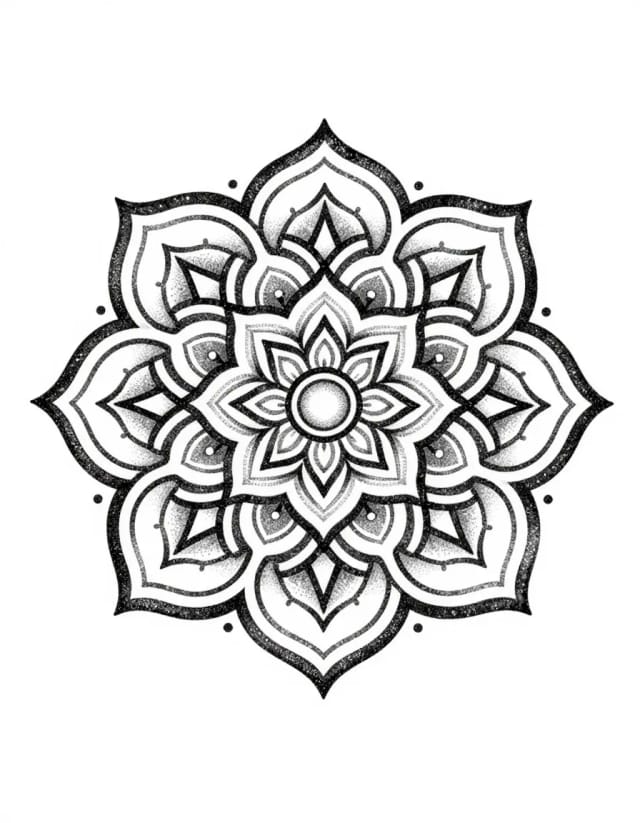
Dotwork mandala
dotwork tattoo design of an ornamental mandala with fine stippled shading, perfectly symmetric, white background
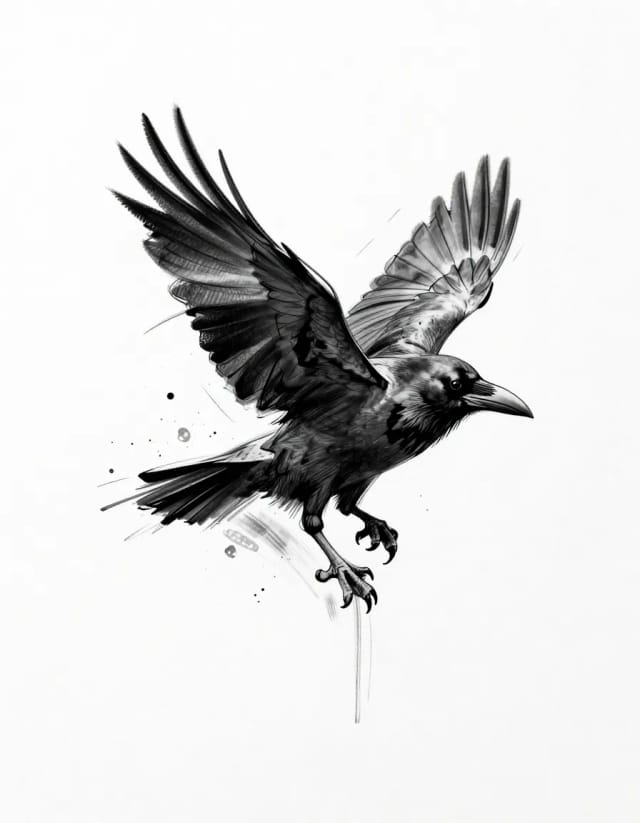
Sketch-style raven
sketch style tattoo design of a raven mid-takeoff with loose pencil-like strokes and splatter accents, white background
Run them here
These generators are tuned for exactly this kind of prompt.