How to make a GIF with AI in 4 steps
From prompt to a downloadable looping GIF, no editing software required.
Upload a photo or write a prompt
Drop in a single image to animate, or describe the loop you want in plain words — a subject, a bit of movement, and how it should repeat.
Pick a GIF style
Choose from Cinemagraph, Retro dither, Glitch loop or Sticker GIF to set the look before the AI animates it.
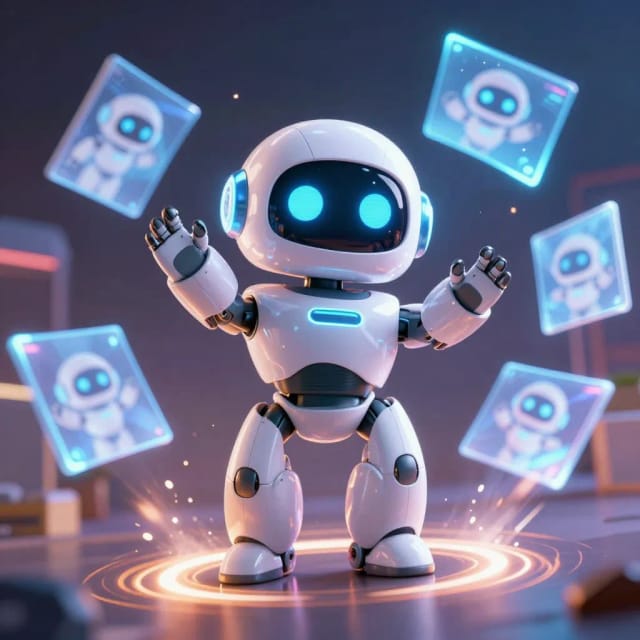
Generate the loop
The AI builds the animation frame by frame so the start and end line up cleanly. Your looping GIF is ready in seconds.
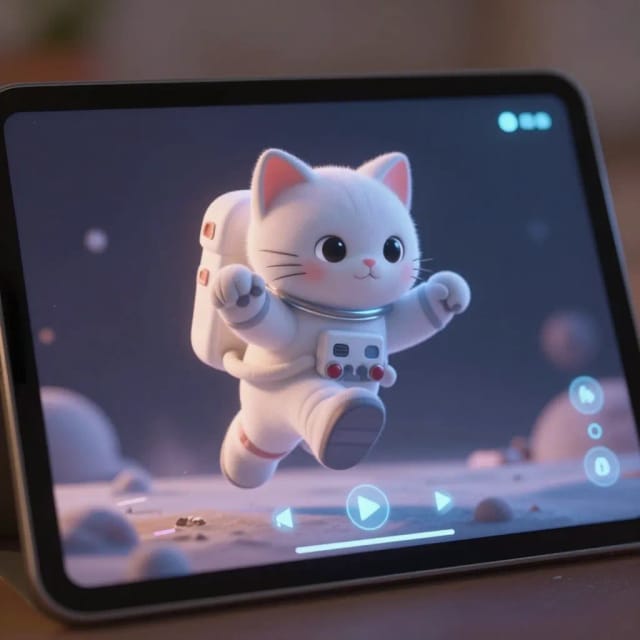
Download and share
Save the GIF and drop it straight into Discord, X, WhatsApp or a group chat — no watermark, no signup.
How the AI GIF Generator works
From a written idea or a single photo to a finished looping GIF.
How it works
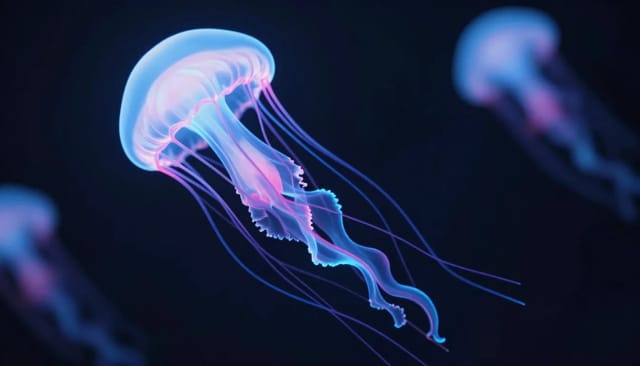
The AI GIF Generator is a tool that creates short looping GIFs from a text prompt or an existing image. You type what you want to see — a dancing cat, a spinning logo, glowing neon jellyfish — or upload a photo, and the AI turns it into an animated, ready-to-share GIF in seconds.
Unlike a traditional gif maker where you stitch frames together by hand, the motion is generated for you. There are no timelines to scrub and no video files to cut down. If you already have footage, our image to video tool and text to video generator cover longer clips, but for a quick loop you can drop into a chat or a thread, this is the fastest route.
Two ways in: text or a still image
Working from text is as simple as describing the scene and the kind of movement you want. Be specific about the subject, the style and how it should loop, and the AI builds the animation frame by frame so the start and end line up cleanly. Four built-in styles — Cinemagraph, Retro dither, Glitch loop and Sticker GIF — set the look without any extra tweaking.
Starting from an image works the other way around. You give the tool a still — a portrait, a product shot, a piece of artwork — and it adds subtle, believable motion. If your source photo needs cleaning up first, running it through the background remover or sharpening it with the image upscaler gives the AI a cleaner base to animate.
An original GIF nobody has seen before
Making a reaction GIF by hand usually means finding a clip, converting it, trimming it and hoping the loop looks right. This skips all of that. You get an original animation instead of recycling someone else's video, which matters when you want something nobody has seen before.
It pairs well with the rest of CreArt too. Generate a base image with the AI image generator and animate it here, or start from a stylized piece made with the AI art generator when you want a loop with a distinct look.
Who the AI GIF Generator is for
Meme and reaction posters
People who live in group chats and threads and want an original reaction GIF nobody else is using, ready to paste in seconds.
Discord and community mods
Server owners building custom emotes, sticker GIFs and welcome loops that fit the vibe of their community.
Social media creators
Creators who need looping visuals for posts and stories and want to iterate quickly without touching a video editor.
Small brands and marketers
Anyone animating a logo or product shot into a quick loop for a post or a newsletter without hiring a designer.
CreArt Solutions
Every tool, curated for how you work
AI Tools for Real Estate
AI tools for real estate agents: virtually stage empty rooms, fix dark listing photos, and turn one set of photos into flyers, "Just Listed" posts and walkthrough videos.
Explore the toolkit →AI Tools for Content Creators
AI tools that turn a video title and a selfie into thumbnails, banners, avatars, emotes and brand-deal ads — a full channel kit from assets you already have.
Explore the toolkit →AI Tools for Small Business
A set of AI tools built for small businesses: design logos, flyers, clean product photos and daily social content without hiring a designer.
Explore the toolkit →AI Tools for Photographers
AI tools for photographers that run your marketing side: mini-session flyers, booking posts, session reels and price guides built from photos you already have.
Explore the toolkit →AI Tools for Musicians
A release-day visual kit for independent artists: build one album cover with AI, then spin off the Spotify Canvas, gig poster and "out now" ads from it.
Explore the toolkit →AI Tools for Authors & Writers
Design your book cover once and reuse it for the trailer, the countdown posts, the teaser quotes and the character art — a full self-publishing launch kit powered by AI.
Explore the toolkit →AI Tools for Teachers
Free AI tools for teachers: turn any topic into coloring pages, classroom posters and explainer comics in minutes — type it, pick a style, print.
Explore the toolkit →AI Tools for Influencers & UGC Creators
A content studio for influencers and UGC creators: brand-ready UGC ads, tappable thumbnails and on-brand profile pictures, all from a phone photo or a text idea.
Explore the toolkit →AI Tools for E-commerce Sellers
Turn one product photo into a full listing kit — clean white-background shot, lifestyle scenes, a UGC-style ad and a short video, without a studio day or an agency.
Explore the toolkit →AI GIF Generator pricing
Try the AI GIF Generator at no cost, then pick a plan when you want more GIFs and higher output.
Free
- Limited credits to try CreArt
- Access to core tools
- Standard resolution
Starter
- 4,000 credits per month
- Premium access
- Ad-free
- Private Community posts
Creator
- 10,000 credits per month
- Premium access
- Ad-free
- Private Community posts
- More room for video and image
Pro
- 25,000 credits per month
- Premium access
- Ad-free
- Private Community posts
- Credit packs available
- Highest generation volume
Why use this AI GIF maker
Original looping GIFs without editing skills, ready to post anywhere.
No signup needed
Make a looping GIF without creating an account or dropping in a card. Type a prompt, generate and download.
No watermark
Your GIF comes out clean, so it looks native when you post it to a thread or a chat instead of stamped with a logo.
Two ways in: text or photo
Describe the loop from scratch, or upload a single still and let the AI add motion to what you already have.
Four ready-made styles
Cinemagraph, Retro dither, Glitch loop and Sticker GIF cover the most common looks people share, no manual editing needed.
Built for iteration
Runs in seconds, so you can tweak the prompt and regenerate until the loop lands — much faster than a hand-built gif maker.
Original animations
You get a fresh loop the AI generates, not a recycled clip everyone has already seen a hundred times.