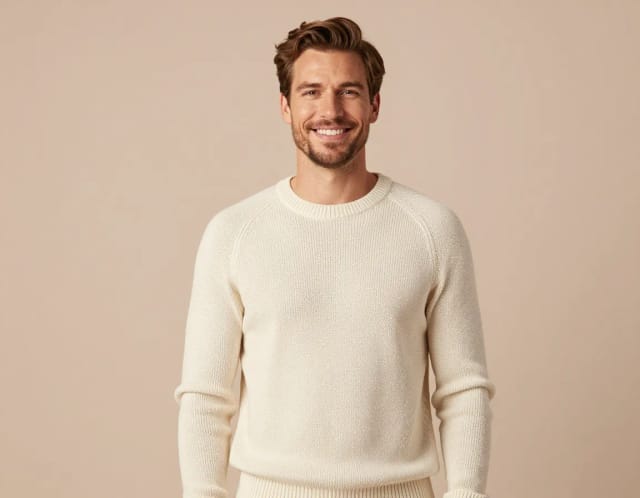
Baby Photoshoot
Turn a single baby photo into a full AI photoshoot with multiple themes, outfits and backgrounds — studio-quality shots in seconds, no photographer needed.


Create a Baby Photoshoot in 4 Steps
From a single selfie to a gallery of professional shots.
Upload your baby's photo
Pick one clear, well-lit picture where your baby's face is easy to see. A single good photo is all the AI needs to build the full set.
Choose a photoshoot theme
Select a style like golden hour, studio fashion, urban, beach editorial or old money. Each one changes the outfit, lighting and background.

Generate the photoshoot
The AI keeps your baby's features consistent and places them into the scene you picked, producing polished studio-style images in seconds.

Download your favorites
Browse the generated gallery, pick the shots you like, and download them ready to print or share with family.
Five newborn sessions, no studio visit
Newborn wrap, cake smash, milestone — see each setup on the same baby before choosing.
How AI Baby Photoshoot Works
How it works
AI Baby Photoshoot is a tool that turns a single photo of your baby into a full themed photoshoot, generating multiple styles, outfits and backgrounds from one input. You upload one clear picture and the AI produces a set of polished images that look like they came from a studio session, without booking a newborn photographer or renting a space.
The value is variety from one photo. Instead of a single edited shot, you get a range of looks — different lighting, wardrobe and settings — so you can pick the ones that fit each occasion, whether that's a Christmas baby photoshoot, a pumpkin baby photoshoot for fall, or a soft studio portrait for the family album. If you only want one clean portrait, the AI Portrait Generator covers that; this tool is for when you want a whole gallery of baby photoshoot ideas in one go.
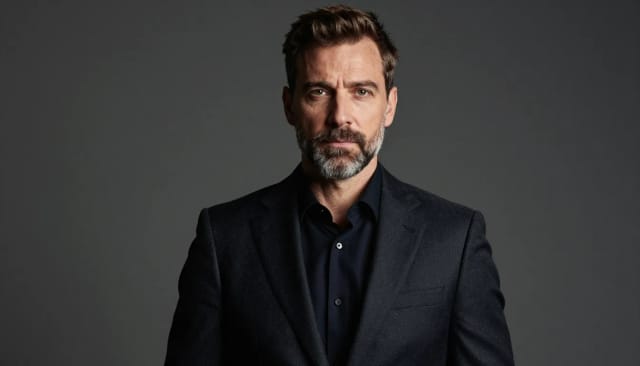
Under the hood, the AI reads your baby's face and features from the photo you upload and keeps them consistent across every generated image. It then places that likeness into new scenes — a soft studio backdrop, a golden-hour outdoor setting, a seasonal theme — and adjusts clothing, lighting and framing to match the style you picked.
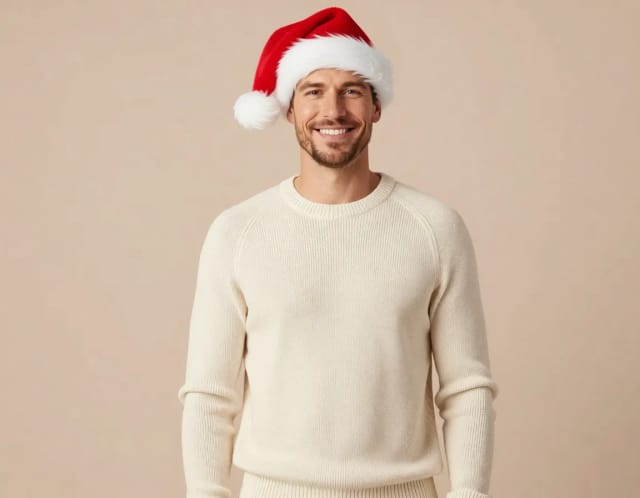
Because each theme is a different combination of outfit and background, one photo can become dozens of distinct shots covering baby girl and baby boy photoshoot ideas alike. Want to tweak a detail first? You can add a festive touch with Add Santa Hat to Photo for a Christmas set, then run the photoshoot on the version you like best.
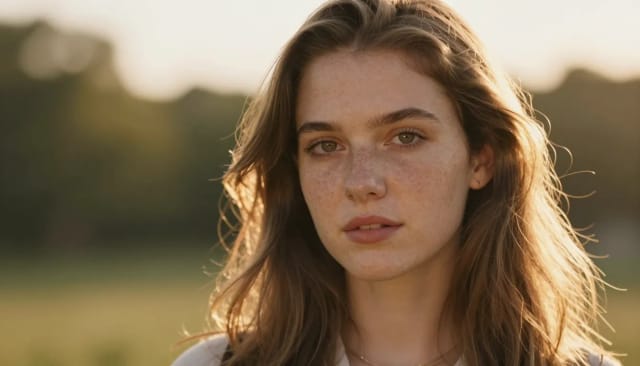
A traditional newborn baby photoshoot means scheduling, travel, wardrobe changes and a nervous wait to see if your baby cooperates, plus editing afterward. This tool compresses all of that into a few minutes: upload once, choose your themes, and download the results — no need to keep a sleepy baby still for an hour.
It fits when you want current, ready-to-share images and don't have the budget or time for a studio session. You keep full control over the final selection, and you can clean up any shot further, for example dropping the subject onto a fresh setting with the Background Remover, before you print it or send it to family.
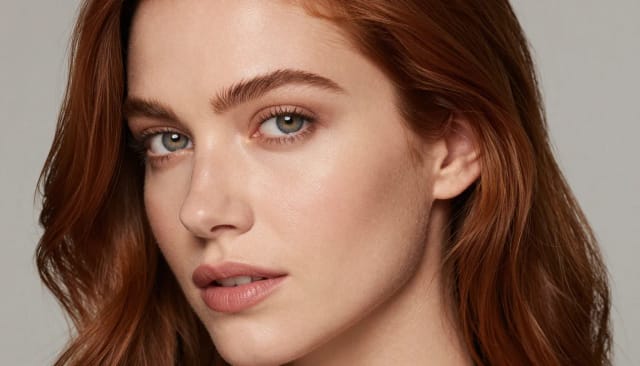
Who AI Baby Photoshoot Is For
New parents
Capture milestones and holidays without dragging a newborn to a studio. Upload one photo and get a themed set at home.
Grandparents and family
Create printable, shareable baby photos for the album or a frame using a picture you already have on your phone.
Busy families on a budget
Skip the cost and scheduling of a professional newborn baby photoshoot and still get polished, studio-style images.
Holiday and seasonal planners
Whip up a Christmas baby photoshoot or a pumpkin baby photoshoot for cards and social posts in minutes.
CreArt Solutions
Every tool, curated for how you work
AI Tools for Real Estate
AI tools for real estate agents: virtually stage empty rooms, fix dark listing photos, and turn one set of photos into flyers, "Just Listed" posts and walkthrough videos.
Explore the toolkit →AI Tools for Content Creators
AI tools that turn a video title and a selfie into thumbnails, banners, avatars, emotes and brand-deal ads — a full channel kit from assets you already have.
Explore the toolkit →AI Tools for Small Business
A set of AI tools built for small businesses: design logos, flyers, clean product photos and daily social content without hiring a designer.
Explore the toolkit →AI Tools for Photographers
AI tools for photographers that run your marketing side: mini-session flyers, booking posts, session reels and price guides built from photos you already have.
Explore the toolkit →AI Tools for Musicians
A release-day visual kit for independent artists: build one album cover with AI, then spin off the Spotify Canvas, gig poster and "out now" ads from it.
Explore the toolkit →AI Tools for Authors & Writers
Design your book cover once and reuse it for the trailer, the countdown posts, the teaser quotes and the character art — a full self-publishing launch kit powered by AI.
Explore the toolkit →AI Tools for Teachers
Free AI tools for teachers: turn any topic into coloring pages, classroom posters and explainer comics in minutes — type it, pick a style, print.
Explore the toolkit →AI Tools for Influencers & UGC Creators
A content studio for influencers and UGC creators: brand-ready UGC ads, tappable thumbnails and on-brand profile pictures, all from a phone photo or a text idea.
Explore the toolkit →AI Tools for E-commerce Sellers
Turn one product photo into a full listing kit — clean white-background shot, lifestyle scenes, a UGC-style ad and a short video, without a studio day or an agency.
Explore the toolkit →Baby Photoshoot AI Pricing
Start free and upgrade when you need more styles and generations for a larger set of images.
Free
- Limited credits to try CreArt
- Access to core tools
- Standard resolution
Starter
- 4,000 credits per month
- Premium access
- Ad-free
- Private Community posts
Creator
- 10,000 credits per month
- Premium access
- Ad-free
- Private Community posts
- More room for video and image
Pro
- 25,000 credits per month
- Premium access
- Ad-free
- Private Community posts
- Credit packs available
- Highest generation volume
Why Use AI for a Baby Photoshoot
Many looks from one photo
Turn a single upload into a whole gallery — different themes, outfits and backgrounds instead of one edited shot.
No studio, no photographer
Skip the scheduling, travel and hourly rates of a newborn baby photoshoot. Everything happens from one photo you already have.
Seasonal baby photoshoot ideas built in
Ready-made themes make it easy to create a Christmas baby photoshoot, a pumpkin baby photoshoot or a soft studio set on the spot.
Results in seconds
No waiting on edits or a proof gallery. The AI generates polished images fast, so you can pick and download the same day.
Consistent likeness
The AI keeps your baby's face and features the same across every generated image, so each shot still looks like your child.
You choose the keepers
Preview the full set and download only the shots you love — full control over what gets printed or shared.