YouTube Thumbnail Generator
An AI YouTube thumbnail maker that turns a short video description into a finished 1280×720 thumbnail — pick a style, add your headline, and download in seconds.

How to make a thumbnail
Describe your video
Type a short line about what the video is about — the topic, the hook, or the moment you want to sell. You can also upload your own photo to feature as the main subject.
Pick a style and add your headline
Choose from six thumbnail styles — Bold, Gaming, Vlog, Tutorial, Reaction, or Podcast — then add your big caption text and any accent colors you want to match your channel.
Generate and compare options
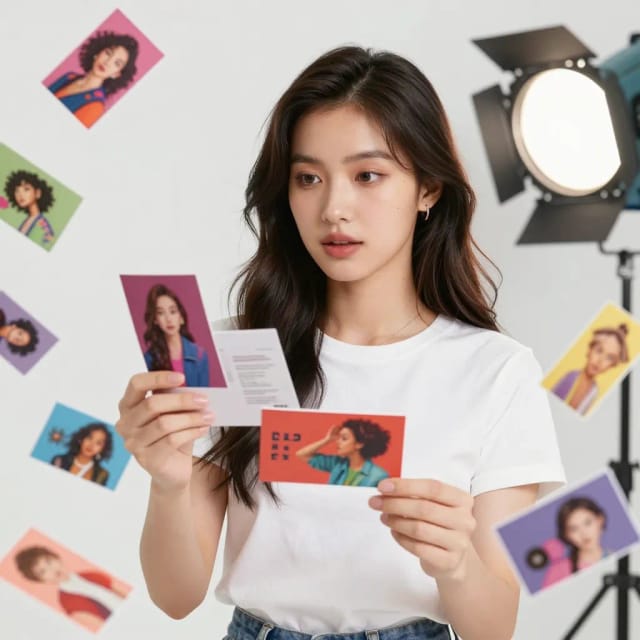
The AI builds a 1280×720 thumbnail in seconds. Regenerate to get variations and compare a couple before you commit to the one that fits the video best.
Download and upload
Download the finished thumbnail at the correct YouTube size and upload it straight to your video. No sign-up needed to try it.
Thumbnails that fight for the click
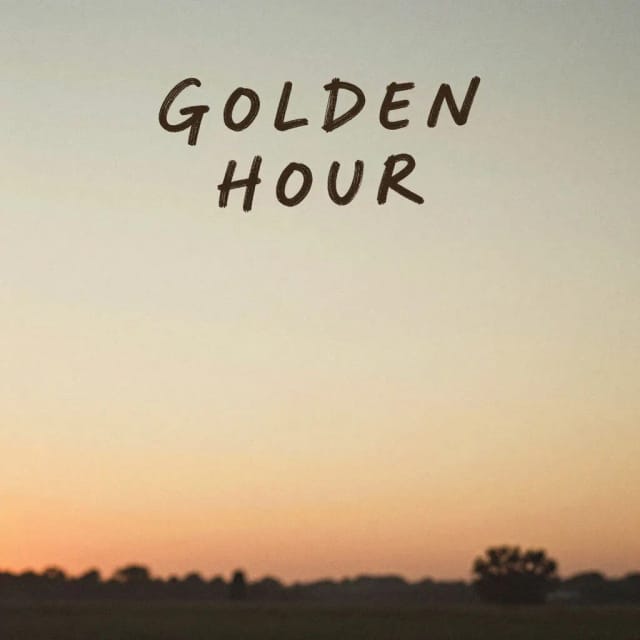
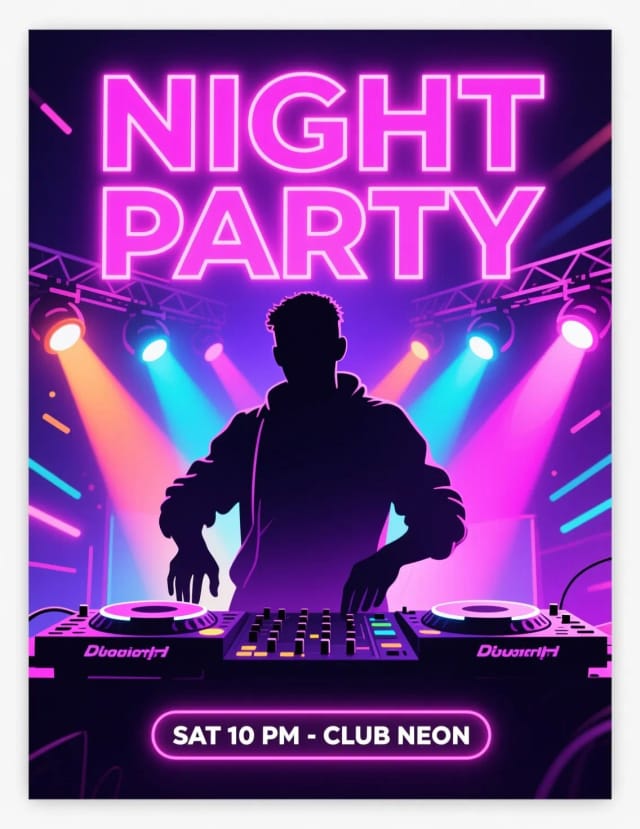
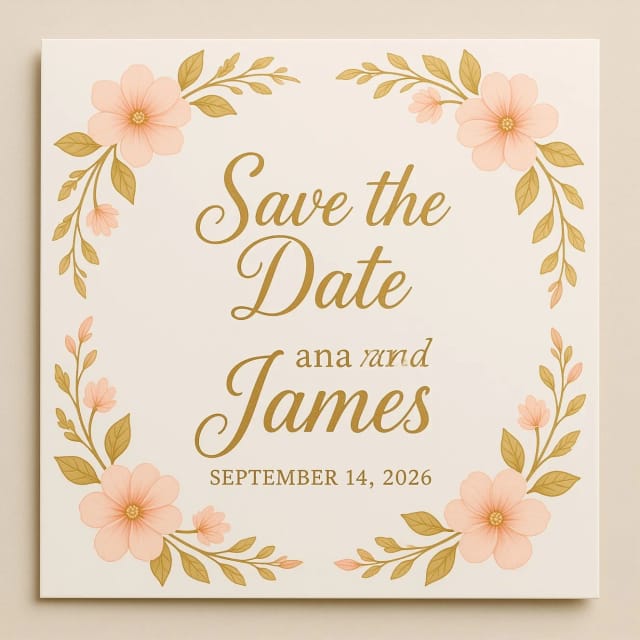
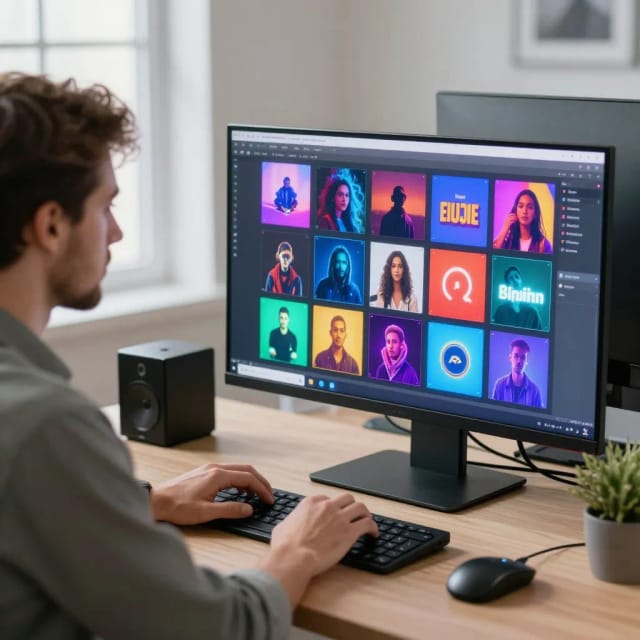
Bold, gaming, vlog — the same frame styled for each audience. Pick your channel's look.
From frame to clickable thumbnail
The YouTube Thumbnail Generator is an AI tool that turns a short description of your video into a finished thumbnail sized for YouTube (1280×720, 16:9). You type what the video is about, choose a style, add your headline text, and it generates a bold, high-contrast image ready to upload.
Instead of opening a design app and building a layout from scratch, you describe the result you want. The AI handles the composition, the background, the color contrast, and the text placement so the thumbnail reads clearly even at the small size YouTube shows in search and suggested feeds. If you want to double-check dimensions before you publish, the full YouTube thumbnail size specs and safe zones live right alongside this tool.
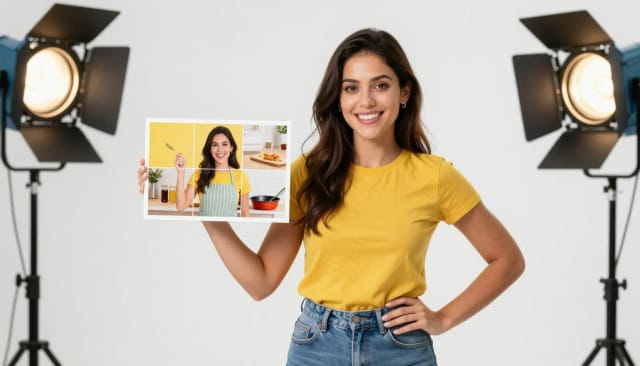
Every thumbnail is built around one job: getting the click. This youtube thumbnail maker pushes strong subjects, punchy colors, and readable text because that is what survives when a viewer scrolls past dozens of videos at once.
You can steer the look with six style presets — Bold, Gaming, Vlog, Tutorial, Reaction, and Podcast — so a talking-head reaction shot never comes out looking like a soft tutorial frame. If you also need graphics for the rest of your brand, the same text-to-image approach powers CreArt's original artwork made from a single idea and a channel logo built from a short brand description, so your visuals share a consistent feel across the channel.
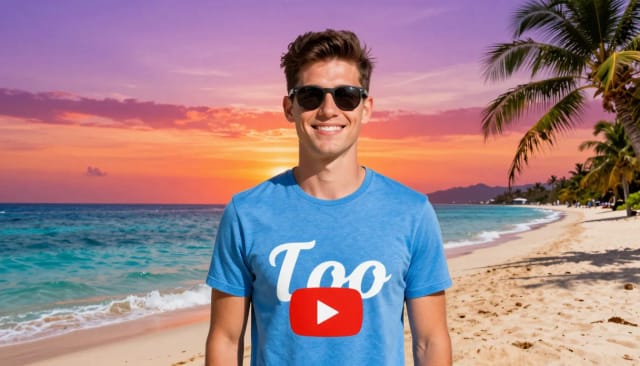
Making thumbnails by hand means finding stock images, cutting out subjects, matching fonts, and testing whether the text is still legible on a phone. This skips most of that. You get a usable draft in seconds and regenerate until one clicks, which makes A/B testing two or three options fast instead of a chore.
When you want to fine-tune, it pairs well with the rest of CreArt's toolkit: drop in a clean subject with the one-click background remover, sharpen a soft face shot with the AI photo enhancer, or push a small source image to full resolution with the image upscaler before it goes into your next thumbnail.
Which channels use this
New and small YouTubers
Creators without a designer or design skills who still need thumbnails that compete in search and suggested feeds — describe the video and get a bold draft in seconds.
High-volume creators
Channels publishing several videos a week that need consistent thumbnails fast, and want to A/B test two or three options without spending an evening on each.
Gamers and streamers
Creators who need dramatic, high-energy thumbnails for gameplay, reactions, and highlights — the Gaming and Reaction presets are built for exactly that.
Podcast and vlog hosts
Talking-head and lifestyle creators who want clean, on-brand thumbnails using their own photo and channel colors, with Podcast and Vlog styles ready to go.
Social media managers
Marketers producing YouTube content for clients or brands who need on-size, on-brand thumbnails quickly and at scale.
CreArt Solutions
Every tool, curated for how you work
AI Tools for Real Estate
AI tools for real estate agents: virtually stage empty rooms, fix dark listing photos, and turn one set of photos into flyers, "Just Listed" posts and walkthrough videos.
Explore the toolkit →AI Tools for Content Creators
AI tools that turn a video title and a selfie into thumbnails, banners, avatars, emotes and brand-deal ads — a full channel kit from assets you already have.
Explore the toolkit →AI Tools for Small Business
A set of AI tools built for small businesses: design logos, flyers, clean product photos and daily social content without hiring a designer.
Explore the toolkit →AI Tools for Photographers
AI tools for photographers that run your marketing side: mini-session flyers, booking posts, session reels and price guides built from photos you already have.
Explore the toolkit →AI Tools for Musicians
A release-day visual kit for independent artists: build one album cover with AI, then spin off the Spotify Canvas, gig poster and "out now" ads from it.
Explore the toolkit →AI Tools for Authors & Writers
Design your book cover once and reuse it for the trailer, the countdown posts, the teaser quotes and the character art — a full self-publishing launch kit powered by AI.
Explore the toolkit →AI Tools for Teachers
Free AI tools for teachers: turn any topic into coloring pages, classroom posters and explainer comics in minutes — type it, pick a style, print.
Explore the toolkit →AI Tools for Influencers & UGC Creators
A content studio for influencers and UGC creators: brand-ready UGC ads, tappable thumbnails and on-brand profile pictures, all from a phone photo or a text idea.
Explore the toolkit →AI Tools for E-commerce Sellers
Turn one product photo into a full listing kit — clean white-background shot, lifestyle scenes, a UGC-style ad and a short video, without a studio day or an agency.
Explore the toolkit →Pricing
Free
- Limited credits to try CreArt
- Access to core tools
- Standard resolution
Starter
- 4,000 credits per month
- Premium access
- Ad-free
- Private Community posts
Creator
- 10,000 credits per month
- Premium access
- Ad-free
- Private Community posts
- More room for video and image
Pro
- 25,000 credits per month
- Premium access
- Ad-free
- Private Community posts
- Credit packs available
- Highest generation volume
Why creators use it
Correct YouTube size, every time
Output is 1280×720 at 16:9 — the exact size YouTube expects — so there's no cropping, stretching, or resizing before you upload.
Readable at thumbnail scale
The AI leans on high contrast, a clear focal subject, and bold caption text so your thumbnail still reads on a phone screen, not just on your monitor.
Six styles to match the video
Bold, Gaming, Vlog, Tutorial, Reaction, and Podcast presets steer the mood, so a tutorial frame and a reaction shot come out looking genuinely different.
Fast enough to A/B test
Generate a thumbnail in seconds and regenerate for variations, so testing two or three options costs you minutes instead of an evening in a design app.
Use your own photo or start from a description
Feature your face or product by uploading a photo, or start from nothing but a text description if you don't have a shot ready.
Free to try, no design skills needed
This free AI youtube thumbnail generator needs no editing experience — you describe the result and it handles the layout, background, and text placement.